How To Remove Proxy Settings On Iphone Proxy Settings On Android How To Configure And Use SOAX Blog Proxy Settings On Android How To Configure And Use SOAX Blog 4 Ways To Disable Proxy Settings WikiHow How To Turn Off Proxy Explained Screenshots How To Change Proxy Setting In Google Chrome And Chromium Settings Vrogue Web Feb 21 2017 nbsp 0183 32 Head to Settings gt Wi Fi to access proxy settings on an iPhone or iPad Tap the name of the Wi Fi network you re connected to Scroll down and you ll see the quot HTTP Proxy quot option at the bottom of the screen By default the HTTP Proxy option is set to quot Off quot This means your iPhone won t use a proxy at all when connected to the network
Web Apr 6 2023 nbsp 0183 32 To turn off proxy settings on your iPhone you can follow the steps below 1 Open Settings and tap Wi Fi 2 Tap the blue i icon next to your current network 3 Scroll down and select Configure Proxy under HTTP Proxy setting 4 Select Off from the dropdown menu in order to turn off all proxies running on your device Web Safari Select Safari from the top menu and click Preferences Select the Advanced icon from the top list and click Change Settings This will open the Proxies section of the Network Preferences Nothing should be checked in here if it is remove the check mark and click OK Close the Network Preferences window and return to Safari You
How To Change Proxy Setting In Google Chrome And Chromium Settings Vrogue How Do I Remove A Proxy delegate How To Prevent Users From Changing Proxy Settings In Windows 11 Or 10 Bp Proxy Tester Proxy Settings Windows 10 Free Download Manager Free How To Configure Proxy Settings On Ubuntu 20 04 Connections Via The Mobile Hotspot Won t Use The Proxy Settings Android Proxy Settings How To Use A Proxy On Android Proxyway How To Disable Proxy Settings In Windows 11 10 Permanently
How To Remove Proxy Settings On Iphone
 How To Remove Proxy Settings On Iphone
https://soax.com/content/uploads/2022/05/Proxy-on-Android-4.png
Web Oct 18 2022 nbsp 0183 32 Disable proxy settings on your iOS On your iOS device open Settings Tap Wi Fi Select your current active Wi Fi network Scroll down to HTTP PROXY Tap Configure Proxy Tap Off gt Save
Templates are pre-designed documents or files that can be used for numerous functions. They can save effort and time by supplying a ready-made format and layout for producing various type of material. Templates can be used for individual or expert jobs, such as resumes, invites, flyers, newsletters, reports, discussions, and more.
How To Remove Proxy Settings On Iphone

IOS Proxy Settings How To Set Up An HTTP Proxy On IPhone
How Do I Remove A Proxy delegate
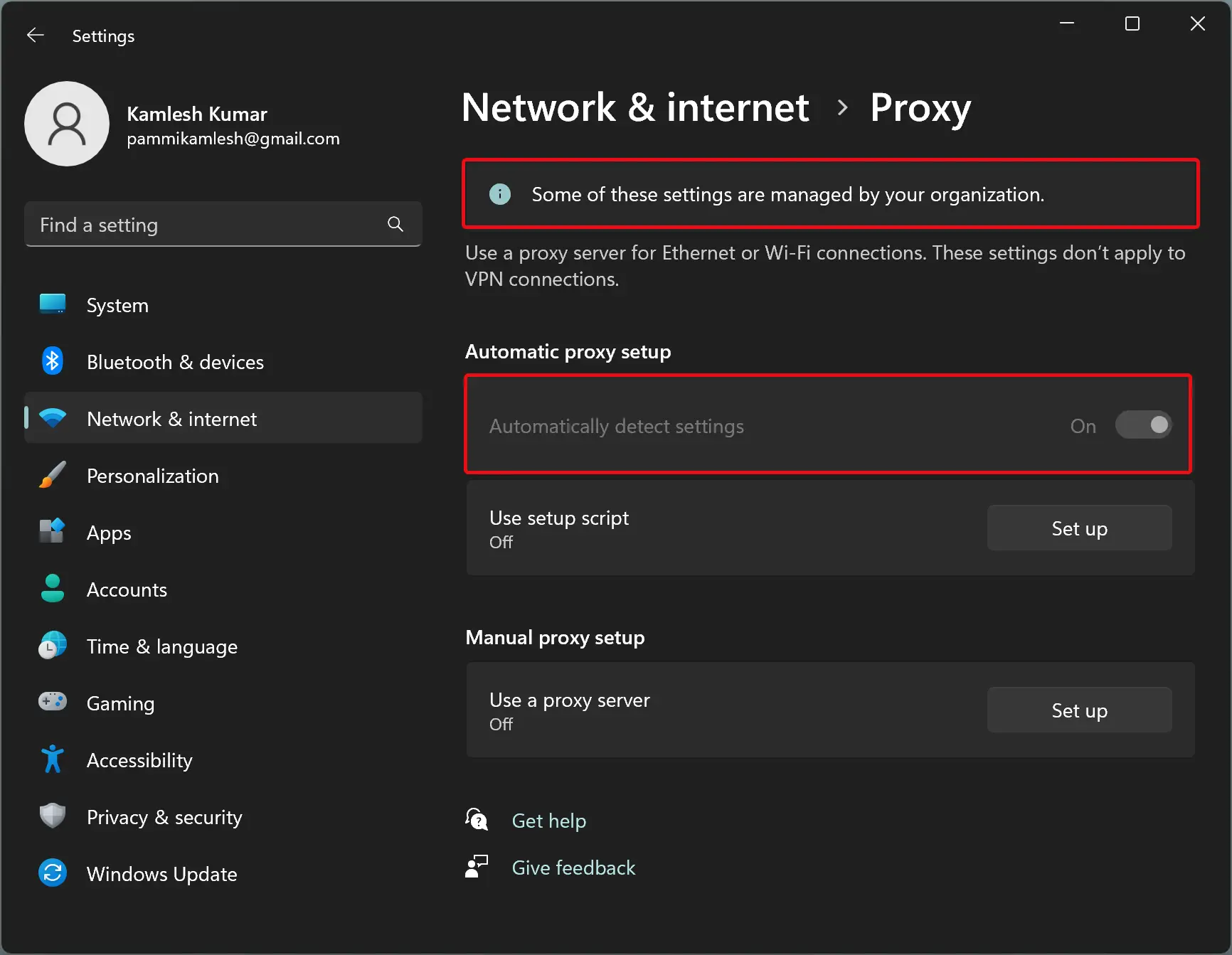
How To Prevent Users From Changing Proxy Settings In Windows 11 Or 10

Bp Proxy Tester
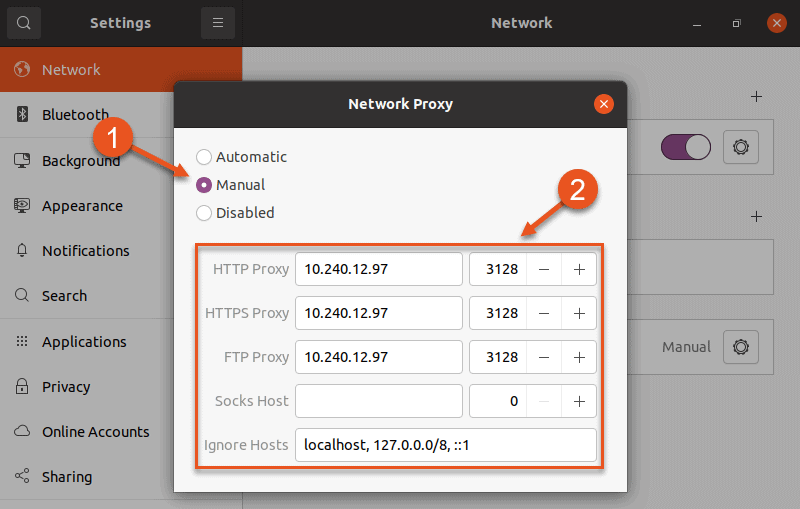
How To Configure Proxy Settings On Ubuntu 20 04

Connections Via The Mobile Hotspot Won t Use The Proxy Settings

Web Jan 10 2023 nbsp 0183 32 Go to the Settings app on your iPhone and find your current WiFi connection Click on the information icon next to it and click on the HTTP PROXY tab Select the Configure Proxy tab and tap on the off settings You will be disconnected from the proxy server

Web First open up the Settings app on your iPhone and select Network amp Internet From there select Wi Fi and then touch and hold the name of the Wi Fi network that you re connected to Then tap

Web Oct 31 2016 nbsp 0183 32 Turn proxy settings off on your iOS device iPad iPhone iTouch 1 Tap on the Settings icon to open the Settings application 2 Tap on the Wi Fi category to see the Wi Fi Networks screen 3 Tap on the blue circle to the right of BlakeAcad to open the advanced settings for the BlakeAcad network
Web Jul 7 2022 nbsp 0183 32 This video tutorial is going to demonstrate how you can disable the WiFi proxy on your iPhone Thereby if you had any issues or difficulties while trying to switch off the proxy VPN on

Web Method 1 Disabling VPN or Proxy via Settings 1 Open the Settings app on your iPhone 2 Scroll down and tap on the quot VPN quot or quot General quot option depending on your iOS version 3 Tap on the quot VPN quot or quot Network quot option depending on the category available 4
Web Jun 13 2023 nbsp 0183 32 To turn off proxy settings on your iPhone begin by opening your iPhone s Settings app From there touch Wi Fi which is found at the top of the list of options On the Wi Fi settings page click on the blue arrow next to the name of your Wi Fi network Web Jun 25 2023 nbsp 0183 32 Home gt Blog gt VPN for iOS Ultimate Guide How to Turn off Proxy on iPhone Easily in 2023 This post solves how to turn off proxy settings on iPhone easily Check how to turn off proxy on iPhone and the best alternative to protect your online security By Beling Updated on Jun 25 2023
Web Disable the Proxy Server To disable the proxy server simply navigate to your iPhone s settings and make the necessary changes in the network connection options Accessing the settings may seem daunting at first but don t worry It s just a few taps away Once you re in the settings menu scroll down until you find the Wi Fi option