How To Remove Pdf Password In Adobe Reader How To Create A Password Protected PDF Document In Adobe Acrobat Using How To Remove A Password From A PDF File Unlock PDF Remove PDF How To Remove Pdf Password In Android Mobile 2020 Pdf Password Unlock Everything For You How To Remove PDF Password And Restrictions How To Unlock PDF File Without Password 2022 How To Remove PDF Explore how to remove the password from a PDF with Adobe Acrobat Understand how to unlock a PDF and remove password security Try Acrobat for free
Open the PDF in Adobe Acrobat Pro on your Windows PC or Mac Choose Tools Protect Advanced Options Remove Security If the document has a Document Open password click OK to remove it If the document has a permissions password type the correct password in the Enter Password box and then click OK Open the PDF in Acrobat and do one of the following Select All tools Protect a PDF then select Encrypt with password from the Protect a PDF toolset in the left pane Select File Protect Using Password macOS If you receive a prompt click Yes to change the security Select Restrict editing and printing of the document
How To Unlock PDF File Without Password 2022 How To Remove PDF How To Remove Password Protection From PDF Files Using Google Chrome How To Unlock PDF Files Without Software Remove PDF Password How To How To Remove Password From PDF In Adobe Reader How To Remove PDF Password And Encrypt With Another Password VeryPDF How To Remove PDF Password Unlock PDF Files YouTube How To Remove PDF Password On Google Chrome Android How To Remove PDF Password Unlock PDF For Printing BitRecover How To Remove PDF Password On Windows MAC 2018
How To Remove Pdf Password In Adobe Reader
 How To Remove Pdf Password In Adobe Reader
https://www.wikihow.com/images/a/a5/Create-a-Password-Protected-PDF-Document-in-Adobe-Acrobat-(Using-a-Security-Envelope)-Step-13-Version-3.jpg
A short tutorial on how to remove a password from PDF files using your Adobe Acrobat Reader application Equipment I use Mic PC Components etc https
Pre-crafted templates offer a time-saving option for creating a varied variety of documents and files. These pre-designed formats and layouts can be utilized for various individual and professional projects, including resumes, invitations, leaflets, newsletters, reports, presentations, and more, improving the material development process.
How To Remove Pdf Password In Adobe Reader
How To Remove Pdf Password How To Unlock Pdf File Without Password
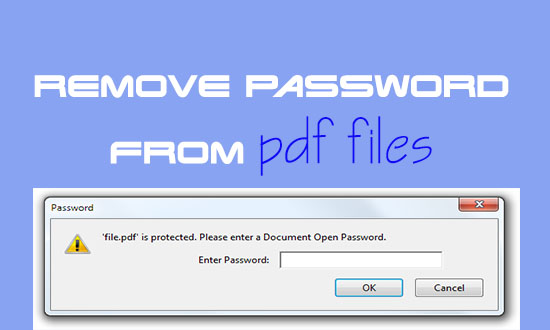
How To Remove Password Protection From PDF Files Using Google Chrome

How To Unlock PDF Files Without Software Remove PDF Password How To

How To Remove Password From PDF In Adobe Reader

How To Remove PDF Password Unlock PDF Files YouTube

How To Remove PDF Password On Google Chrome Android

Why remove a password How to remove passwords Editing restrictions for PDFs Passwords protect encrypted PDF files Password protection is one of the first lines of defense for a document that contains sensitive information If you regularly handle private forms or documents passwords are essential
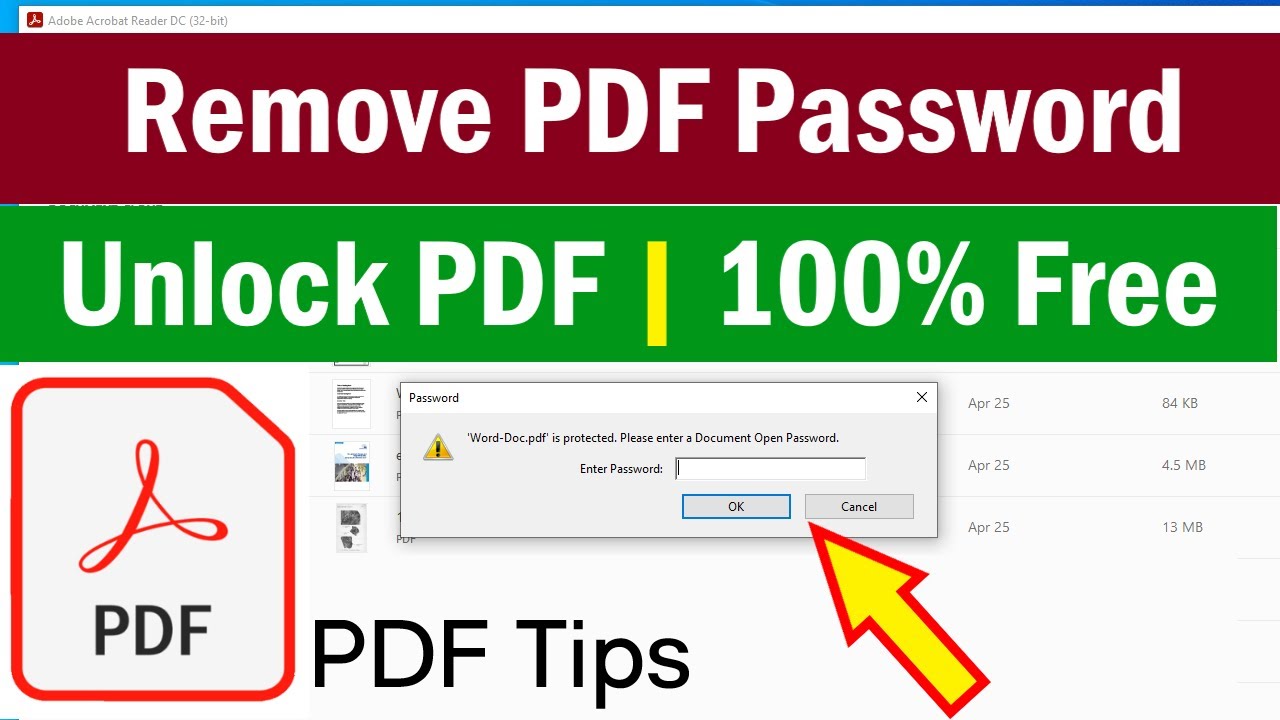
Press Ctrl P or click the Print button then ensure that Print to PDF Save as PDF or something similarly named is selected as your printing device You can also use Adobe Acrobat Pro to remove a PDF s password Some PDFs are encrypted with a password which you ll need to enter each time you want to view the document

To remove the password with the password PDF opened you need to select File Properties and then select the Security tab in the pop up window Select the option to change the security to No Password You will be prompted for the current password of the file You must supply the correct password to remove the password

1 Open the password protected PDF in Adobe Acrobat Enter the password when directed 2 Click File in the menu bar then choose Properties 3 In the Document Properties window click the

Why remove a password Password removal is one of those questions people wonder about but are often afraid to ask While it may sound like a suspicious question more often than not passwords need to be removed for benign purposes
How to remove password from PDF files Drag and drop your document in the PDF Password Remover Confirm that you have the right to the file and click Unlock PDF The decryption process should start right away Modify your PDF further or click Download File to save the unlocked PDF Unlock PDF Blog Articles How To Unlock PDF This Tutorial will guide you How to Remove Password from PDF using Adobe Acrobat Reader For More Information Visit Our Article https whatvwant remo
Open up your web browser Chrome Mozilla Edge etc Find the PDF whose password you wish to remove Drag and drop the PDF on your browser Type in the PDF s password Click on the Print button located in the top right hand corner Click Save Wait a few seconds for the PDF to download Done