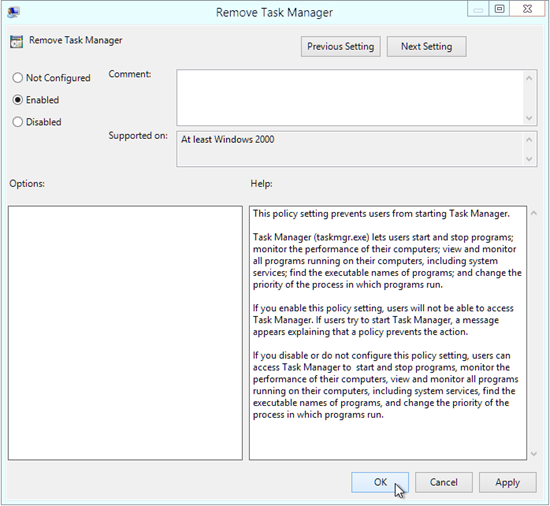
How To Remove Ctrl Enter In Excel Good To Know The 54 Excel Shortcuts You Really Should Know Exceljet Excel Shortcut Ctrl Enter In Excel Archives Excel Superstar Disable Task Manager Remove Ctrl Alt Del Menu Options In Windows 8 Fill Blank Cells Using Go To Special With CTRL ENTER In Excel YouTube Very similar to search for line breaks you can also remove or replace them Instead of Find use the Replace tab of the search window and replace them with a blank space Open the search window by pressing Ctrl f on the keyboard Type Ctrl j into the search field and press Enter As the Replace with value enter
To replace a line break with a space character Select the cells that you want to search On the keyboard press Ctrl H to open the Find and Replace dialog box with the Replace tab active On the Replace tab click in the Find What box On the keyboard press Ctrl J to enter the line break character NOTE Nothing will appear in the Find Go to File Options Click Advanced in the left side menu The first option is After pressing Enter move selection We can choose the direction from the drop down menu Down Right Up Left We can also uncheck the checkbox to turn the feature off This will keep the active cell selected after pressing enter
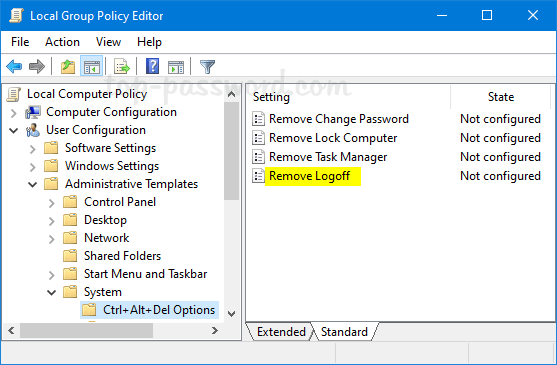
Fill Blank Cells Using Go To Special With CTRL ENTER In Excel YouTube Remove Sign Out From Ctrl Alt Del Screen In Windows 10 Password Recovery Disable Task Manager Remove Ctrl Alt Del Menu Options In Windows 8 Excel Super Shortcut Ctrl Enter In Excel In Hindi Commpaster blogg se How To Ctrl Shift Enter In Excel On Multiple Rows Ctrl Enter Trong Excel Angkoo My XXX Hot Girl Alt Enter In Excel For Mac How Do You Shift Enter In Excel Altmusli Winoob blogg se Cntrl Shift Enter In Excel
How To Remove Ctrl Enter In Excel
 How To Remove Ctrl Enter In Excel
https://www.codesys.com/fileadmin/_processed_/d/0/csm_CODESYS-Clip-quick-declaration-of-variables_8596f8e07c.jpg
See how to remove carriage returns using Excel formulas built in tool and a special add in For more information on how to delete line breaks from from tex
Pre-crafted templates offer a time-saving service for producing a varied range of files and files. These pre-designed formats and layouts can be used for numerous personal and professional tasks, consisting of resumes, invitations, flyers, newsletters, reports, presentations, and more, enhancing the content production process.
How To Remove Ctrl Enter In Excel
Ctrl Excel
Remove Sign Out From Ctrl Alt Del Screen In Windows 10 Password Recovery
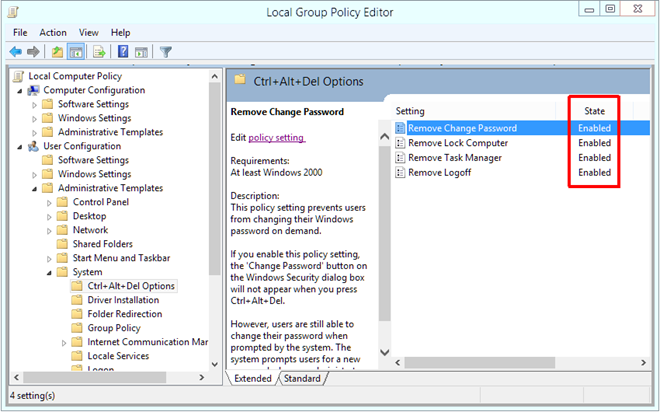
Disable Task Manager Remove Ctrl Alt Del Menu Options In Windows 8

Excel Super Shortcut Ctrl Enter In Excel In Hindi
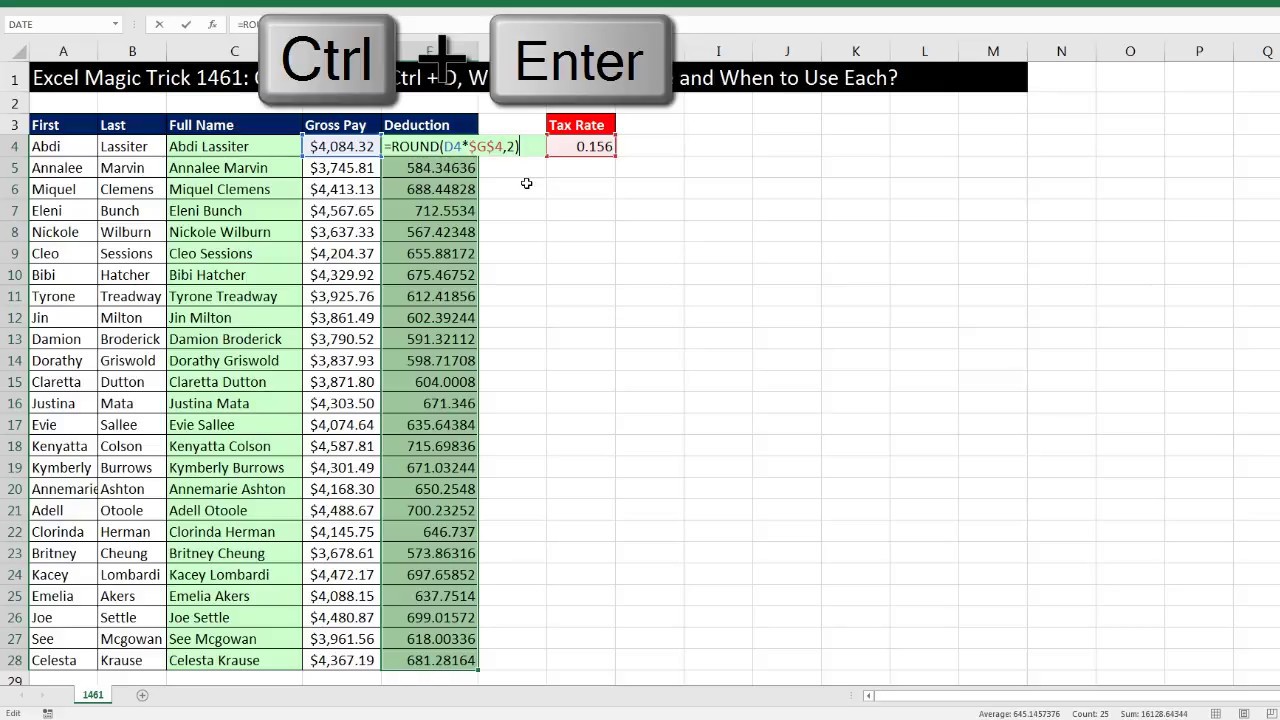
Ctrl Enter Trong Excel Angkoo My XXX Hot Girl

Alt Enter In Excel For Mac

Quick Manual Way to remove all ALT ENTER line breaks These line breaks are actually characters in the cell character 10 see more about this below even though you can t see or click on them So just like if I wanted to get rid of all the comma s I could use the Find Replace tool I can do the same thing with line breaks BUT there is a trick

Open Word click File followed by Options Advanced Uncheck Show paste options button when content is pasted and OK 31 people found this reply helpful Was this reply helpful Yes No Replies 2 Hello This question pertains to WORD 2016

Keyboard shortcuts in Excel Excel for Microsoft 365 Excel for Microsoft 365 for Mac Excel for the web More Many users find that using an external keyboard with keyboard shortcuts for Excel helps them work more efficiently
First select the range of cells C5 C9 where you want to remove the line breaks Now go to the Home tab in the ribbon and select Find Select from the Editing group Select Replace from the Find Select option A Find and Replace dialog box will appear Now press Ctrl J in the Find What It will put a line break character in that box

Select the dataset from which you want to remove the line breaks Click the Home tab In the Editing group click on Find Select In the options that show up click on Replace Place the cursor in the Find what field and use the keyboard shortcut Control J hold the Control key and press the J key
If you don t want your selected cell to move down you can press Ctrl Enter instead of just Enter That s a really good tip for individual instances and one I use often Altering Enter Key Behavior If you want to change the behavior of your Enter key for the long term DRSteele s recommendation to change the setting in Excel Options is great On the keyboard press Ctrl F to open the Find and Replace dialog box with the Find tab active Click in the Find What box On the keyboard press Ctrl J to enter the line break character NOTE Nothing will appear in the Find What box Click Find Next or Find All to find the cells with line breaks
Keyboard shortcuts make deleting in Excel faster and more efficient With keyboard shortcuts like CTRL CTRL shift arrow keys and CTRL shift deleting cells columns and rows in Excel is quick and easy Deleting contents of cells and undoing cuts or copies is simple with shortcuts like CTRL Backspace CTRL Delete and CTRL Z