How To Remove Border From Select Box How To Remove Text Box Border In Word MS Word YouTube How To Remove Border From Text Box In Pdf Using Adobe Acrobat Pro Dc microsoft word MS Word PC Maniac How To Remove And Style The Border Around Text Input Boxes In Google Chrome Remove Borders From HTML Table Delft Stack Go to the Design tab and click Page Borders in the Page Background section of the ribbon When the Borders and Shading box opens select the Page Border tab On the left below Setting choose None On the bottom right below Apply To use the drop down box to choose which pages to remove the border from depending on where they re placed
Set the line thickness Select the text box or shape border If you want to change multiple text boxes or shapes click the first text box or shape and then press and hold Ctrl while you click the other text boxes or shapes Go to Format Shape Outline point to Weight and then choose a thickness If you don t see the Format tab make sure If you remove the outline style the input when it s focused For example input focus outline none color blue border 1px solid black text decoration underline box shadow 0 1px 6px 0 rgba 0 0 0 0 5 border radius 0 5rem Note that you should not only use color to indicate that the input is focused as colorblind people may
Remove Borders From HTML Table Delft Stack How To Remove Text Box Outline In Word Document On Windows And Mac How To Permanently Delete Comments In Word 2013 Tbkurt Html How To Remove Border From Text Area Stack Overflow How To Remove Border On Focus Input Textbox Textarea Through Css YouTube Find And Remove Text Boxes From Your Manuscript Lulu Community Riset How To Remove Border In Illustrator BEST GAMES WALKTHROUGH Solved Remove Border Of A Framebox 9to5Science Como Quitar Bordes Y Fondos De Cuadro De Texto En Word Version My Xxx
How To Remove Border From Select Box
 How To Remove Border From Select Box
https://i.ytimg.com/vi/fyqxe5LfvJc/maxresdefault.jpg
How to remove the border highlight on an input text element 21 answers Closed 8 years ago Can anyone explain how to remove the orange or blue border outline around text input boxes I think it only happens on Chrome to show that the input box is active Here s the input CSS I m using
Templates are pre-designed documents or files that can be utilized for various functions. They can conserve time and effort by providing a ready-made format and design for producing various sort of material. Templates can be utilized for individual or professional tasks, such as resumes, invitations, leaflets, newsletters, reports, discussions, and more.
How To Remove Border From Select Box

How To Remove Line Around Text Box In Word 365 YouTube
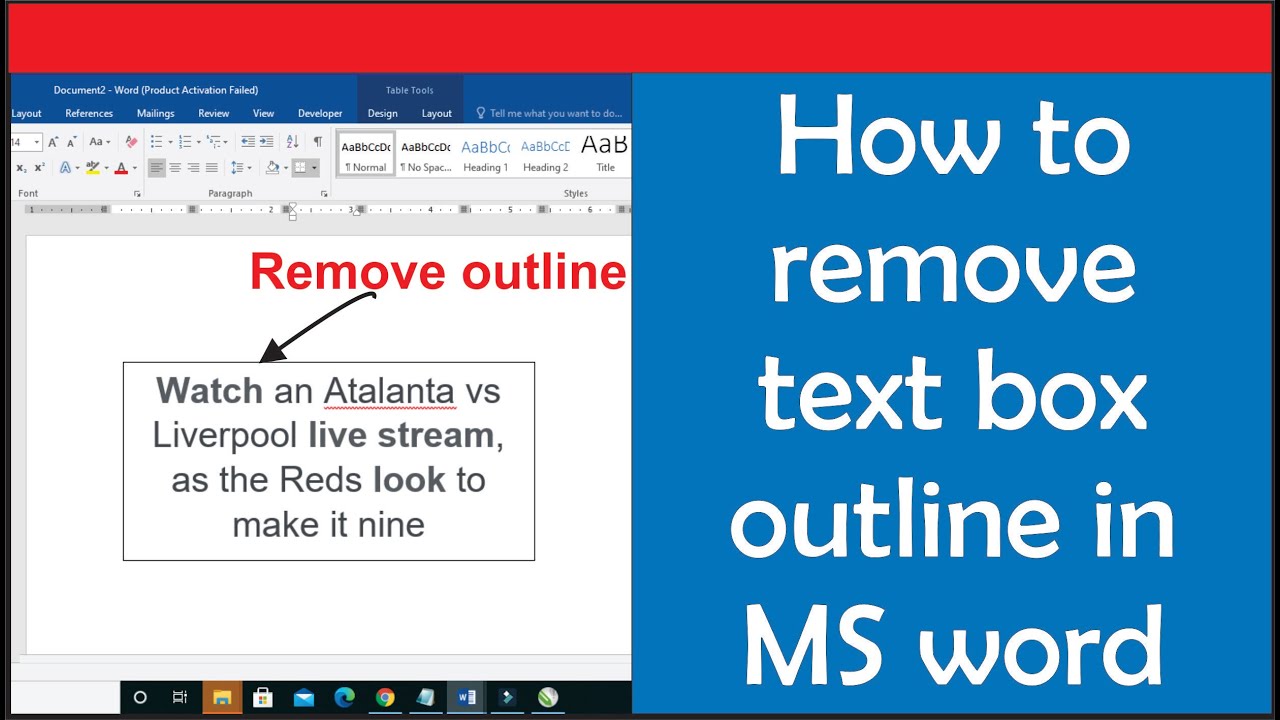
How To Remove Text Box Outline In Word Document On Windows And Mac

How To Permanently Delete Comments In Word 2013 Tbkurt

Html How To Remove Border From Text Area Stack Overflow
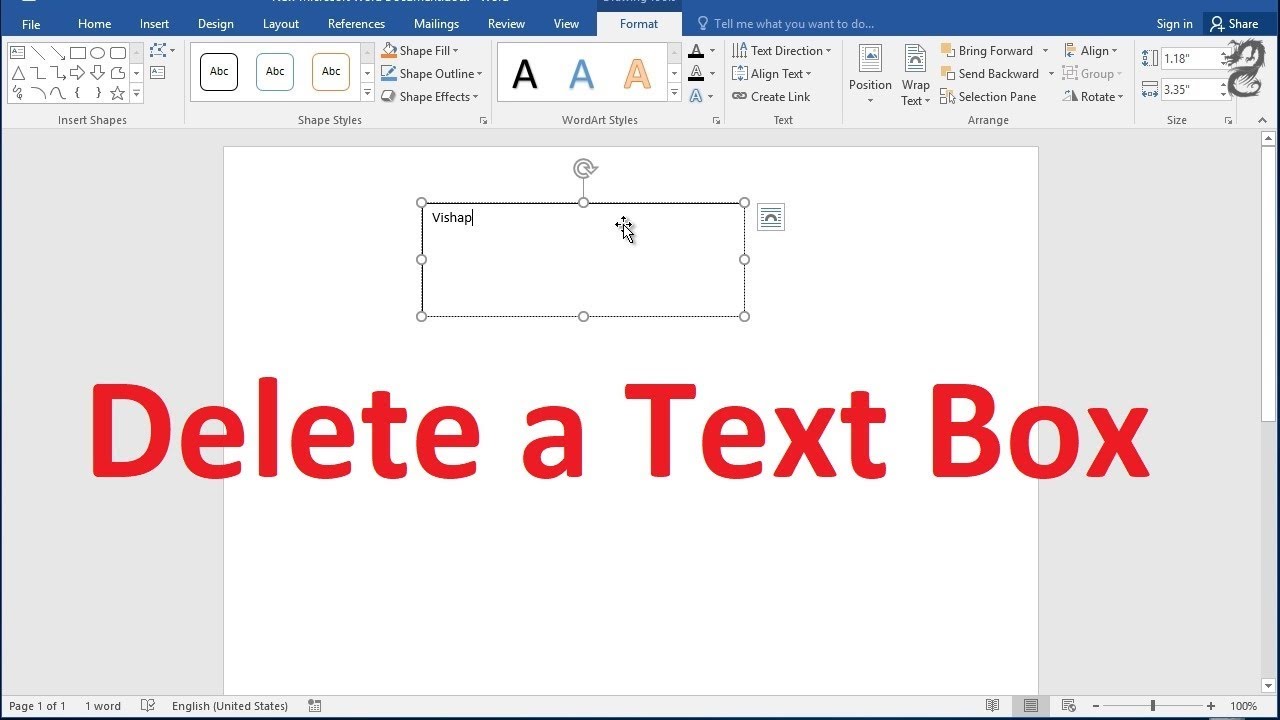
Find And Remove Text Boxes From Your Manuscript Lulu Community Riset
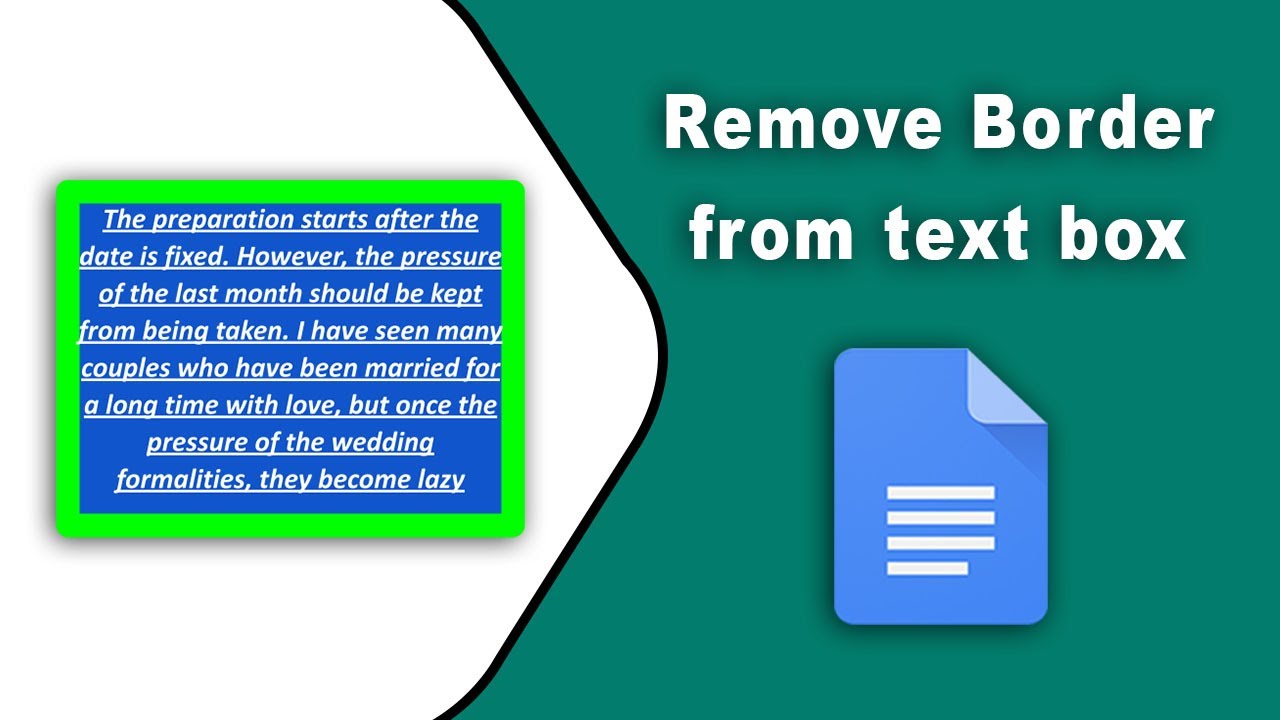
How To Remove Border In Illustrator BEST GAMES WALKTHROUGH
1 Have you already noticed that Google have recently implemented a border in select option when active for Chrome Any ideas how to disable this functionality Firefox doen t have this border Google chrome Version 83 4103 61 64 bit
Any way of removing borders from options and make it look same in all browser with CSS Thanks HTML div class field element select name select administrator option value NO NO option option value YES YES option select div CSS

Remove the outline and add a border style using the focus and active pseudo classes with the input field

Select the shape or text box to which you want to add change or remove a border Click Shape Format and then click the arrow next to Shape Outline Do any of the following Add or remove a picture border Select the picture to which you want to add change or remove a border Click Picture Format and then click the arrow next to Picture Border

Remove the outline border around Inputs Links in Chrome Firefox Borislav Hadzhiev Last updated Jun 3 2023 Reading time 4 min Remove the outline border around Inputs Links in Chrome Firefox When you focus an input element a textarea a select element or a link an outline border is displayed around the element
You remove a border by changing the page border setting to None On the Design tab choose Page Borders In the Borders and Shading dialog box in the Apply to list choose the page or pages you want to remove the border from Under Setting choose None Select OK Need more help Want more options Discover Community Step 2 Open the text box menu Click on the border of the text box to select it Right click anywhere inside the text box A menu will open Step 3 Modify the outline Click on the Outline icon This opens another dialog Click on No Outline Click anywhere in the document to deselect the text box Word has now removed the border from the
3 Answers Sorted by 4 The ability to style select boxes is inconsistent across browsers Some of them respond well to CSS styling and some don t but if you really want to have completely consistent control over it and its behavior you need to make a faux select that is powered by javascript Check out the Select2 control it s nice Share