How To Remove Bios Setup Password How To Clear Remove All BIOS Password Easy Steps Works YouTube BIOS PASSWORD RESET HOW TO REMOVE BIOS ADMINISTRATOR PASSWORD ASUS How To Remove Bios Password From Hp Laptop How Do I Remove The BIOS Password On My HP Compaq 5 Digit Bios Password How To Reset A BIOS Password In 10 Minutes YouTube Turn off your PC and remove the power cord Next locate the CMOS button alongside other ports in the I O panel or the system board itself Now press it and wait for some time depending on the motherboard model Power on your computer and your BIOS reset should complete
1 Answer Sorted by 0 Just do as if you entered the password the first time Enter Current Password Then you can create an empty new password just press Enter Create New Password And press Enter again Clear Old Password Continue Share Improve this answer Follow answered Aug 19 2021 at 10 49 questionto42 1 986 4 23 55 Add a comment Hardware reset A few computer manufacturers provide the ability to reset the BIOS password by setting a switch on the motherboard The only way to know if this will work for you is to contact the manufacturer of the computer or its motherboard
How To Reset A BIOS Password In 10 Minutes YouTube How To Remove Bios Password Asus X553ma YouTube How To Access Or Enter BIOS Setup Screen In VMware Virtual Machine How To Remove Or Reset Bios Password 100 Working Youtube With Easy How To Reset A BIOS Password Wikiamonks Laptop Repair Secrets Laptop Motherboard Repair Tutorial Training How To Remove The BIOS Password On A Lenovo ThinkPad T430 Laptop YouTube How To Reset BIOS Remove A Password On A Desktop PC Or Laptop InsydeH20 BIOS Setup Password Bios
How To Remove Bios Setup Password
 How To Remove Bios Setup Password
https://i.ytimg.com/vi/V4QCSaQ1lKU/maxresdefault.jpg
Admin Setup password and System User password are commonly used and both have unique security purposes Admin Password The admin password provides security by locking all the BIOS features and settings The user can boot and see the BIOS settings but they cannot modify them unless the correct admin password is provided to the computer
Templates are pre-designed documents or files that can be utilized for numerous purposes. They can save effort and time by offering a ready-made format and design for creating various sort of material. Templates can be used for individual or expert tasks, such as resumes, invitations, flyers, newsletters, reports, presentations, and more.
How To Remove Bios Setup Password
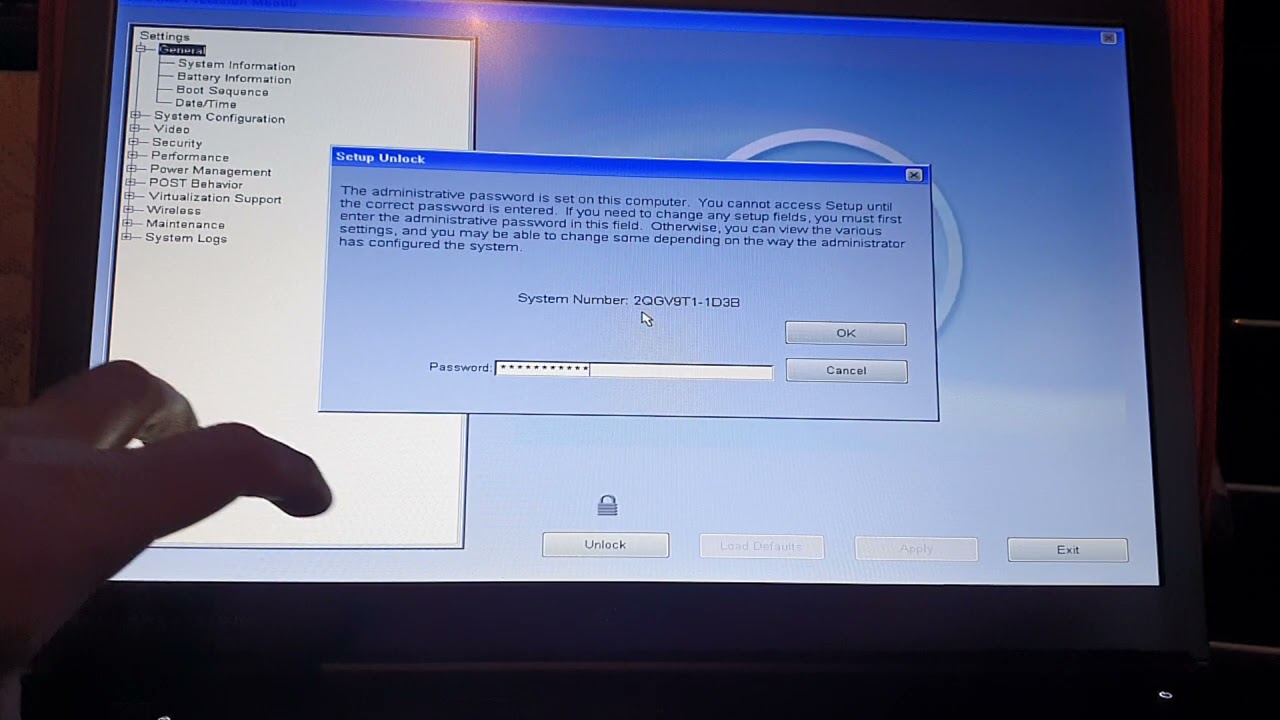
How You Can Reset The Bios Password On The Dell Optiplex Hardware My

How To Remove Bios Password Asus X553ma YouTube
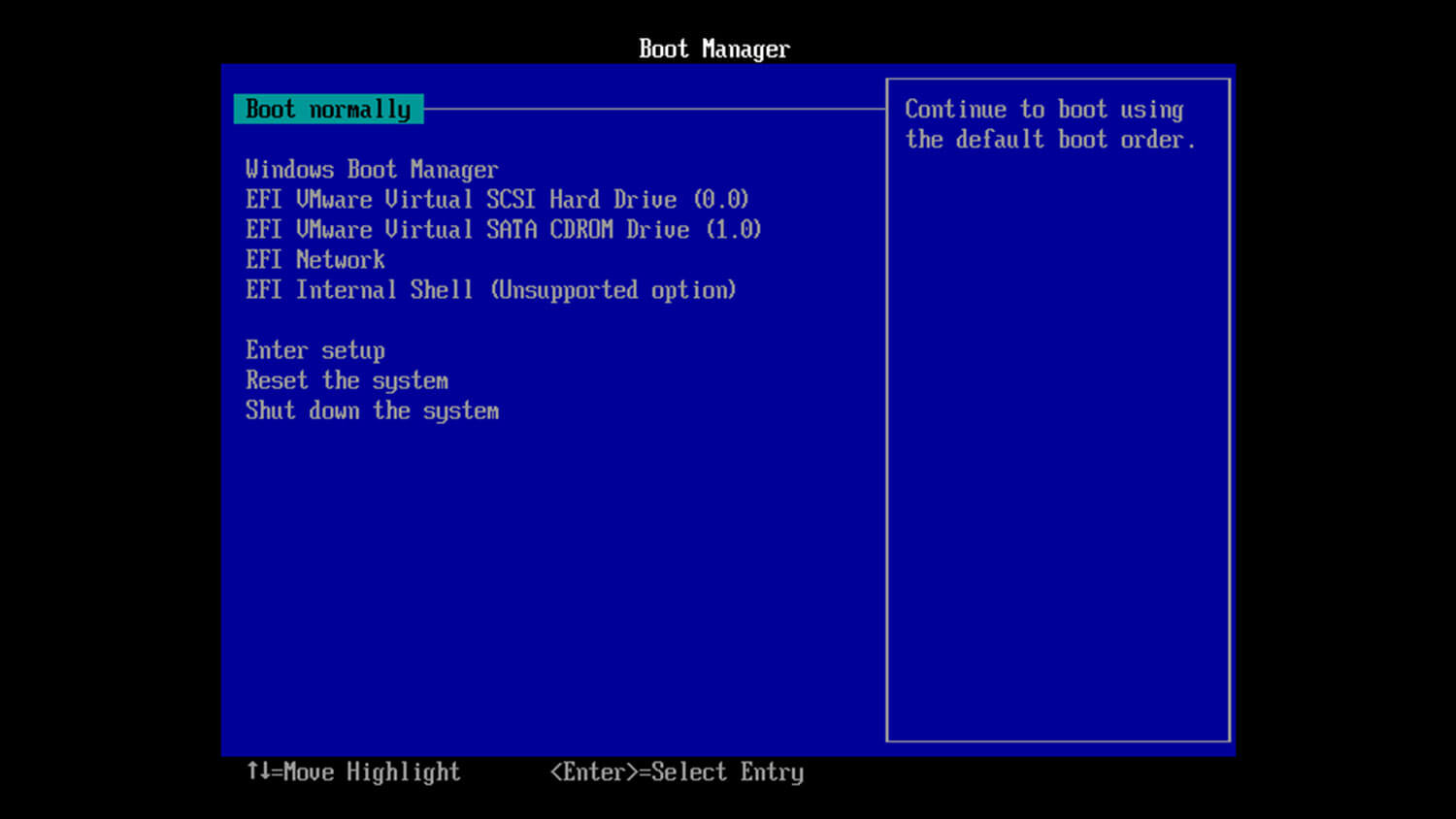
How To Access Or Enter BIOS Setup Screen In VMware Virtual Machine
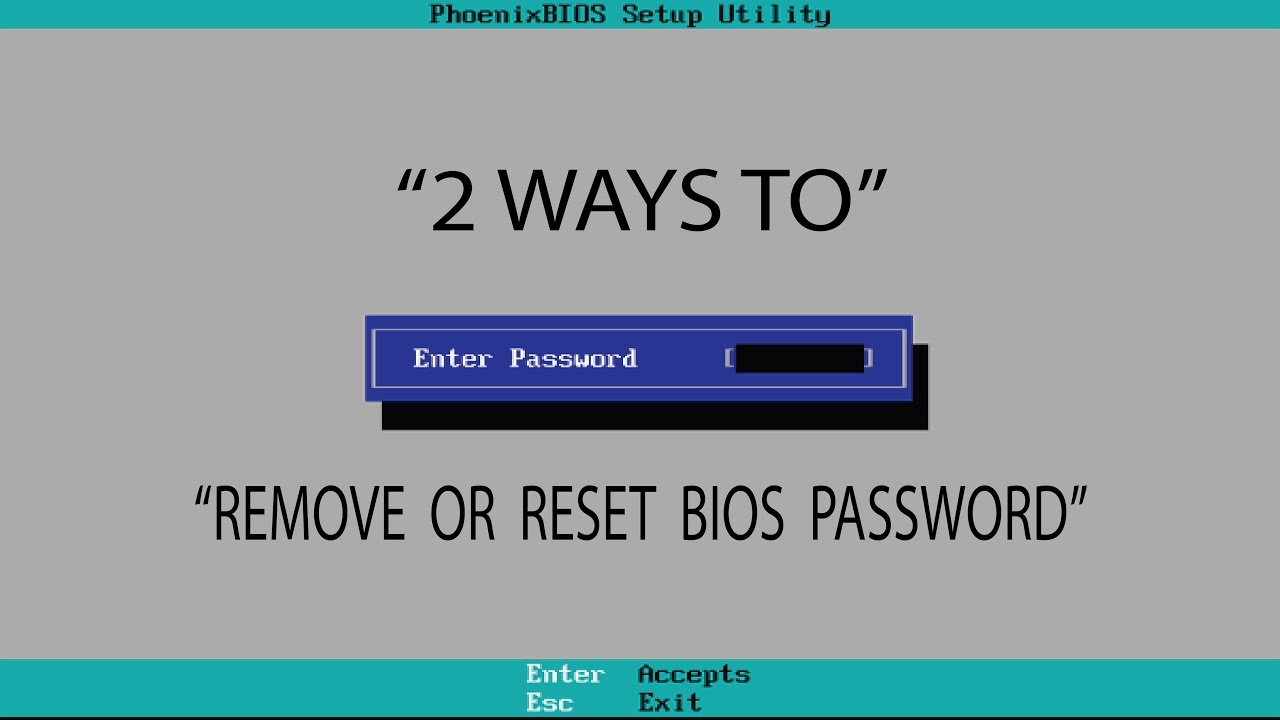
How To Remove Or Reset Bios Password 100 Working Youtube With Easy
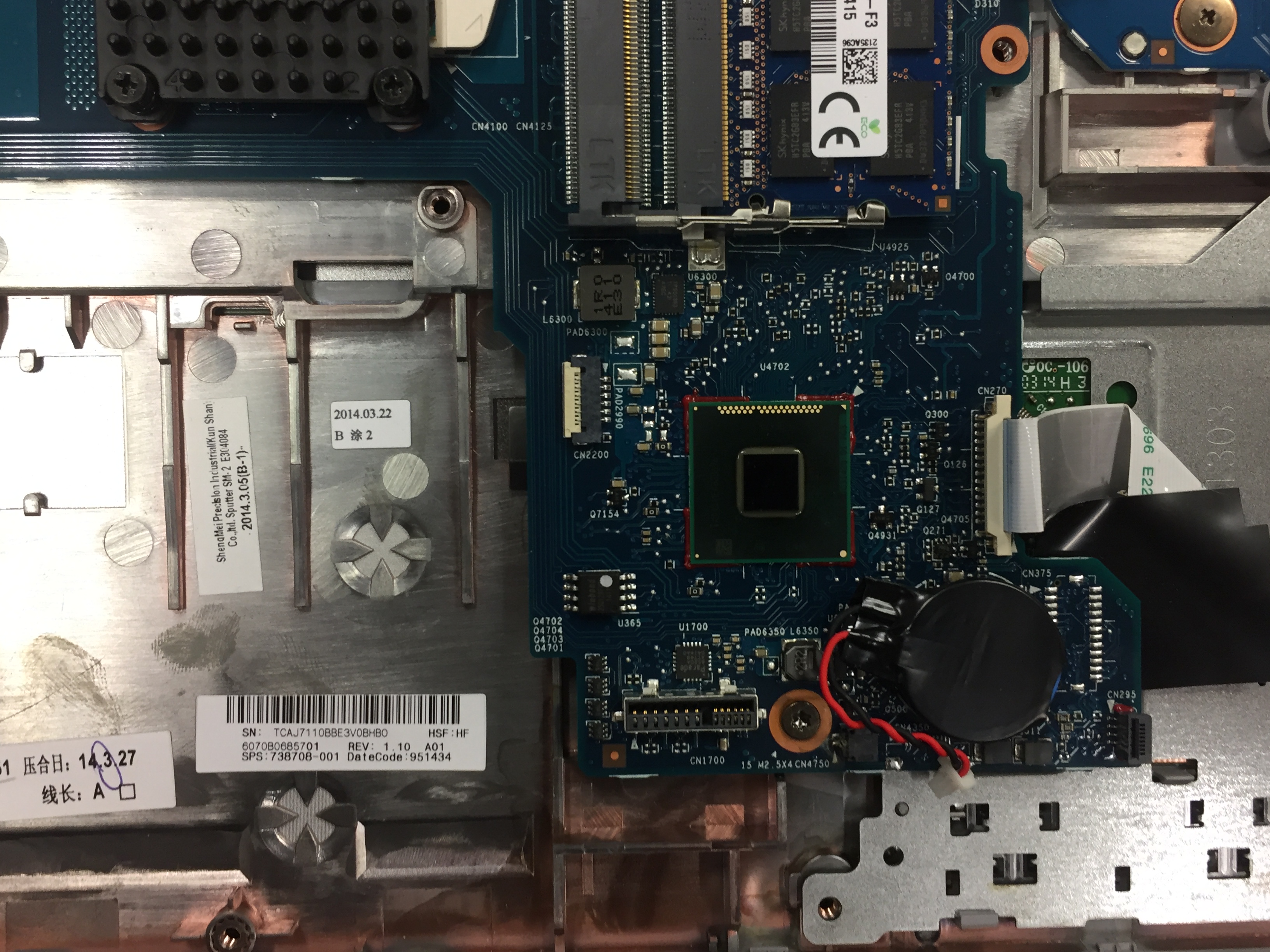
Laptop Repair Secrets Laptop Motherboard Repair Tutorial Training
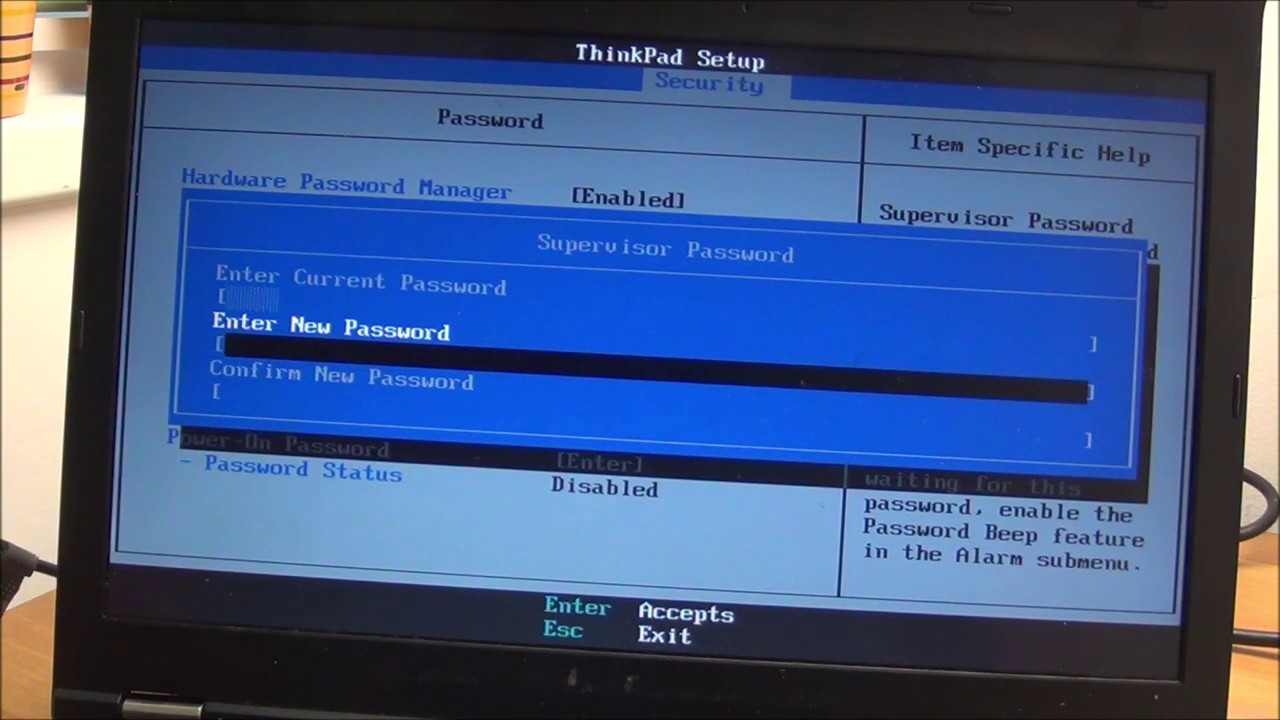
How To Remove The BIOS Password On A Lenovo ThinkPad T430 Laptop YouTube
Locate the service manual under the Manuals and Documents section Click View PDF or View Page next to the service manual of the Dell computer Follow the instructions under the Deleting or changing an existing system setup password section How to recover a forgotten BIOS password on a Dell laptop

Method 1 Using a Master Password Download Article 1 Turn on the computer and enter the wrong password three times This will lock the computer and display a System Disabled message Don t worry when you restart the computer it will go back to normal and no data will be lost

On the computer motherboard locate the BIOS clear or password jumper or DIP switch and change its position This jumper is often labeled CLEAR CLEAR CMOS JCMOS1 CLR CLRPWD CLR PWRD PASSWD PASSWORD PSWD or PWD To clear remove the jumper from the two pins currently covered and place it over the two remaining jumpers

Complete these steps to clear a BIOS or Admin password and disable the password prompt at boot in the new Dell Branded BIOS In the change password section of the BIOS type in the existing password then press the enter key Figure 1 Figure 1 Entering the existing password to clear the BIOS password

How to enter and exit the BIOS or CMOS setup When prompted for a password in the CMOS setup guess three times until you get the code If after entering the wrong password three times the computer displays a 5 to 8 character code as shown in the picture continue to the next step Write down the code and visit Dogbert s BIOS password
To reset the password unplug the PC open the cabinet and remove the CMOS battery for approx 15 30 minutes and then put it back It ll reset all BIOS settings as well as the password and you ll need to re enter all settings If it fails then try to remove the battery for at least one hour 1 ACCEPTED SOLUTION WAWood 34 852 7 968 3 157 4 048 Level 16 03 27 2020 02 56 PM yuyu2222
How to Bypass or Remove a BIOS Password using Software BIOS is a freeware utility that is designed to be a whole BIOS and security suite It has the ability to decrypt the passwords used in some of the most common BIOS makes such as Award Phoenix American Megatrends IMB etc