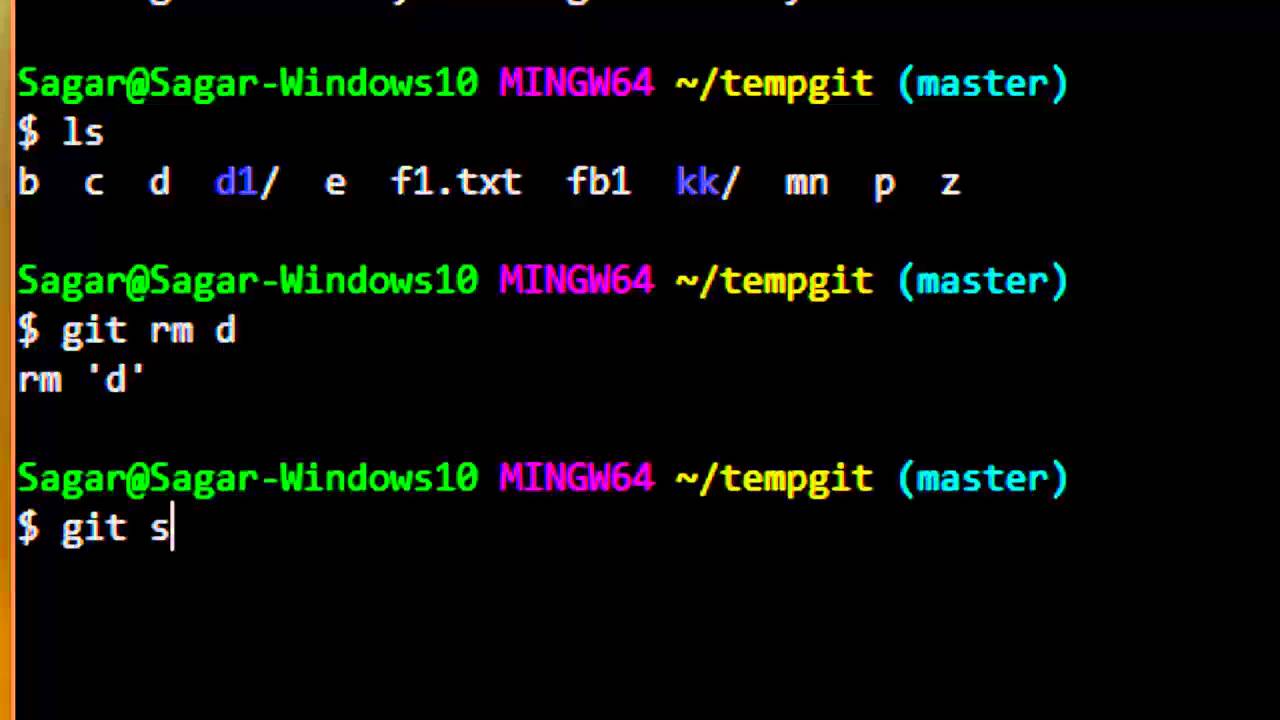
How To Remove A File On Git How To Remove A File From Git Repository YouTube How To Delete File On Git Removing Files From Git Repository Using How To Delete A File In Use By Another Program MakeUseOf Remove Files Or Folders From Remote Git How To Create And Delete Files And Directories From Windows Command Prompt To delete a file from your Git repo run the git rm command followed by the name of your file git rm file name Where you should replace the file name with the name of the file or the path to the file you want to delete The git rm command removes the file from both the repository as well as the filesystem
The git rm command can be used to remove individual files or a collection of files The primary function of git rm is to remove tracked files from the Git index Additionally git rm can be used to remove files from both the staging index and the working directory There is no option to remove a file from only the working directory Github Completely remove a file from whole git repository Stack Overflow Completely remove a file from whole git repository Asked Modified Viewed 22k times 35 Using git for a project I accidentally added to a commit a big zip file I didn t notice until I started uploading it to github
How To Create And Delete Files And Directories From Windows Command Prompt Git How To Delete A File From Repository On Github Stack Overflow How To Use Git To Create Delete And Download Files From GitHub YouTube Commands And Operations In Git DZone Git Remove Multiple Deleted Files DiscoPosse Git Remove Multiple Deleted Files DiscoPosse How To Unstage Files On Git Different Ways To Unstage Files In Git GIT Branch And Its Operations An Easy Understanding Digital Varys How To Delete A File In Use On Windows 9 Steps with Pictures
How To Remove A File On Git
 How To Remove A File On Git
https://i.ytimg.com/vi/CkAyYi_ooZA/maxresdefault.jpg
1 Overview Git has become a widely used distributed version control system In this tutorial let s explore how to remove a file or directory from a Git repository but keep its local copy 2 Introduction to the Problem As usual let s understand the problem via an example Let s say we re working on a Git repository myRepo
Templates are pre-designed files or files that can be utilized for numerous purposes. They can conserve time and effort by supplying a ready-made format and design for creating various type of content. Templates can be used for personal or professional projects, such as resumes, invitations, leaflets, newsletters, reports, presentations, and more.
How To Remove A File On Git
How To Add And Commit Files In Single Command In Git YouTube

Git How To Delete A File From Repository On Github Stack Overflow

How To Use Git To Create Delete And Download Files From GitHub YouTube
Commands And Operations In Git DZone

Git Remove Multiple Deleted Files DiscoPosse
How To Unstage Files On Git Different Ways To Unstage Files In Git
The easiest way to delete a file in your Git repository is to execute the git rm command and to specify the file to be deleted git rm file git commit m Deleted the file from the git repository git push Note that by using the git rm command the file will also be deleted from the filesystem
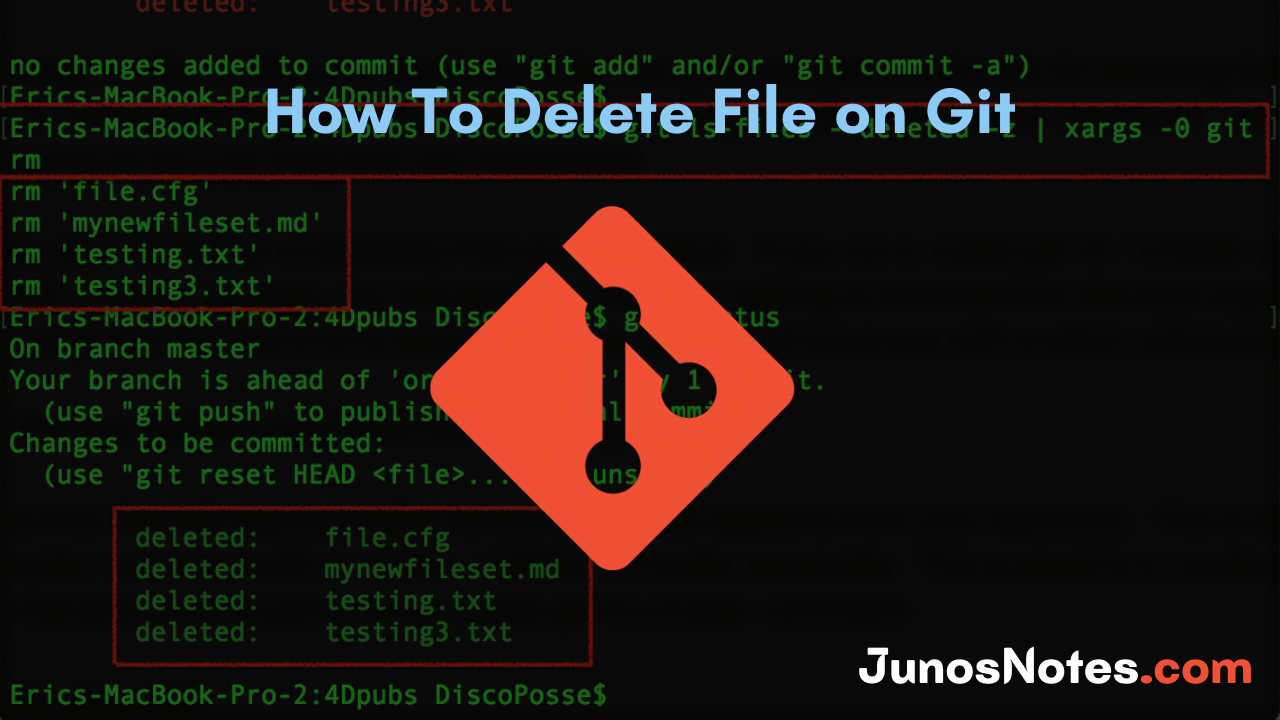
To remove a file both from the Git repository and the filesystem you can use git rm without any parameters except for the file s name of course git rm file1 txt If you only want to remove the file from the repository but keep it on the filesystem you can add the cached flag git rm file2 txt cached

Remove a file from a Git repository without deleting it from the local filesystem Ask Question Asked 14 years 5 months ago Modified 2 months ago Viewed 1 2m times 3839 I want to remove a file from my repository git rm file to remove txt will remove the file from the repository but it will also remove the file from the local file system

To completely remove the file from GitHub you must remove the file from your repository s history For more information see Removing sensitive data from a repository Deleting a file Browse to the file in your repository that you want to delete In the top right corner select the dropdown menu then click Delete file
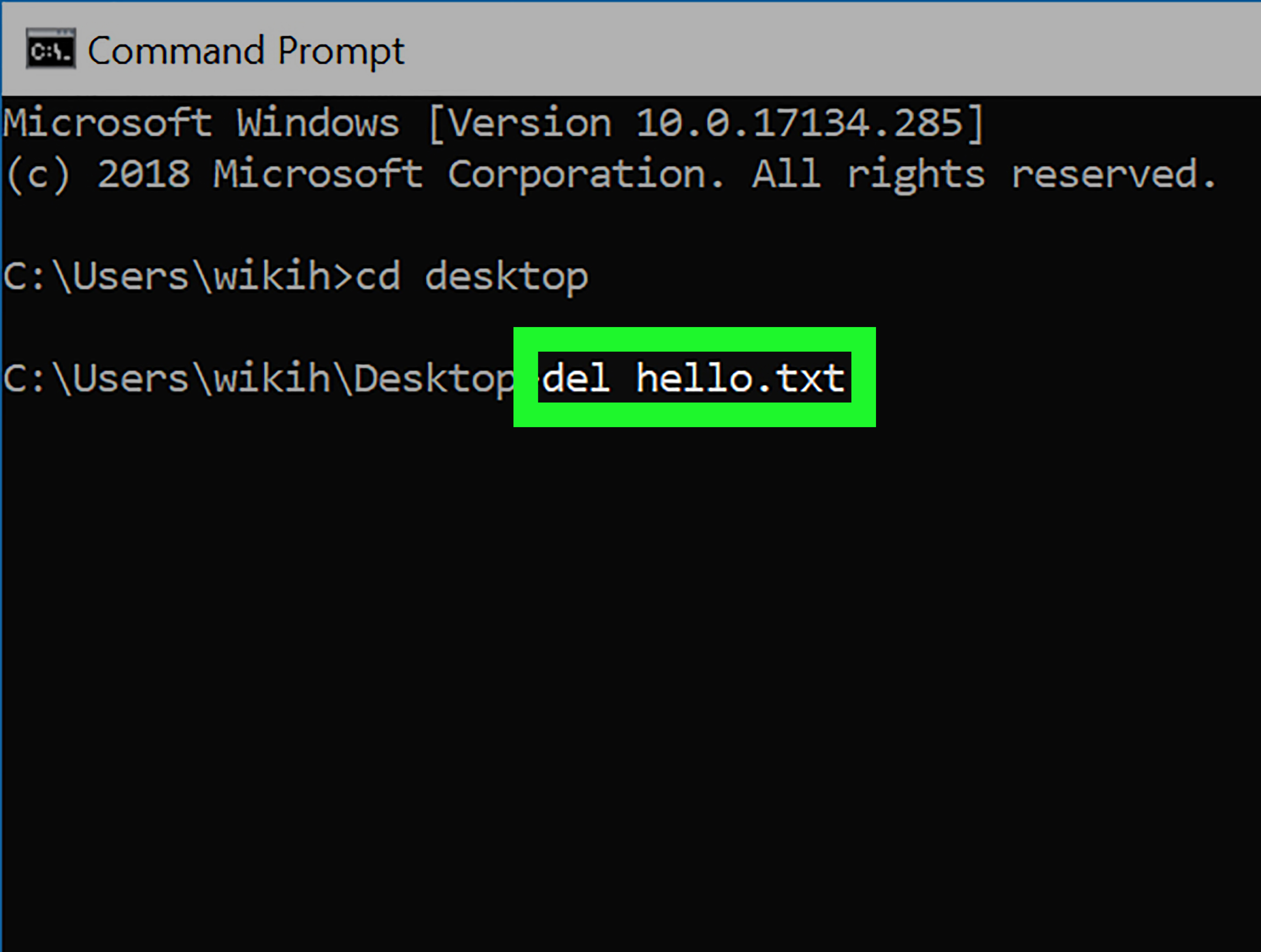
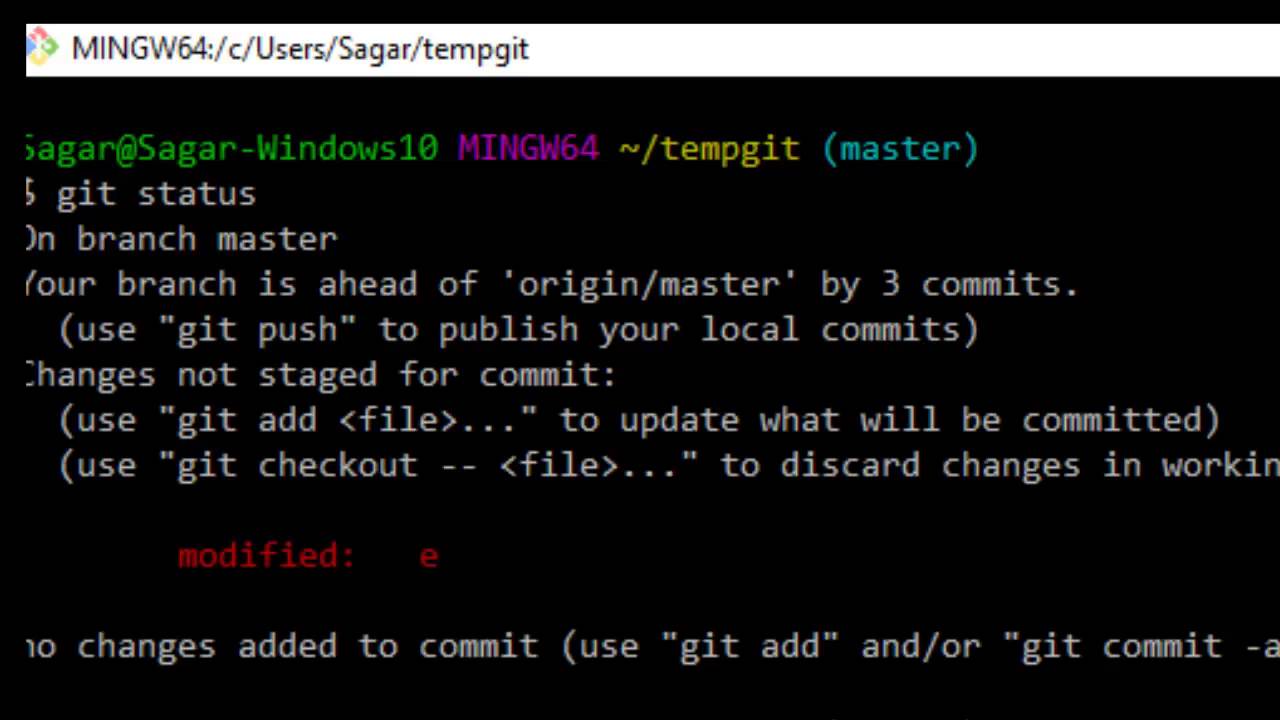
DESCRIPTION Remove files matching pathspec from the index or from the working tree and the index git rm will not remove a file from just your working directory There is no option to remove a file only from the working tree and yet keep it in the index use bin rm if you want to do that
Steps To Remove A File From A Git Repository Step 1 Locating The File Step 2 Removing The File Step 3 Committing The Change Step 4 Pushing Changes To Remote Removing files from a Git repository is more than just deleting them from your local directory That means that it will never stage new files but that it will stage modified new contents of tracked files and that it will remove files from the index if the corresponding file in the working tree have been removed Reference http git scm docs git add Share Improve this answer Follow answered Jul 15 2012 at 0 02 Martin 6 682 4 26 28
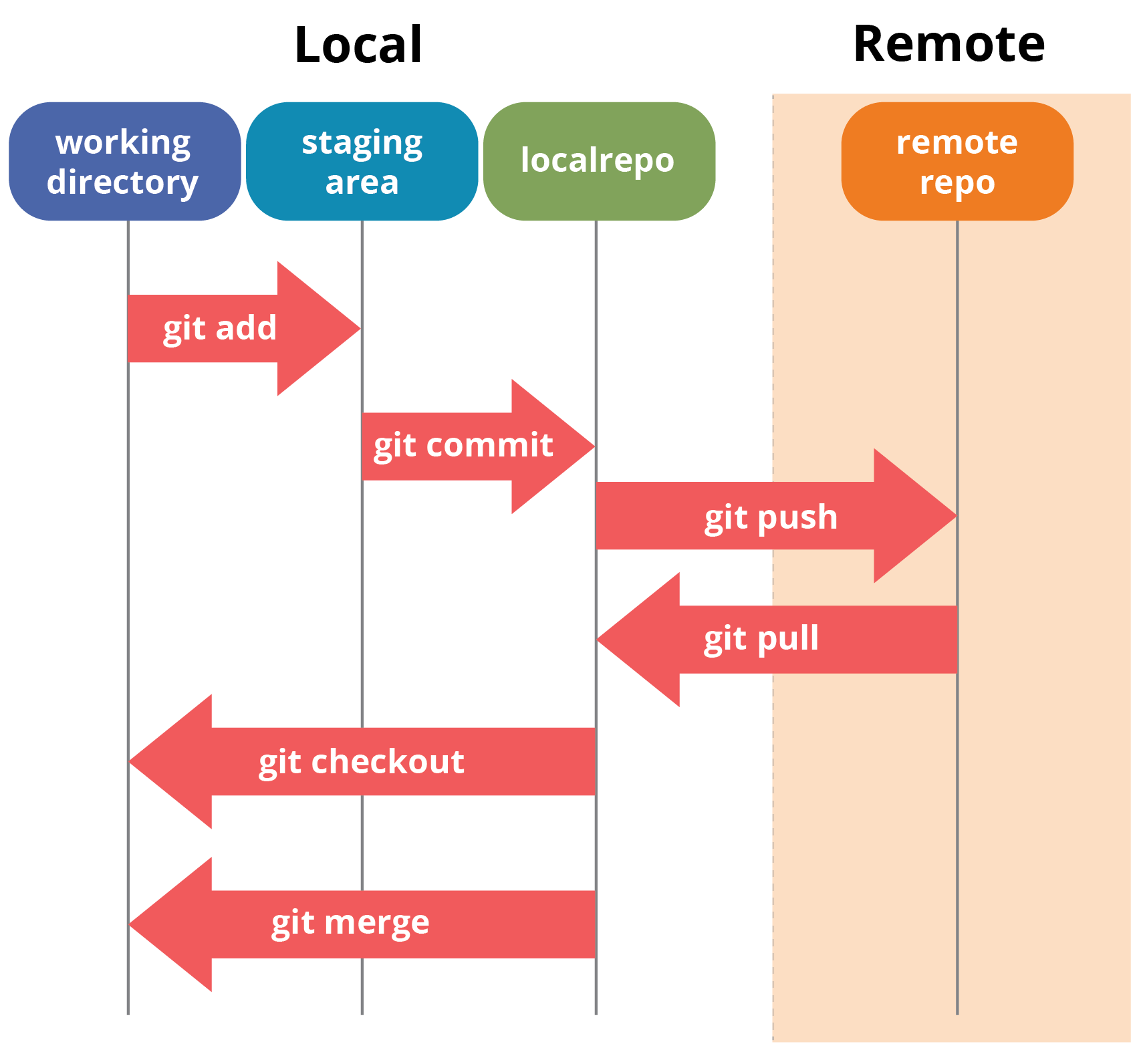
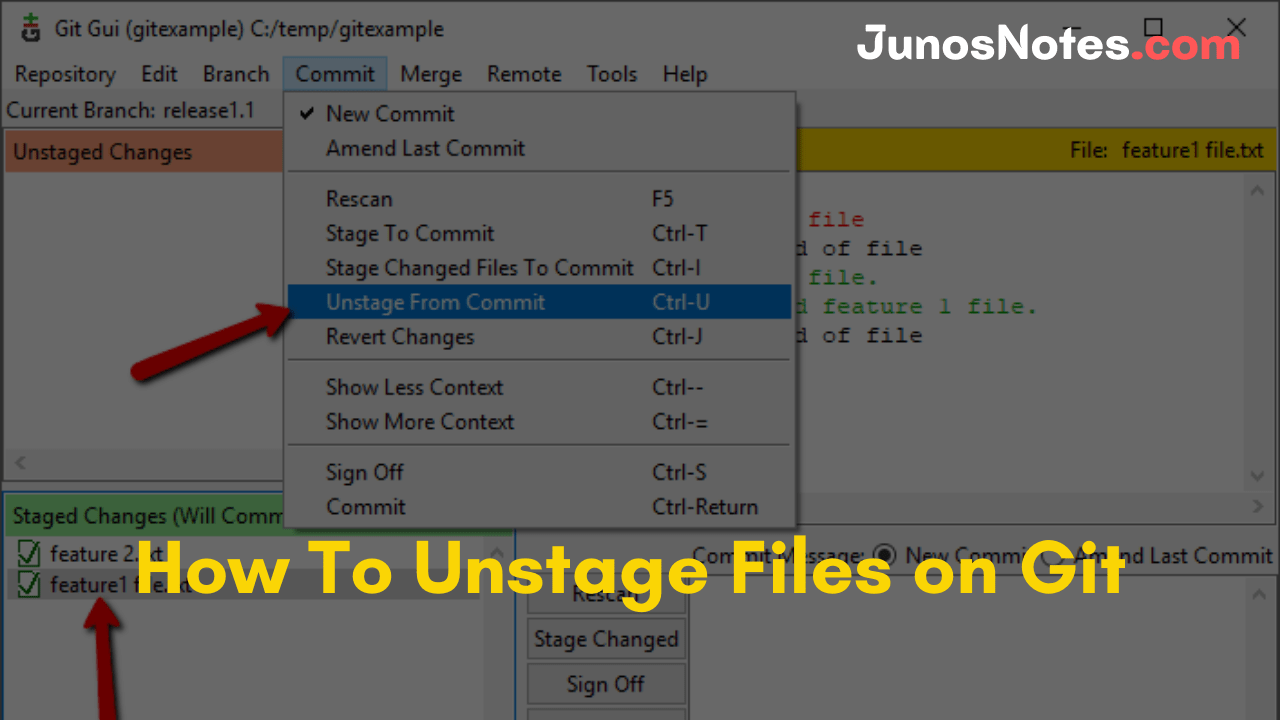
To remove a file from the repository you can use the following command git rm file But you only want to unstage your files that is undo the git add command and not remove them from your working repository This is where you use the cached flag The cached option specifies that the removal should happen only on the staging index