How To Reinstall Nvidia Drivers How To Reinstall NVIDIA Drivers On Windows 10 8 7 Driver Easy How To Reinstall NVIDIA Drivers In Windows 11 Or 10 How To Reinstall NVIDIA Drivers On Windows 10 8 7 Hotel Le Biciclette How To Reinstall Nvidia Drivers In Windows 10 Vijay On Computers How To Reinstall NVIDIA Drivers On Windows 10 8 7 Driver Easy 0 00 1 17 Introduction How To Reinstall NVIDIA Drivers in Windows 11 tech How 86 1K subscribers Join Subscribe 56 Share 13K views 1 year ago Windows 11 Tutorials For more information follow
How do I completely reinstall Nvidia GeForce drivers tim suetens 7y I ve been using GeForce Experience to keep my GPU drivers up to date But my computer has been getting extremely slow as of late with average framerates in GTA V dropping from 120 FPS maxed out settings before the problem started to 15 FPS now 4 January 2022 by Lubos Rendek The objective is to install the NVIDIA drivers on Ubuntu 22 04 Jammy Jellyfish Linux and switch from a default opensource Nouveau driver to the proprietary Nvidia driver To install Nvidia driver on other Linux distributions follow our Nvidia Linux Driver guide In this tutorial you will learn
How To Reinstall NVIDIA Drivers On Windows 10 8 7 Driver Easy How To Reinstall NVIDIA Drivers In Windows 11 Tech How Reinstalling NVIDIA Drivers In Linux Mint Systran Box How To Reinstall Nvidia Drivers Technographx How To Reinstall NVIDIA Drivers In Windows 11 Tech How How To Install Or Update NVIDIA Drivers 2021 Uninstall Nvidia Drivers And Reinstall Gaspurchase How To Fix Display Driver Amd Driver Stopped Responding Perlake How To Reinstall NVIDIA Drivers On Windows 10 8 1 7 TechOwns
How To Reinstall Nvidia Drivers
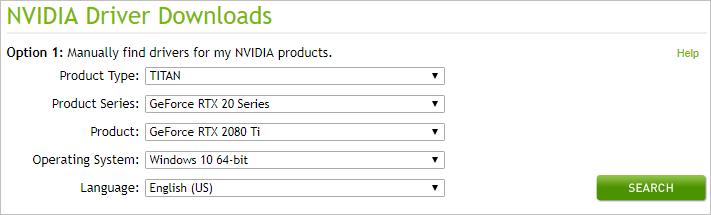 How To Reinstall Nvidia Drivers
https://images.drivereasy.com/wp-content/uploads/2018/11/img_5bfbb1a563a6c.jpg
2y 0 For me all I did FINALLY was go to Device Manager Display Adapter click on the adapter and Update Driver It fixed it I now have nVidia Control Panel back and my Omen Gaming Hub recognizes the GPU once more 4 Replies Sorted by 0 How do I reinstall NVIDIA Control Panel 4 Jun 2012
Pre-crafted templates use a time-saving solution for creating a varied range of files and files. These pre-designed formats and designs can be made use of for numerous individual and professional tasks, including resumes, invites, flyers, newsletters, reports, presentations, and more, improving the content creation procedure.
How To Reinstall Nvidia Drivers

How To Reinstall Nvidia Drivers After Windows 10 Digi Effects

How To Reinstall NVIDIA Drivers In Windows 11 Tech How

Reinstalling NVIDIA Drivers In Linux Mint Systran Box
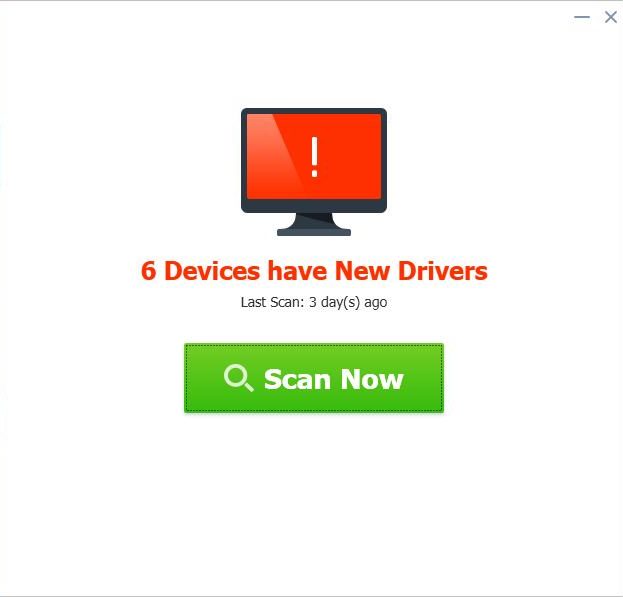
How To Reinstall Nvidia Drivers Technographx

How To Install Or Update NVIDIA Drivers 2021
Uninstall Nvidia Drivers And Reinstall Gaspurchase

Preparing for Clean Removal and Installation 1 Use Windows Device Manager 2 Use the Driver s Clean Install Option 3 Use Driver Display Uninstaller

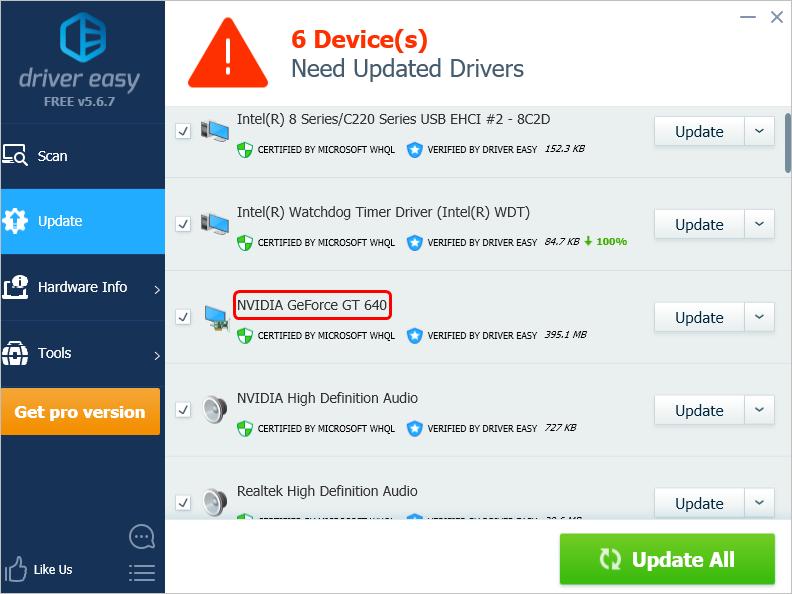
How to Reinstall NVIDIA Drivers on Windows 10 8 7 Step 1 Uninstall the graphics driver You can uninstall the driver via Device Manager Device Manager is a Control Panel Step 2 Install a new NVIDIA driver
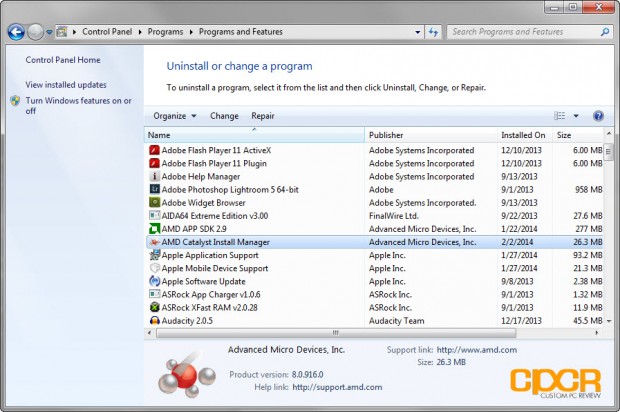
1 BossDweebe 10y 0 Personally If you are not having problems with the current driver you only need to uninstall via Programs and Features reboot and install the new drivers If you are having problems and have done several re installs then after rebooting it sometimes helps to run Driver Fusion to clean out leftover files registry entries

Step 1 Use the Windows 11 search bar to find Add or remove programs and select the appropriate result Image used with Step 2 Scroll through the list or use the search to find Nvidia AMD or Intel graphics drivers Select the three dot Step 3 Optional If you want to make doubly sure
Download Drivers NVIDIA Driver Downloads NVIDIA Virtual GPU Customers Enterprise customers with a current vGPU software license GRID vPC GRID vApps or Quadro vDWS can log into the enterprise software download portal by clicking below For more information about how to access your purchased licenses visit the vGPU Software
[desc-11] [desc-12]
[desc-13]