How To Reboot Wsl Linux WSL Install Distro Archives MSSQL DBA Blog How To Install Windows Subsystem For Linux WSL On Windows 11 Wikigain How To Uninstall WSL On Windows 11 Pureinfotech Troubleshooting Windows Subsystem For Linux Microsoft Learn How To Change Default Linux Distro In WSL MSSQL DBA Blog Reboot WSL from the console How do reboot the current WSL instance from the WSL console The usual suspects are not working reboot shutdown r System has not been booted with systemd as init system PID 1 Can t operate Failed to connect to bus Host is down Is there any other way to force WSL to reboot windows subsystem for linux
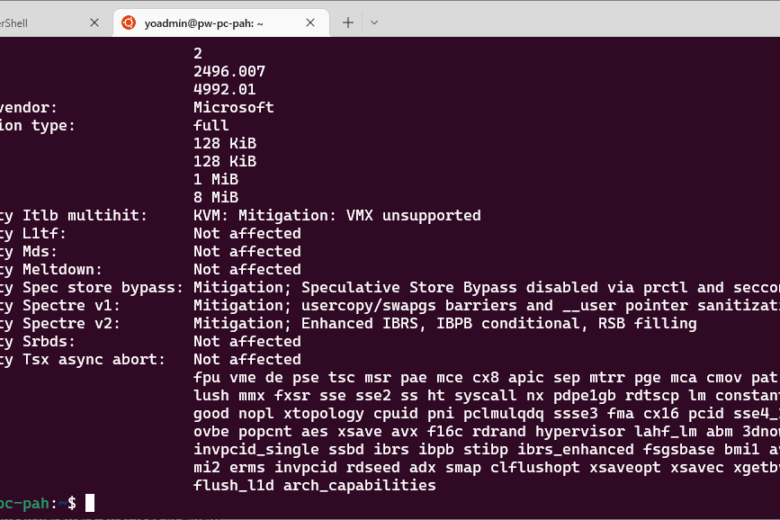
To reboot WSL run wsl shutdown to stop WSL distros then enter back into WSL as you normally would to start it back up again This post is a guide to help explain the process of how to reboot a Windows Subsystem for Linux WSL distribution on your local machine Open Settings on Windows 11 Click on Apps Click on Installed apps Select the distro of Linux click the menu three dotted button and click on Advanced options Click the Reset button Optional Click the Repair button Quick tip The process may take some time If you can t open the distro again the repair option may help
How To Change Default Linux Distro In WSL MSSQL DBA Blog B Docker How To Reboot WSL Windows Subsystem Linux In Windows 10 Install WSL Windows Subsystem For Linux On Windows 11 H2S Media Ahora Ser M s F cil Instalar WSL En Windows Basta Con Un Comando Pacosite s Blog How To Install Windows Subsystem For Linux WSL On Windows 11 How To Reboot A WSL Distribution Instance MSSQL DBA Blog How To Install WSL Windows Subsystem For Linux On Windows 10 Kunal Chowdhury How To Install Windows Subsystem For Linux WSL On Windows 11 It S Getting Easier To Install Windows Subsystem For Linux In What Is wsl And Wsl2 Vrogue
How To Reboot Wsl Linux
 How To Reboot Wsl Linux
https://peter-whyte.com/wp-content/uploads/2022/07/how_to_install_wsl_feature_image-780x520.png
Open Control Panel Programs and Features Turn Windows Feature on or off Check Windows Subsystem for Linux or using the PowerShell cmdlet mentioned at the beginning of this article Installation failed with error 0x80070003 or error 0x80370102 Please make sure that virtualization is enabled inside of your computer s BIOS
Pre-crafted templates offer a time-saving service for producing a varied series of files and files. These pre-designed formats and designs can be utilized for numerous personal and professional tasks, consisting of resumes, invites, leaflets, newsletters, reports, discussions, and more, simplifying the content development process.
How To Reboot Wsl Linux

How To Check WSL Versions Peter Whyte DBA Blog
B Docker How To Reboot WSL Windows Subsystem Linux In Windows 10
Install WSL Windows Subsystem For Linux On Windows 11 H2S Media
Ahora Ser M s F cil Instalar WSL En Windows Basta Con Un Comando Pacosite s Blog

How To Reboot A WSL Distribution Instance MSSQL DBA Blog

How To Install WSL Windows Subsystem For Linux On Windows 10 Kunal Chowdhury
Method 1 Restart the Lxssmanager service Press Win Key R The Windows RUN box will open Type services msc and hit the enter button From the Services window search for a Windows Subsystem for Linux service called LxssManager Right click on the Lxssmanager service and select the option Restart
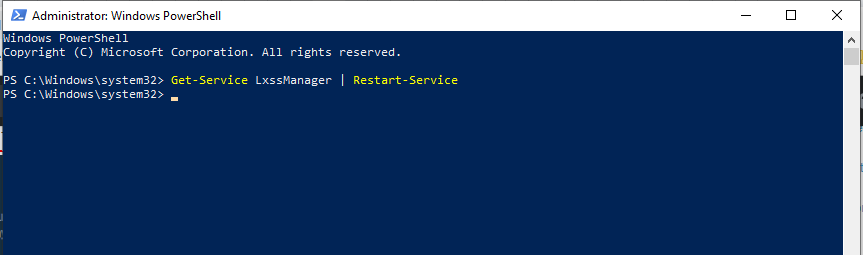
To start up your WSL distribution enter WSL as you would normally This ll be done by re opening Linux tab in Windows Terminal or by running wsl to enter a new WSL session as per your set default distribution Restart LxssManager Service Using PowerShell We need to Run PowerShell as Administrator or Windows Terminal for this

1 1 Rebooting standard WSL is not a thing Simply put a WSL distribution is just a container like Docker with a shell Even with WSL 2 rebooting the VM does nothing to a distribution Daniel B Jun 2 2022 at 10 46 Add a comment 9 Answers Sorted by Reset to default This answer is useful 588 This answer is not useful Save this answer

23 I just got Ubuntu from Microsoft Store and tried some things with it However when i try to restart or shut down the system using sudo reboot or sudo shutdown h I got a prompt saying System has not been booted with systemd as init system PID 1 Can t operate Failed to talk to init daemon
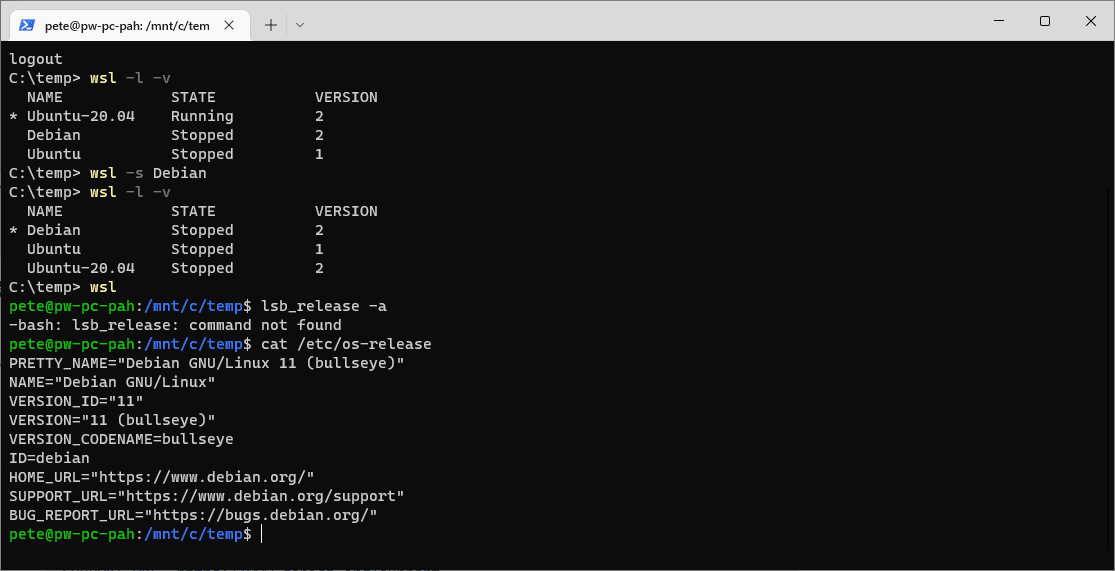
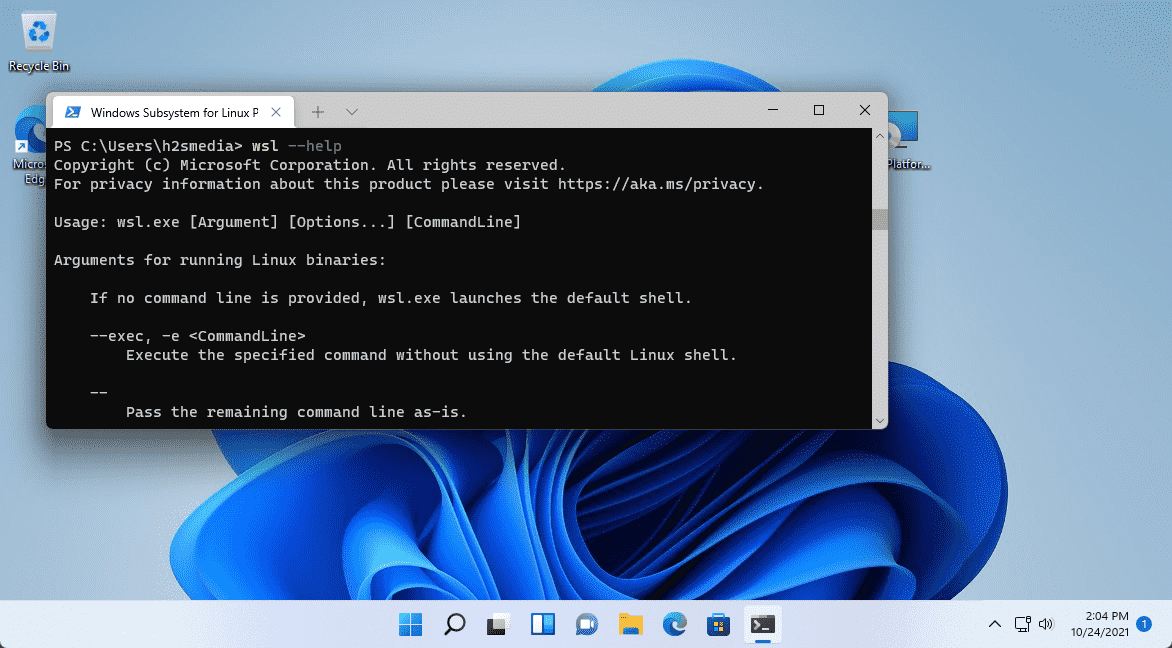
Options include distribution Specify the Linux distribution to install You can find available distributions by running wsl list online no launch Install the Linux distribution but do not launch it automatically web download Install from an online source rather than using the Microsoft Store
These simple commands will reboot WSL2 for you which usually resolves any problems Press Win R Type services msc Find the service LXSSMANAGER in the list Right click it and select Restart Any open shell sessions should terminate and you can start a new one in Windows Terminal or your preferred tool Comments Open PowerShell or Windows Command Prompt in administrator mode by right clicking and selecting Run as administrator enter the wsl install command then restart your machine PowerShell wsl install This command will enable the features necessary to run WSL and install the Ubuntu distribution of Linux This default distribution can be
2 It sounds like you are looking for WSL DISTRO NAME See this answer for an example of its usage with wsl exe from inside the WSL session Your async reboot logic looks like it is the right track to me The challenge will be in starting a process that survives the WSL instance termination