How To Push To Origin Github How To Push Local Git Repository To Github YouTube Git Create Branch With Anothers Code Acetoearth How To Push Code To GitHub With Git Bash Using GitHub Pages YouTube GitHub How To Push To GitHub Learn Version Control With Git How To Push A Project To GitHub Using Git Bash YouTube WEB I like to run git push set upstream origin master instead of git push origin master the first time This allows me to just type git push or git pull instead of git push origin master every time Whatever fits your preferences
WEB The git push command takes two arguments A remote name for example origin A branch name for example main For example git push REMOTE NAME BRANCH NAME As an example you usually run git push origin main to push your local changes to your online repository Renaming branches WEB Jul 3 2023 nbsp 0183 32 git push u origin trunk This command will push your code to the new remote origin named origin and sets the upstream branch to trunk You re also welcome to push any branch to the remote repo if you need to
How To Push A Project To GitHub Using Git Bash YouTube Get Started With Git Commands For Version Control Earth Data Science Push To Origin master Was Rejected Idea gitee push View Builds GitLab CI How To Git For Dummies NTU SCSE Style How To Push Code To GitHub Upload Project To GitHub Using GitHub Git Fetch And Checkout BlissWas Github Desktop Cheatsheet CodeYourFuture Syllabus Push To Github PLEASE HELP Can t Push Code To GitHub Repository Anymore Community
How To Push To Origin Github
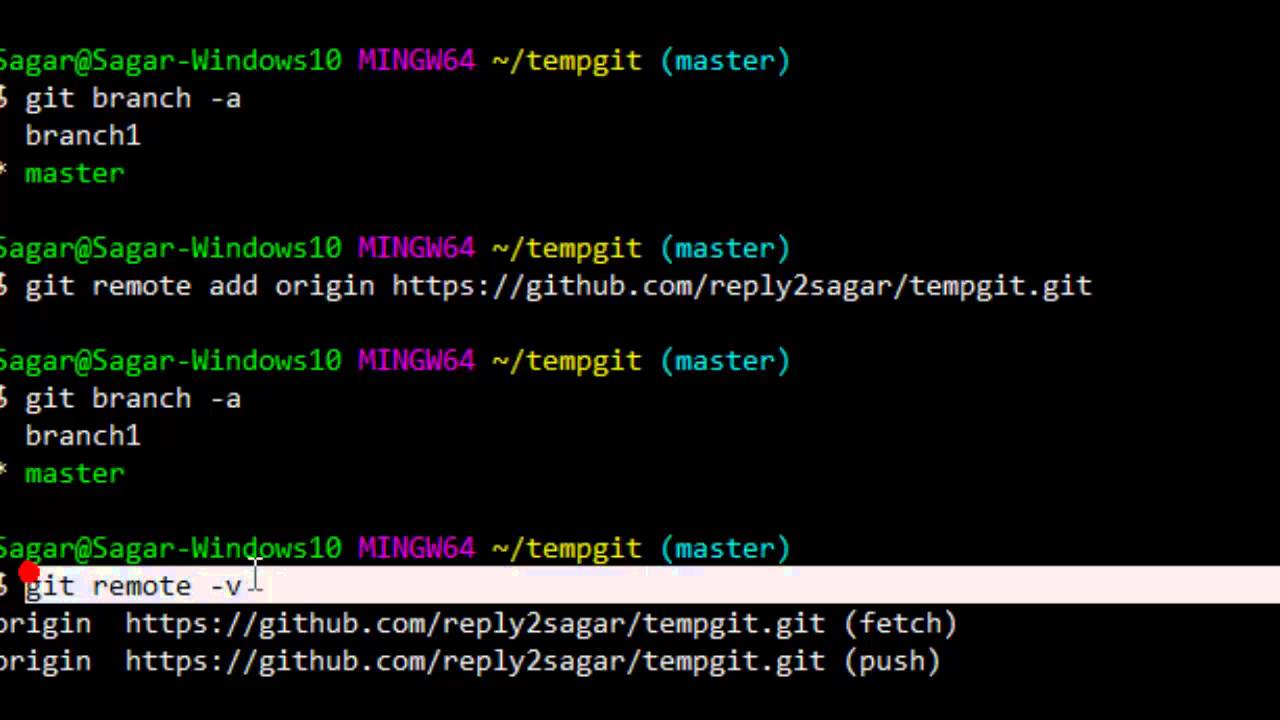 How To Push To Origin Github
https://i.ytimg.com/vi/ajxPz9x_q04/maxresdefault.jpg
WEB Nov 30 2022 nbsp 0183 32 By learning how to push to GitHub you ll gain the ability to upload your project code to GitHub s code hosting service quickly and efficiently There are a few steps you ll need to take to successfully discover how to push code to GitHub
Pre-crafted templates provide a time-saving solution for producing a diverse variety of files and files. These pre-designed formats and designs can be made use of for numerous individual and expert tasks, including resumes, invitations, flyers, newsletters, reports, presentations, and more, simplifying the material creation procedure.
How To Push To Origin Github

Pushing A Project To GitHub CircleCI
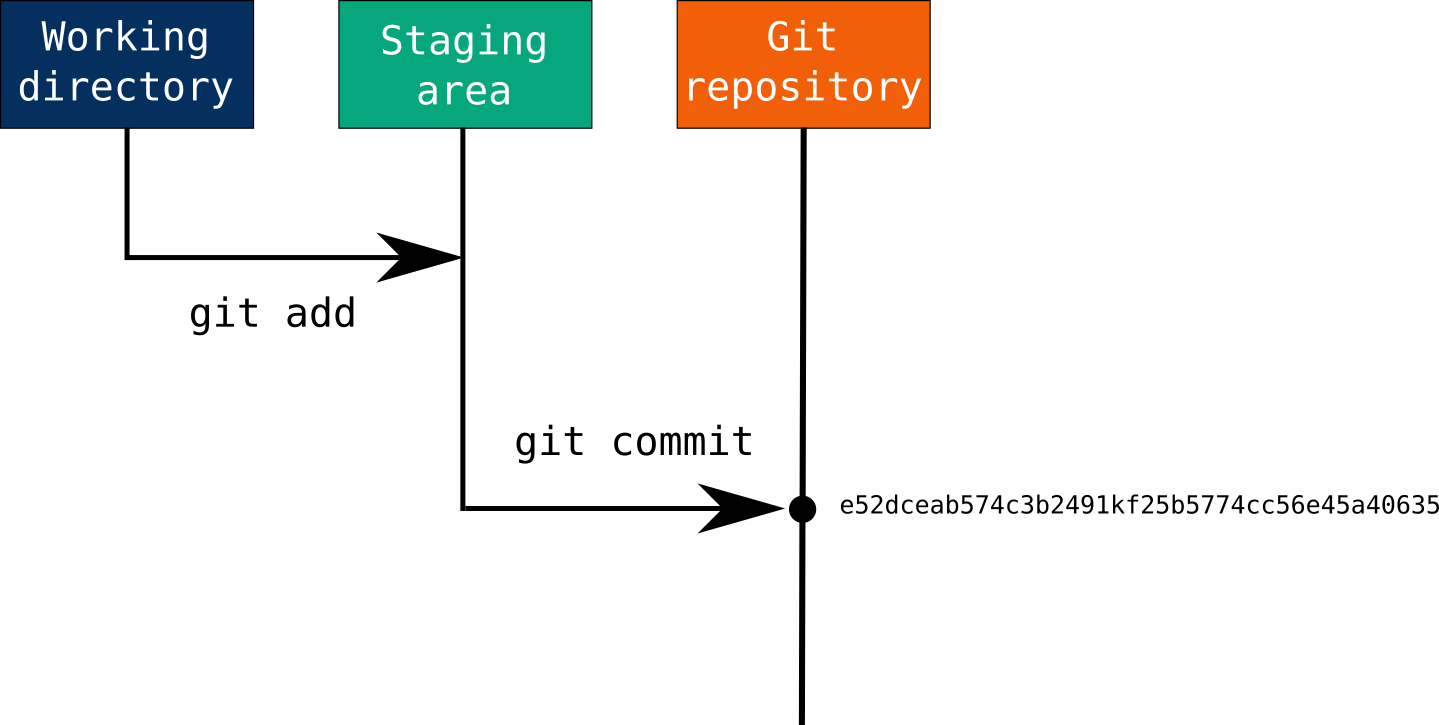
Get Started With Git Commands For Version Control Earth Data Science
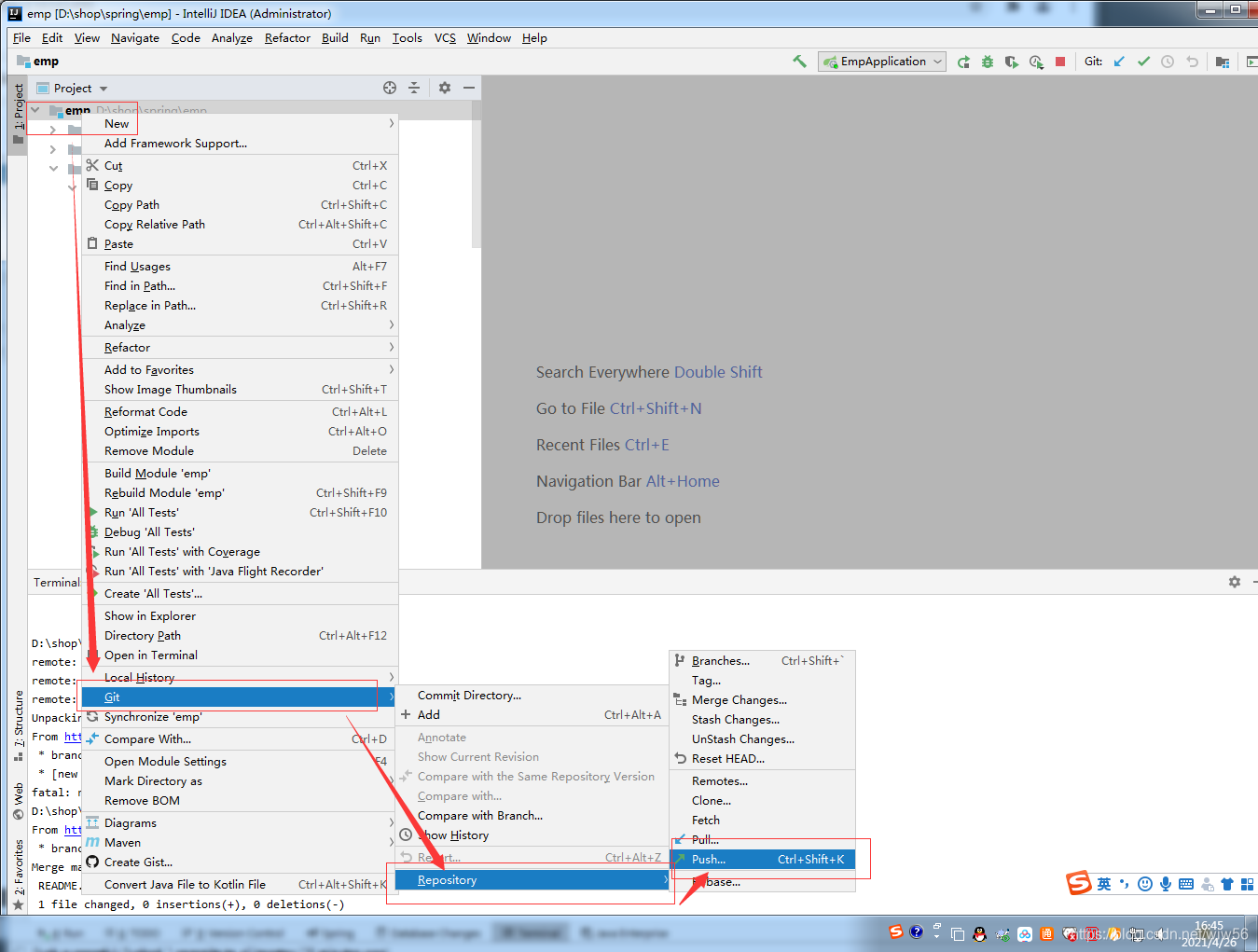
Push To Origin master Was Rejected Idea gitee push
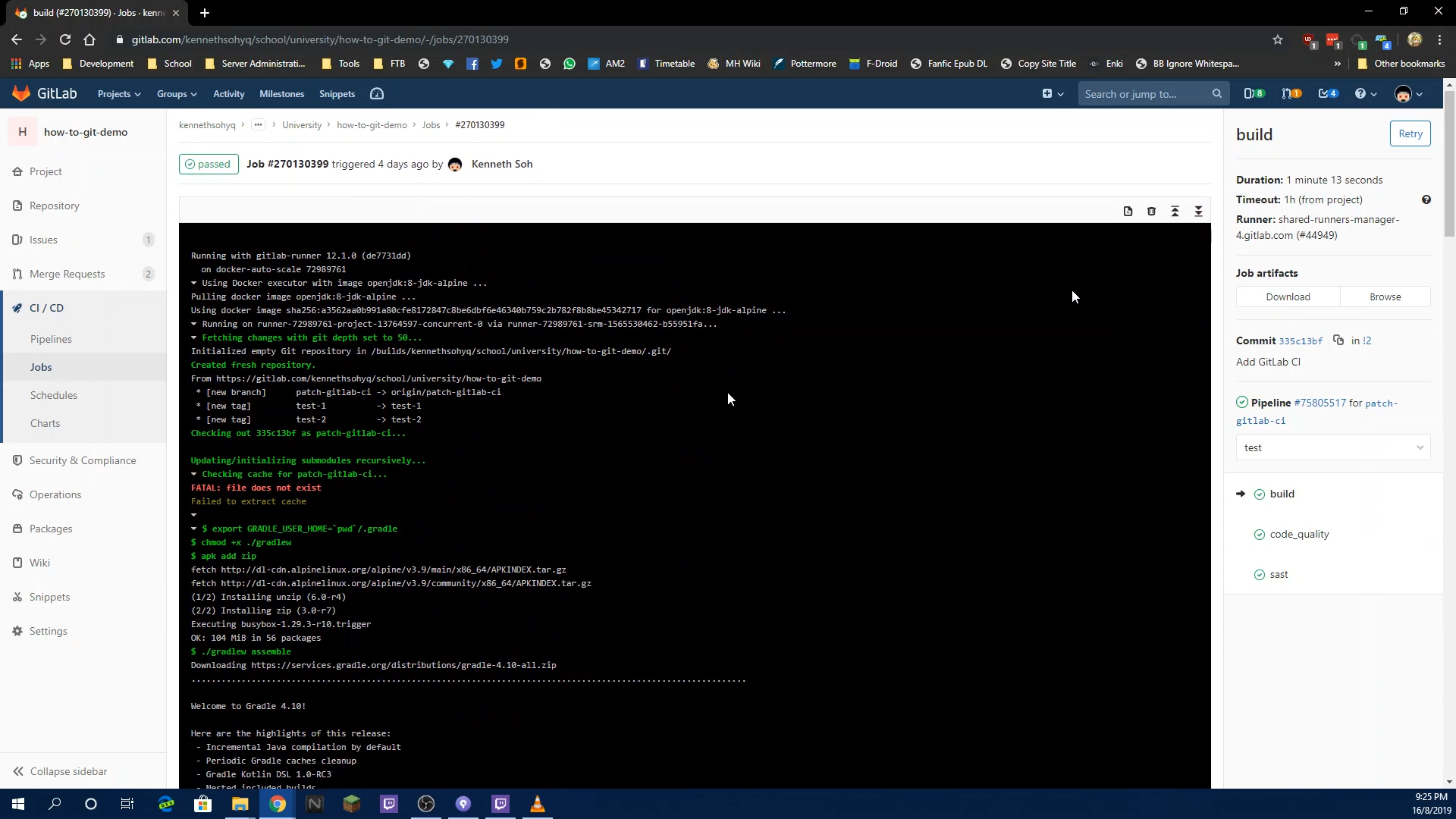
View Builds GitLab CI How To Git For Dummies NTU SCSE Style
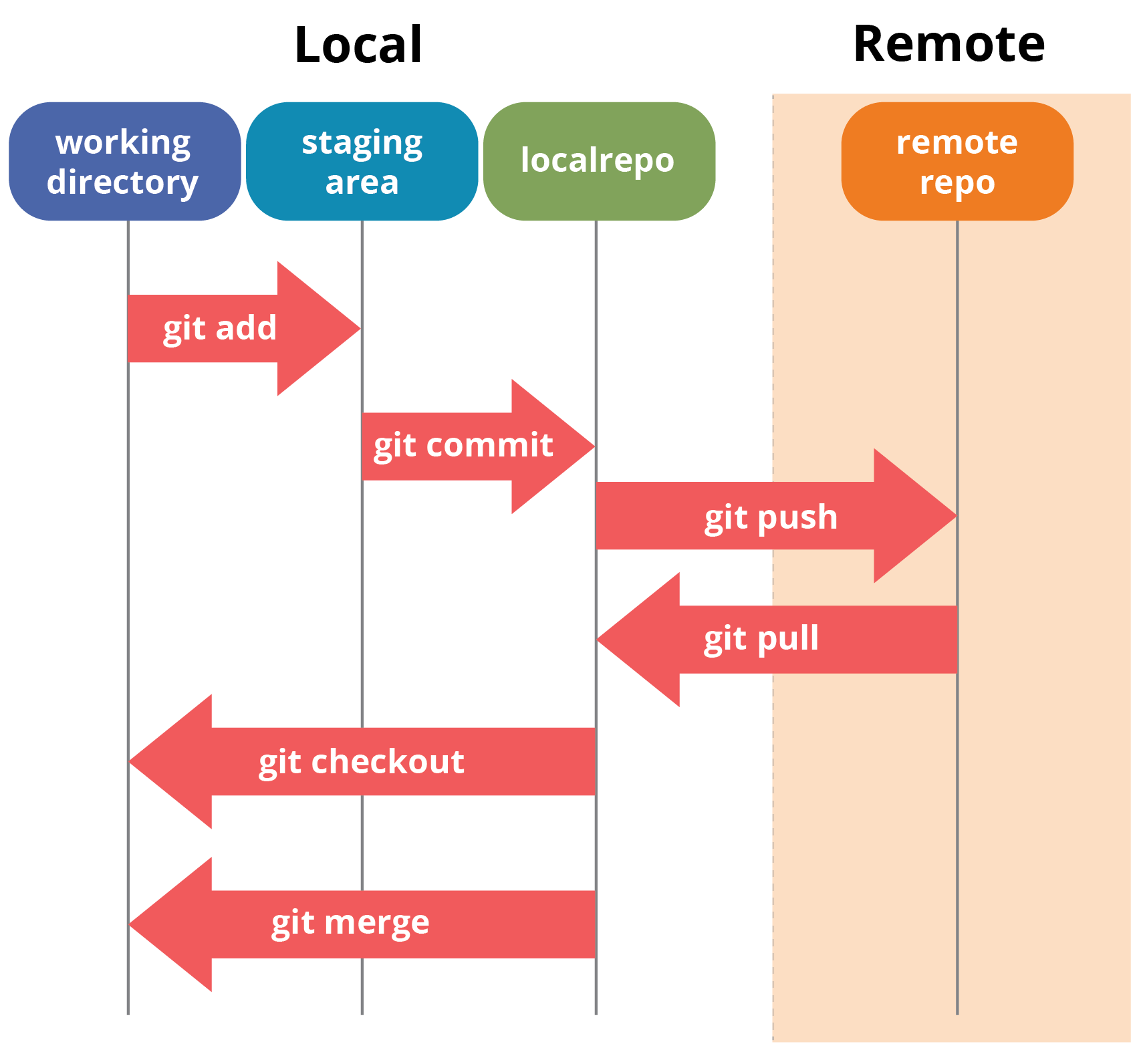
Git Fetch And Checkout BlissWas
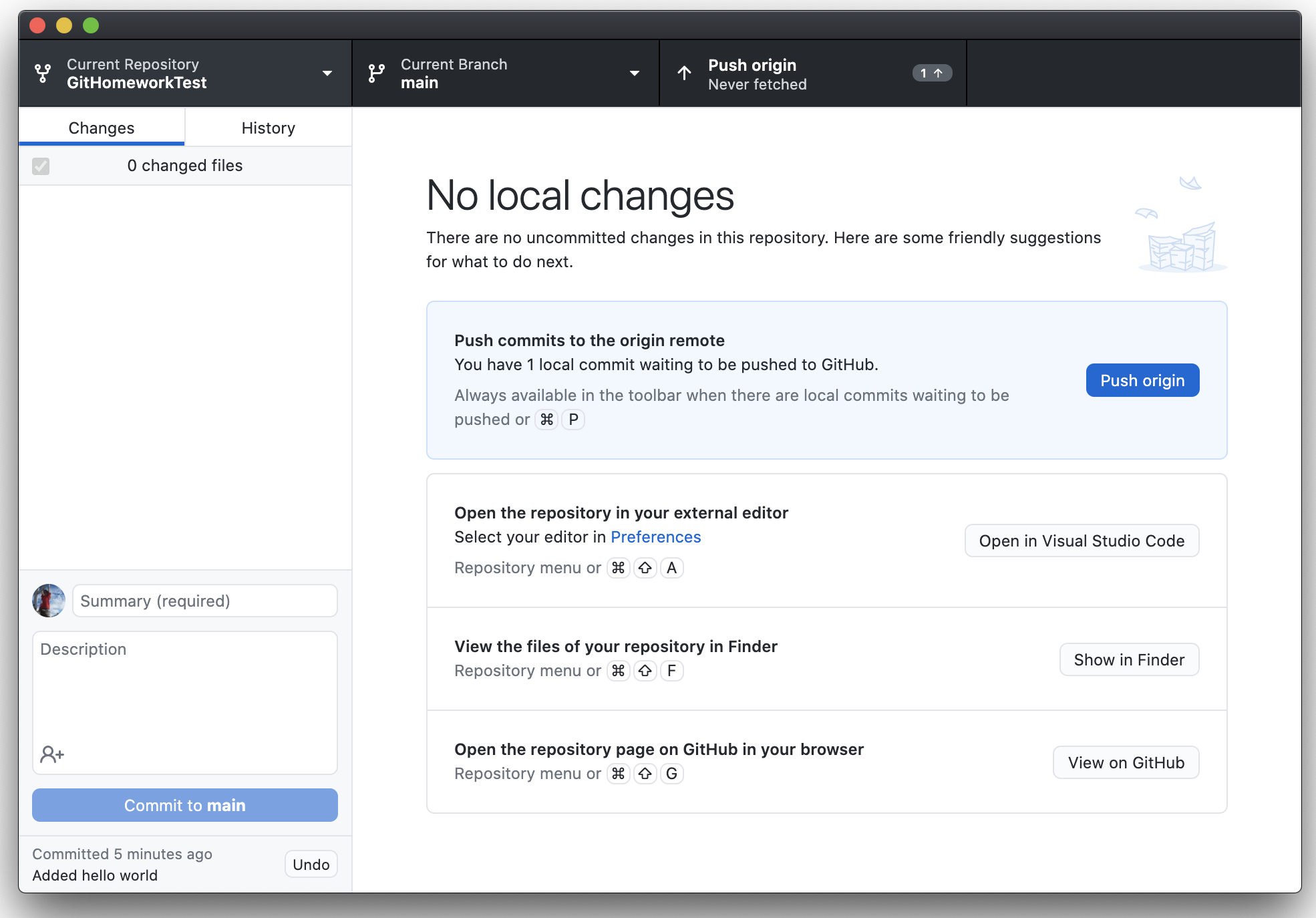
Github Desktop Cheatsheet CodeYourFuture Syllabus
WEB May 4 2010 nbsp 0183 32 git push u origin HEAD Using HEAD is a quot handy way to push the current branch to the same name on the remote quot Source https git scm docs git push In Git terms HEAD in uppercase is a reference to the top of the current branch tree The u option is just short for set upstream
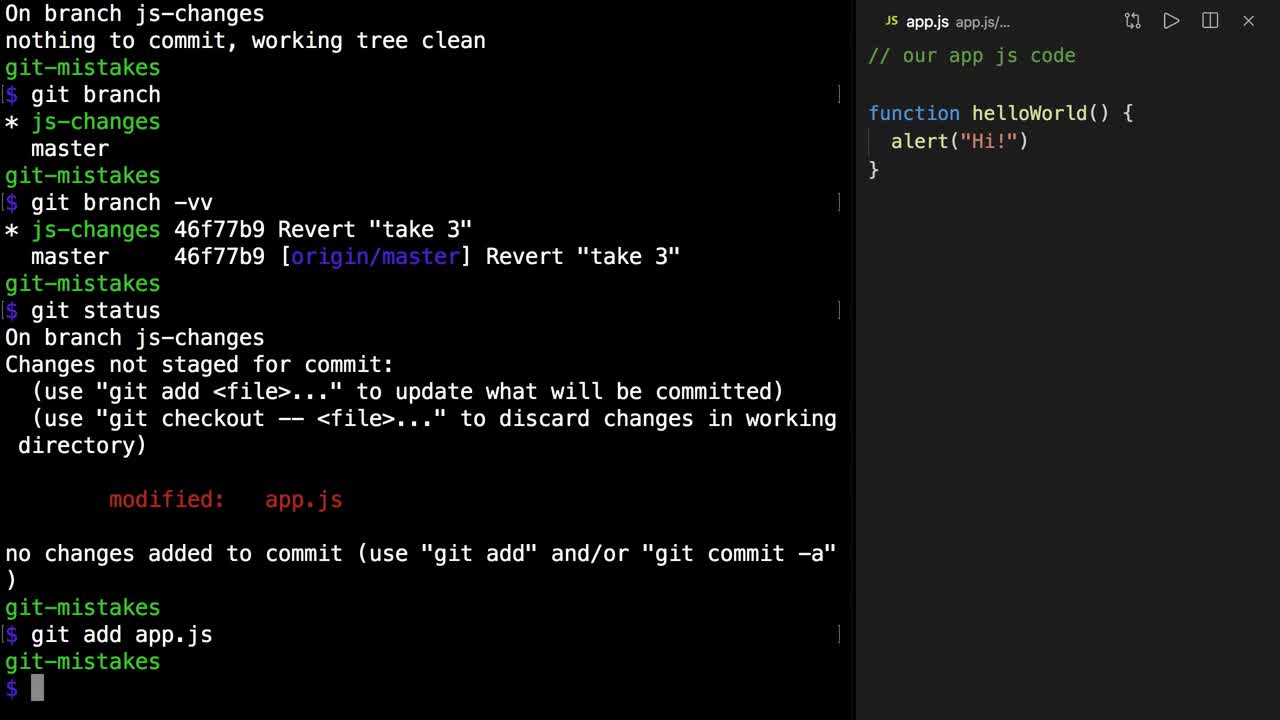
WEB git push u origin branch Useful when pushing a new branch this creates an upstream tracking branch with a lasting relationship to your local branch git push all Push all branches git push tags Publish tags that aren t yet in the remote repository

WEB Apr 26 2021 nbsp 0183 32 The basic command for pushing a local branch to a remote repository is git push This command has a variety of options and parameters you can pass to it and in this article you ll learn the ones that you will use the most often

WEB Mar 28 2024 nbsp 0183 32 git remote add origin git github sammy my new project git git push u f origin main Deploy a GitHub Repo to DigitalOcean Now that you have your GitHub repo it is as easy as 1 click to deploy this repo to make it live by using DigitalOcean App Platform Conclusion Now you are all set to track your code

WEB Jun 24 2010 nbsp 0183 32 git push u origin testing On Machine 2 deploy a local branch that s linked to the remote testing branch git fetch origin amp amp git checkout track origin testing
WEB Sep 30 2019 nbsp 0183 32 The following command pushes specific branch say dev of current repo to master branch of new repo with remote configured as origin2 git push origin2 WEB If you have source code stored locally on your computer that is tracked by Git or not tracked by any version control system VCS you can add the code to GitHub by typing commands in a terminal You can do this by typing Git commands directly Alternatively you can use GitHub CLI or GitHub Desktop Using GitHub CLI
WEB This repository contains step by step instructions on how to push a local project to a GitHub repository The process includes creating a GitHub repository initializing a local Git repository and pushing the code to GitHub