How To Program Option Button In Excel Option Buttons With Formulas In Excel YouTube UserForm With Multiple Option Buttons In Excel And VBA YouTube How To Insert And Use A Radio Button Option Button In Excel Excel How To Create A Custom Macro Button In Excel How To Create Macro Afrirewa Blog When your account reaches its storage limit you won t be able to upload or create files in Drive send or receive emails in Gmail or back up photos or videos to Google Photos If you re over
To easily manage and share content across all of your devices and the cloud use Google s desktop sync client Drive for desktop If you edit delete or move a file on the Cloud the same Learn how to change more cookie settings in Chrome For example you can delete cookies for a specific site In other browsers If you use Safari Firefox or another browser check its support
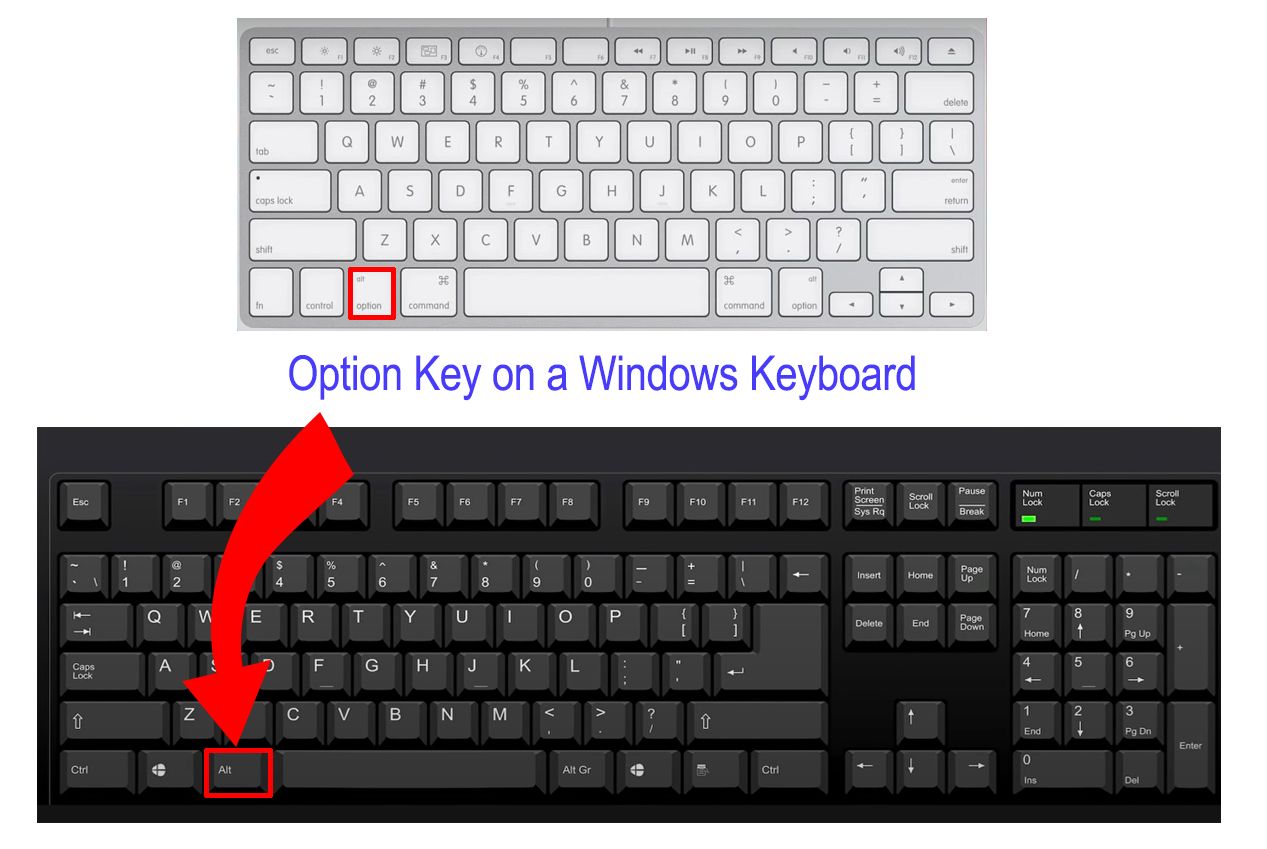
Afrirewa Blog Sicher Rahmen Als Apple Keyboard Options Indigene Arbeitslos Bungalow Element TV Remote Codes And How To Program For Universal Remotes PC Guide Export To Excel Button Where Is The Option ALT Key On Mac Keyboards Excel Report Card Template IDWedgeKB Programming Tutorial Video How To Enter A New Line In Excel Text Box Printable Online Quickly Insert Multiple Option Buttons At Once In Excel
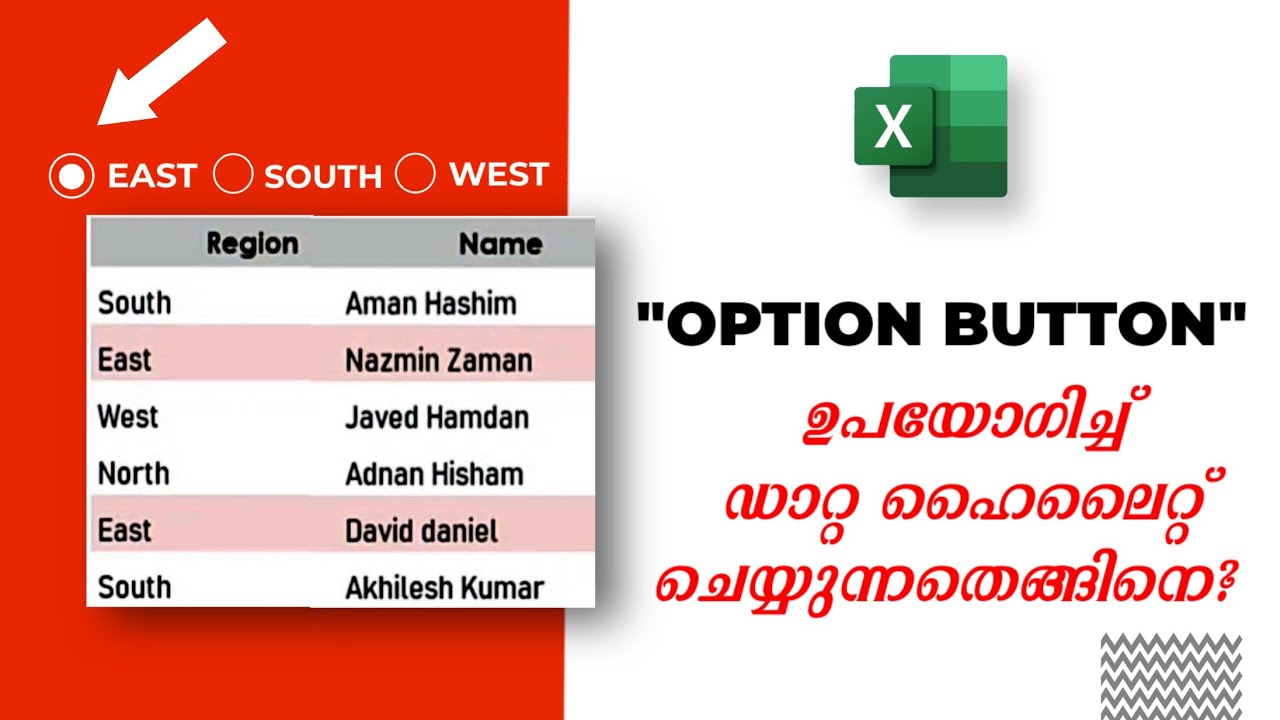
How To Program Option Button In Excel
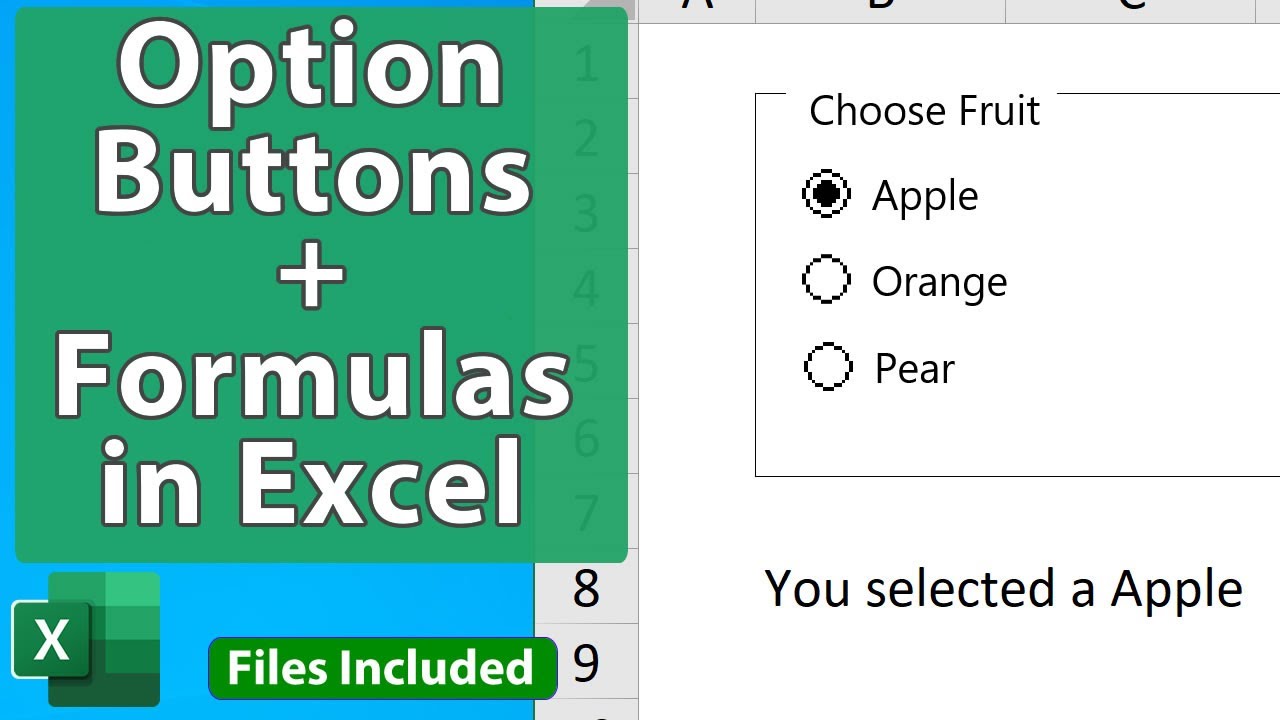 How To Program Option Button In Excel
https://i.ytimg.com/vi/ucRUNwEXepM/maxresdefault.jpg
Remove unwanted programs on your computer Before you reset your browser settings check your computer for unwanted programs Learn how to reset your browser settings
Templates are pre-designed files or files that can be used for various purposes. They can conserve effort and time by providing a ready-made format and design for producing various sort of material. Templates can be utilized for personal or professional tasks, such as resumes, invites, flyers, newsletters, reports, presentations, and more.
How To Program Option Button In Excel

Excel VBA And Option Buttons
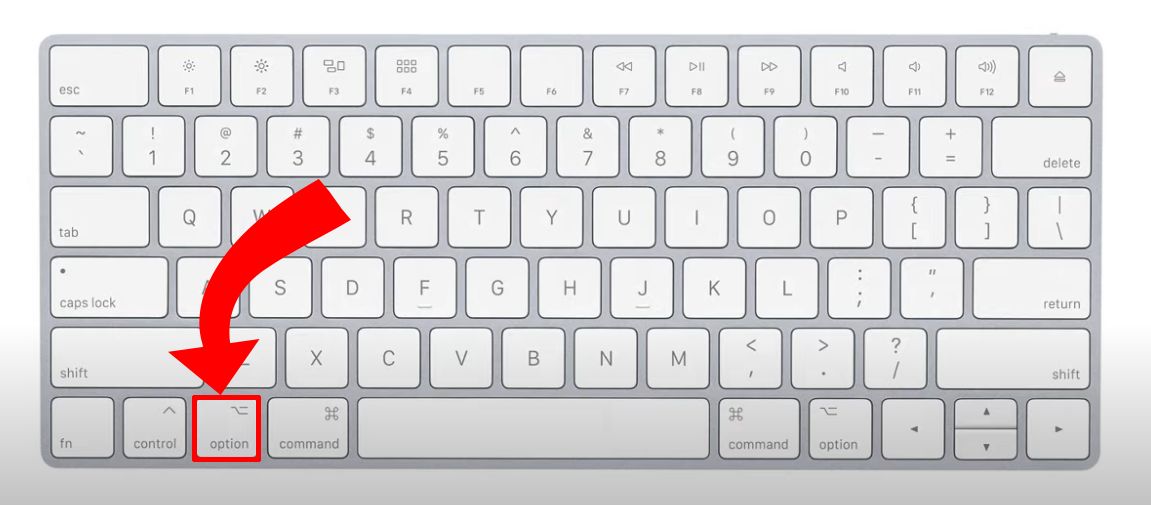
Sicher Rahmen Als Apple Keyboard Options Indigene Arbeitslos Bungalow

Element TV Remote Codes And How To Program For Universal Remotes PC Guide

Export To Excel Button
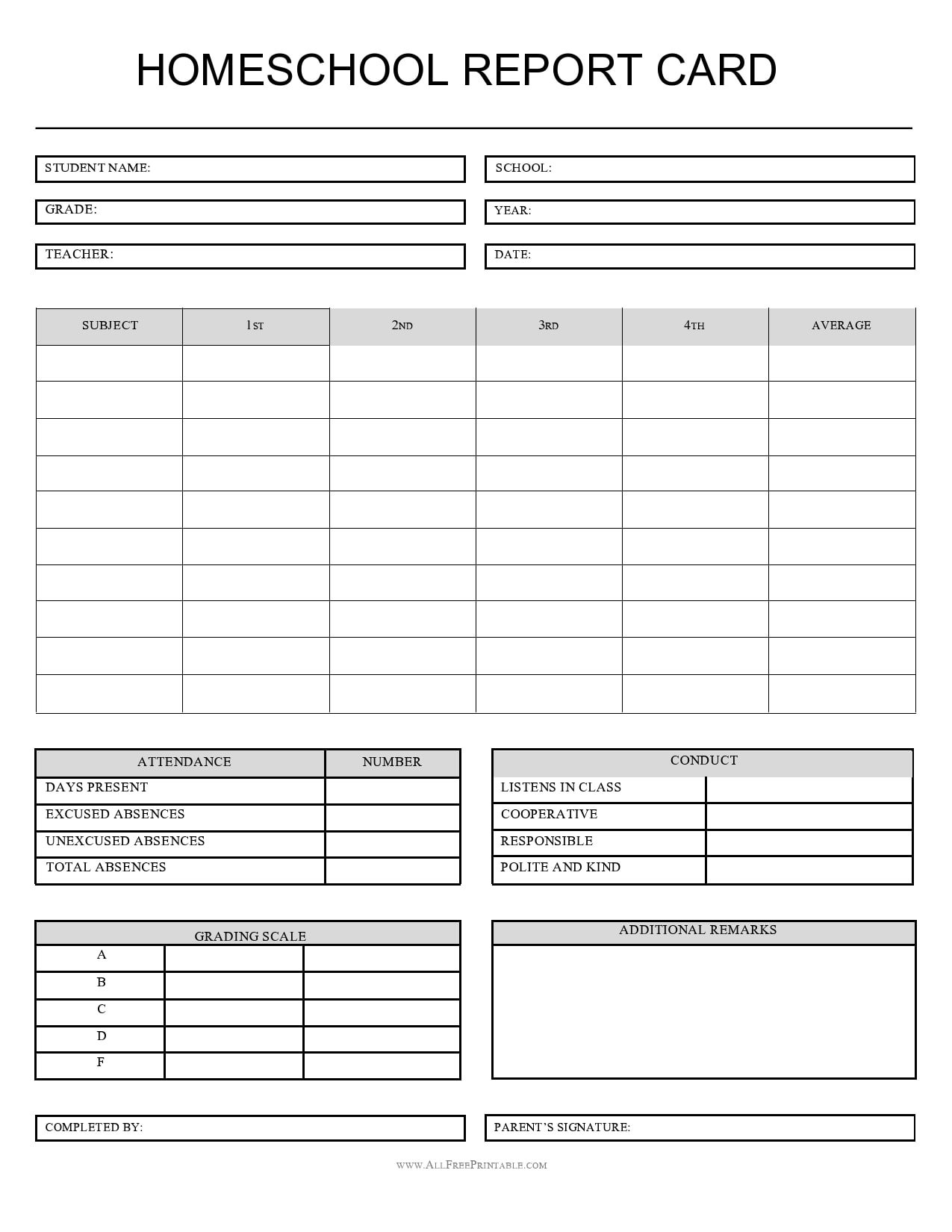
Excel Report Card Template
IDWedgeKB Programming Tutorial Video
Oct 21 2020 nbsp 0183 32 how 5 4 I don t know how you did it How you did it is none of my business This

Important When you create a Google Account for your business you can turn business personalization on A business account also makes it easier to set up Google Business Profile
Sign in to Gmail Tip If you sign in to a public computer make sure to sign out before you leave the computer Learn how to sign in on a device that s not yours

If you forgot your password or username or you can t get verification codes follow these steps to recover your Google Account That way you can use services like Gmai
Important Before you set up a new Gmail account make sure to sign out of your current Gmail account Learn how to sign out of Gmail From your device go to the Google Account sign in
[desc-11] [desc-12]
[desc-13]