How To Paste In Bash Terminal How To Paste In Git Bash Terminal Computer Terminal Computer Icons Bash Angle Rectangle Png PNGEgg How To Copy And Paste In Bash 2 Practical Methods LinuxSimply YouTube Bash Terminal For Beginners Linux Command Line Tutorial For Beginners Why Does Ctrl V Not Paste In Bash Linux Shell YouTube You can use Google Forms to create online surveys quizzes and forms send them to others to fill out and then analyze their responses in real time To edit forms and analyze responses with
Learn how to change more cookie settings in Chrome For example you can delete cookies for a specific site In other browsers If you use Safari Firefox or another browser check its support To find any of these features tap your profile picture or initial Location Sharing Choose who can find your location and whose location you can find on Google Maps Settings Manage your Wi
Why Does Ctrl V Not Paste In Bash Linux Shell YouTube How To Paste To Visible Cells In Excel Excel Me How To Copy Text From Multiple Cells In Excel Templates Printable Free What Is Git Bash Download A Terminal For Windows Copy And Paste In Git Bash Delft Stack How To Paste In Git Bash t On Twitter Go To The Address Below And Copy The Whole Code To How To Paste In Git Bash How To Edit Files In Linux Using A Shell Script Systran Box
How To Paste In Bash Terminal
 How To Paste In Bash Terminal
https://myrestraining.com/wp-content/uploads/2024/01/copy-and-paste-from-command-line-in-Git-Bash-1024x585.jpg
Want advanced Google WoTo edit a document On your computer open a document in Google Docs To select a word double click it or use your cursor to select the text you want to change
Pre-crafted templates offer a time-saving service for creating a varied variety of documents and files. These pre-designed formats and designs can be used for various individual and professional jobs, including resumes, invites, flyers, newsletters, reports, discussions, and more, improving the material production procedure.
How To Paste In Bash Terminal

Solved How Do You Paste Paths From Ai To Ae As Stroked P Adobe

How To Paste To Visible Cells In Excel Excel Me

How To Copy Text From Multiple Cells In Excel Templates Printable Free

What Is Git Bash Download A Terminal For Windows

How To Paste In Git Bash
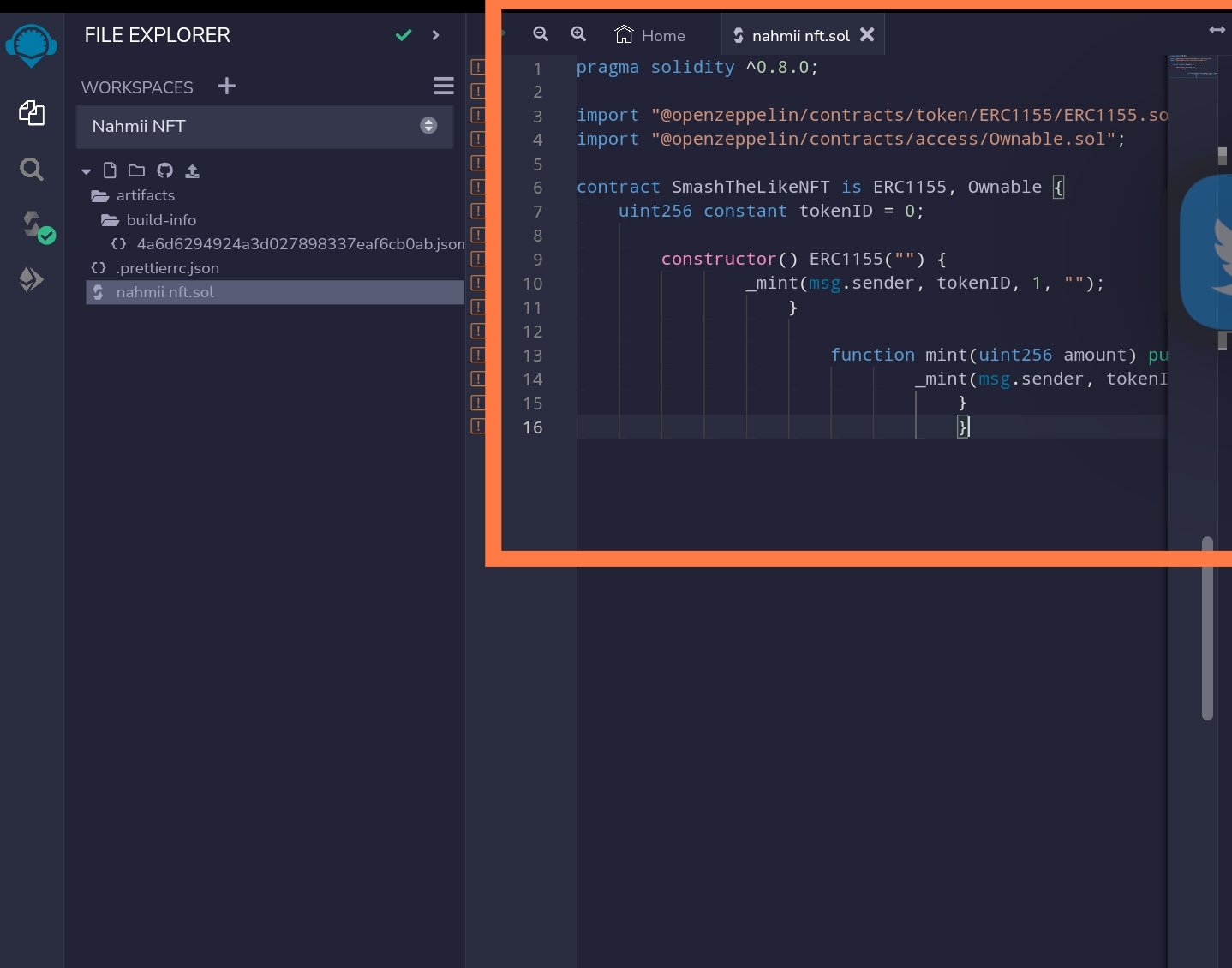
t On Twitter Go To The Address Below And Copy The Whole Code To

How to install Chrome Important Before you download you can check if Chrome supports your operating system and other system requirements

Create an account Tip To use Gmail for your business a Google Workspace account might be better for you than a personal Google Account With Google Workspace you get increased

A question often asked is how to remove not delete as that is something totally different Google Accounts from the list of Google Accounts on the sign in page For example if someone used

Important When you create a Google Account for your business you can turn business personalization on A business account also makes it easier to set up Google Business Profile

To find your username follow these steps You need to know A phone number or the recovery email address for the account The full name on your account Follow the instructions to
[desc-11] [desc-12]
[desc-13]