How To Paste A Pdf Into Google Docs 5 Steps To Insert A Pdf Into Google Docs March 2023 How To Insert A Pdf Into Google Docs Australia Instructions Step by 5 Ways Insert PDF Into Google Docs Without Losing Formatting How To Insert A PDF File Into Google Docs 3 Simple Ways PDF Agile How To Insert A PDF Into Google Docs Best Ways EaseUS Web Nov 4 2022 nbsp 0183 32 Step 1 Open your file in the online word processor and place your cursor where you want to insert a PDF in the file Step 2 Go to Insert on the top and choose Link in the drop down list Step 3 Copy and paste a PDF link to the Search or paste a link field in the pop up dialogue box then hit Apply to insert the PDF into Google Doc as a link
Web Jun 15 2023 nbsp 0183 32 Here Are 2 Ways By Vega Follow Last Updated June 15 2023 Sometimes you may need to insert PDF into Google Docs as reference material How to do that Don t worry In this article MiniTool PDF Editor would provide 2 effective ways for you to insert PDF into Google Docs as an image or link On This Page Web This help content amp information General Help Center experience Search Clear search
How To Insert A PDF Into Google Docs Best Ways EaseUS How To Insert A Pdf Into Google Docs Australia Instructions Step by 5 Steps To Insert A Pdf Into Google Docs September 2023 How To Insert A PDF Into Google Docs How To Insert A PDF File Into Google Docs 3 Simple Ways PDF Agile How To Insert PDF Into Google Doc In 3 Ways How To Put A PDF Into Google Docs 5 Steps To Insert A Pdf Into Google Docs March 2023 How To Put A PDF Into Google Docs
How To Paste A Pdf Into Google Docs
 How To Paste A Pdf Into Google Docs
https://cleversequence.com/wp-content/uploads/2022/02/how-to-import-a-PDF-into-Google-Docs-doc-and-pdf-document-how-to-insert-a-pdf-into-google-docs.png
Web Use keyboard shortcuts Use the right click menu Select Copy or Paste from the Edit menu in the toolbar Tip To use the menu options Docs Offline extension needs to be installed If you use
Pre-crafted templates use a time-saving service for developing a diverse series of files and files. These pre-designed formats and layouts can be made use of for numerous personal and professional projects, consisting of resumes, invites, leaflets, newsletters, reports, discussions, and more, streamlining the content creation process.
How To Paste A Pdf Into Google Docs

5 Steps To Insert A Pdf Into Google Docs March 2023

How To Insert A Pdf Into Google Docs Australia Instructions Step by

5 Steps To Insert A Pdf Into Google Docs September 2023
How To Insert A PDF Into Google Docs
How To Insert PDF Into Google Doc In 3 Ways
How To Put A PDF Into Google Docs

Web Sep 27 2023 nbsp 0183 32 Yes you can attach your PDFs to your Google Doc in several ways You can try to paste the share link of your PDF file into your current document Use a dedicated PDF editing software like a PDF merging tool and convert your file s pages into images and then insert in Google Docs

Web Sep 5 2023 nbsp 0183 32 How to upload a PDF to Google Docs without losing formatting Save the PDF to your computer Log into your Google account Upload the PDF file Select the Uploaded File Select Open with gt Google Docs Google Docs is a cloud based word processing system that was launched in the year 2006

Web 2 feb 2023 Blog Table of Contents Convert your PDF to a Google Docs without formatting Convert PDF to Google Docs with accurate formatting Insert a PDF into a Google doc as a JPG Insert a PDF into a Google Doc as a shareable link Are there more ways to convert to PDF We recommend that first you use the free PDF to Word converter
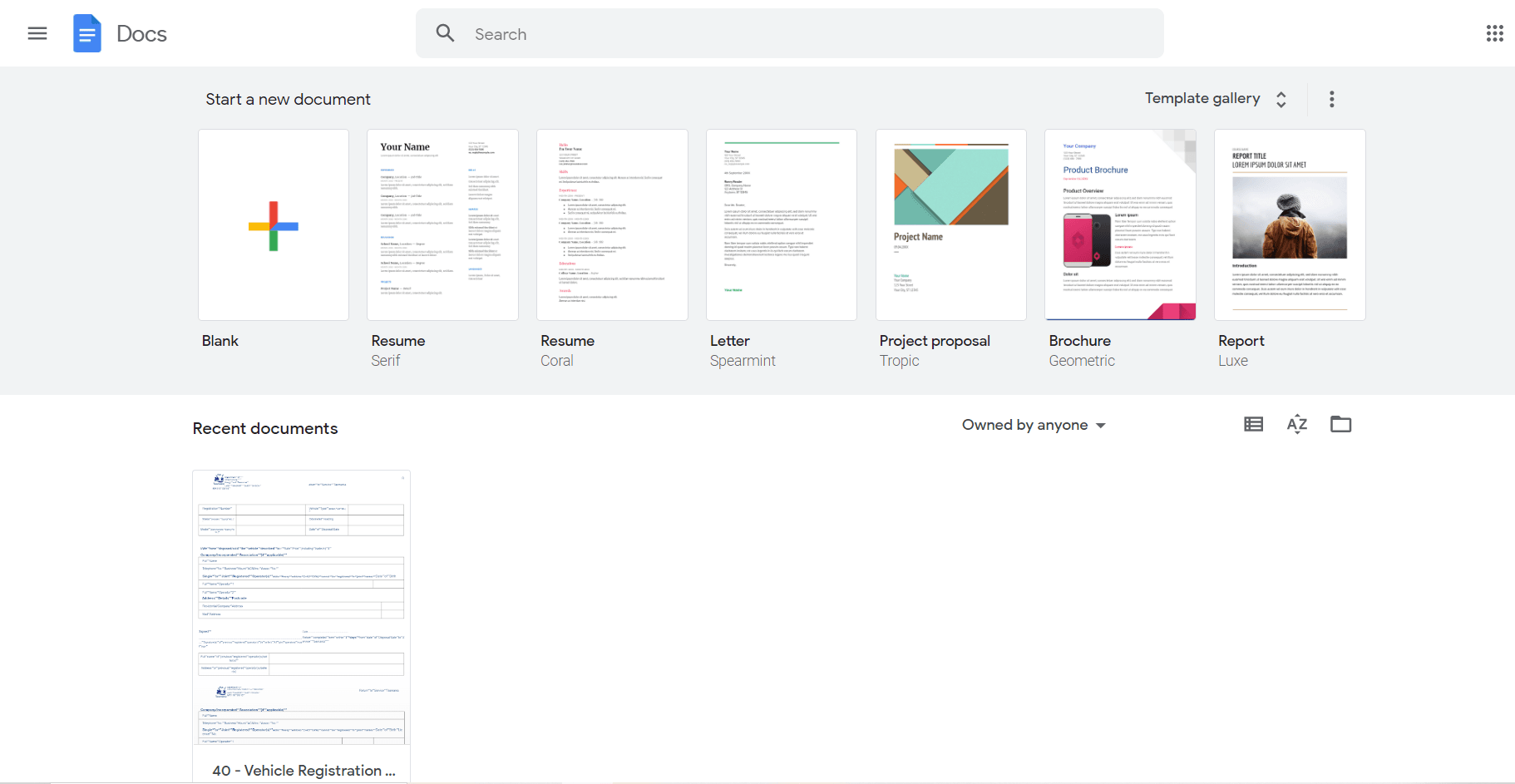
Web Feb 22 2017 nbsp 0183 32 Right click on the PDF file in the file list and select Open With gt Google Docs The PDF file is converted to a Google Doc containing editable text Notice that the Google Docs version of the file still has the pdf extension on it so the files have the same name in the list
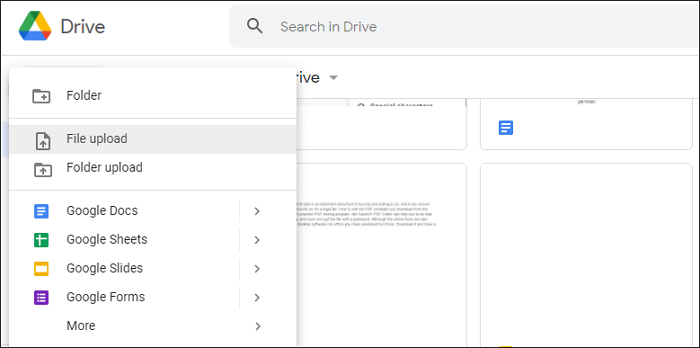
Web Jun 21 2023 nbsp 0183 32 Here are the steps for each method Method 1 Upload the PDF file to Google Drive and then open it in Google Docs Upload the PDF file to Google Drive Right click on the PDF file and select Open with gt Google Docs Edit the file Method 2 Convert the PDF into a format supported by Google Docs
Web Feb 7 2022 nbsp 0183 32 This wikiHow teaches you how to copy a PDF file s contents and paste them into another document that you can edit The easiest way to do this is to use Google Drive which can convert nearly any PDF even those with text embedded in images to a format you can copy and edit directly Web One way is to upload the PDF to Google Drive then you can generate a link and insert it in the document with an additional small icon Also you may add the PDF file in your Google Doc as an image This is how to add a PDF to a Google Doc through different methods So let s dive in to find out
Web Nov 4 2022 nbsp 0183 32 Thanks to the free serve and ease of access on the web Google resources has become one of the most popular phrase processors an online counterpart concerning Microsoft Phrase AMPERE print created by Google Docs is usual called a Google Doc Unlike that Word program the online software doesn t allow you getting otherwise