How To Open Mysql Command Line Mac Start The Command line Interface MySQL How To Use MySQL From The Command Line With Examples Mysql Client Free Download Holdenjo Como Recuperar O Mysql Da Linha De Comando Em Rela O Ao Windows Hot How To Import An Sql File Using The Command Line In Mysql Stack Www Web Oct 3 2023 nbsp 0183 32 Step 1 Open Terminal Launch the terminal on your Mac You can find it in the Utilities folder within Applications Step 2 Navigate to MySQL Installation Path If MySQL is installed
Web For details see MySQL Shell 8 0 Using mysql is very easy Invoke it from the prompt of your command interpreter as follows mysql db name Or mysql user user name password db name In this case you ll need to enter your password in response to the prompt that mysql displays Enter password your password Web Mar 10 2024 nbsp 0183 32 1 Open the shell terminal in Mac Linux or command prompt in Windows 2 If the MySQL shell path is added to the environment variable you can execute the command directly else you can first navigate to the directory where the MySQL shell is
How To Import An Sql File Using The Command Line In Mysql Stack Www Mysql On Command Line CMD YouTube How To Create A Mysql Database For Wordpress Using The Command Line MySQL Commands Full List With Examples InterviewBit Delete All Table Contents Mysql Command Line Brokeasshome Mysql Command Line Database Backup And Restore In Windows Youtube Riset 1 How To Open MySql Server Using Command Prompt Mysql And Command Access Mysql Database Of OpenMRS Using Windows Command Line Ask Interactive Command Line From Within MySQL Workbench Stack Overflow
How To Open Mysql Command Line Mac
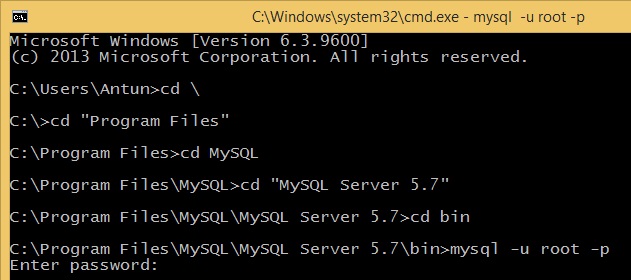 How To Open Mysql Command Line Mac
https://geek-university.com/wp-content/uploads/2016/03/start_mysql_command_line.jpg
Web Jan 18 2024 nbsp 0183 32 Follow the steps below to use MySQL workbench to connect to a database Note The process for connecting to MySQL deployments on macOS and Linux using MySQL Workbench is the same as in Windows 1 Open MySQL Workbench 2 In the top menu select Database then click Connect to Database
Templates are pre-designed documents or files that can be used for various functions. They can save time and effort by providing a ready-made format and layout for creating various kinds of material. Templates can be utilized for personal or expert jobs, such as resumes, invitations, flyers, newsletters, reports, presentations, and more.
How To Open Mysql Command Line Mac
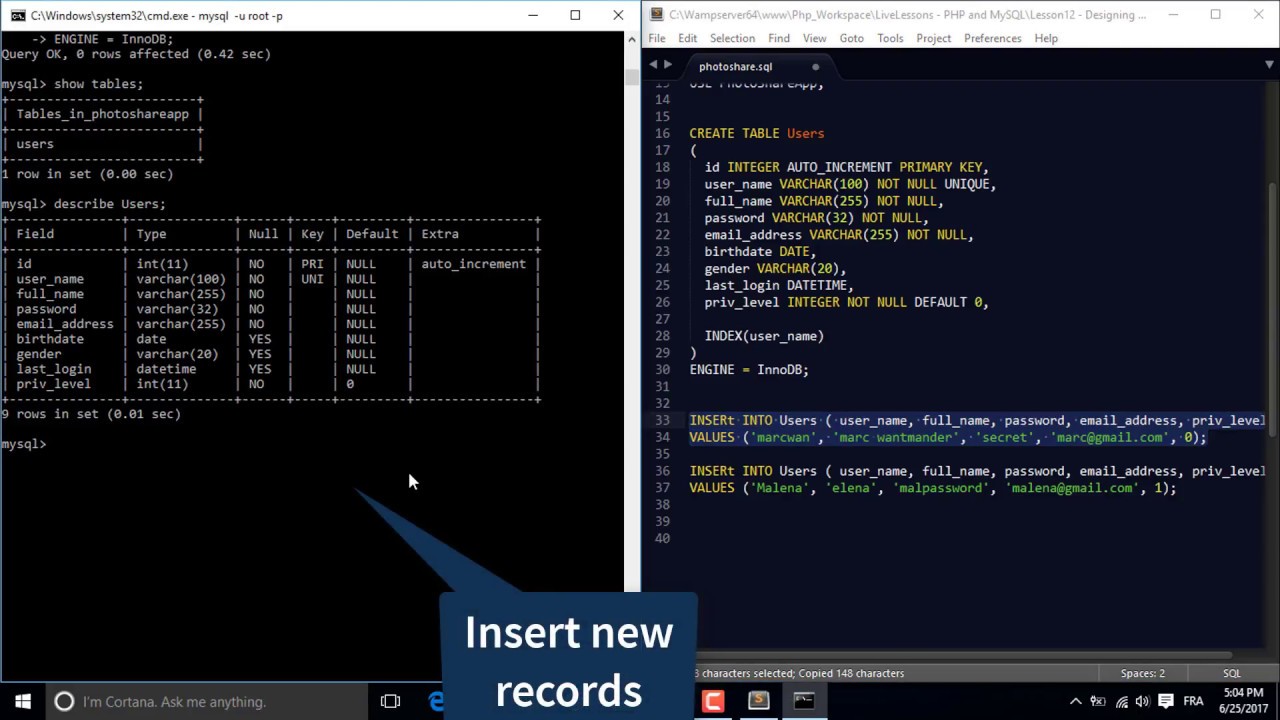
How To Create A Mysql Database For Wordpress Using The Command Line

Mysql On Command Line CMD YouTube

How To Create A Mysql Database For Wordpress Using The Command Line
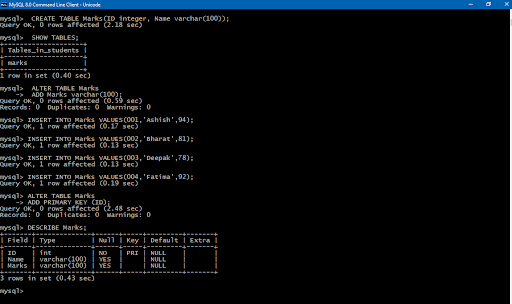
MySQL Commands Full List With Examples InterviewBit

Mysql Command Line Database Backup And Restore In Windows Youtube Riset

1 How To Open MySql Server Using Command Prompt Mysql And Command
Web Open your bash profile vi bash profile Add following line to your bash profile alias mysql quot usr local mysql bin mysql u root quot Source your bash profile source bash profile Should be able to run MySQL by typing mysql everywhere from the terminal

Web Feb 2 2024 nbsp 0183 32 Open MySQL on Mac Terminal Add MySQL Path to the System Environment for Easy Access This article will teach you how to open MySQL using Mac Terminal We anticipate you might find our method a bit complex so we ll teach you a simpler approach This approach works for macOS Catalina and later and macOS Mojave and earlier
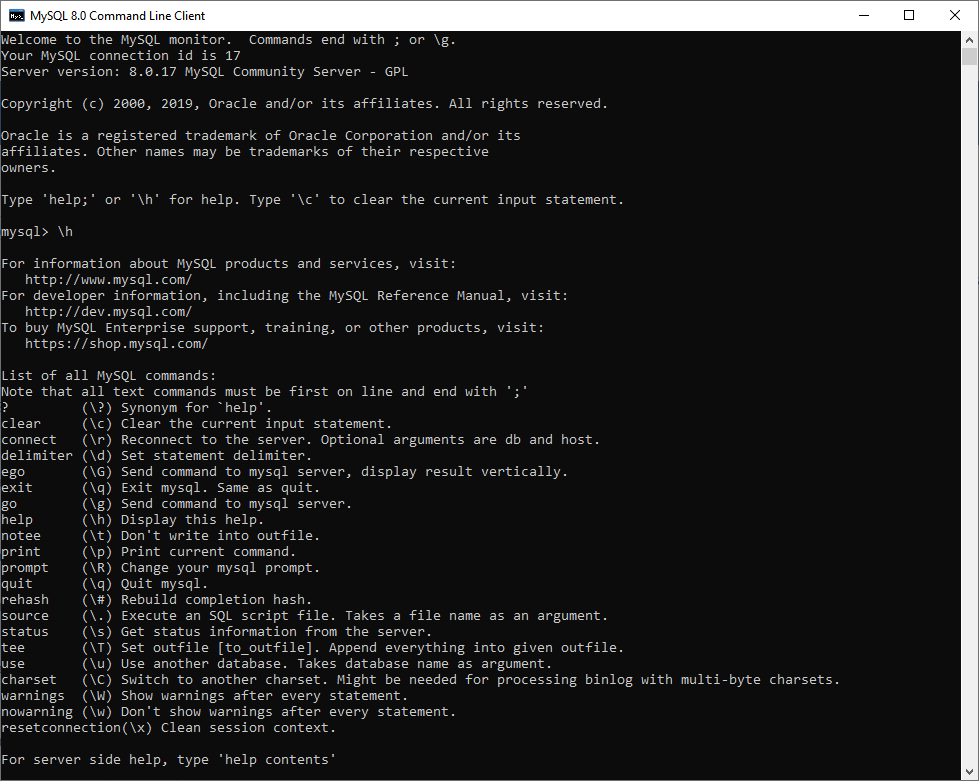
Web May 21 2024 nbsp 0183 32 The recommended way for installing MySQL on macOS is to use the macOS installer package See Installing MySQL on macOS Using Native Packages on how to download and run the installer package and how to start the MySQL server afterward
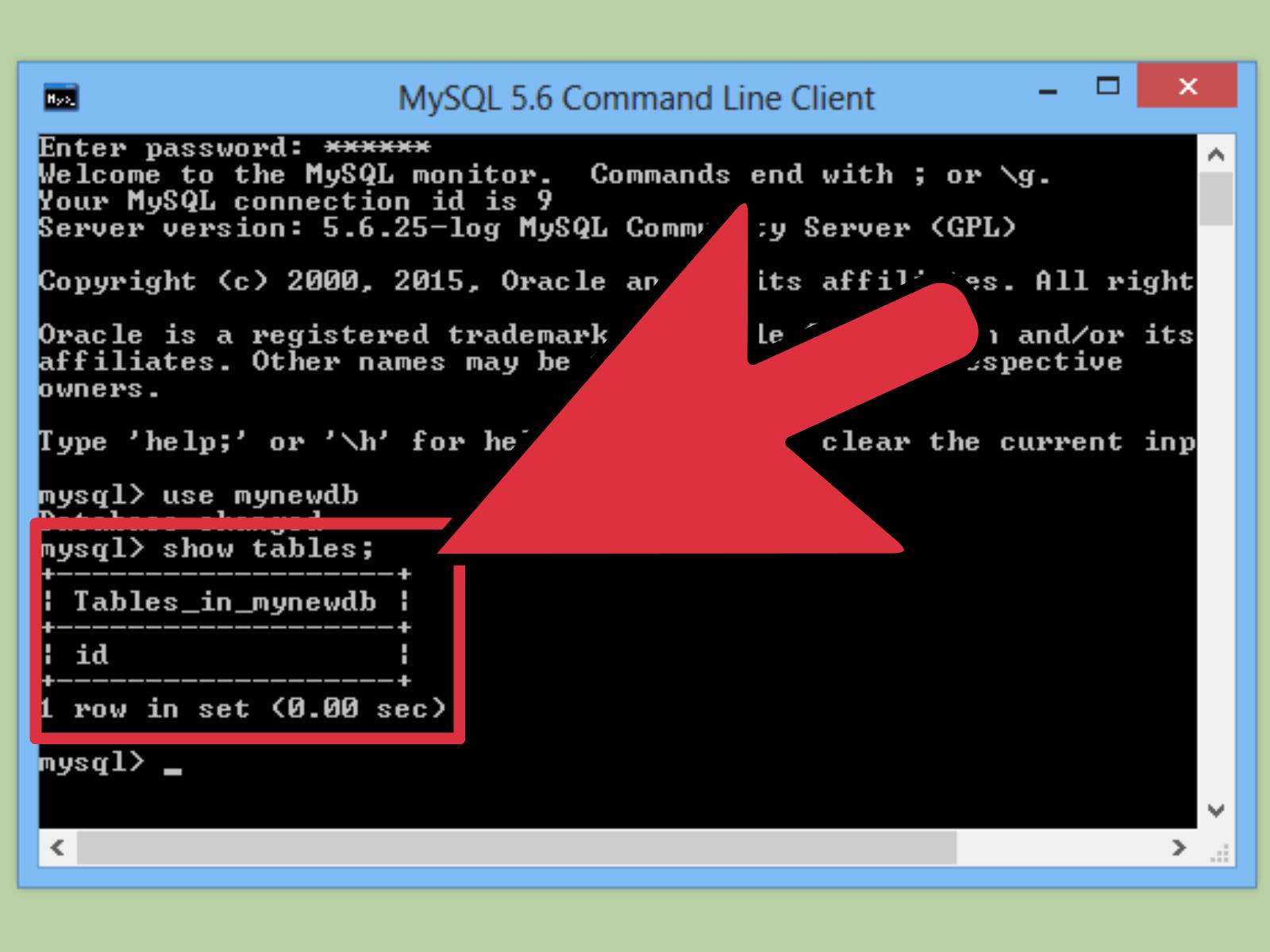
Web Dec 9 2019 nbsp 0183 32 539 46K views 4 years ago Learn SQL with MySQL Learn how to connect to MySQL from the command line under macOS OSX and Linux operating systems more This video is from my online

Web Jun 22 2023 nbsp 0183 32 16 Answers Sorted by 643 See here http dev mysql doc refman 5 0 en connecting html mysql u USERNAME pPASSWORD h HOSTNAMEORIP DATABASENAME The options above means u username p password no space between p and the password text h host last
Web May 5 2020 nbsp 0183 32 The easiest way to open the file is to type the following command in the terminal and provide the password sudo nano etc paths Include one per line given below paths in the etc paths file usr local mysql bin usr local mysql support files Next type the command to start the MySQL server sudo mysql server start Web Dec 15 2012 nbsp 0183 32 In macOS Monterey open terminal and run following command sudo nano etc paths then after the bottom line add following path Applications XAMPP xamppfiles bin now press control x to save then press y to confirm save then press enter restart the terminal now mysql is working
Web Sep 26 2022 nbsp 0183 32 Open the Command Line by finding it in the Start menu or pressing the Windows key and searching for command Enter the following commands to start or stop MySQL Start MySQL server mysqld If that command does not work it s because the folder that this tool is located is not in your Windows PATH environment variable