How To Open Mysql Command Line Client From Cmd How to Send SQL Queries to MySQL from the Command Line: 9 Steps How to connect to Mysql database through windows command line (cmd)! - YouTube 10 How to use MySQL command line client | How to use MySQL command line tool - YouTube How to Make the Initial Connection to MySQL (From Various Access Points) - Owlcation Connecting to MySQL from Command Line on macOS and Linux - YouTube Start by opening the Run command box in Windows Use the keyboard shortcut hold the Windows super key and press the letter R Win R Then
Installing MySQL Command Line Client Connecting To MySQL Client 1 Open the shell terminal in Mac Linux or command prompt in Windows Start your MySQL server service from MySQL home directory Your one is C MYSQL bin so choose this directory in command line and type NET
Connecting to MySQL from Command Line on macOS and Linux - YouTube MySQL and Windows Terminal - upyesp MYSQL Tutorial #1 Install MYSQL Command Line Client - YouTube Guide to MySQL Download on Windows | Liquid Web How to Show List of All Databases in MySQL [Explained] MySQL - Wikipedia MySQLImport Options - TestingDocs.com MySQL: Allow remote connections - Linux Tutorials - Learn Linux Configuration How to install MySQL (MariaDB) on Android with Termux - Parzibyte's blog
How To Open Mysql Command Line Client From Cmd
 How To Open Mysql Command Line Client From Cmd
https://www.wikihow.com/images/thumb/a/a0/Send-Sql-Queries-to-Mysql-from-the-Command-Line-Step-9-Version-2.jpg/aid258060-v4-1200px-Send-Sql-Queries-to-Mysql-from-the-Command-Line-Step-9-Version-2.jpg
Then type an SQL statement end it with g or G and press Enter Typing Control C causes mysql to attempt to kill the current statement If this cannot
Templates are pre-designed documents or files that can be used for different purposes. They can conserve effort and time by supplying a ready-made format and layout for developing various kinds of material. Templates can be used for individual or professional projects, such as resumes, invitations, flyers, newsletters, reports, discussions, and more.
How To Open Mysql Command Line Client From Cmd

How to Download and Install MySQL Command Line Client on Windows | MySQL Installation - YouTube
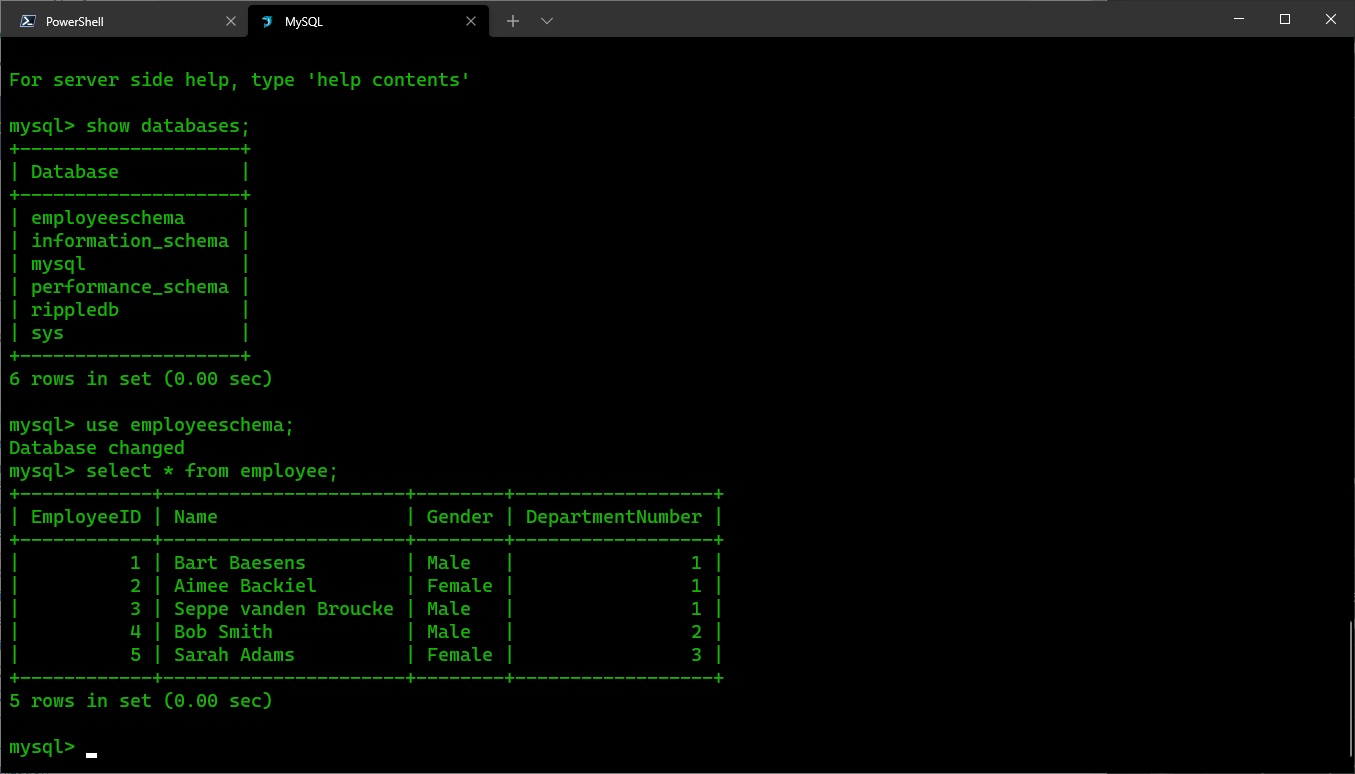
MySQL and Windows Terminal - upyesp
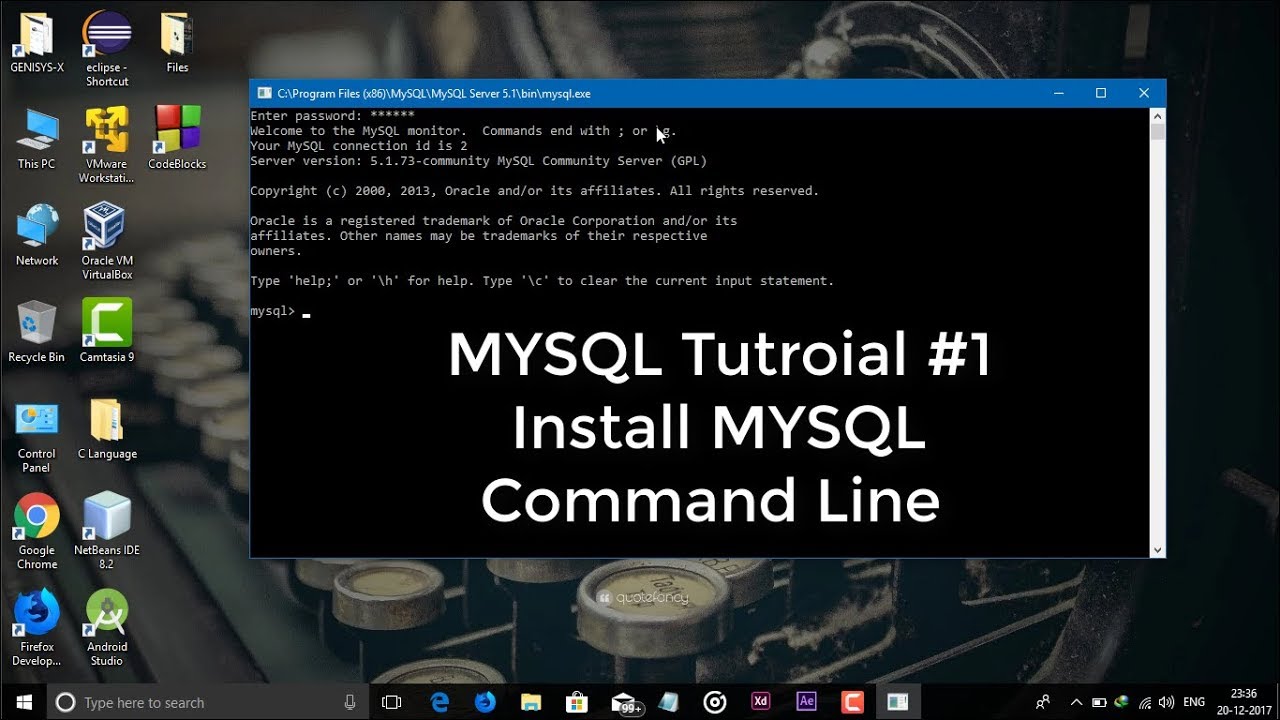
MYSQL Tutorial #1 Install MYSQL Command Line Client - YouTube

Guide to MySQL Download on Windows | Liquid Web
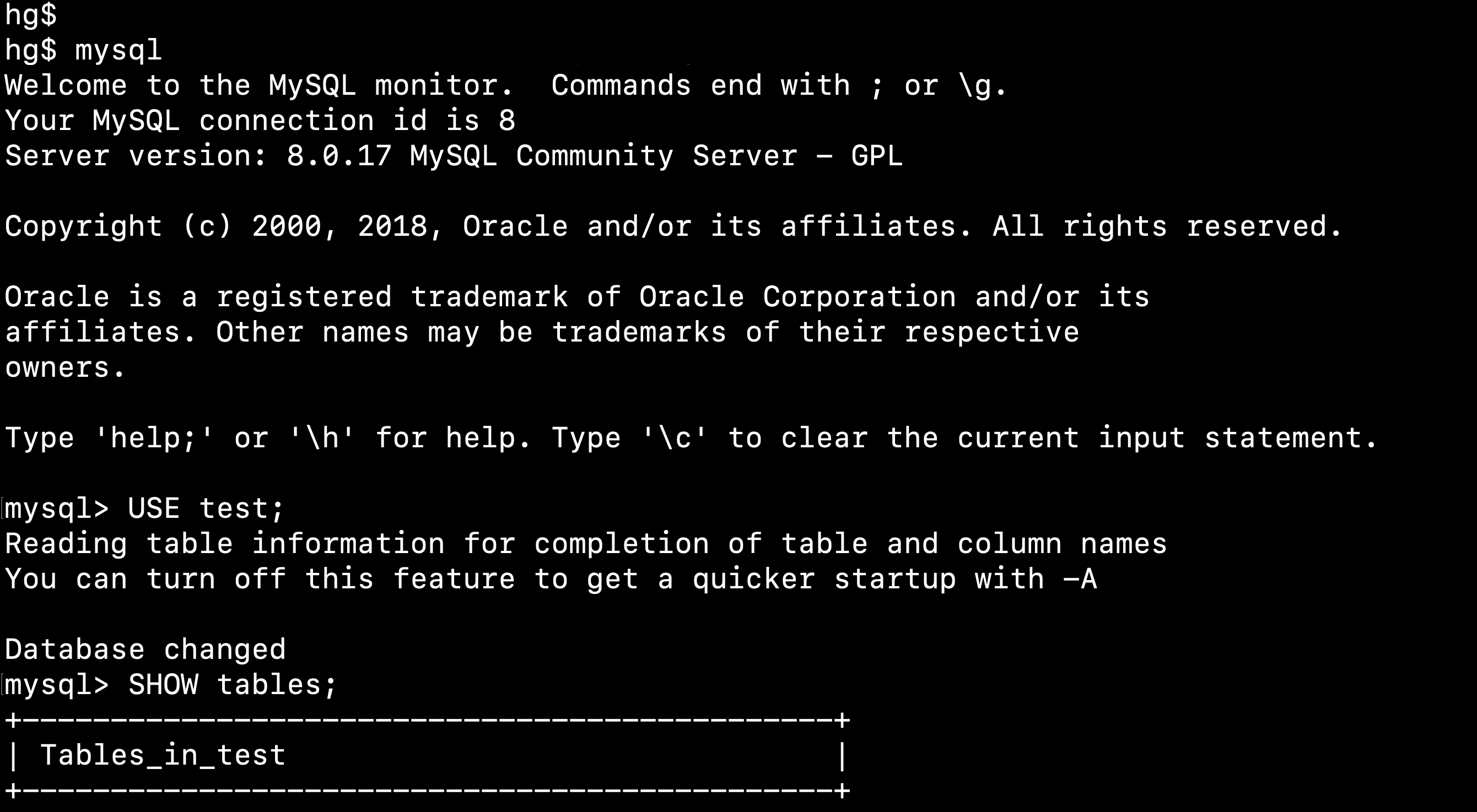
MySQL - Wikipedia

MySQLImport Options - TestingDocs.com

Open Command Prompt Navigate to the bin folder For example cd C Program Files MySQL MySQL Server 8 0 bin Run the mysql u root p command

Please see the documentations https jinujawad open mysql through command prompt

On Windows click Start All Programs MySQL MySQL 5 7 Command Line Client or MySQL 8 0 Command Line Client respectively If you did not install MySQL
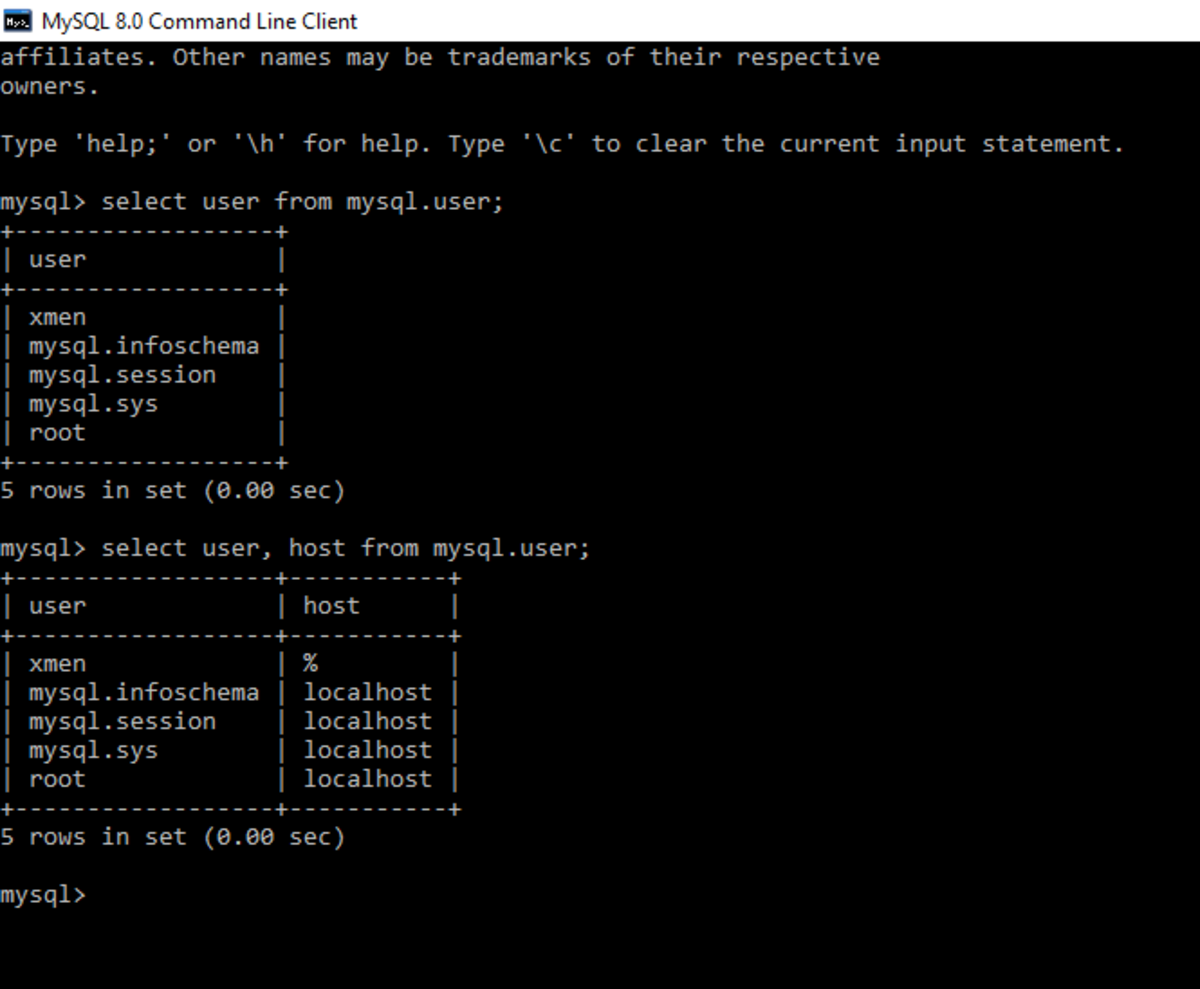
In the Windows Command Prompt run the command mysql u userName p Enter your password when prompted

Launch the MySQL Command Line Client To launch the client enter the following command in a Command Prompt window mysql u root p
1 answer Make sure you have created MySQL connection correctly Open command line from search then type cd Once you reached the bin directory then type Run Script in MySQL Workbench Open MySQL workbench Connect to the server Open a new query tab Run the following script
How to Start Stop and Restart MySQL Server in Windows To start you ll first need to open a terminal window Next type in cmd and press the Enter key