How To Open Multiple Workspace In Visual Studio Code VSCode Tutorial How To Creating A New Workspace In Visual Studio Code Kirk S Ui Dev Blog Visual Studio Code Settings By User Workspace Or Search Your Workspace In Visual Studio Code Quick Tip YouTube Exceptional Modern Office Space Layouts Part 4 Workstation Office Comment Supprimer Des Dossiers Du Code Visual Studio VS Code provides several different scopes for settings When you open a workspace you will see at least the following two scopes User Settings Settings that apply globally to any instance of VS Code you open Workspace Settings Settings stored inside your workspace and only apply when the workspace is opened
1 Using Shortcuts 2 Using Your Mouse 3 One More Approach 4 Final Words Using Shortcuts Using hotkeys is quick and convenient If you are using Windows just hit Ctrl Shift N If you are on a Mac just press Command Shift N Using Your Mouse To open another window of VS Code you can select File New Window from the menu bar 6 Answers Sorted by 16 You can use multi root workspaces Rather than opening the root directory of your project you can open the first separate git repo then add others using File Add Folder to Workspace
Comment Supprimer Des Dossiers Du Code Visual Studio C mo Importar Cosas En Java Con C digo De Visual Studio Code World Visual Studio Code User And Workspace Settings Visual studio code Multi root Workspaces In Visual Studio Code 2022 Multi root Workspaces In Visual Studio Code Settings Change Default Opening And Saving Location In Visual Studio How To Create Custom Photoshop Workspaces Visual Studio Code Treasures A List Of Visual Studio Code Extensions Seamless Teaching And Learning Through GitHub Classroom And Visual
How To Open Multiple Workspace In Visual Studio Code
 How To Open Multiple Workspace In Visual Studio Code
https://i.ytimg.com/vi/lQk7Hkq9YVs/maxresdefault.jpg
Type in the file name To open the new file in a temporary tab simply click on it once To open multiple file editors in separate windows in VS Code follow the instructions below Launch VS Code
Templates are pre-designed documents or files that can be used for numerous functions. They can save effort and time by offering a ready-made format and design for producing various type of content. Templates can be used for individual or professional tasks, such as resumes, invites, flyers, newsletters, reports, presentations, and more.
How To Open Multiple Workspace In Visual Studio Code

Multi root Workspaces In Visual Studio Code

C mo Importar Cosas En Java Con C digo De Visual Studio Code World
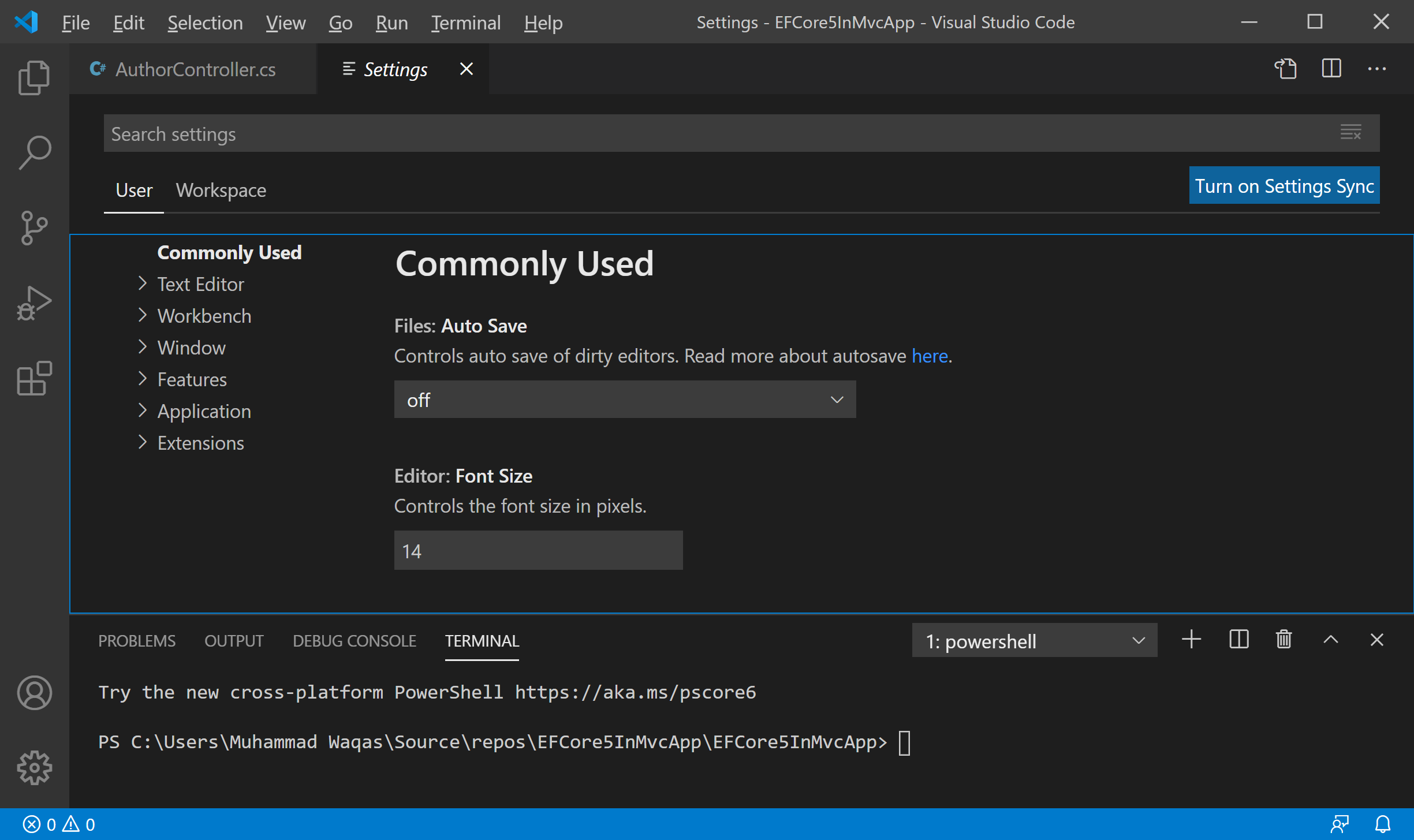
Visual Studio Code User And Workspace Settings Visual studio code
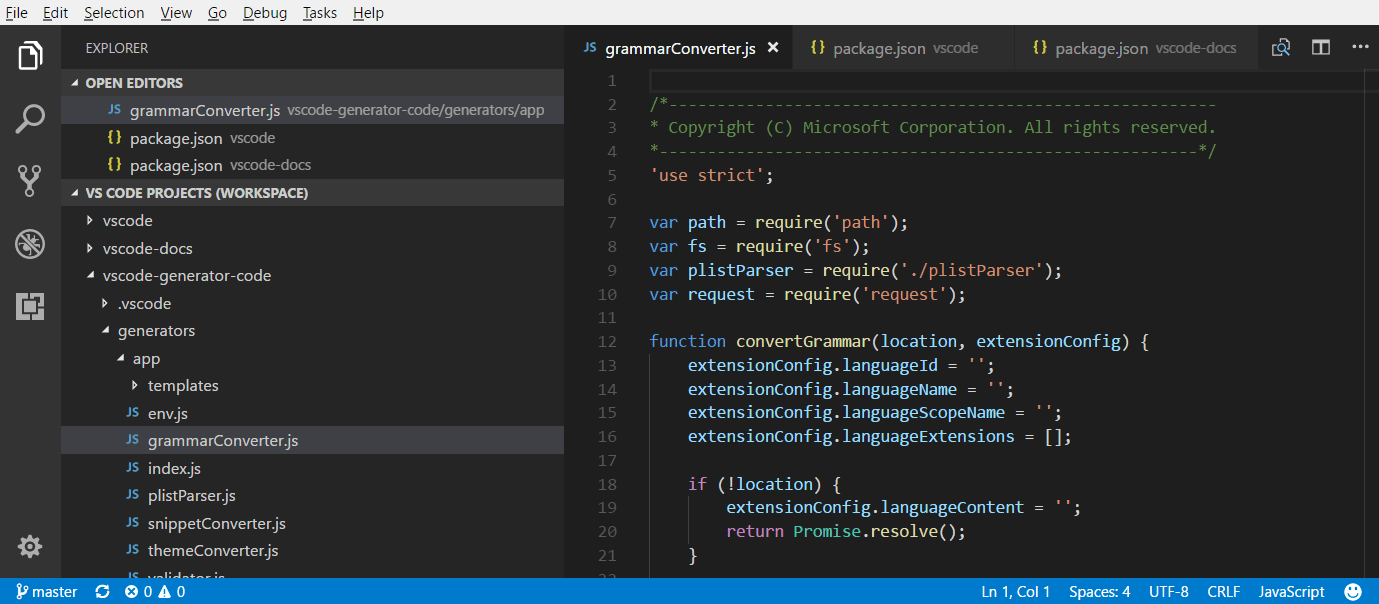
Multi root Workspaces In Visual Studio Code 2022

Settings Change Default Opening And Saving Location In Visual Studio

How To Create Custom Photoshop Workspaces

Open multiple Projects Folders in Visual Studio Code Ask Question Asked 8 years 7 months ago Modified 6 months ago Viewed 324k times 367 How do I open multiple projects folders in a single Visual Studio Code instance and open multiple files in single view Does it has any option for future change request visual studio code Share Follow

How to add folders to workspaces using vscode How to create workspaces Free Document Proofreading Grammarly https grammarly go2cl

Click on the Explorer icon in the VS Code sidebar or press Ctrl Shift E either way will open File Explorer Select the Open Folder button or go to File and Open Folder in

Ctrl Shift N will open a new window while Ctrl K then releases the keys and pressing O would open the current tab in a new window You can then use menu File Open Folder to have two instances of Visual Studio Code with different folders in each window For Mac Shift N Open new Window

How do we create a workspace in Visual Studio Code I see File menu commands to open add a folder to and save a workspace but nothing to create one The questions How can I create a workspace in Visual Studio Code and How can I create a Visual Studio Code Python workspace are specific to Python I am asking how to create a generic workspace
Can a Visual Studio Code Workspace Be Used with Multiple Windows Asked 4 years 3 months ago Modified 1 year 9 months ago Viewed 2k times 4 Is it possible to associate a workspace with multiple windows For example when I open a workspace can I have it open memorized documents in two windows Visual Studio Code will open edit the extensions json file not the code workspace file Sum it up Developing with Visual Studio Code in a monorepo is IMHO pleasant and you can structure the
How To Open Multiple Projects Folders In VS Code 2023 This is a video tutorial on how to set up a workspace and open several projects folders in Visual