How To Open Command Prompt On Macbook 8 Ways To Open The Command Prompt In Windows 10 Photos 5 Simple Ways To Open The Command Prompt In Windows Wiki Command How To Open Command Prompt As Administrator On Windows 10 GuruAid Basic Commands For Command Prompt How To Open CMD Command Prompt In Windows 10 YouTube Opening Terminal through the Finder 1 Click the Finder logo located in the bottom toolbar of your screen it looks like a two toned smiling face 2 On the left toolbar click Applications
Open Unix manual man pages to look up commands Learn about UNIX Manual Pages Introduce yourself to scripting Read an in depth primer on Unix scripting View the Shell Scripting Primer To explore the Terminal User Guide click Table of Contents at the top of the page or enter a word or phrase in the search field Helpful This quick tutorial will show you people who are used to using Windows how to find the equivalent of the Command Prompt on Mac OS X This will be useful when
How To Open CMD Command Prompt In Windows 10 YouTube How To Open CMD Command Prompt In Windows 10 YouTube 4 Ways To Open The Command Prompt In Windows Wikihow Images And How To Change A Windows User Account Password From Command Prompt How To Open Command Prompt On Windows With Admin Rights MS Guides How To Open A Windows 11 Command Prompt As Administrator How To Open Command Prompt CMD On Apple Mac OS X HD Guide Tutorial How To Open Command Prompt Windows 11 10 8 7 Etc Prompts Command Prompt What It Is And How To Use It
How To Open Command Prompt On Macbook
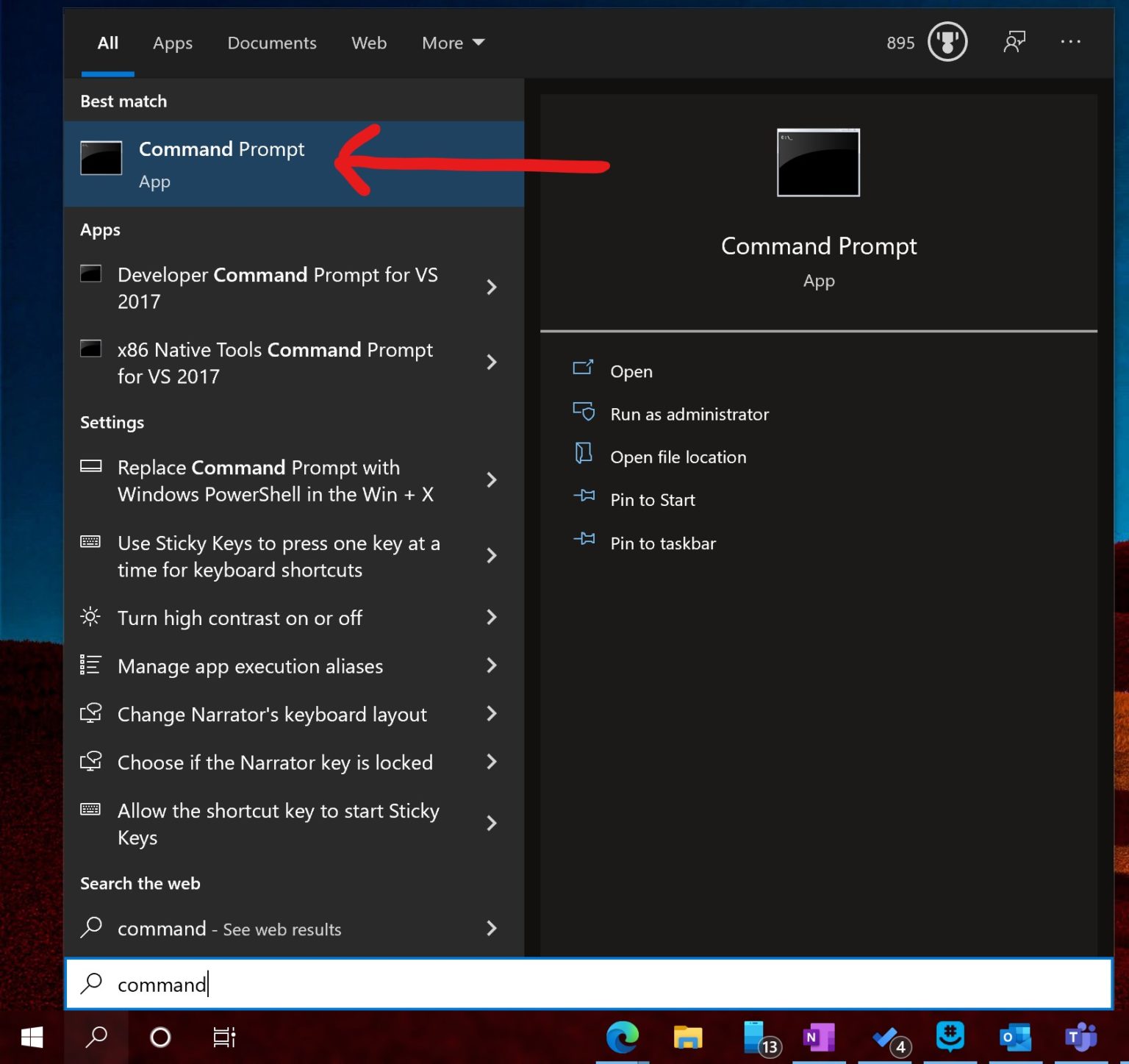 How To Open Command Prompt On Macbook
https://www.upphone.com/wp-content/uploads/2020/11/Open-Command-Prompt-1536x1447.jpg
Only administrator users can use sudo If you re not logged in as an administrator you can do so by entering the following command where adminUsername is the name of an administrator user su adminUsername You re asked to enter the password for adminUsername after which a new shell is opened for that user
Templates are pre-designed documents or files that can be utilized for numerous functions. They can save time and effort by supplying a ready-made format and layout for producing different kinds of content. Templates can be utilized for personal or expert jobs, such as resumes, invitations, flyers, newsletters, reports, discussions, and more.
How To Open Command Prompt On Macbook

How To Paste In Command Prompt Windows 10 Ruleslikos

How To Open CMD Command Prompt In Windows 10 YouTube

4 Ways To Open The Command Prompt In Windows Wikihow Images And

How To Change A Windows User Account Password From Command Prompt
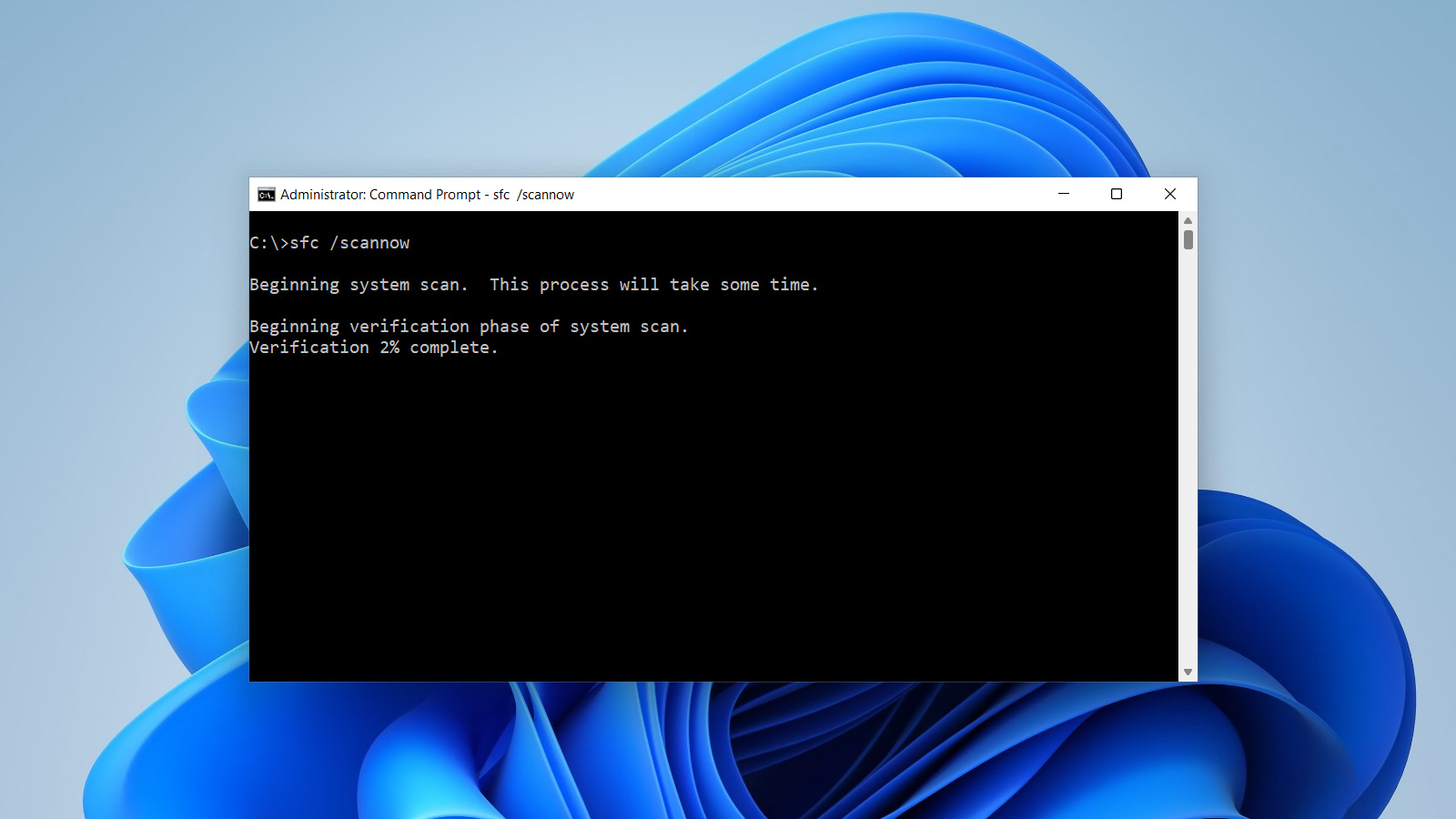
How To Open A Windows 11 Command Prompt As Administrator
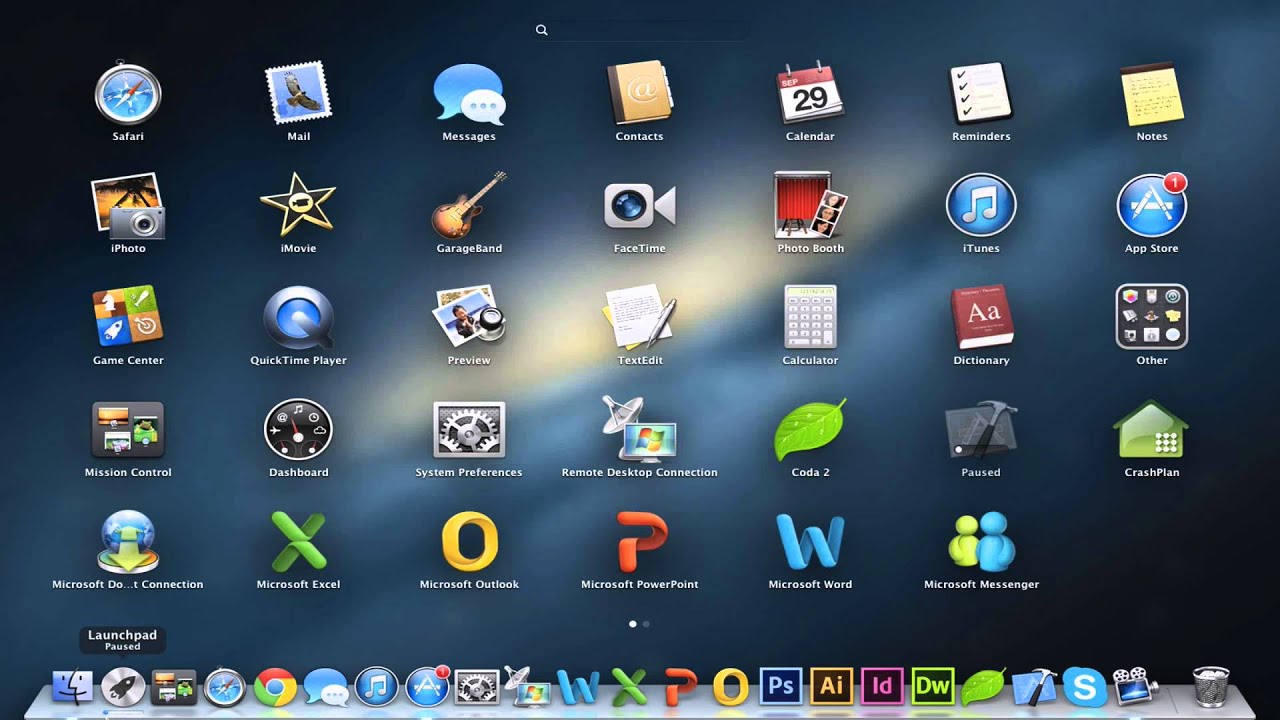
How To Open Command Prompt CMD On Apple Mac OS X HD Guide Tutorial
1 Open Launchpad It s the silver icon in the Dock that looks like a rocket The Dock is a panel of icons usually found at the bottom of the screen though it can also be moved to the screen s left or right side 1 If you re on a laptop you can also open Launchpad by doing a four finger pinch gesture on the trackpad

Using the Command Prompt on a Mac The macOS version of the command prompt app is called Terminal It offers access to the Unix part of macOS allowing you to run scripts edit settings

Open Spotlight by pressing Cmd Space on your keyboard Type terminal in the search box and select the best match That s it the Terminal will be launched and you will be free to use the Terminal app however you like

Below are the steps on how to open the command prompt or Terminal on your Mac Spotlight Press the Cmd command key and the Space bar at the same time Then type Terminal into the search that appears and press the Enter key Launchpad Look for Terminal typically found in the Other folder

Execute commands in the shell In the Terminal app on your Mac enter the complete pathname of the tool s executable file followed by any needed arguments then press Return If a command is located in one of the shell s known folders you can omit path information when entering the command name
Using Finder Open Finder Go to Application Utilities and look for Terminal Using Keyboard Shortcut Press Command Space and type Terminal open the app Check out some beginners commands for Terminal https code2care macos 10 begineers commands for macos terminal usage Have Questions Post them here More Posts related to MacOS The easiest way to open Terminal is from Spotlight search Click on the small magnifying glass icon at the top right corner of your Mac or press Command Space keys at the same time to launch Spotlight Then you can type in Terminal and double click the appeared Terminal app to open it You can also find it in the Utilities folder under
Step 1 Open Finder app on your Mac computer by clicking the smiling face at the bottom of Mac screen Step 2 In Finder app you can click Applications in the left column In the right window you can click Utilities folder then scroll down to find and double click Terminal app to access Mac command prompt