How To Open Command Line On Mac How To Open And Use The Command Prompt In Windows Macro Shot Of The Command Line On The Monitor Of The Office Computer 5 Cara Untuk Membuka Command Prompt Di Windows WikiTalkie Access IntelliJ IDEA Via The Command line On MacOS Stack Overflow Macro Shot Of The Command Line On The Monitor Of The Office Computer Mkdir command followed by the name of the directory that you want to create You can create multiple directories by separating the names with spaces For example mkdir folder1 folder2 folder3 If you want to create a folder with a space in the name make sure that you put the folder name in quotations
Opening Terminal through the Finder 1 Click the Finder logo located in the bottom toolbar of your screen it looks like a two toned smiling face 2 On the left toolbar click Applications Ever wanted to learn how the Terminal or command line on your Mac works or what it s capable of The terminal application is the best way to go in the back en
Macro Shot Of The Command Line On The Monitor Of The Office Computer Macro Shot Of The Command Line On The Monitor Of The Office Computer How To Change Directory Or Drive In Command Prompt Android Authority How To Print PDF From Command Line On Windows 2Printer Command Line On Screen Any Idea On How To Remove It R MiyooMini How To Open Command Prompt PC Tips UpPhone Conquer The Command Line 2nd Edition Raspberry Pi Press Macro Shot Of The Command Line On The Monitor Of The Office Computer Open Image Mac Command Line Popularstashok
How To Open Command Line On Mac
 How To Open Command Line On Mac
https://cdn-media-2.freecodecamp.org/w1280/5f9c9d74740569d1a4ca37da.jpg
How to open Terminal on Mac The Terminal app is in the Utilities folder in Applications To open it either open your Applications folder then open Utilities and double click on Terminal or press Command space to launch Spotlight and type Terminal then double click the search result
Templates are pre-designed files or files that can be used for different purposes. They can save time and effort by supplying a ready-made format and layout for developing different type of material. Templates can be utilized for personal or professional jobs, such as resumes, invites, leaflets, newsletters, reports, presentations, and more.
How To Open Command Line On Mac
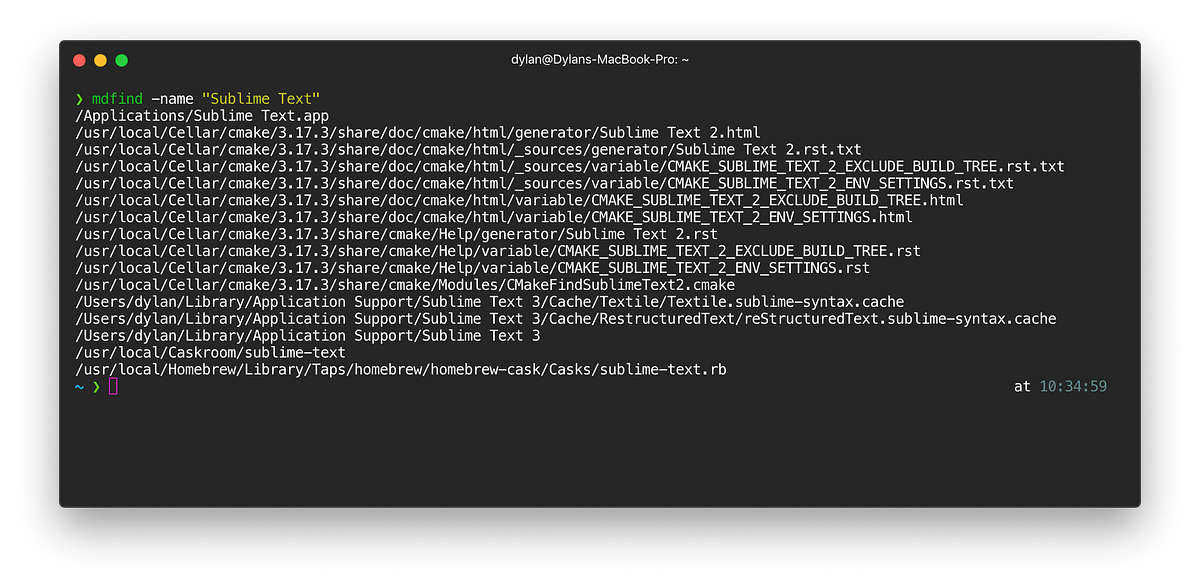
How To Uninstall Apps From The Command Line On MacOS By Dylan Wang

Macro Shot Of The Command Line On The Monitor Of The Office Computer
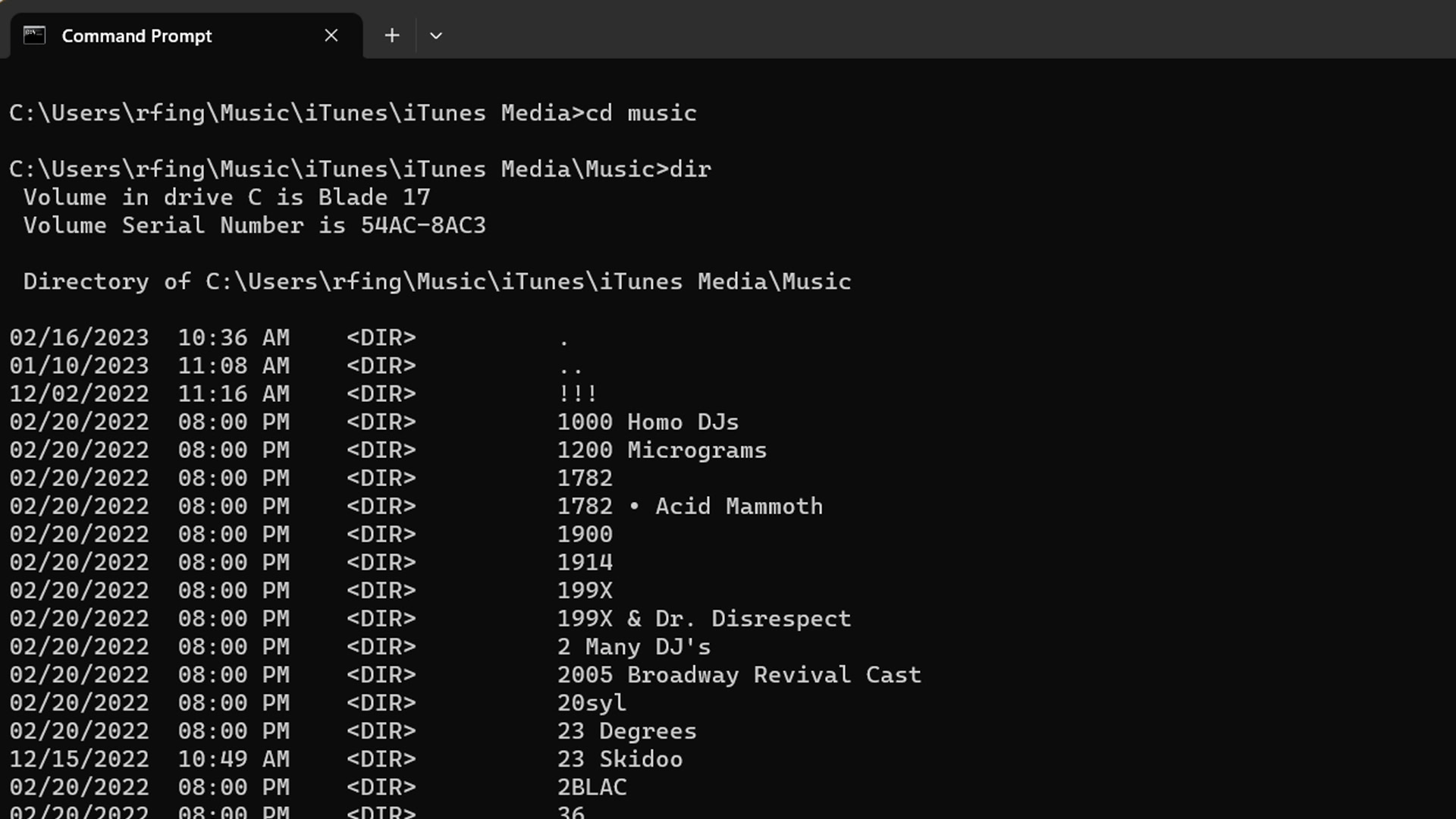
How To Change Directory Or Drive In Command Prompt Android Authority

How To Print PDF From Command Line On Windows 2Printer
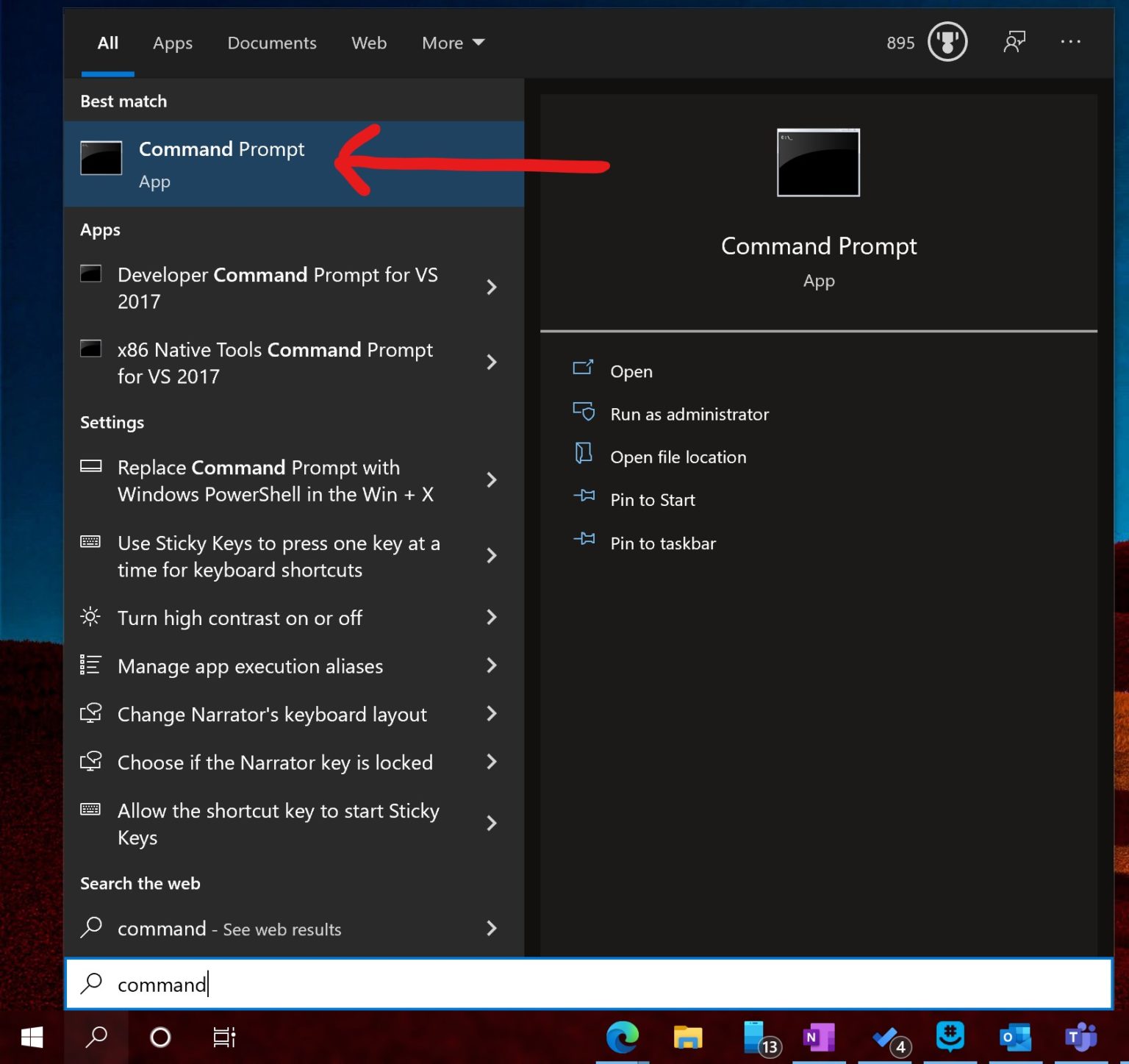
How To Open Command Prompt PC Tips UpPhone
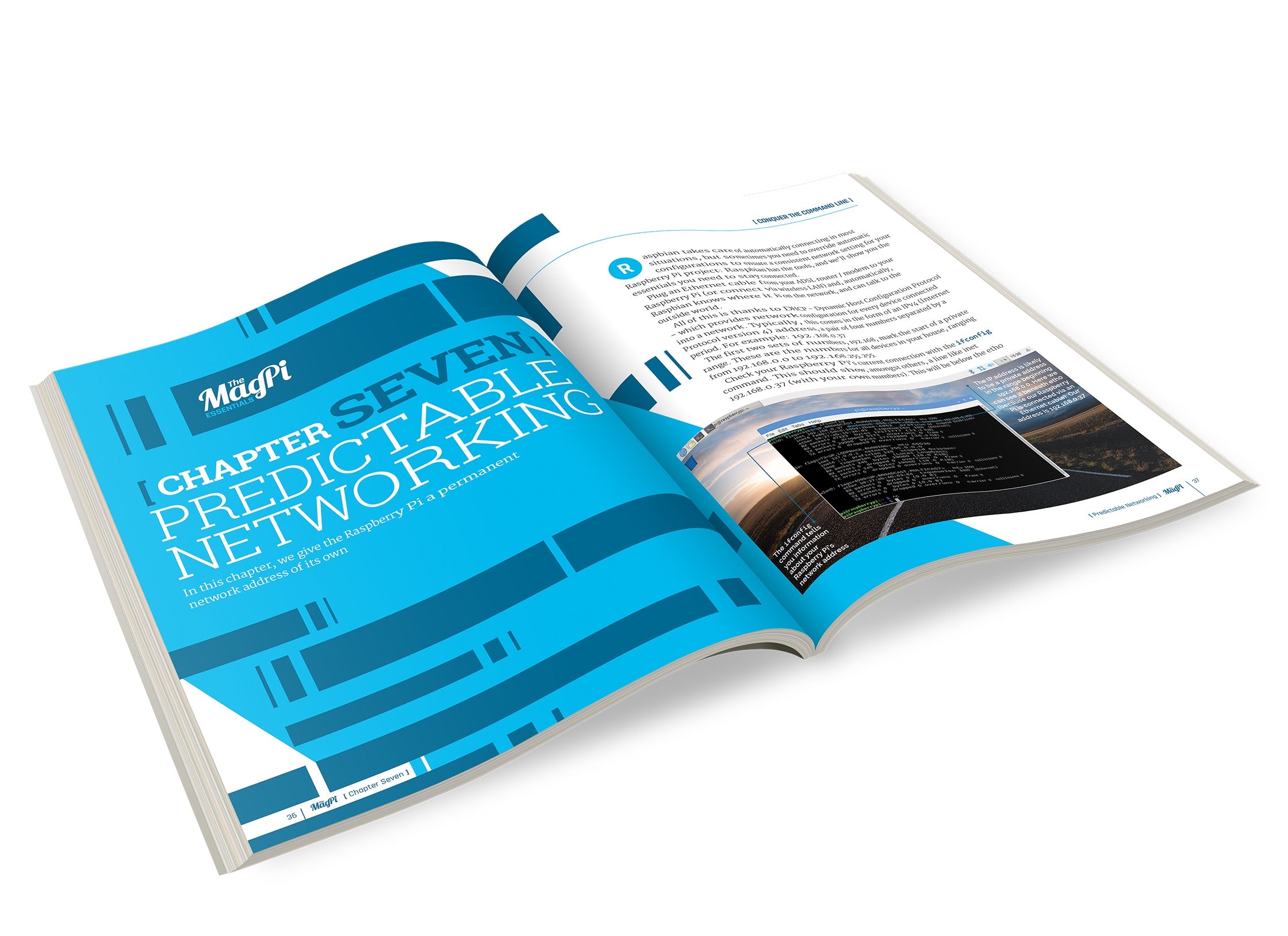
Conquer The Command Line 2nd Edition Raspberry Pi Press

Open Terminal On your Mac do one of the following Click the Launchpad icon in the Dock type Terminal in the search field then click Terminal In the Finder open the Applications Utilities folder then double click Terminal Quit Terminal In the Terminal app on your Mac choose Terminal Quit Terminal Quit a shell session

To open an app use the open command open a MyProg app When entering commands if you get the message command not found check your spelling Here s an example opne a TextEdit app zsh opne command not found Terminate commands In the Terminal app on your Mac click the Terminal window that is running the command you want to terminate

Basic Commands Basic commands for the Mac terminal include utilities for obtaining administrative privileges manipulating the command output and finding help Read more about those commands in the sections below Run Command as Super User Use the sudo command to authenticate as an administrator sudo command arguments Example

How To Open the Command Prompt on a Mac Lee Stanton September 15 2022 Command Prompt is a command line translator app available as a built in feature of most operating systems It

To launch Terminal from Spotlight Search press Command Space search Terminal then hit Enter or click the result To find Terminal among your installed applications open the Launchpad app and search for Terminal Keep the Terminal icon in your Dock for faster access in the future Right click Terminal then select Options Keep on Dock
15 Answers Sorted by 156 As was mentioned in the question here the open command in 10 6 now has an args flag so you can call open n AppName app args AppCommandLineArg The standard way to open any directory within macOS is to open a Finder window and use it to navigate to a specific location on your hard drive There s also another way to open folders use the Terminal It may not be something you use every day unless you re a developer but the power is there if you need to call on it
How to open and use Command Line on Mac In macOS the Mac command line interface is available through the Terminal app which comes with each version of the Apple operating system as well as through the Terminal emulator apps Opening a default Terminal on Macs doesn t differ from opening any other program Here you can find several ways to