How To Open A Folder In Linux Hacking Black Arabic Ubuntu How To Open A Folder In Linux Via Terminal YouTube HOW TO OPEN A FOLDER FROM COMMAND LINE TERMINAL ON LINUX UBUNTU Open Folders And Drives As Administrator With Single Click In Ubuntu How To Open Command Prompt In A Folder Open Folder In CMD To navigate into the root directory use cd To navigate to your home directory use cd or cd To navigate up one directory level use
Open a window double click on a folder and then double click on a sub folder Use the Back button to backtrack On the command line The cd There isn t a way to open a folder with the Linux terminal app as far as I m aware You ll need to open the Terminal directly and then use the cd command to
How To Open Command Prompt In A Folder Open Folder In CMD How To Change Directory In Ubuntu Linux Via Command Line Or Terminal How To Delete All Files And Folders In Linux NixCraft How To Open A Command Prompt In A Folder In Windows 10 TechwithGuru How To View Files In The Root Folder On A Linux System Systran Box How To Hide A File Or Folder In Linux Mint YouTube How To Make A File In The Linux Etc Folder Systran Box How To Find M2 Folder In Linux Systran Box Jak Utworzy Folder W Systemie Linux Blog
How To Open A Folder In Linux
 How To Open A Folder In Linux
https://www.wikihow.com/images_en/thumb/7/75/Create-and-Edit-Text-File-in-Linux-by-Using-Terminal-Step-4-Version-3.jpg/v4-728px-Create-and-Edit-Text-File-in-Linux-by-Using-Terminal-Step-4-Version-3.jpg
4 Answers 4 In your terminal window type ps u USER o comm tmp A In your GUI start the file browser Back in your terminal window
Pre-crafted templates use a time-saving option for developing a diverse series of files and files. These pre-designed formats and designs can be used for various personal and professional jobs, including resumes, invitations, flyers, newsletters, reports, discussions, and more, streamlining the content development procedure.
How To Open A Folder In Linux

Quick Answer How To Move Folder In Linux OS Today
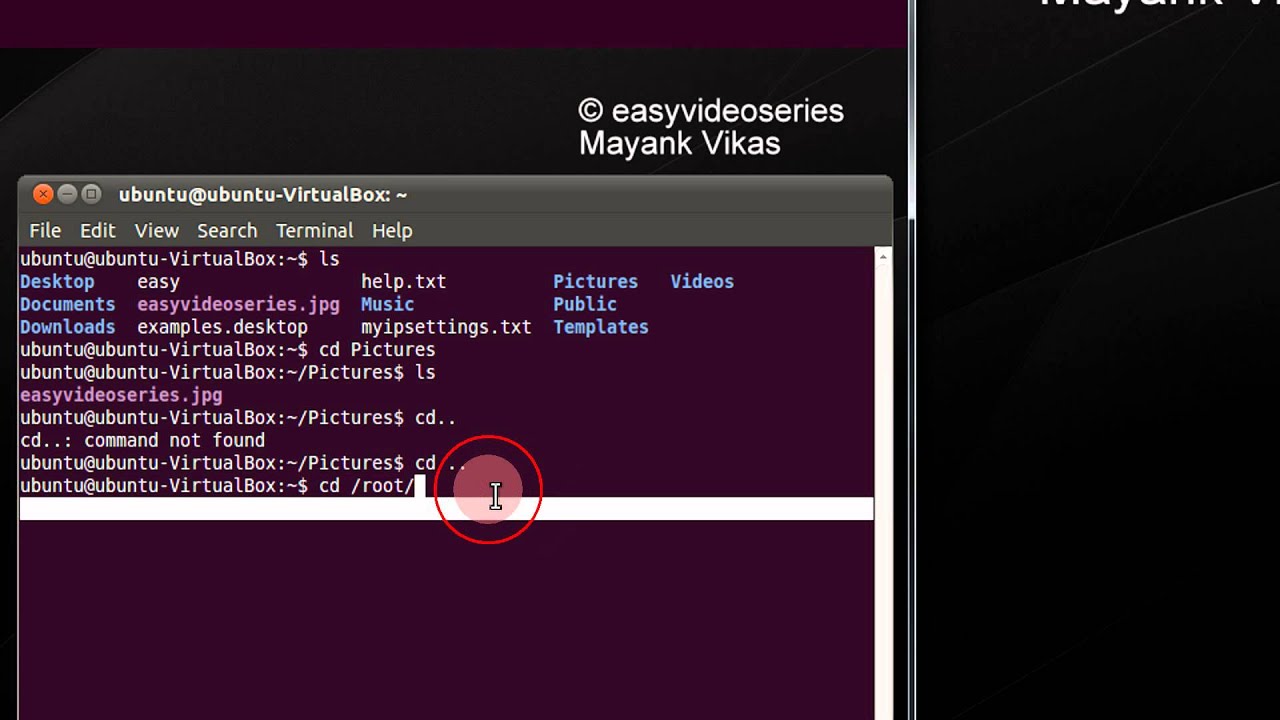
How To Change Directory In Ubuntu Linux Via Command Line Or Terminal

How To Delete All Files And Folders In Linux NixCraft
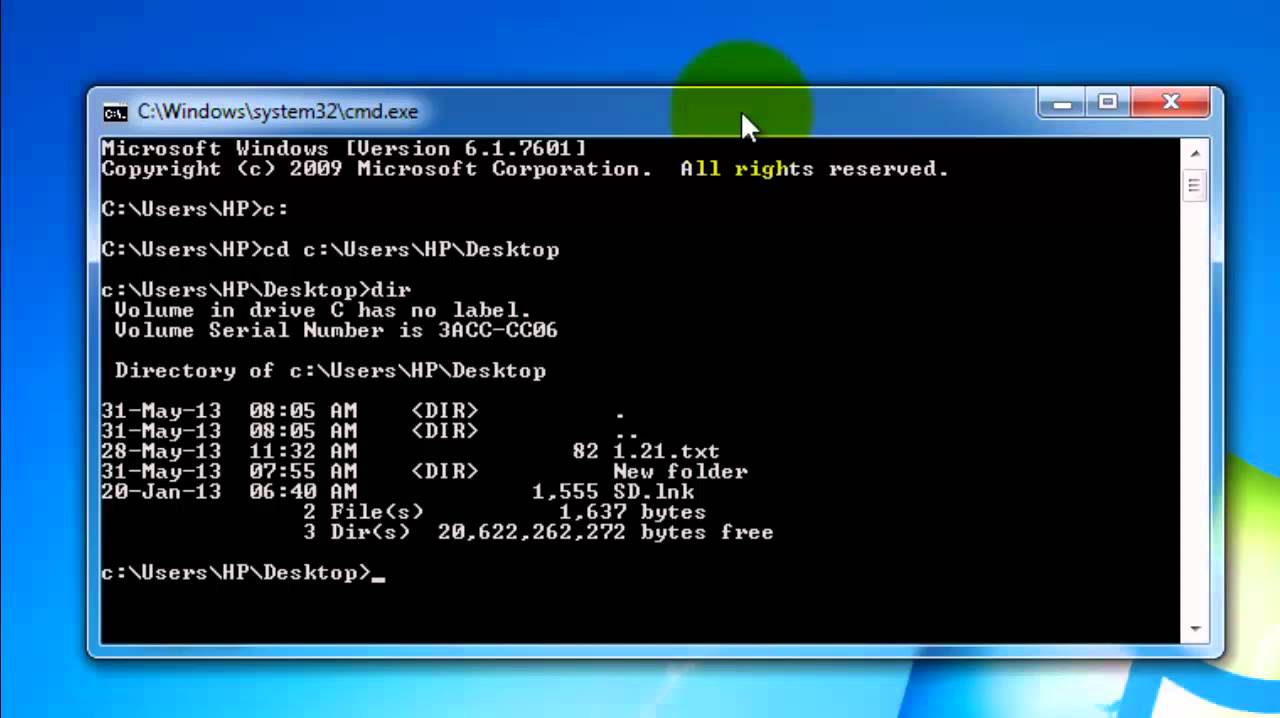
How To Open A Command Prompt In A Folder In Windows 10 TechwithGuru

How To Hide A File Or Folder In Linux Mint YouTube

How To Make A File In The Linux Etc Folder Systran Box

The cd Command Use cd to navigate into the root directory Use cd or cd to navigate to your home directory Use cd to navigate

Press CTRL SHIFT N or right click Please google it don t ask silly questions If you don t know how to create folder then please reinstall your favourite

Learn how to open any folder from the command line terminal on Ubuntu and other Linux

How to make an open command to open files and folders in the default program for each

You can access the folder through the UI file manager right click and then select Open as Administrator from the menu Example In this example
For those who are new to the Linux Operating system an open source and mostly POSIX compliant operating system modeled on UNIX On terminal type nautilus followed by the path to the directory you would like to open In my case it would nautilus home brian Pictures
The mkdir command is is used to create new directories or folders Say you need to create a folder name dir1 in Linux type mkdir dir1 Let us