How To Map Data In Two Excel Sheets Multiple 2 Worksheet Worksheets Excel Triply How To Compare Two Excel Sheets Match Two Excel Workbook Match Data In Two Excel Sheets Match Data How To Map Data In Excel A Step by Step Guide Maptive Compare Two Excel Spreadsheets For Differences Microsoft Excel CLOUD Web Make sure the workbook contains at least two tables and that each table has a column that can be mapped to a column in another table Do one of the following Format the data as a table or Import external data as a table in a new worksheet Give each table a meaningful name In Table Tools click Design gt Table Name gt enter a name
Web Mar 16 2023 nbsp 0183 32 If you are to merge two tables based on one column VLOOKUP is the right function to use Supposing you have two tables in two different sheets the main table contains the seller names and products and the lookup table contains the names and amounts You want to combine these two tables by matching data in the Seller column Web Mar 18 2016 nbsp 0183 32 Say your first second sheet is named A B Customer ID column in A B is A D headers are in row 1 in both cases and the source table spans the range A A2 D4 Then in cell E2 of sheet B you would enter the formula VLOOKUP D2 A A 2 D 4 COLUMN COLUMN D2 1
Compare Two Excel Spreadsheets For Differences Microsoft Excel CLOUD 20 Excel Compare Two Worksheets How To Match Data In Two Excel Worksheets Basic Excel Tutorial Compare Data In Two Excel Sheets Compare Two Worksheets Quickly YouTube How To Map Data Online Excel Lecture Lecturio Pr ce Iniciativa Lepit React Js Map Example Termin l Vhodn Svatba Angela Huynh How To Map Data Horizontally Using Formula In MS Excel 2016 Fabric How To Differentiate Data In Two Excel Spreadsheets MEGATEK ICT ACADEMY
How To Map Data In Two Excel Sheets
 How To Map Data In Two Excel Sheets
https://i2.wp.com/www.stl-training.co.uk/b/wp-content/uploads/2015/01/arrange4.png?ssl=1
Web May 4 2012 nbsp 0183 32 The easiest way is to have your 2 Excel sheets as Excel tables Then in Excel go to the Power Query ribbon tab and click the From Excel button Once you have imported both tables into Power Query select one and click Merge Update Power Query is now built into Excel as Get and transform data accessed from the Data tab on the
Pre-crafted templates provide a time-saving service for developing a varied variety of files and files. These pre-designed formats and layouts can be used for various individual and professional projects, including resumes, invites, leaflets, newsletters, reports, discussions, and more, simplifying the content development process.
How To Map Data In Two Excel Sheets

How To Compare Two Excel Files Riset

20 Excel Compare Two Worksheets

How To Match Data In Two Excel Worksheets Basic Excel Tutorial
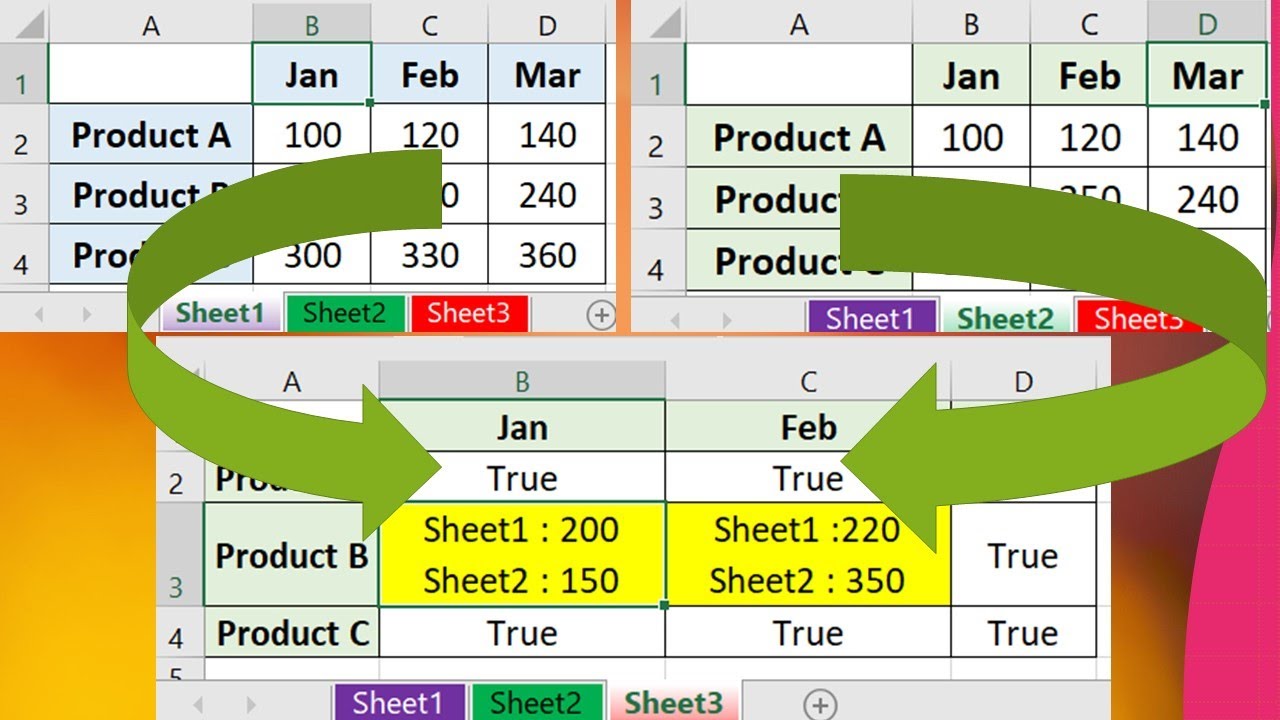
Compare Data In Two Excel Sheets Compare Two Worksheets Quickly YouTube

Pr ce Iniciativa Lepit React Js Map Example Termin l Vhodn Svatba
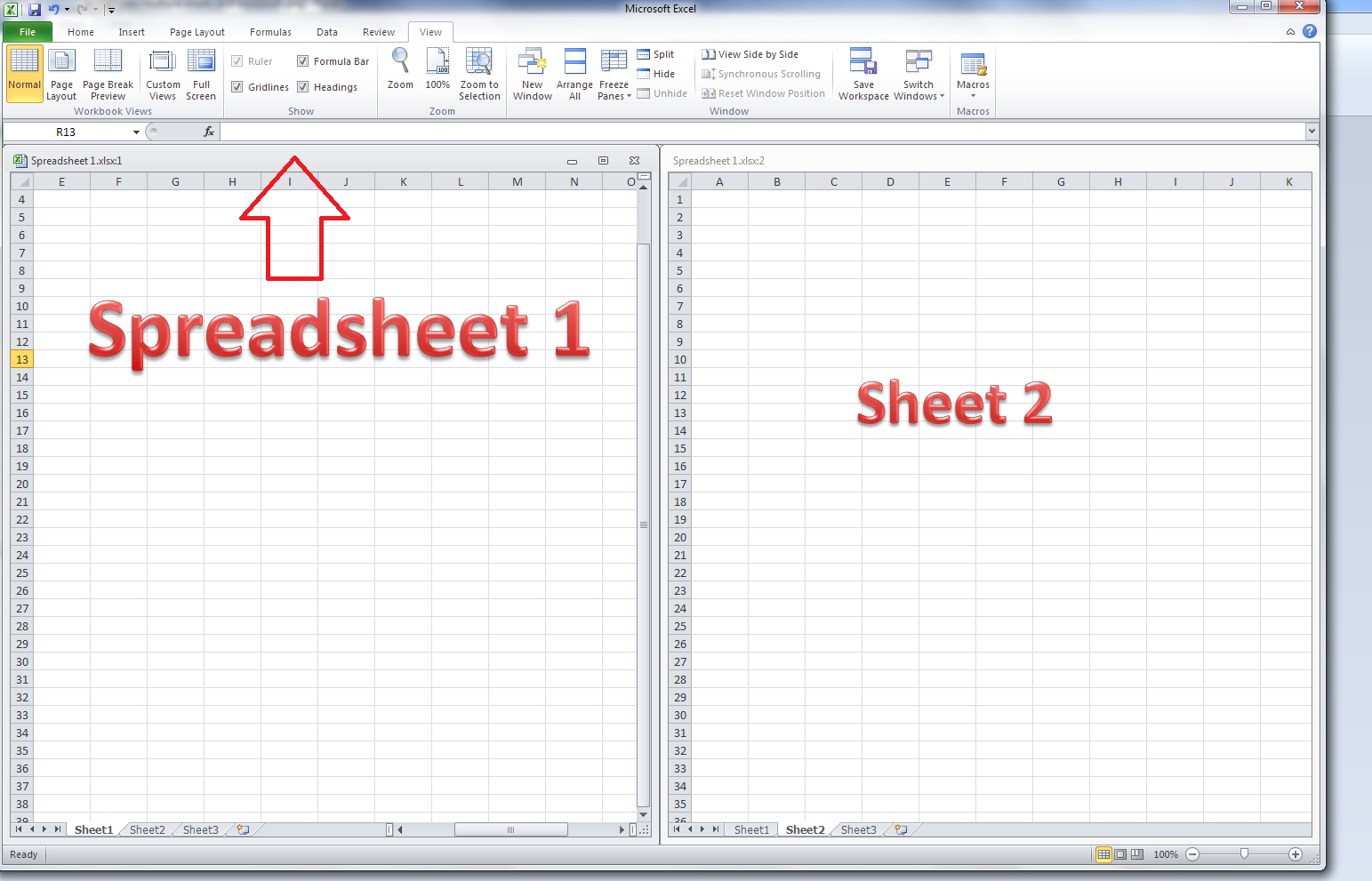
Angela Huynh

Web On the Data tab in the Data Tools group click Consolidate In the Function box click the function that you want Excel to use to consolidate the data In each source sheet select your data The file path is entered in All references When you have added the data from each source sheet and workbook click OK

Web It extracts the first 6 character string after the last and looks it up in the Sheet 2 table Paste this into cell B1 and drag down VLOOKUP MID A1 FIND CHAR 1 SUBSTITUTE A1 quot quot CHAR 1 LEN A1 LEN SUBSTITUTE A1 quot quot quot quot 1 6 Sheet2 A B 2 FALSE

Web Oct 24 2015 nbsp 0183 32 SHEET 1 In another sheet I have names in a random manner and they have to be mapped to their correct ID with the reference from SHEET 1 data SHEET 2 The highlighted values are manually entered Is there any formula that can populate the data automatically NOTE The above data is sample set of data and original data differs in
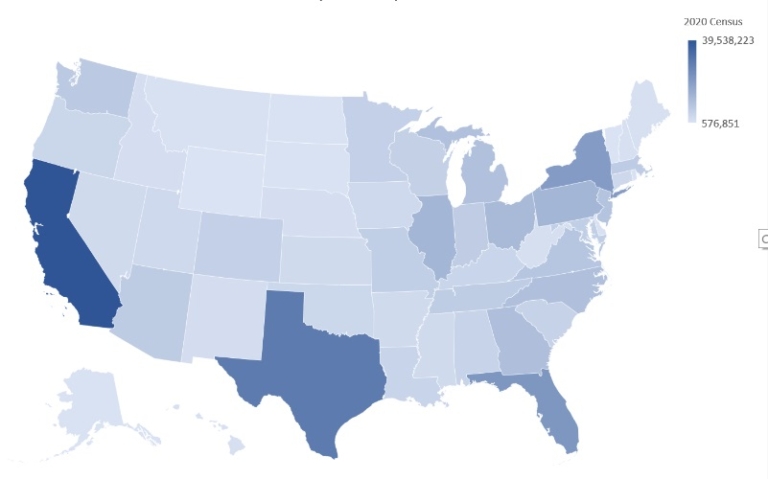
Web Step 1 Select your main table Step 2 Pick your lookup table Step 3 Select matching columns Step 4 Choose the columns to update in your main table Step 5 Pick the columns to add to your main table Step 6 Choose additional merging options Related links Video How to merge two tables in Excel Before you start Excel instances
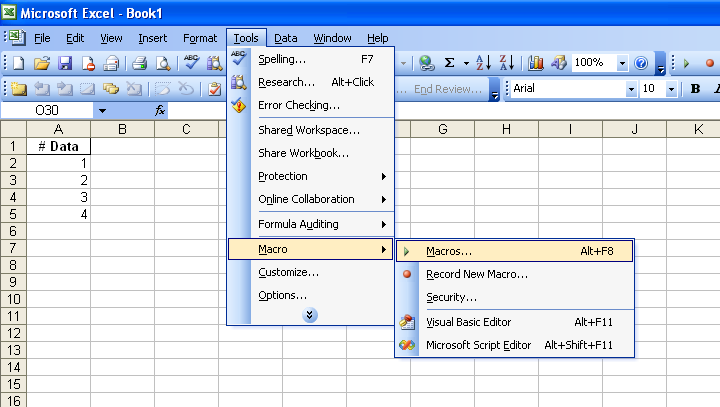
Web May 28 2019 nbsp 0183 32 1 Answer Sorted by 3 Approach Use openpyxl read the excel file containing the mappings Each mapping is in the form of number space label Eg 1 Male So split the string using so you get the number and its
[desc-11] [desc-12]
[desc-13]