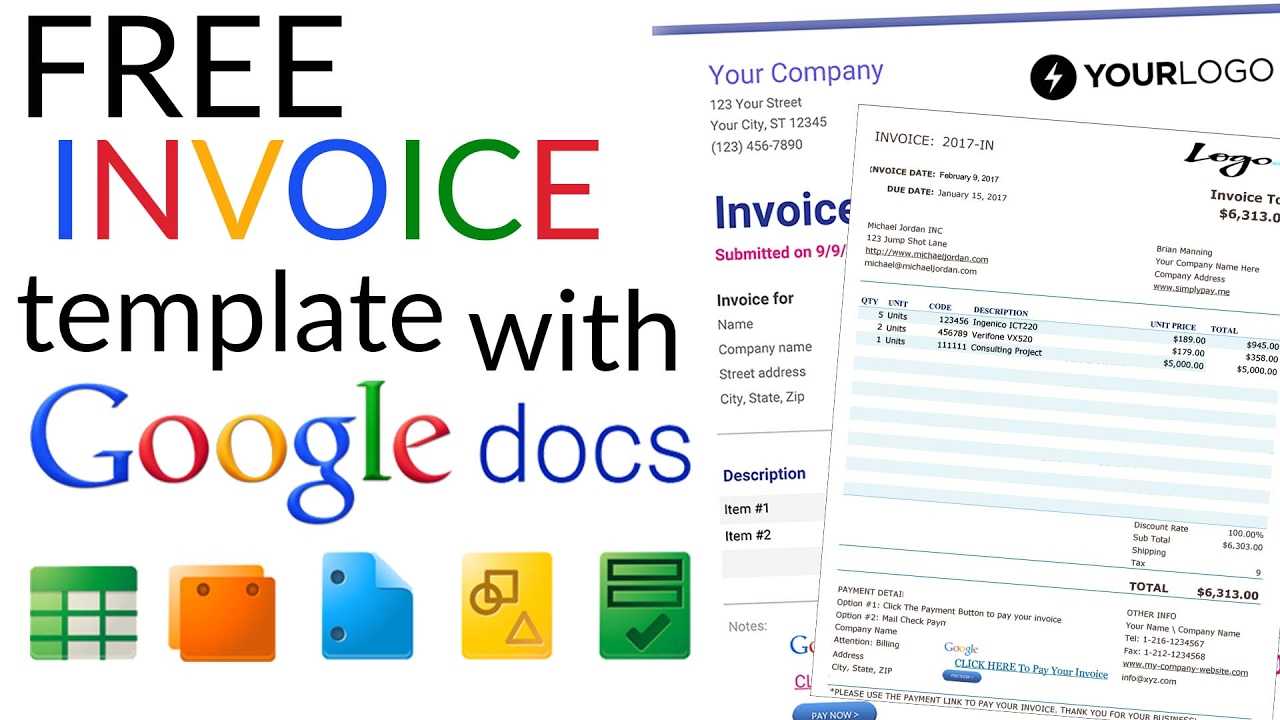
How To Make Form In Google Docs How To Generate Invoice Form In Google Docs SolutionHow Concesiune G leat Agend How To Create Form In Google Drive Inutil How To Create A Form In Word Riverlasopa How To Use Google Forms To Collect Data Greene Iney1981 How To Make A Responsive Registration Form In HTML And CSS How to create a quiz on Google Forms Another way to make an interactive form is by turning it into a quiz The quickest way to create a new quiz in Google Forms is by going to g co createaquiz If you want to turn an existing form into a quiz click Settings and then click the toggle next to Make this a quiz
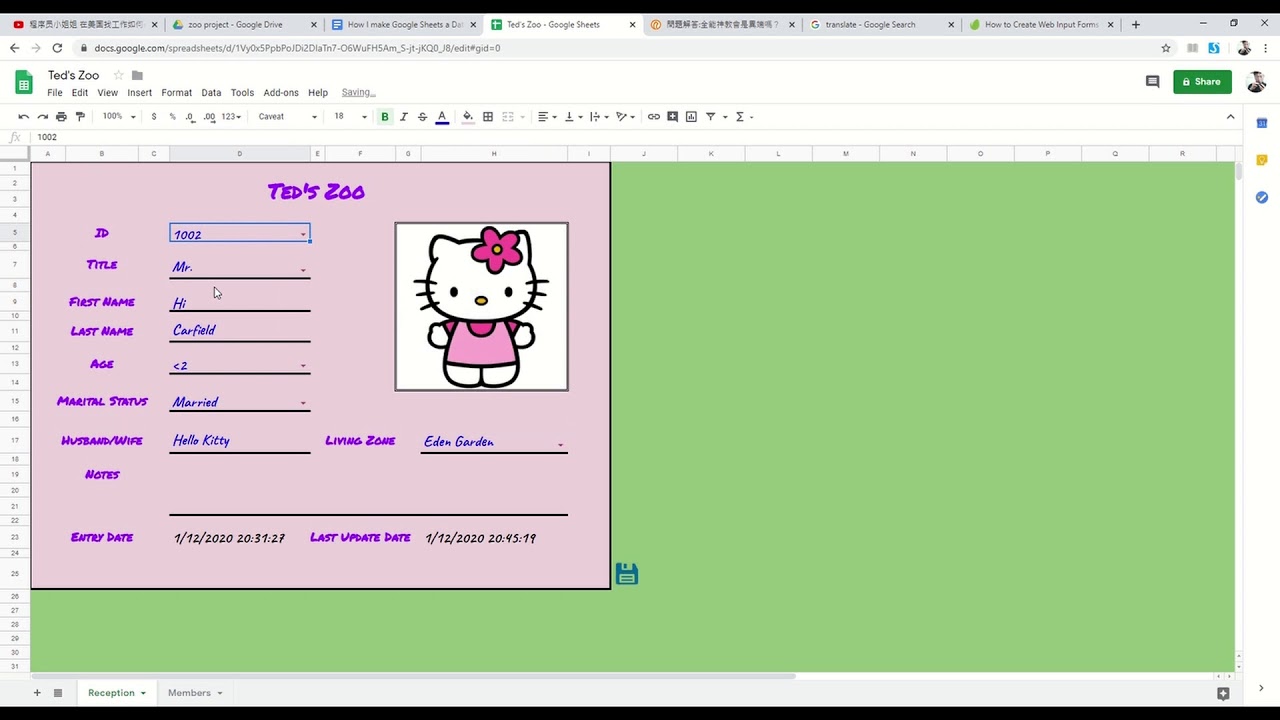
Create a form from a Spreadsheet Click theToolsdrop down menu scroll toForm and selectCreate a form In the form template that opens you can add any questions and options you like Click Send The next time you open the form a Form menu will appear in the menu bar Add items and questions to a form In Google Forms open a quiz At the top click Responses Click Individual To move between individuals click Previous or Next Find the question you want to grade In the top right enter how many points the response earned Under the answer click Add feedback Enter your feedback and click Save
How To Make A Responsive Registration Form In HTML And CSS Easily Connect Google Forms To Google Sheets 2 Ways Create A Google Form FROM A Google Spreadsheet YouTube How To Create Google Form Free And Easily Cara Melihat Respon Google Form Bisa Di Android Ataupun PC LulusanTekno How To Make Google Sheets A Data Entry Form Sorry No Second Video How To Edit A Google Doc with Pictures WikiHow How To Create Data Entry Form With Google HTML Service And Submit Data BOOTSTRAP 4 INPUT FORM 2020 HOW TO MAKE FORM IN BOOTSTRAP 4 WITH
How To Make Form In Google Docs
 How To Make Form In Google Docs
https://www.solutionhow.com/wp-content/uploads/2021/03/Generate-Invoice-Form-in-Google-Docs.jpg
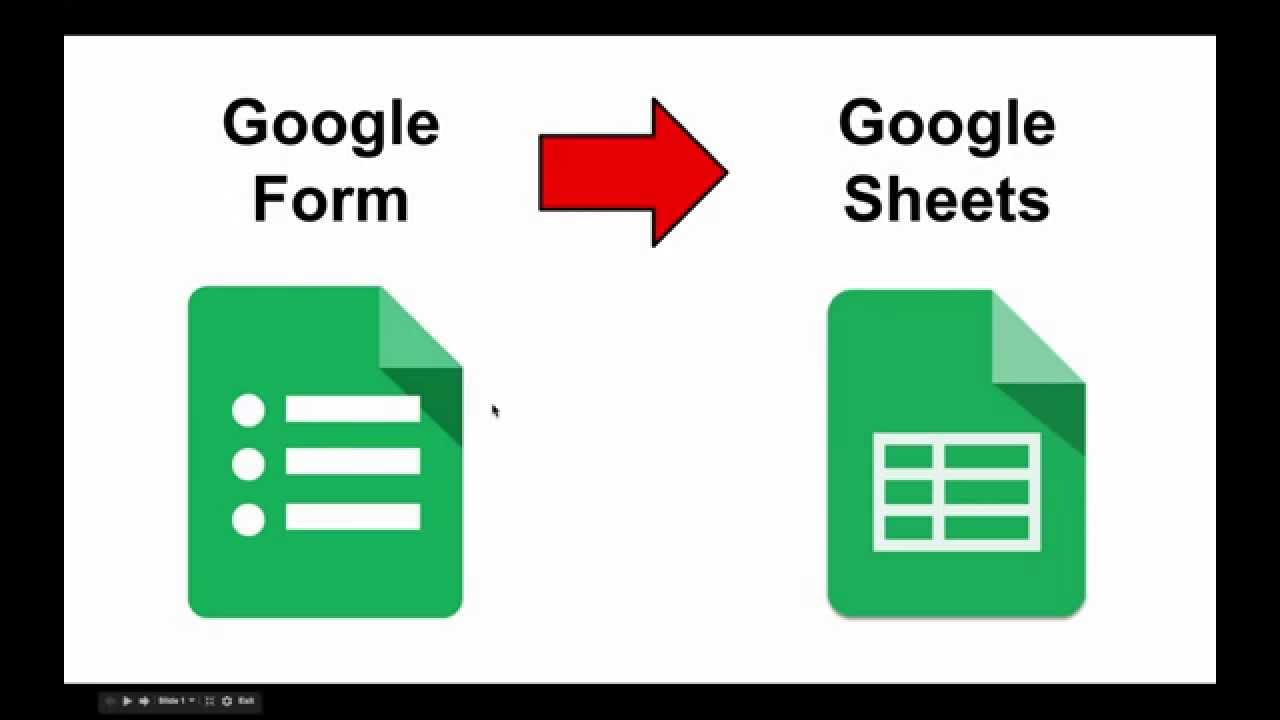
Google Forms has a setting that lets you send your form answers to Google Docs Click on the Responses tab Click on the three dots button next to the Google Sheets icon Connect on Select responses from the drop You can select where your responses will be
Templates are pre-designed documents or files that can be used for numerous purposes. They can save effort and time by offering a ready-made format and design for producing different type of content. Templates can be utilized for individual or expert jobs, such as resumes, invites, leaflets, newsletters, reports, presentations, and more.
How To Make Form In Google Docs

How To Make Form In HTML ConTEXT Editor

Easily Connect Google Forms To Google Sheets 2 Ways
Create A Google Form FROM A Google Spreadsheet YouTube
How To Create Google Form Free And Easily
How To Make Google Sheets A Data Entry Form Sorry No Second Video

How To Edit A Google Doc with Pictures WikiHow

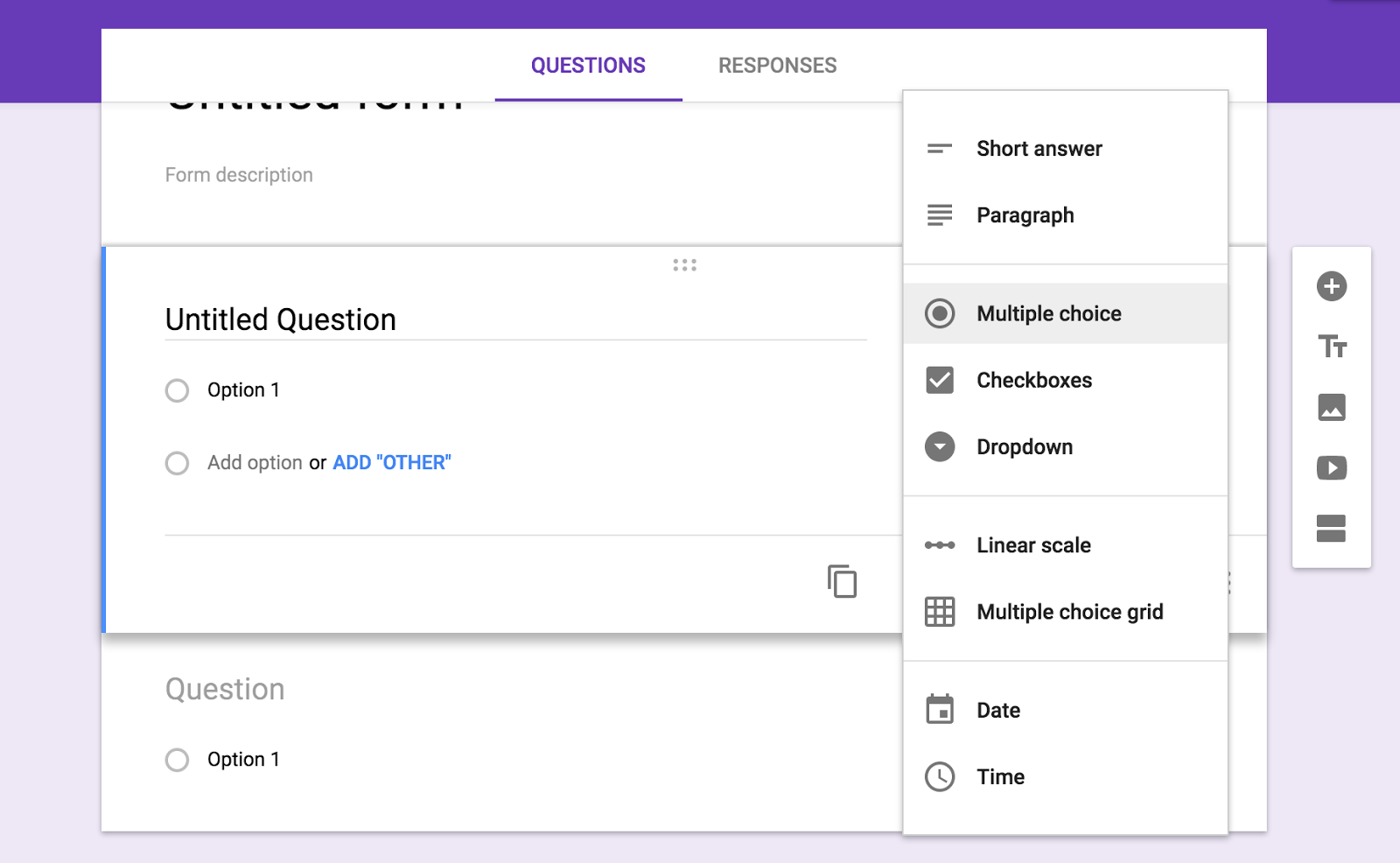
From your Docs list click the Create button then select Form From a spreadsheet click the Form menu and select Create a form From any other doc click the File menu and select New then Form Add and arrange questions by clicking the Add item button at the bottom of the editing page

Create and respond to surveys from anywhere Access create and edit forms on the go from screens big and small Others can respond to your survey from wherever they are from any mobile device
The confirmation displays on each page of the form Open a form in Google Forms At the top click Settings Next to Responses click the Down arrow Under Collect email addresses select Verified Collect emails manually Open a form in Google Forms At the top click Settings Next to Responses click the Down arrow

From Docs Sheets or Slides File New Form from Sheets Tools Create a Form to link it to a spreadsheet automatically Enter your questions and options This article explains how to create a Google Docs form

Step 1 Once your sample file is ready open Google Drive and click on the New button at the top left corner Select Upload to upload the file Step 2 Once the upload completes right click on
Now that you have a Google account it s time to create your first Form Head over to the Google Forms homepage and place the cursor on the multicolored plus sign in the bottom right corner The plus sign turns into a purple pencil icon click it to create a new form Pro Tip You can type forms new Google Forms is a powerful online tool for creating and sharing surveys questionnaires quizzes and more With Google Forms you can easily design custom forms collect responses and analyze data Google Forms is part of Google Workspace a suite of cloud based productivity apps for work and collaboration Learn how to use Google Forms and get started today
Step 1 On the Google Docs document you opened head to the menu bar and select the Extensions tab Step 2 On the dropdown menu click the Add ons and Get Add ons options consecutively Step 3 Once you re in the Google Workspace Marketplace pop out window click the search bar and type pdf filler in it