How To Make A Simple Flowchart Malaysia Students A Comprehensive Guide To Improving Your Programming Skills In Schools Or Colleges Logic Diagram Creator Flowcharts In Programming Visualizing Logic And Flow Of An Algorithm Dominirati Zaposlen A uriraj Programming Flowchart Software Geohumanities A Simple Flowchart To Help You Decide If You Should Vaccinate Your Child Gizmodo Australia Web Start building your flow chart Click INSERT gt Shapes and build the chart using shapes from the gallery To insert a shape click it and drag the crosshairs to draw it Specifically use the Flowchart group for the shapes and the
Web Step 1 Determine The Purpose Or Function For visualizing abstract processes it is necessary to determine the purpose of the flowchart This helps in choosing the suitable types of process maps to build Designers can employ one of Web Create your first online flowchart from a template or blank canvas or import a document Add text shapes and lines to customize your flowchart Learn how to adjust styling and formatting within your flowchart Locate what you need with Feature Find Share your flowchart with your team to start collaborating Make a flowchart Flowchart Templates
A Simple Flowchart To Help You Decide If You Should Vaccinate Your Child Gizmodo Australia Flowchart Examples Purchase Order Process Flowchart Template Workflow Diagram Examples And Templates Riset How To Select Multiple Flowchart Shapes In Excel Downloadsitekyahac Making A Simple Flowchart Riset Java Flowchart Maker Chart Examples 13 Operation Process Chart Robhosking Diagram Describe A Flowchart Flow Chart Process Flow Chart Template Process Flow Chart SMM Medyan
How To Make A Simple Flowchart
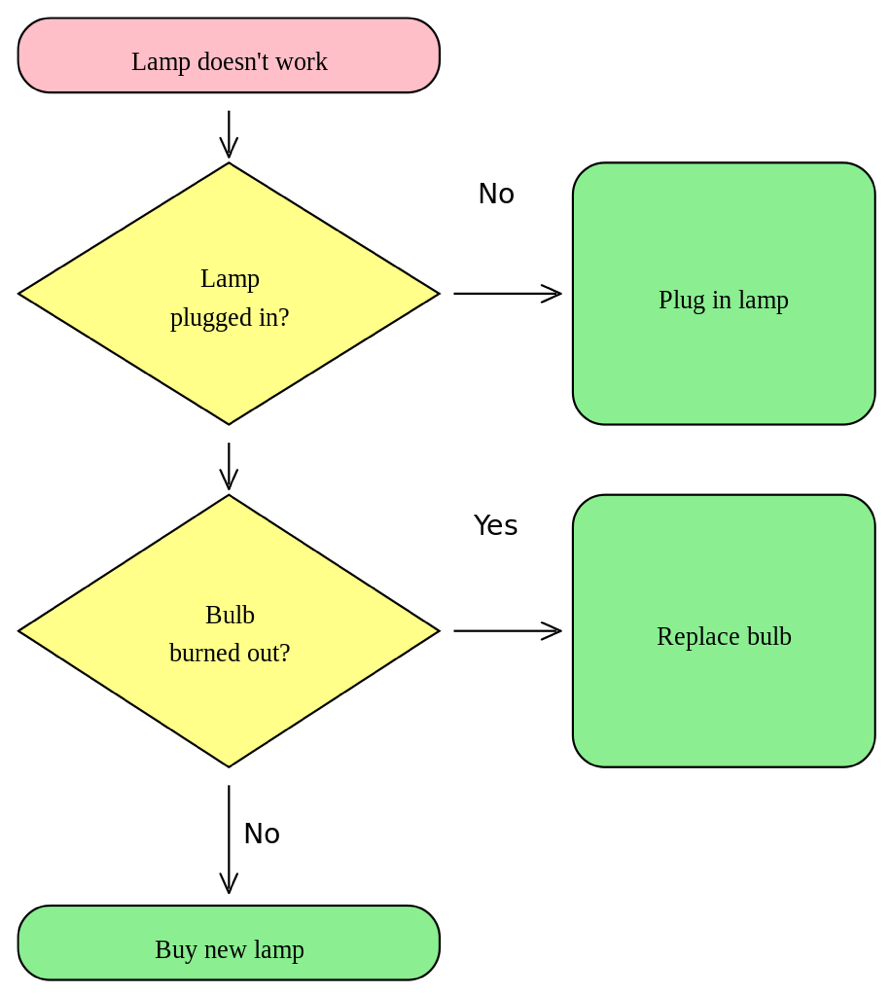 How To Make A Simple Flowchart
https://1.bp.blogspot.com/-hE079Y2VB0Q/WZ4duPOhGpI/AAAAAAAAFzY/fYR7NBDy3-oA6MVoUM1Dy7SoLraknngGwCLcBGAs/s1600/Simple%2BFlow%2BChart%2BExample.png
Web Feb 26 2021 nbsp 0183 32 Go to the Insert tab and select Shapes Go to the Flowchart section and select a shape For example select the Process shape as the beginning point of the flowchart Select a location on the drawing canvas to place the shape A shape with a default size and color is drawn on the canvas
Templates are pre-designed documents or files that can be used for different purposes. They can conserve time and effort by offering a ready-made format and layout for developing different kinds of material. Templates can be used for personal or expert jobs, such as resumes, invites, leaflets, newsletters, reports, presentations, and more.
How To Make A Simple Flowchart
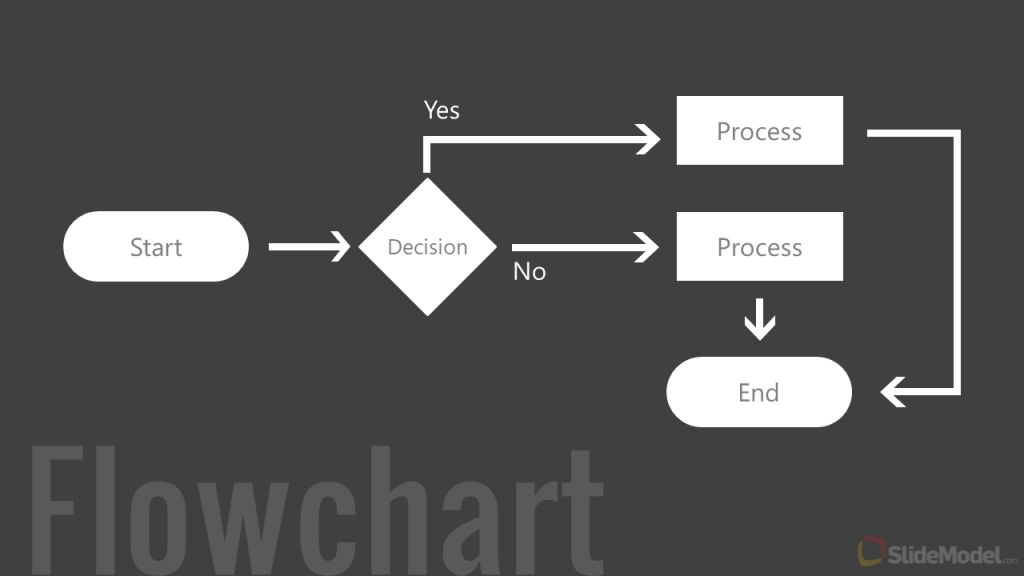
P hy Vybavenie N silia Hard Drive Capacity Flowchart Matrace Toaleta WC Gomb k
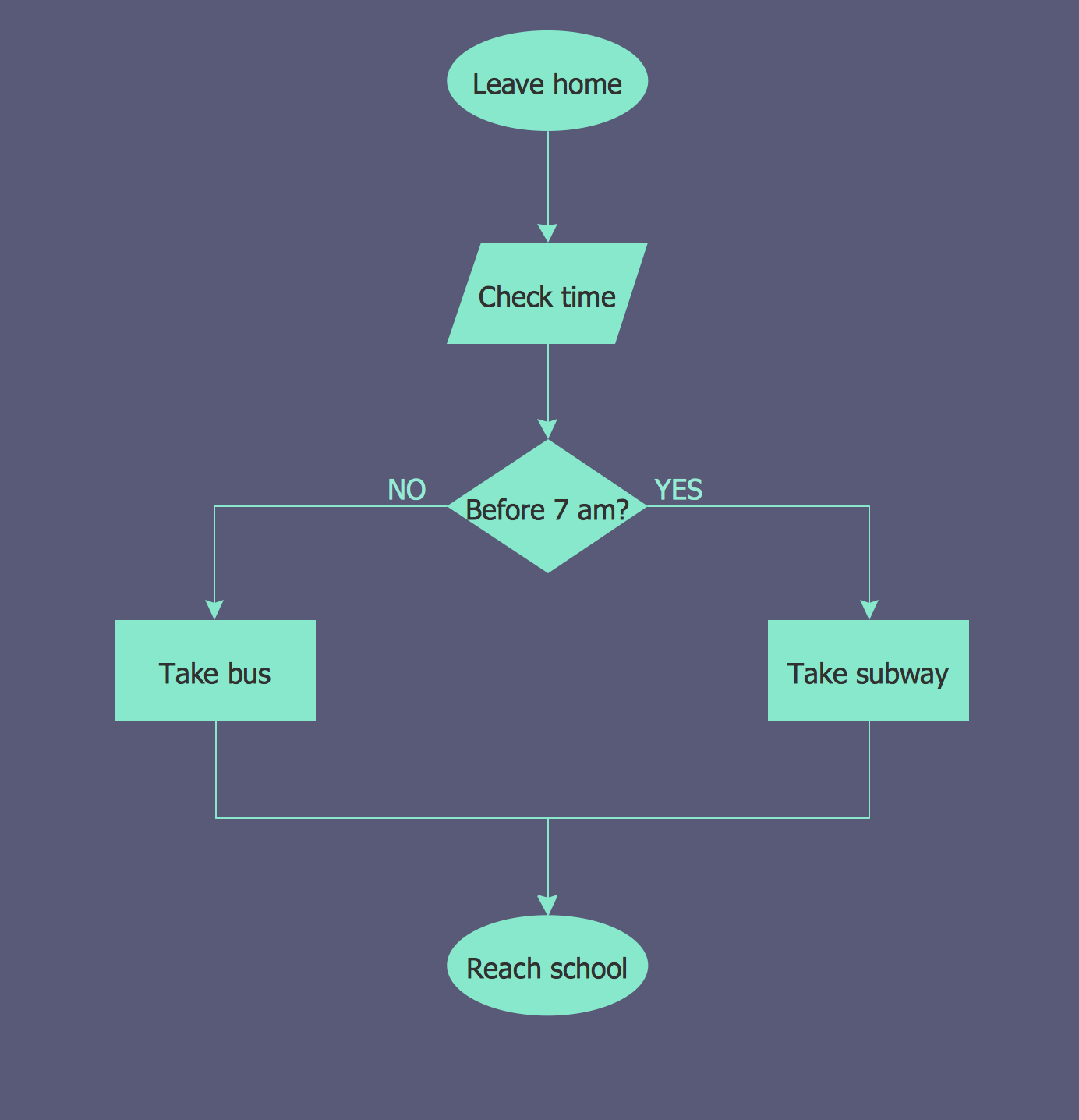
Flowchart Examples
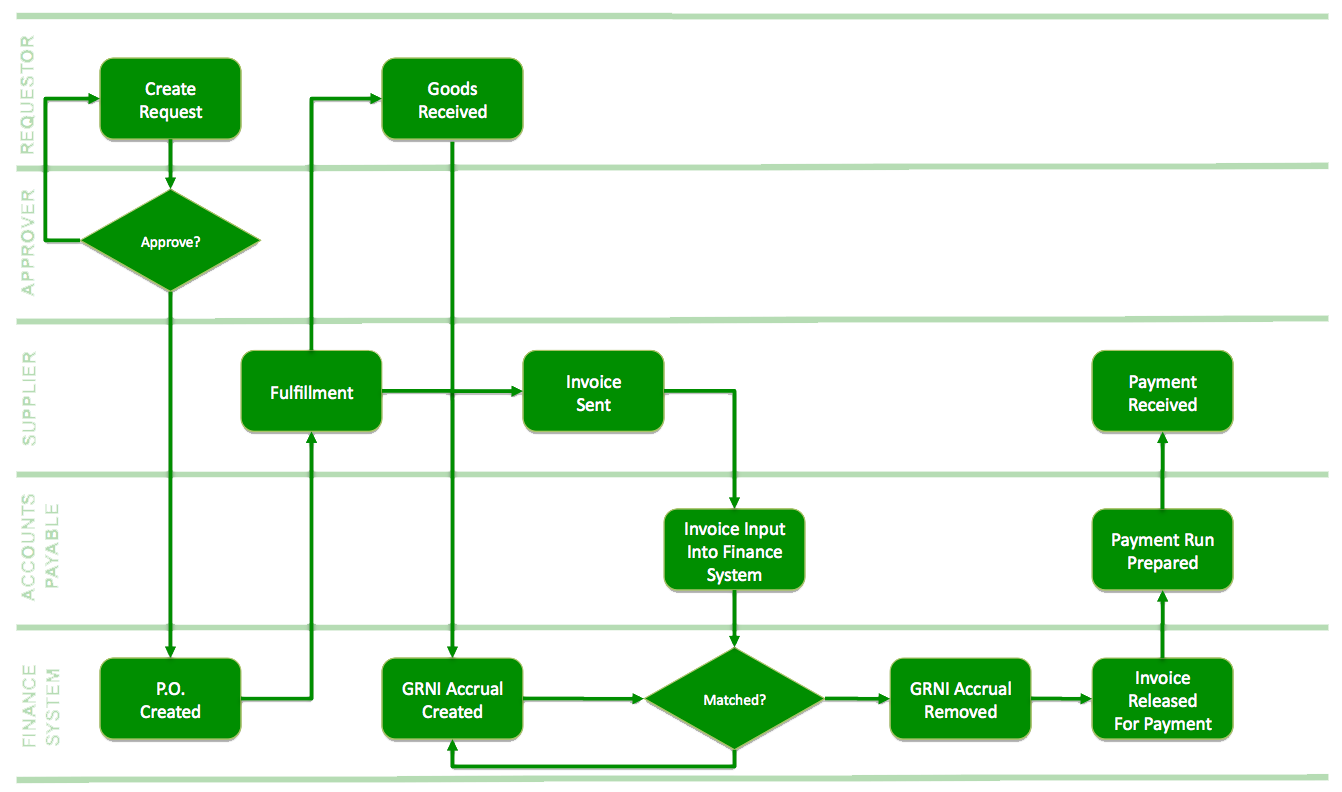
Purchase Order Process Flowchart Template
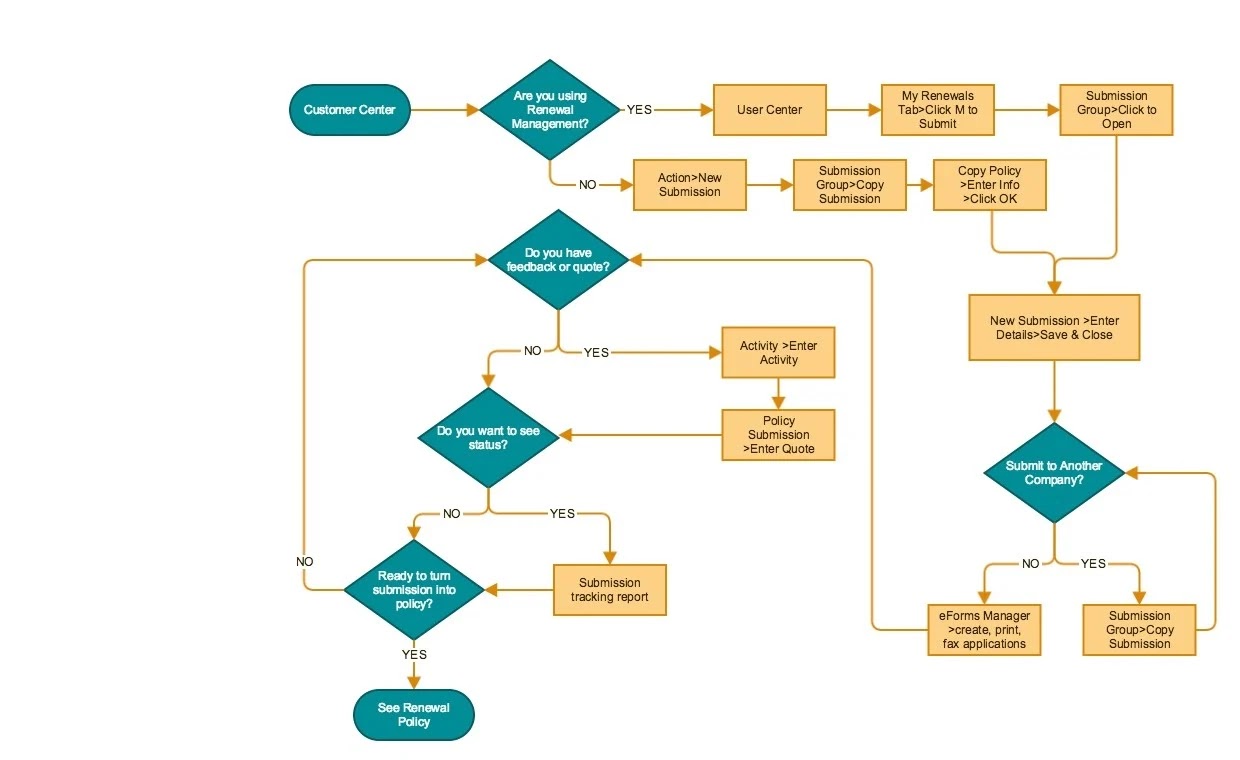
Workflow Diagram Examples And Templates Riset
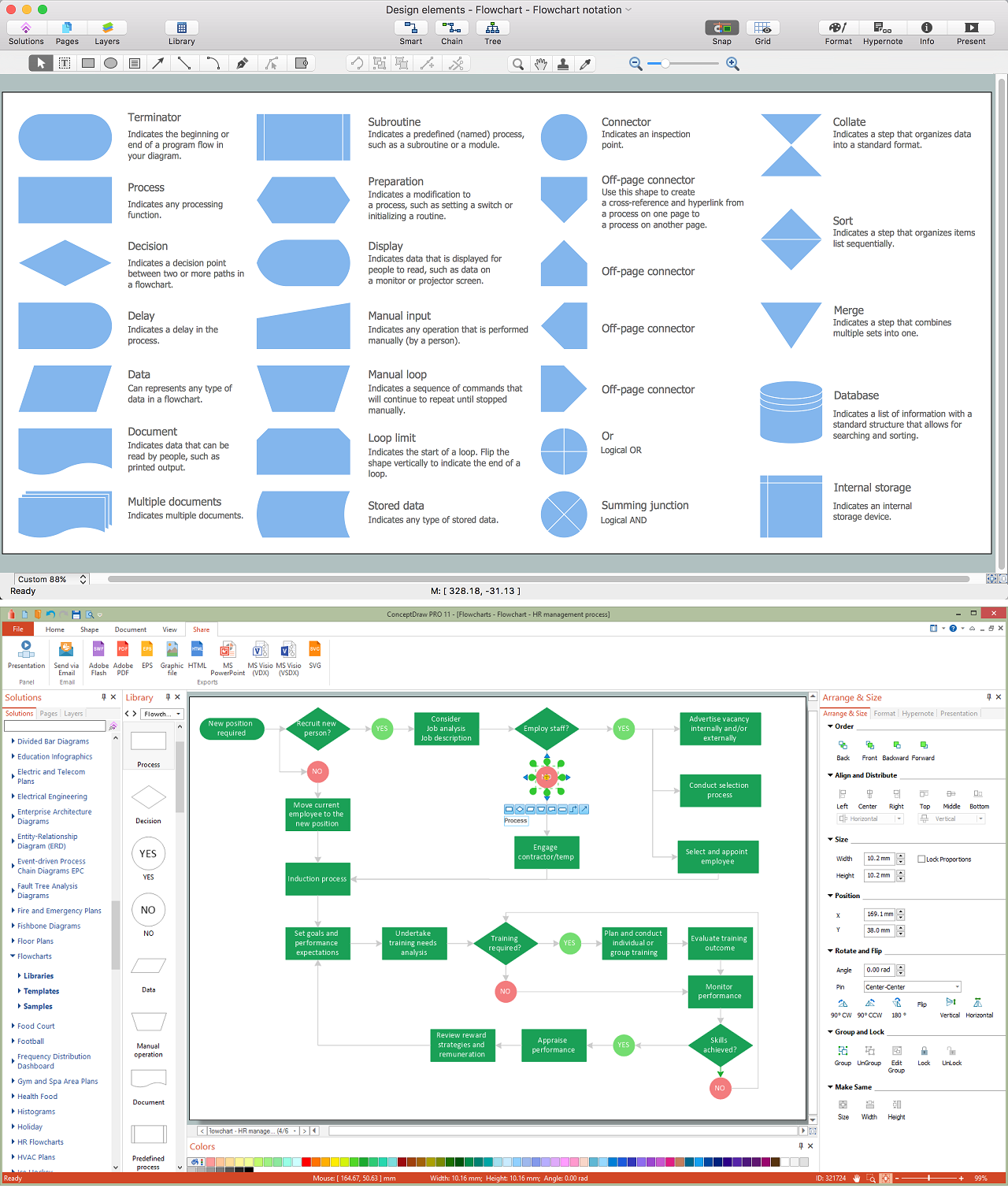
Making A Simple Flowchart Riset

Java Flowchart Maker Chart Examples
Web Create a flowchart Start Visio Click the Flowchart category Double click Basic Flowchart For each step in the process that you are documenting drag a flowchart shape onto your drawing Connect the flowchart shapes by holding the mouse pointer over the first shape and then clicking the small
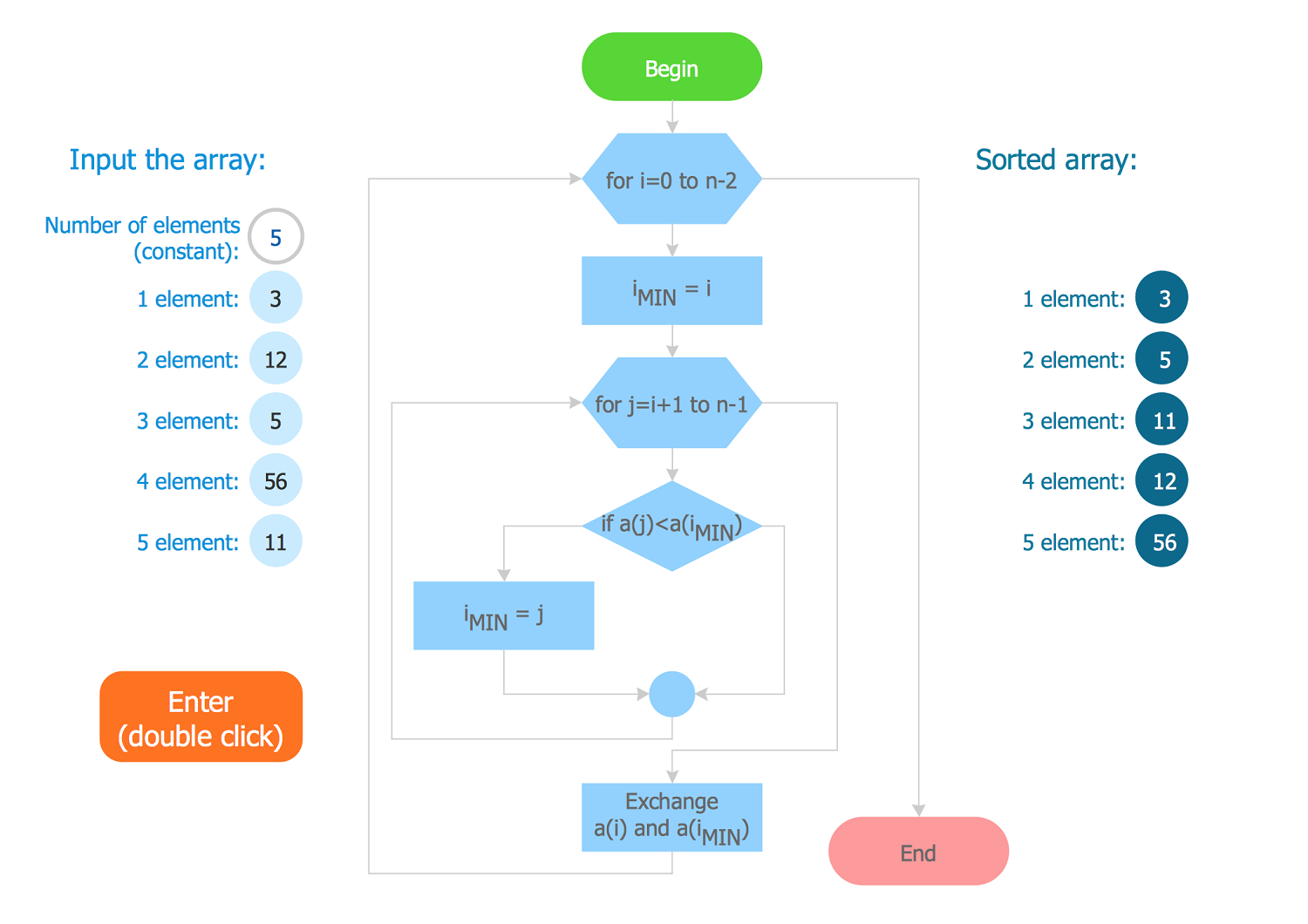
Web Create a flowchart Try it The flowchart templates include shapes you can use to show many kinds of processes Open the basic flowchart template Select File gt New Select Basic Flowchart Select Create Add and connect shapes Select the Basic Flowchart Shapes stencil if necessary Select a flowchart shape and drag it onto the drawing page

Web Jun 11 2019 nbsp 0183 32 You can create your own flowchart by using different shapes and SmartArt Here s how to do it Making a Flowchart in Word When working with shapes in any Office application it s always useful to use gridlines to make sure
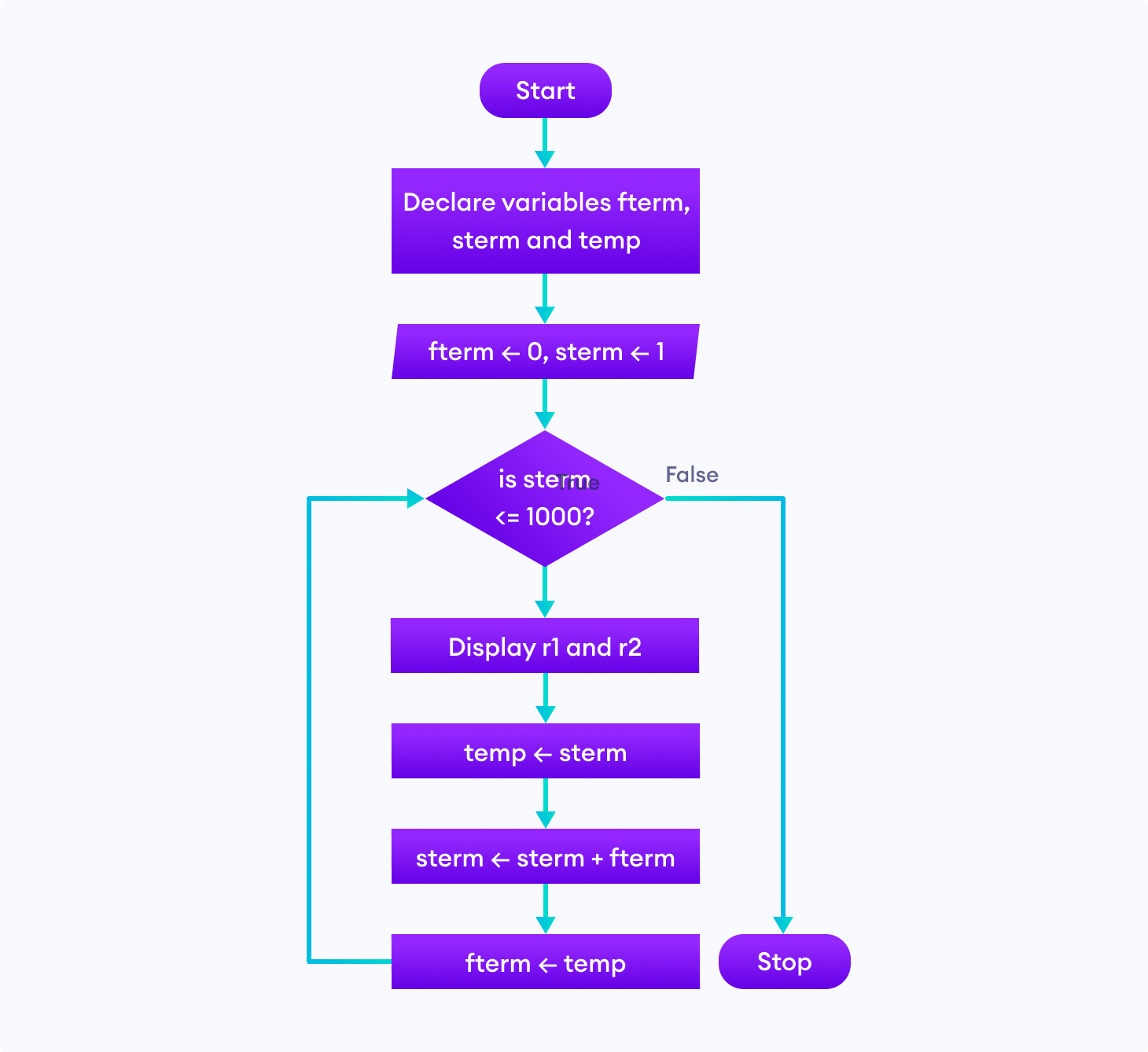
Web SmartDraw s flowchart software is the easiest way to make any type of flowchart or diagram representing a process You start by picking one of the flow chart templates included and add steps in just a few clicks

Web Creating a Flowchart in Visual Paradigm Select Diagram gt New from the main menu In the New Diagram window select Flowchart and click Next You can start from an empty diagram or start from a flowchart template or flowchart example provided Let s start from a Enter the name of the flowchart and
[desc-11] [desc-12]
[desc-13]