How To Make A Seamless Pattern In Procreate The Cover Of How To Make A Seamless Pattern In Procreate With Text Overlay How To Make A Seamless Pattern In Procreate Artofit How To Make A Seamless Pattern In Procreate On Your IPad YouTube How To Make A Seamless Pattern In Procreate CatCoq How To Create SEAMLESS PATTERNS In Procreate YouTube To easily manage and share content across all of your devices and the cloud use Google s desktop sync client Drive for desktop If you edit delete or move a file on the Cloud the same change happens on your computer and devices and vice versa In this way your files are always up to date and can be accessed from any device Open files stored on the Cloud directly on
Get started with Analytics Collect and manage data Report and explore Advertising and attribution Audiences and remarketing Manage accounts properties and users Google Analytics 360 Policies and data privacy If you forgot your password or username or you can t get verification codes follow these steps to recover your Google Account That way you can use services like Gmail Pho
How To Create SEAMLESS PATTERNS In Procreate YouTube How To Design A Seamless Repeat With Procreate How To REPEAT SEAMLESS Pattern In PROCREATE YouTube How To Create Patterns On Canva Seamless Repeating YouTube 10 Midjourney Prompt Seamless Pattern Floral Theme Ai Art Etsy UK How To Make A Repeat Seamless Pattern In Procreate Procreate Ipad How To Design A Seamless Repeat With Procreate How To Create A Seamless Pattern In Photoshop CatCoq How To Design A Seamless Pattern Using The Procreate App
How To Make A Seamless Pattern In Procreate
 How To Make A Seamless Pattern In Procreate
https://i.pinimg.com/736x/5b/69/d1/5b69d129a928b3ac2f94998f5e925169.jpg
Official Google Play Help Center where you can find tips and tutorials on using Google Play and other answers to frequently asked questions
Templates are pre-designed documents or files that can be utilized for various functions. They can conserve effort and time by supplying a ready-made format and layout for developing different type of material. Templates can be utilized for individual or expert tasks, such as resumes, invites, flyers, newsletters, reports, discussions, and more.
How To Make A Seamless Pattern In Procreate

How To Make Seamless Patterns In Procreate EASY YouTube

How To Design A Seamless Repeat With Procreate

How To REPEAT SEAMLESS Pattern In PROCREATE YouTube
How To Create Patterns On Canva Seamless Repeating YouTube

How To Make A Repeat Seamless Pattern In Procreate Procreate Ipad
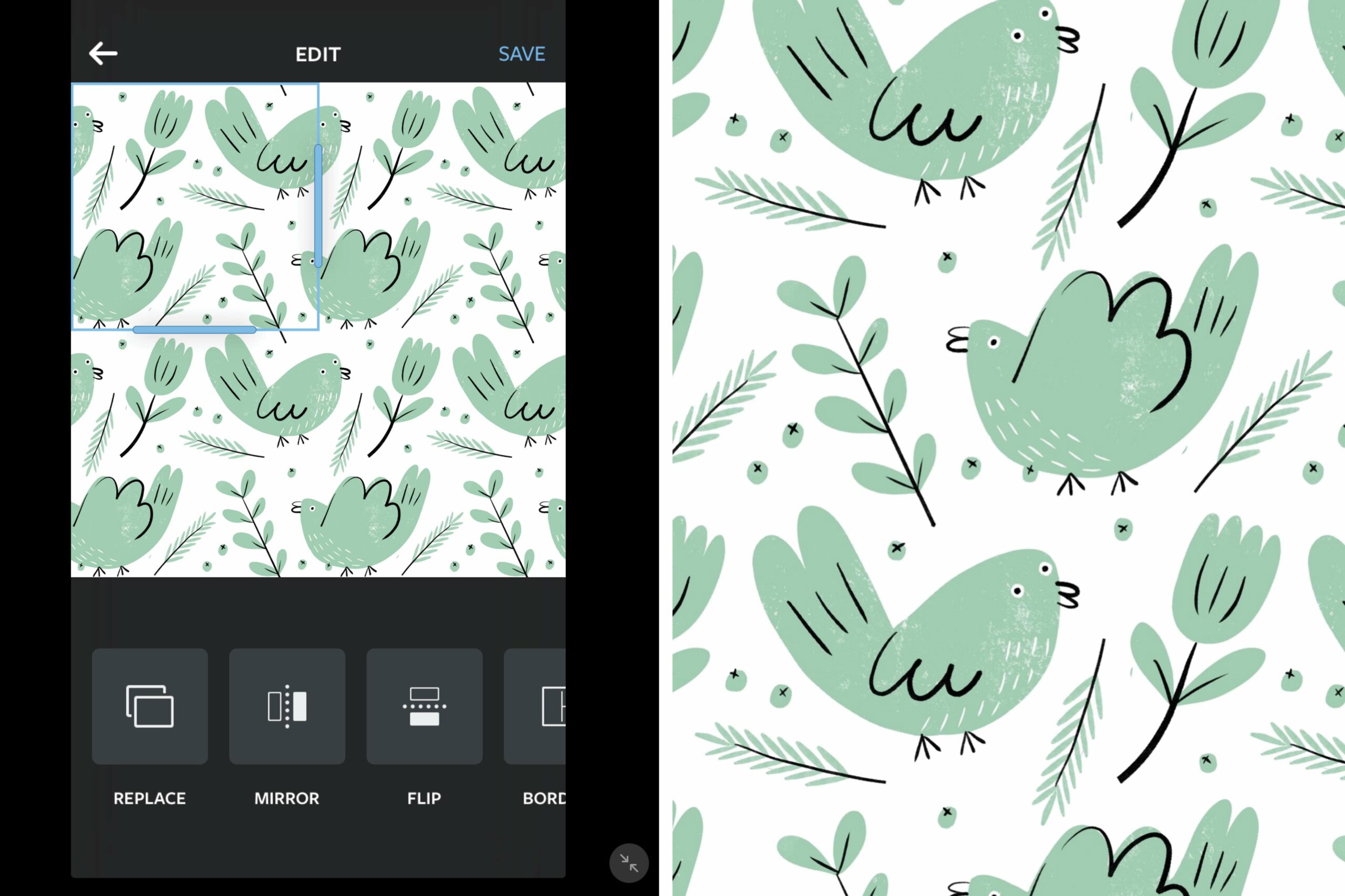
How To Design A Seamless Repeat With Procreate

Analytics Academy on Skillshop is a collection of free e learning courses designed by Analytics experts to help users get the most out of Google Analytics Google Analytics currently offers 4 training

Sign in to Gmail Tip If you sign in to a public computer make sure to sign out before you leave the computer Learn how to sign in on a device that s not yours

Official Gmail Help Center where you can find tips and tutorials on using Gmail and other answers to frequently asked questions
In Incognito mode third party cookies are blocked by default If a site that relies on third party cookies doesn t work as expected you can try temporarily allowing them for that site Learn how to temporarily allow third party cookies for a specific site Close Incognito mode If you browse on an Incognito window and you open another one your private browsing session continues in the

Hi Rita Unfortunately there is no official Gmail app for Windows However you can create a desktop shortcut by following these steps
[desc-11] [desc-12]
[desc-13]