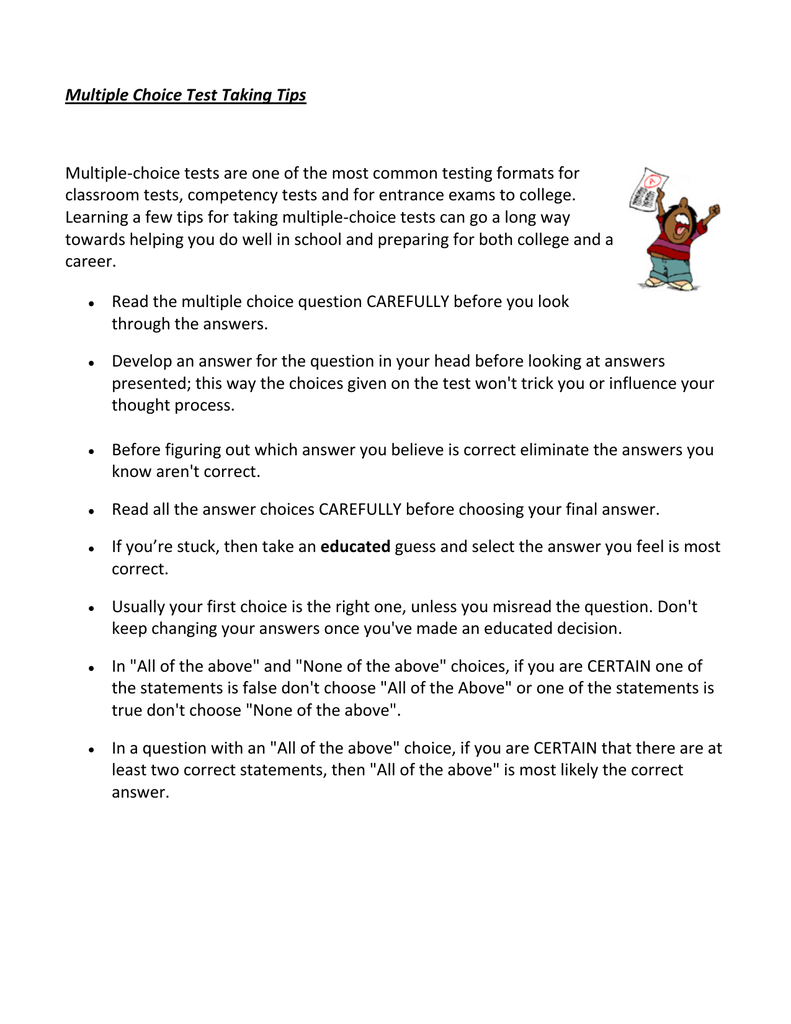
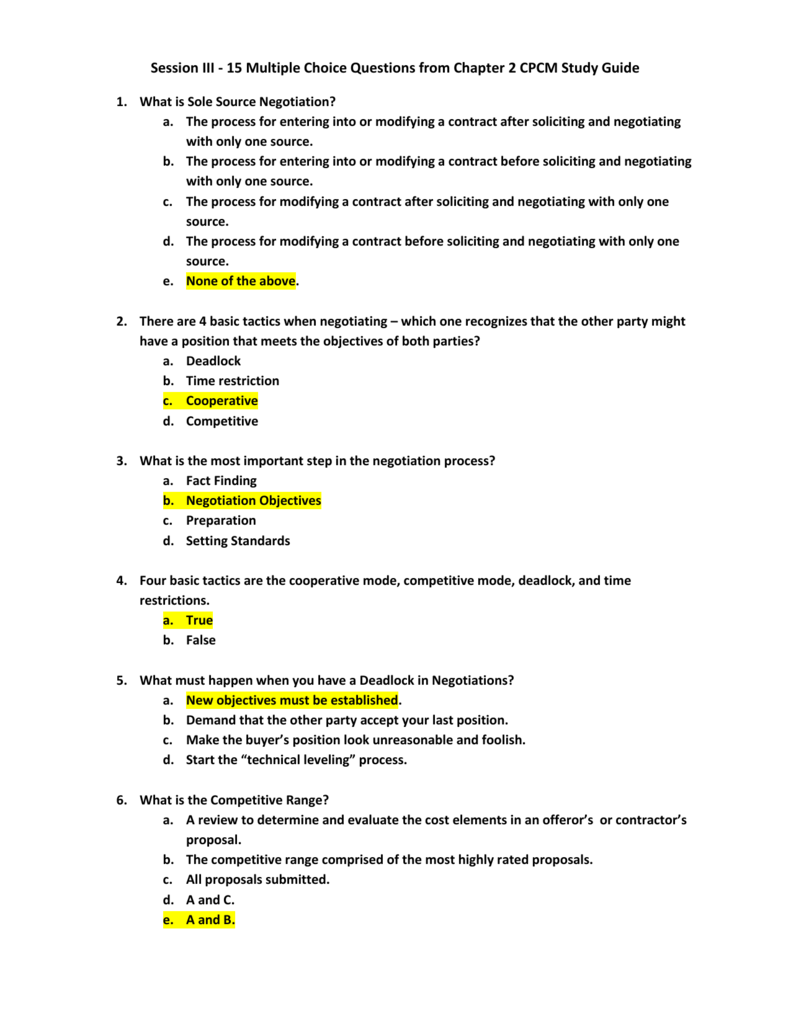
How To Make A Multiple Choice Test On Google Docs Multiple Choice Test Multiple Choice Exam Paper Template Download This Free Printable Multiple Choice Test Template For Microsoft Word Excel TMP Multiple Choice Test Taking Tips Multiple 15 Multiple Choice Questions From CPCM SG Ch 2 Options you add to questions in forms are case sensitive Multiple choice People can choose between a set of options People can only choose one option You can include Other as an option
Except for Google Forms and Google Survey you cannot make a single choice or multiple choice quiz Instead your respondents need to write down the answer It might be a decisive factor for some to give up taking the quiz because it is not as fast to answer as some other quiz builders The steps for making a quiz on Google Docs Open a Google Doc Create a Title Create Quiz Questions Add Answer Key Customize the Quiz Share the Quiz and Collect Responses You can also include multiple choice or true false questions by creating a bulleted list Add Answer Key Create a separate section at the
15 Multiple Choice Questions From CPCM SG Ch 2 10 Tips For Taking Multiple Choice Tests Wizeprep Blog For Better Multiple choice Tests Avoid Tricky Questions Study Finds Sample Instructions For Multiple Choice Test Multiple Choice Questions Sample Formfacade Multiple Choice Grid Multiple Choice Tests Stock Image Image Of Studying Learning 5908127 Formfacade Multiple Choice Creating A Multiple Choice Test Sheet In Google Docs For Remark Office
How To Make A Multiple Choice Test On Google Docs
 How To Make A Multiple Choice Test On Google Docs
https://tophat.com/wp-content/uploads/BLOG_multiple-choice-test.jpg
Multiple choice respondents select one option from among several Checkboxes respondents select as many options as they d like Choose from a list respondents select one option from a dropdown menu Scale respondents rank something along a scale of numbers e g from 1 to 5
Pre-crafted templates use a time-saving service for producing a diverse series of files and files. These pre-designed formats and designs can be used for various personal and expert projects, including resumes, invitations, leaflets, newsletters, reports, discussions, and more, streamlining the content production procedure.
How To Make A Multiple Choice Test On Google Docs
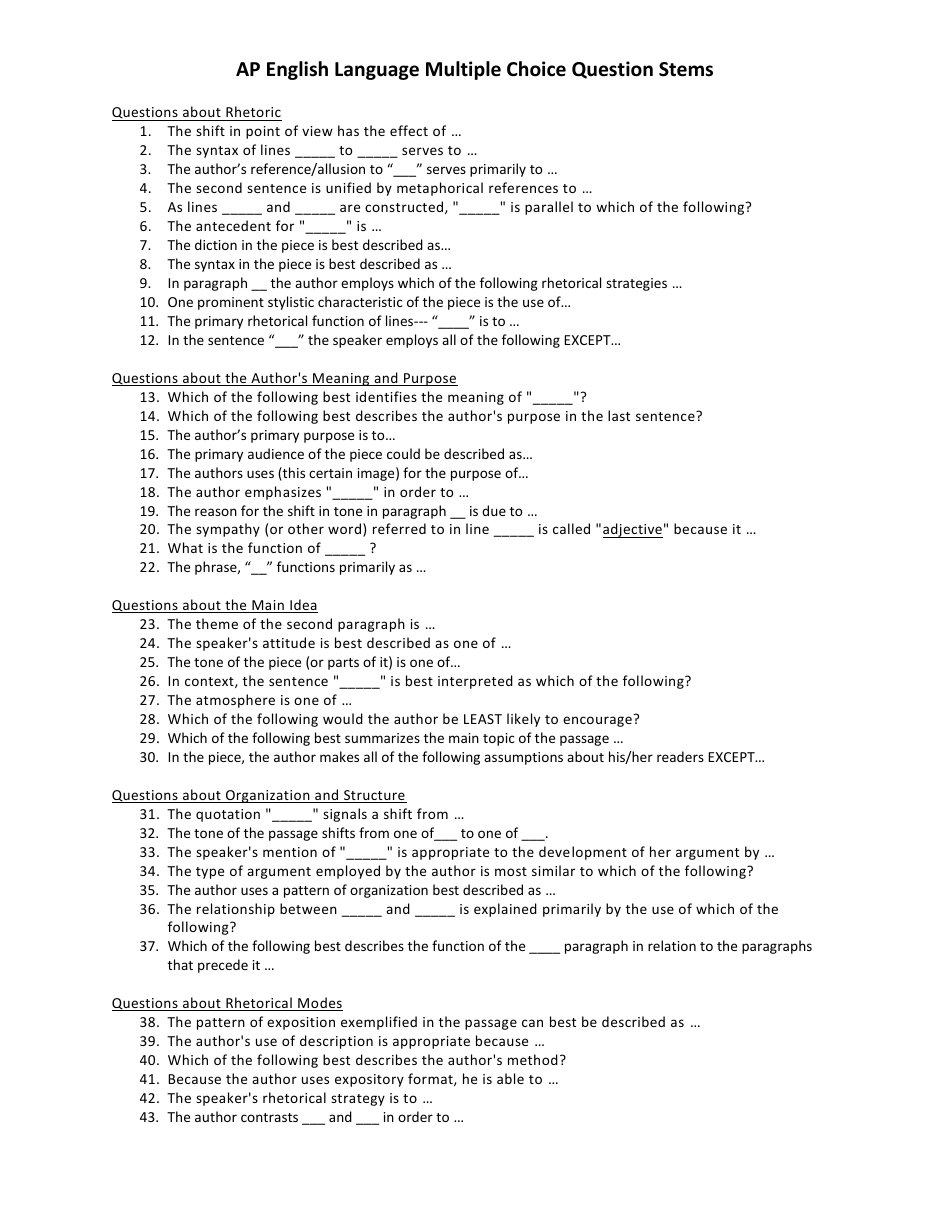
Ap English Language Multiple Choice Test Template Download Printable

10 Tips For Taking Multiple Choice Tests Wizeprep Blog

For Better Multiple choice Tests Avoid Tricky Questions Study Finds
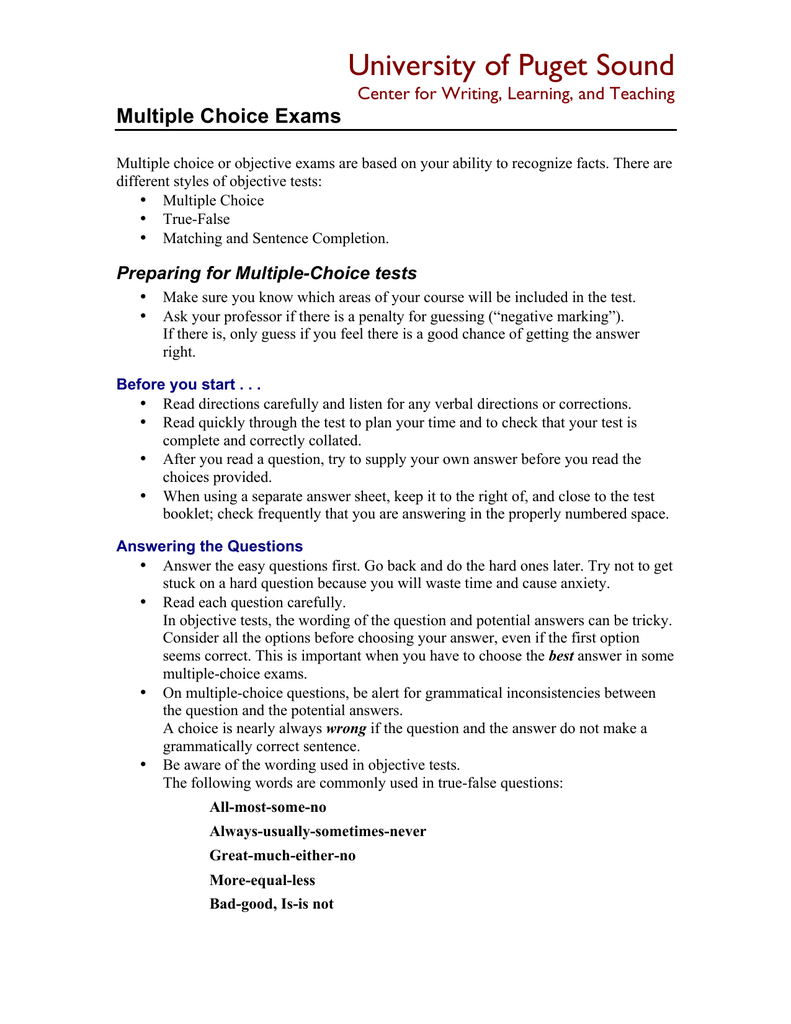
Sample Instructions For Multiple Choice Test
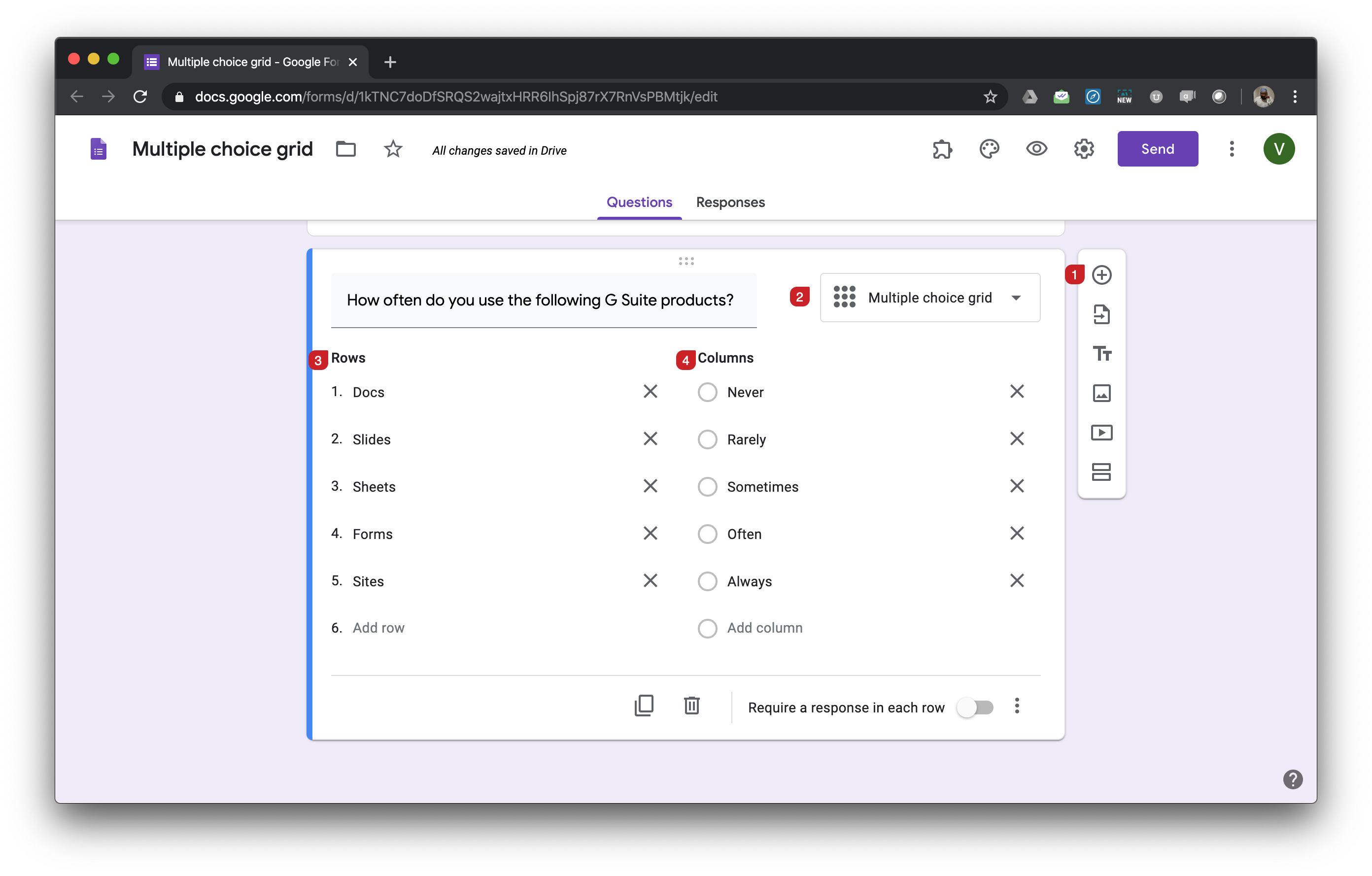
Formfacade Multiple Choice Grid
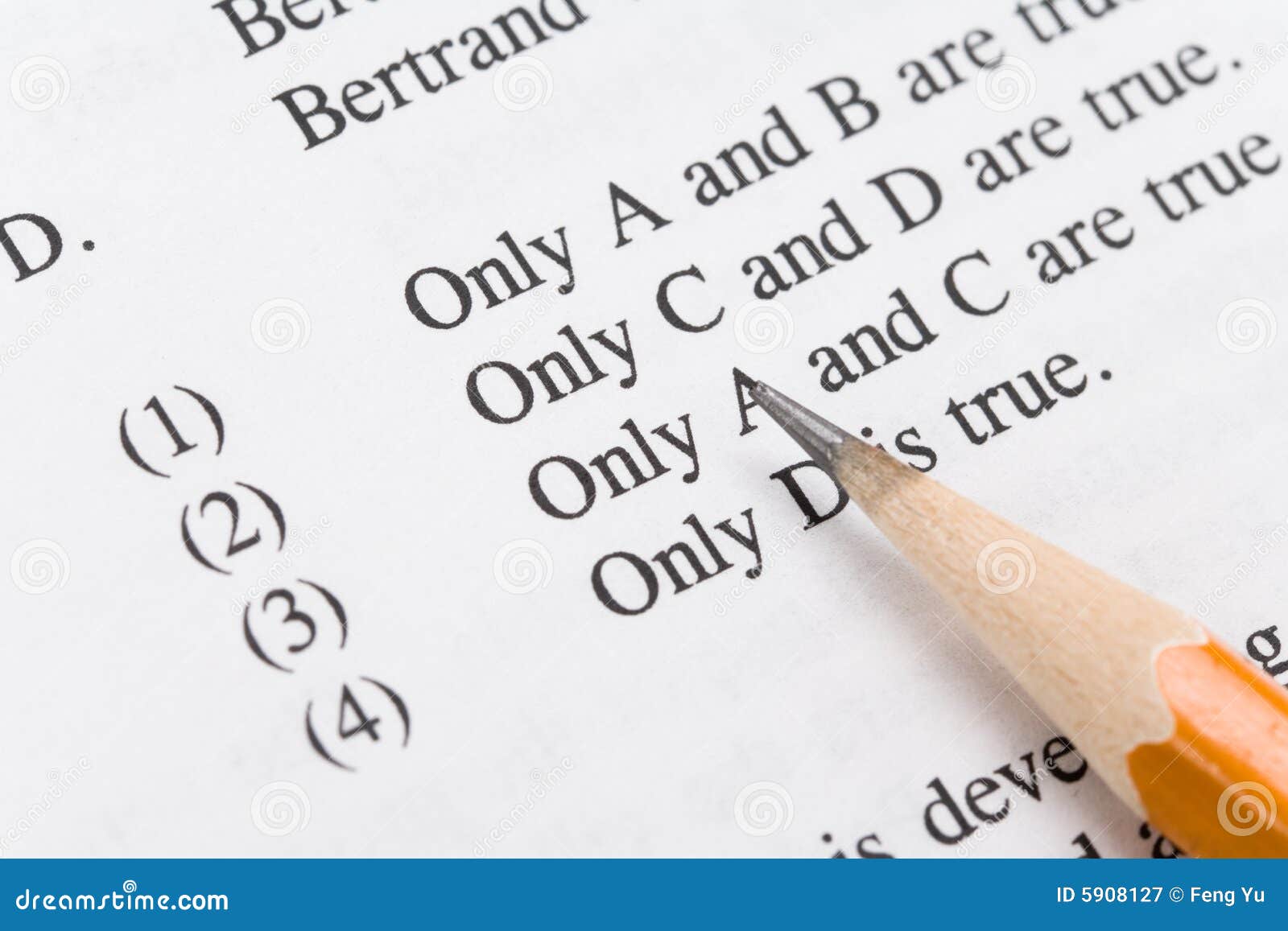
Multiple Choice Tests Stock Image Image Of Studying Learning 5908127
Creating a Quiz in Google Documents Under the Google Docs icon you will see Create New click this Upon clicking you will see a drop down menu Click Form Type the title of

In Google Forms open a quiz At the top click Responses Click Individual To move between individuals click Previous or Next Find the question you want to grade In the top right enter
Create and mark quizzes with Google Forms The quickest way to create a quiz is to go to g co createaquiz How to use Google Forms Choose a question for your form Change the theme or font
Email your quiz Open a quiz in Google Forms In the top right click Send Add the email addresses you want to send the form to along with the email subject and message To include the
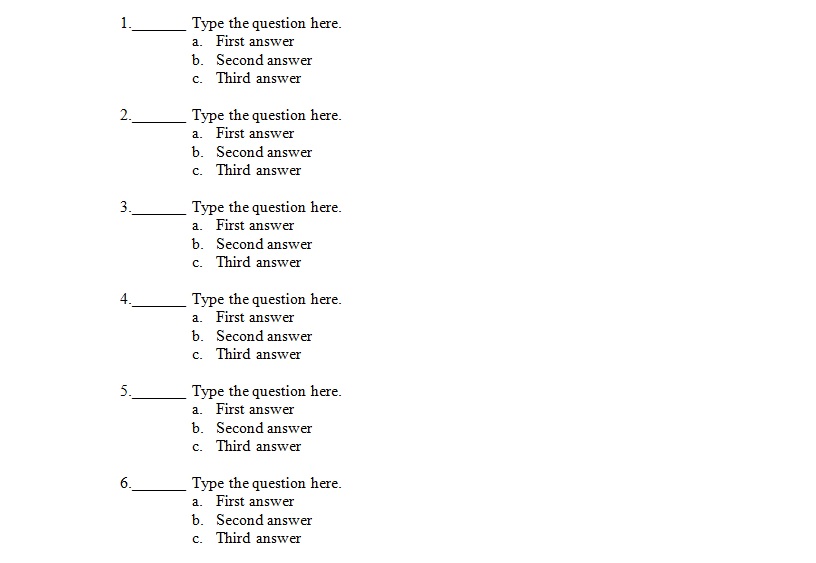
See how to create a multiple choice test sheet in Google Docs The test answer sheet is designed to be scanned and graded with Remark Office OMR You can easily create an answer
Learn more Due to pandemic situations all the Teachers are conducting online Exams in this video we can learn how to prepare the multiple choice questions for Online Test Matching and multiple choice with fill in the blank using Google Docs Alex June 8 2020 Google Multiple choice and matching assignments are a good way to review concepts We are creating a document in Google Docs that is good for multiple choice or matching It is also good for True False review questions Create a new Google Document
Your Grading Multiple Choice Quiz Provide a connecting to this form or embed it under a website This template scores the answers because soon as students complete How to make a quiz on Google Docs finding Let s dive into our guide on making a quiz inbound Google Docs 1 Use Tables One of the approaches of making a quiz is by