How To Make A Ms Forms How To Use Microsoft Forms For Beginners YouTube Microsoft Forms PHP Hosting Microsoft Forms SOLVED What Is The Difference Between A Form And A Quiz In Office 365 How To Save Microsoft Forms Responses In PDF Using Power Automate MS 1 While editing a question click the three dots at the bottom right of the question In the pop up menu choose Add branching Multiple choice questions are a great opportunity to branch the
In this video we have another look at Microsoft Forms We create and preview a new form and share it to gain our responses If you like this video you might How to add questions in Microsoft Forms Right after creating a new form you will see an almost empty page If you click on the title area you will be able to enter the title of the form as well as some description You can also add some formatting options in the description part Simply select the text and click the format you want to apply Click outside the form to apply save the title
How To Save Microsoft Forms Responses In PDF Using Power Automate MS Certificate Design In MS Word How To Create Certificate In Microsoft How To Create A Form In Access Database Guide Gambaran Draw A Neat Labelled Diagram Of Ms Word 2007 Application Window Microsoft Forms Full Tutorial YouTube Microsoft Forms Tutorial YouTube How To Make MS Forms More Appealing YouTube Do You Even Realize How Powerful Microsoft Forms Is M365 Princess Microsoft Forms Tutorial YouTube
How To Make A Ms Forms
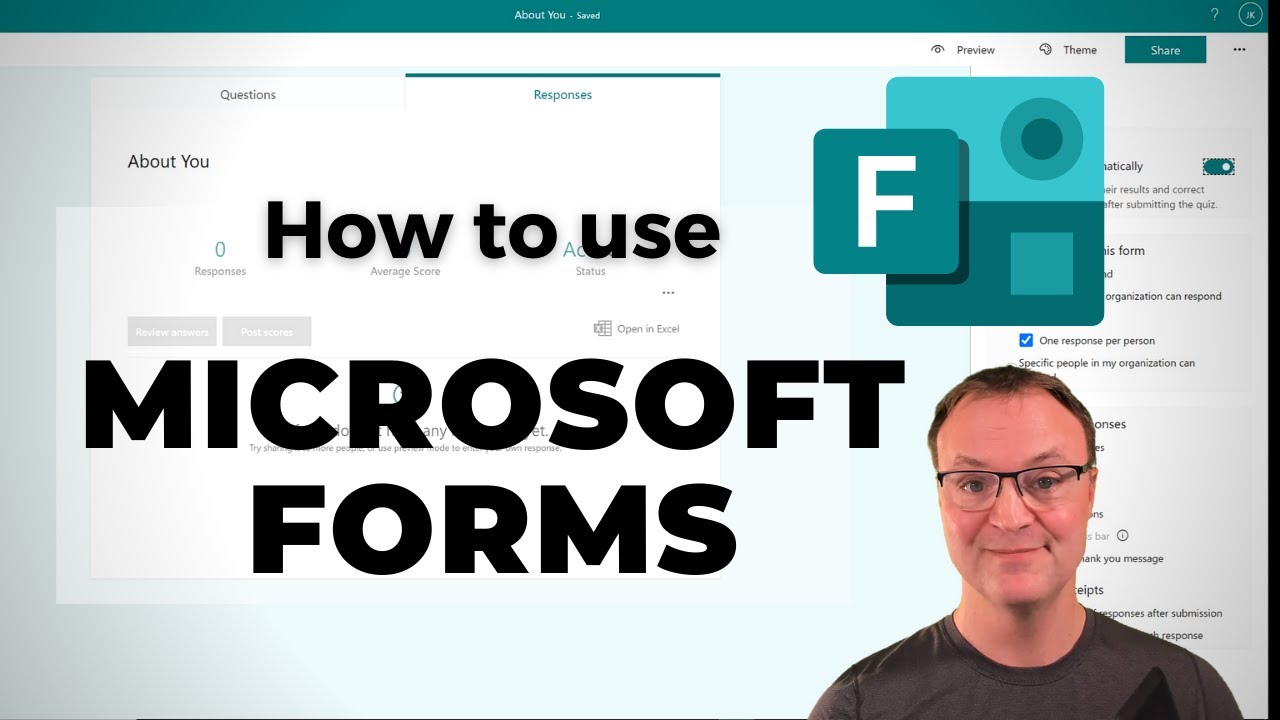 How To Make A Ms Forms
https://i.ytimg.com/vi/SSyrsn1qFik/maxresdefault.jpg
See how to create a survey send it out and analyze the results with this tutorial on Microsoft Forms offered in Office 365 MS Forms has several different
Pre-crafted templates provide a time-saving service for creating a varied variety of documents and files. These pre-designed formats and layouts can be used for numerous personal and expert tasks, consisting of resumes, invites, flyers, newsletters, reports, presentations, and more, improving the content creation procedure.
How To Make A Ms Forms
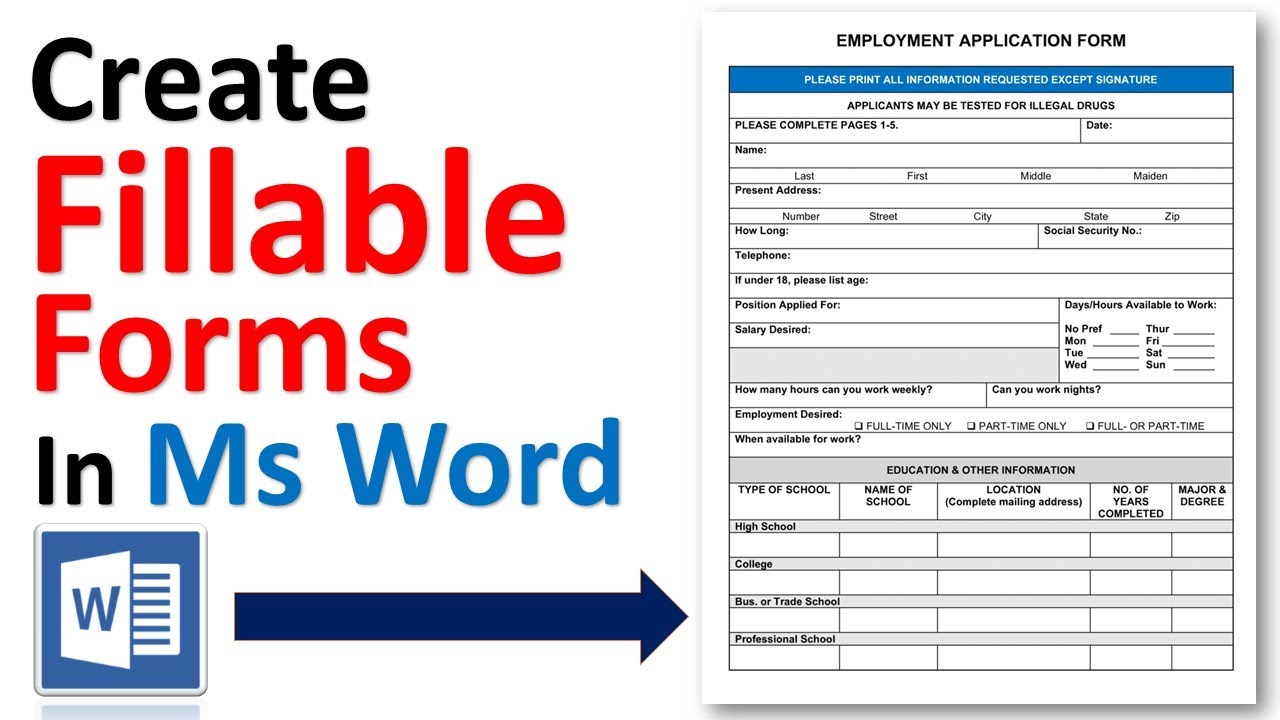
How To Create Fillable Form In Ms Word YouTube
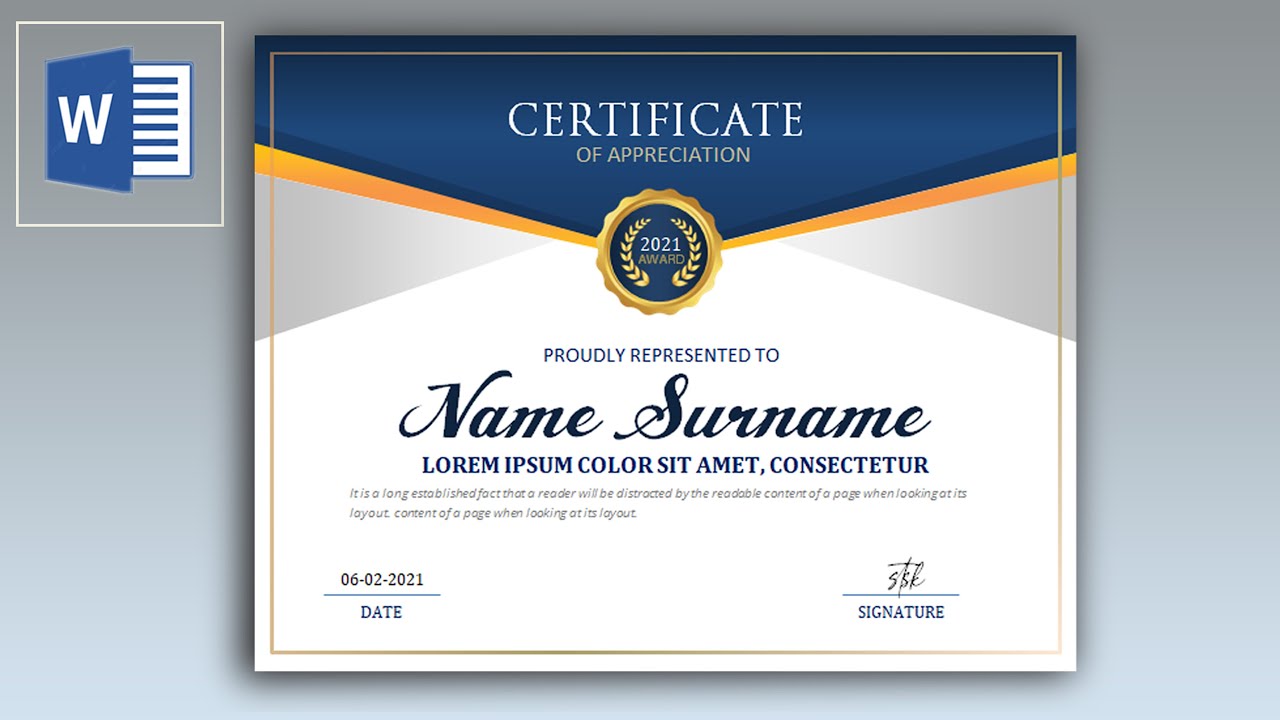
Certificate Design In MS Word How To Create Certificate In Microsoft

How To Create A Form In Access Database Guide Gambaran

Draw A Neat Labelled Diagram Of Ms Word 2007 Application Window

Microsoft Forms Tutorial YouTube

How To Make MS Forms More Appealing YouTube

Microsoft Forms is a web based application that allows you to Create and share online surveys quizzes polls and forms Collect feedback measure satisfaction test knowledge and more Easily design your forms with various question types themes and branching logic Analyze your results with built in charts and reports or export them to
Try Dynamics 365 Customer Voice With Microsoft Forms you can create a form such as a survey or quiz invite others to respond to it using almost any web browser or mobile device see real time results as they re submitted use built in analytics to evaluate responses and export results to Excel for additional analysis or grading Note

Create a form Select New Form or New Quiz Type a title for your form You can also provide an optional subtitle for it Select Add new to add a question You can choose to add Choice Text Rating or Date questions Select the drop down list to see more question types such as Ranking Likert File upload Net Promoter Score and Section

Build a form in minutes Add a title and questions for your form in just a few easy steps Get started now https msft it 6000TsRy8 Subscribe to Microsoft

To create a new quiz go to forms microsoft and click the New Quiz button at the top of the page Alternatively you can go to your Microsoft 365 home page and launch the Forms app as
Choose a dynamic page or theme to grab the recipient s attention Upload your own picture to customize background image Add your logo in the header for a distinctive branding element that aligns with your organization or personal style Select background music from our audio library As respondents answer they can choose to play the music Turn off Microsoft Forms for individual people in your organization When you turn off Microsoft Forms for a specific person they won t be able to use it and the Forms tile won t show up for them in the Microsoft 365 app launcher or homepage Learn how to turn off forms for specific people
To see the next answer click on the arrow icon What s more to download all the answers on a spreadsheet click on the Open in Excel button and the spreadsheet will be downloaded to your