How To Lock Vba Code In Excel Vba To Break Excel Password Mertqsx How To Protect Lock VBA Code In Excel Learn To Write Vba Code For Excel Tutorial Know How To Lock VBA Code In Microsoft Excel Vba Code Examples To Run Excel Vba Code For Beginners Free Nude Porn Verkko Best Way to Protect VBA Code in Excel In order to properly discuss the best way to protect VBA code the VBA code protection term needs to be defined first as well as the criteria of its efficiency All software
Verkko 27 toukok 2016 nbsp 0183 32 Dim aCell As Range Application EnableEvents False If Not Intersect Range quot B B quot Target Is Nothing Then ActiveSheet Unprotect Verkko To prevent others disabling your codes the following steps can help you to set a password to protect the macros 1 Press Alt F11 keys to open your existing code
Vba Code Examples To Run Excel Vba Code For Beginners Free Nude Porn How To Shorten VBA Code In Excel Know How To Lock VBA Code In Microsoft Excel Computer Full Information How To Comment Uncomment Multiple Lines Of Protect Excel VBA Code VBA Project Unviewable In Workbook How To Protect Your Excel Code PeterElSt Excel Vba Code Free Download Popularever VBA Protect Sheet How To Protect Sheet In Excel VBA Ty Ponoren Vzorka Locking Vba Code Excel Vysok Eur pa Ako V sledok
How To Lock Vba Code In Excel
 How To Lock Vba Code In Excel
http://mertqsx.weebly.com/uploads/1/3/3/2/133200372/394115193_orig.jpg
Verkko 21 marrask 2021 nbsp 0183 32 Protecting VBA code is something that should be done to make sure your code doesn t get stolen or used without you knowing This post will cover some
Templates are pre-designed files or files that can be utilized for different purposes. They can conserve effort and time by supplying a ready-made format and layout for producing different kinds of material. Templates can be used for personal or expert tasks, such as resumes, invites, leaflets, newsletters, reports, discussions, and more.
How To Lock Vba Code In Excel

How To Lock A Cell In Excel Formula Using VBA For Secure Data Collection
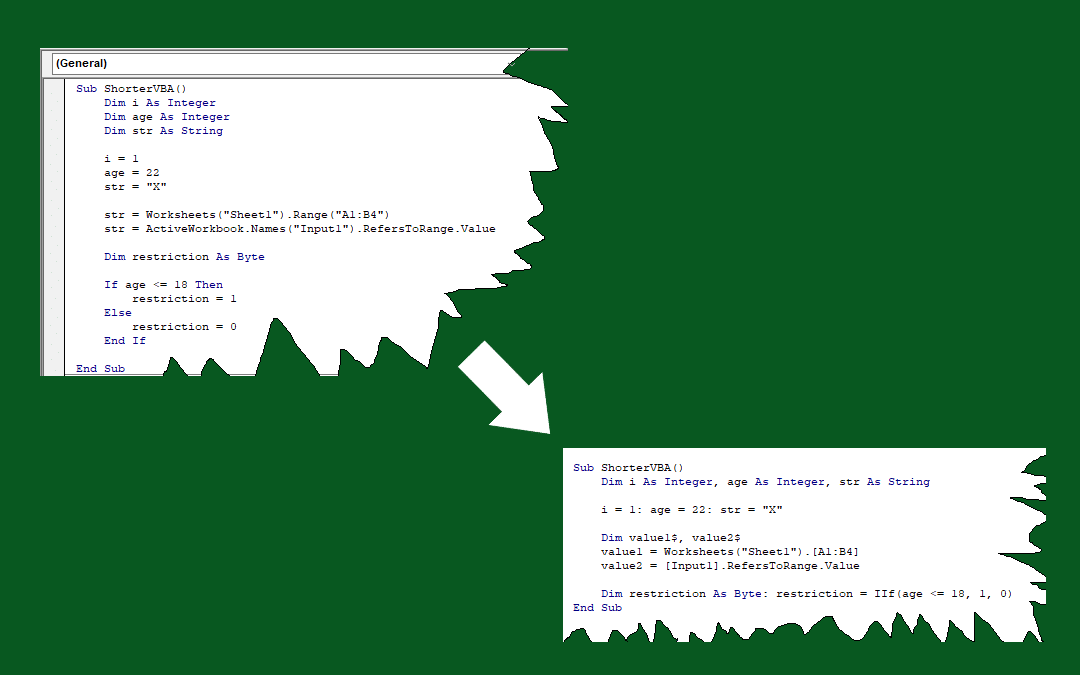
How To Shorten VBA Code In Excel
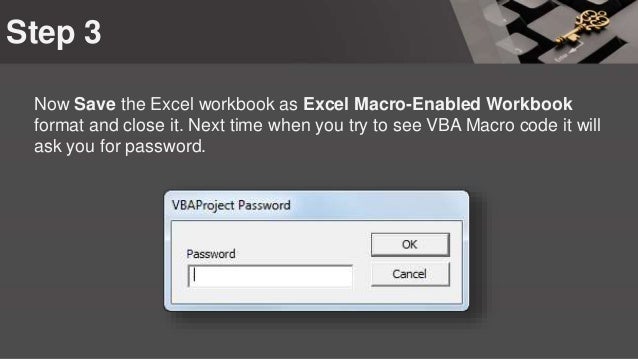
Know How To Lock VBA Code In Microsoft Excel
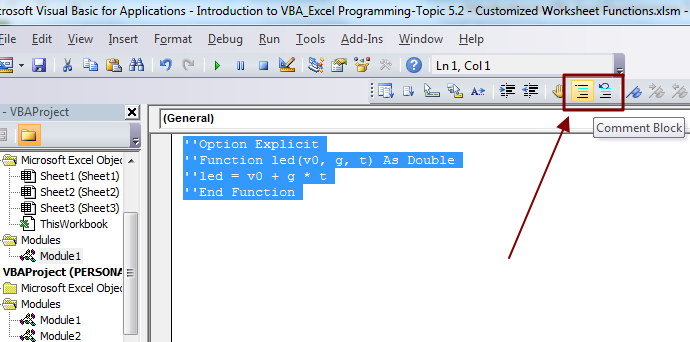
Computer Full Information How To Comment Uncomment Multiple Lines Of

How To Protect Your Excel Code PeterElSt
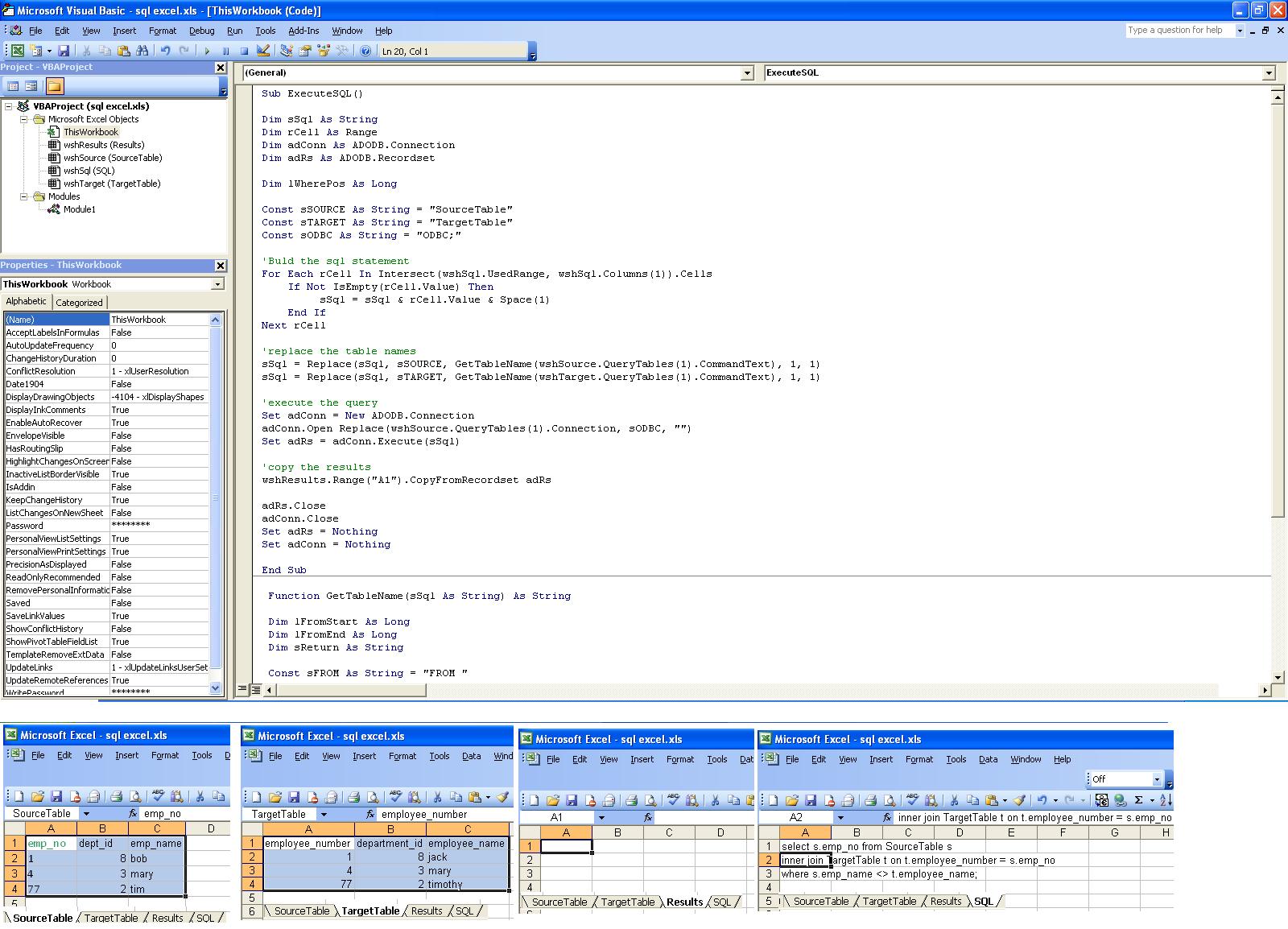
Excel Vba Code Free Download Popularever

Verkko 18 marrask 2012 nbsp 0183 32 31 You can first choose which cells you don t want to be protected to be user editable by setting the Locked status of them to False Worksheets
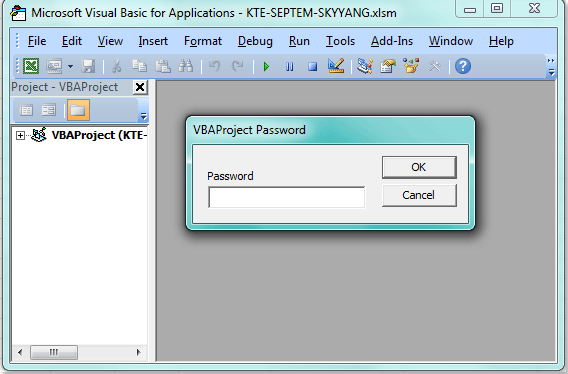
Verkko Place a command button on your worksheet and add the following code lines 1 First create a simple macro that you want to protect Range quot A1 quot Value quot This is secret code quot 2 Next click Tools VBAProject
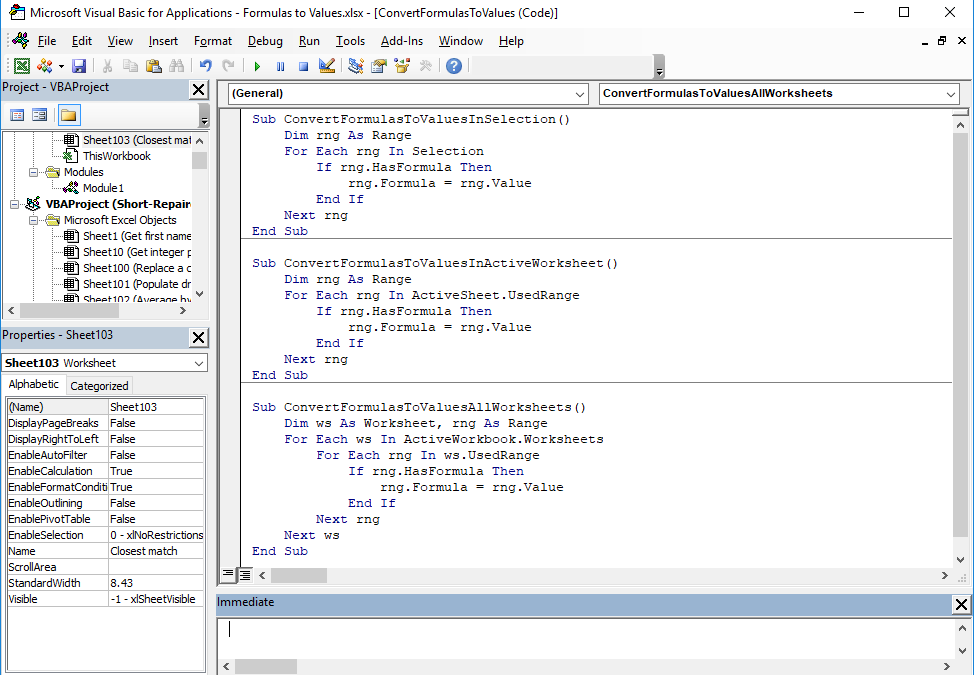
Verkko In Excel you can change the macro security settings to control which macros run and under what circumstances when you open a workbook For example you might allow
Verkko 29 maalisk 2022 nbsp 0183 32 Syntax Lock filenumber recordrange Unlock filenumber recordrange The Lock and Unlock statement syntax has these parts

Verkko 27 huhtik 2016 nbsp 0183 32 Just go to Visual Basic right click your module select VBA Project Properties under protection tab you can lock your VBA code with password
Verkko 11 marrask 2022 nbsp 0183 32 Applying a sheet to a variable If we want to apply protection to a sheet stored as a variable we could use the following Dim ws As Worksheet Set ws Verkko 8 tammik 2022 nbsp 0183 32 Open the Microsoft Excel workbook that contains your VBA project Step 2 Press Alt F11 to open the Microsoft Visual Basic for Applications window Or
Verkko 3 lokak 2018 nbsp 0183 32 Select a cell or a range of cells and press Ctrl 1 to open this menu and go to the Protection tab Use the corresponding checkboxes to activate properties The second method is doing this