How To Launch Vscode From Cmd How To Find VSCode On A Linux System Systran Box Switch To VSCode From Atom Samuel Ye Configure A Base ReactJS App Manually Part 1 How To Setup Code Server On Ubuntu 20 04 LTS Visual Studio Code How To Stop Vscode Terminal To Open A New Cmd Window If you forgot your password or username or you can t get verification codes follow these steps to recover your Google Account That way you can use services like Gmail Pho
Google Chrome tips Google Chrome tips From productivity to customization learn how to get things done more quickly with your browser Problems with your startup or homepage If you re on a computer and you find a homepage or startup page that you didn t set yourself your computer may have malware Learn how to remove unwanted ads pop ups amp malware Important If you re a Chromebook user and you use it at work or school you can t choose or change your startup page or homepage Your network
Visual Studio Code How To Stop Vscode Terminal To Open A New Cmd Window What Is The Purpose Of A Command Line Interface application Stampfasr Mac Command Line List Files Details Baselikos Integrated Terminal In Visual Studio Code How To Open Visual Studio What Is Visual Studio Code Cmd Gaiapp How To Comment In VS Code The VSCode Comment Shortcut An Executable Bash Script In Mac For Running A Java Program Seoecpcseo How To Launch Vscode Mac Os X Terminal Fairydas Vscode Debug In Linux With Gdb YouTube
How To Launch Vscode From Cmd
 How To Launch Vscode From Cmd
https://syscdn.systranbox.com/how_to_find_vscode_on_linux_system.gif
Want advanced Google Workspace features for your business Try Google Workspace today Google Drive helps you keep all your files together You can upload and share your files from any device create new files keep them organized edit easily and share them with others If you re new to Google Drive this article will help you get started by covering the most important and
Pre-crafted templates offer a time-saving option for creating a varied series of documents and files. These pre-designed formats and designs can be utilized for numerous personal and professional tasks, including resumes, invitations, flyers, newsletters, reports, presentations, and more, enhancing the material development procedure.
How To Launch Vscode From Cmd
Open Visual Studio Code From Terminal
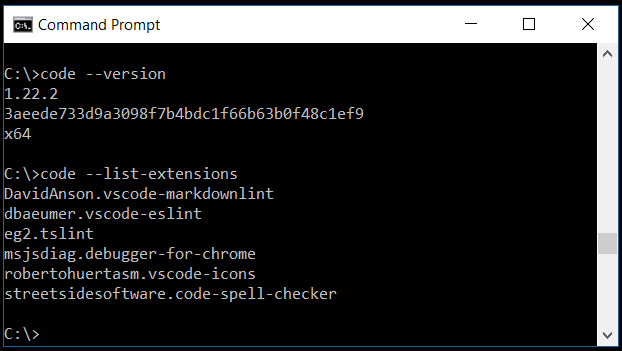
What Is The Purpose Of A Command Line Interface application Stampfasr
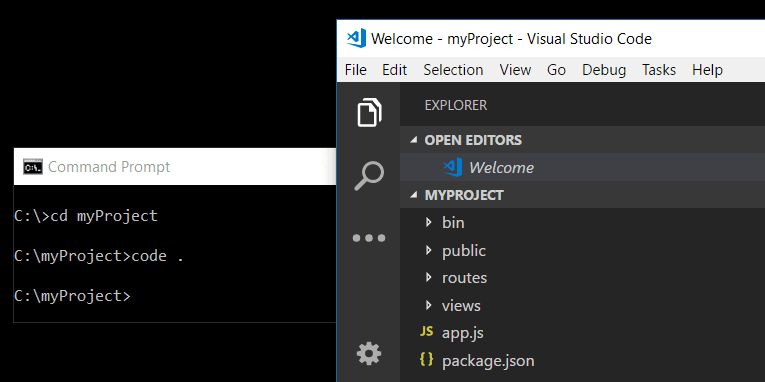
Mac Command Line List Files Details Baselikos

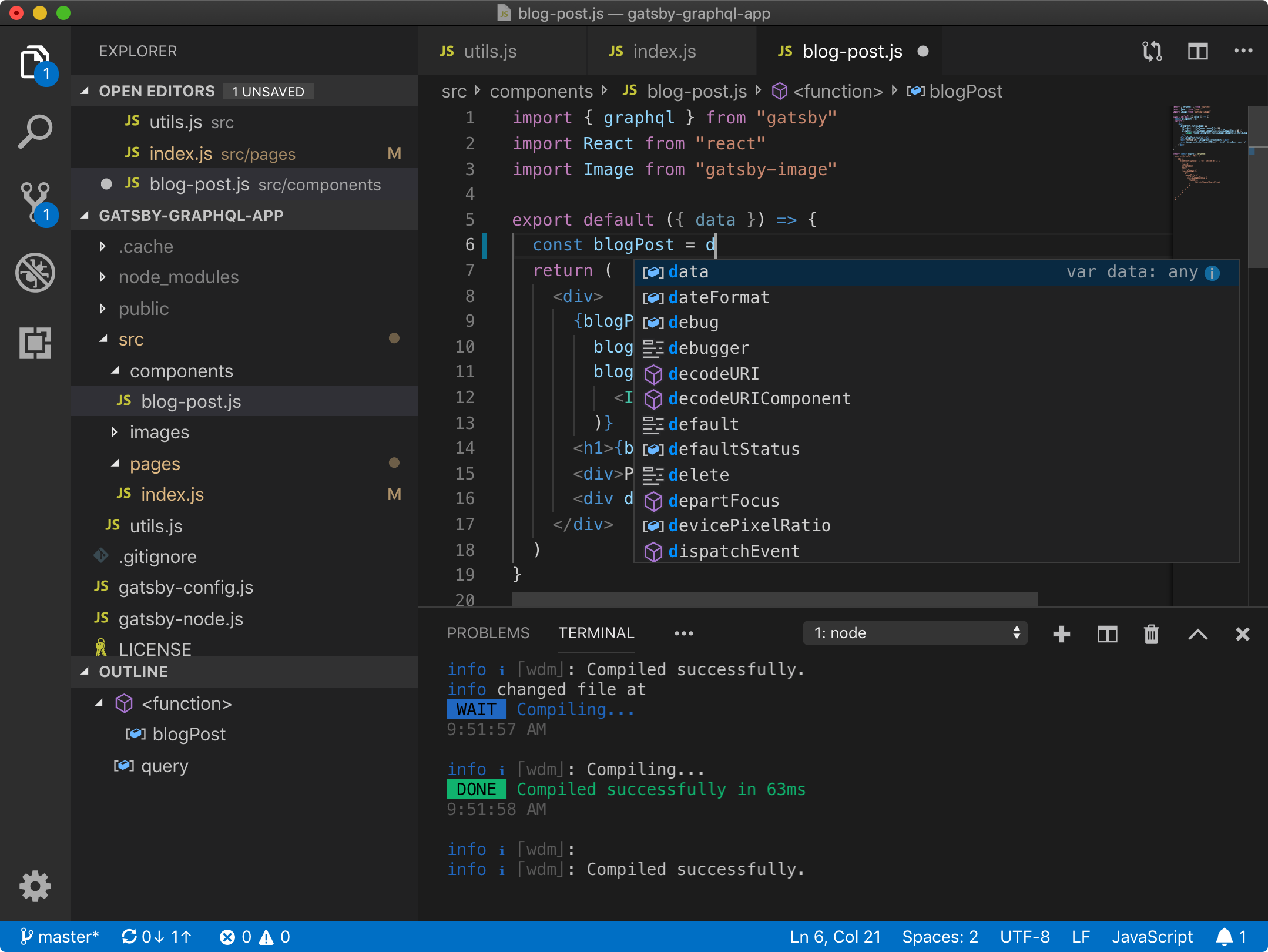
Integrated Terminal In Visual Studio Code How To Open Visual Studio
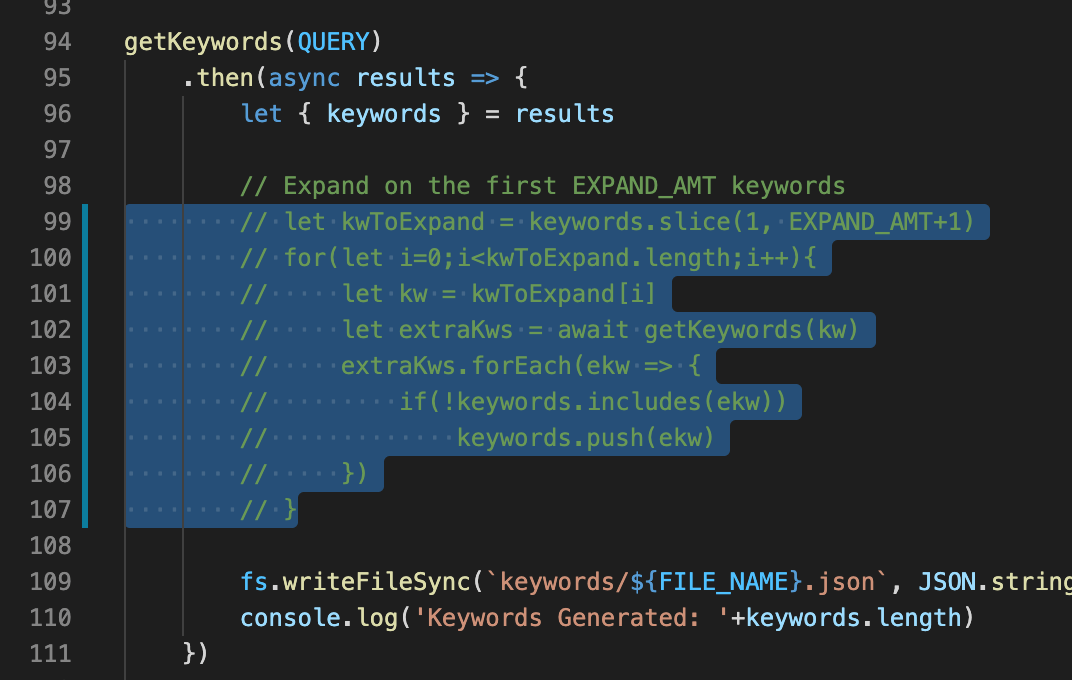
How To Comment In VS Code The VSCode Comment Shortcut
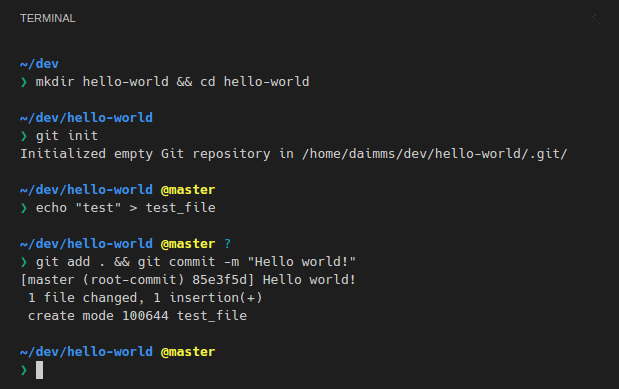
An Executable Bash Script In Mac For Running A Java Program Seoecpcseo

How to install Chrome Important Before you download you can check if Chrome supports your operating system and other system requirements

Analytics Academy on Skillshop is a collection of free e learning courses designed by Analytics experts to help users get the most out of Google Analytics Google Analytics currently offers 4 training

Official Gmail Help Center where you can find tips and tutorials on using Gmail and other answers to frequently asked questions
To know whether this is a problem with the webpage or Chrome try to open the page in another browser like Firefox or Safari If it works in another browser try the steps below Uninstall and reinstall Chrome There could be something wrong with your Chrome profile that s causing problems Uninstall Chrome and make sure to check the box to delete browsing data Then

Official Google Play Help Center where you can find tips and tutorials on using Google Play and other answers to frequently asked questions
[desc-11] [desc-12]
[desc-13]