How To Install Windows Boot Manager How To Install Windows Boot Manager Linux Systran Box Boot Manager Download Windows 7 Listaa Windows Boot Manager Berhasil 4 Cara Mengatasi Windows Boot Manager Dengan Mudah Leskompi Windows Boot Manager Wikiwand Web Oct 18 2023 nbsp 0183 32 Table of Contents Help Boot Manager Keeps Popping Up What Is Windows Boot Manager BOOTMGR Definition Solution 1 Enable or Disable Windows Boot Manager with CMD Solution 2 Modify Windows Boot Manager with System Configuration Bonus Tip How to Safeguard Your Data in Windows 10 8 7 Conclusion About the
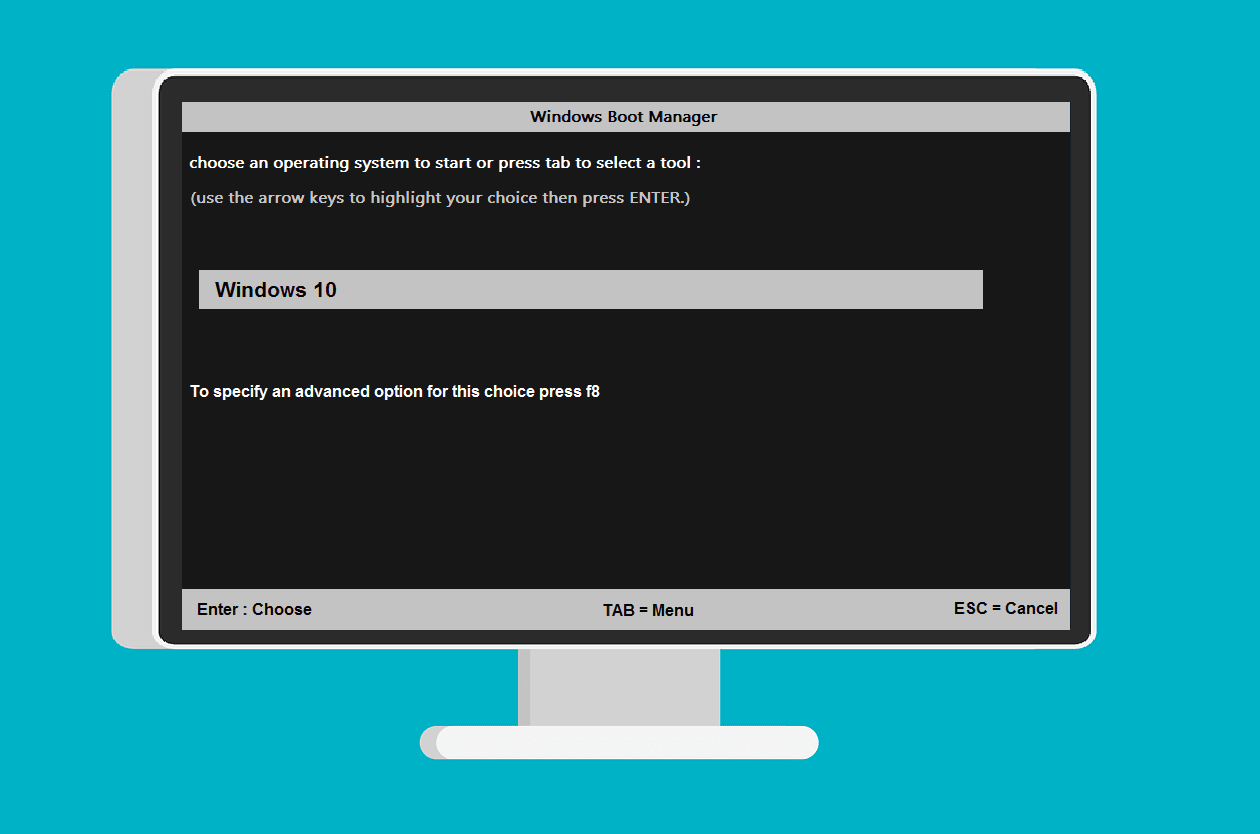
Web Dec 14 2023 nbsp 0183 32 Understanding the Windows Boot Manager The Windows Boot Manager is a Microsoft provided UEFI application that sets up the boot environment Inside the boot environment individual boot applications started by the Boot Manager provide functionality for all customer facing scenarios before the device boots Web Jun 1 2021 nbsp 0183 32 What Is Windows Boot Manager Windows Boot Manager BOOTMGR a small piece of software is loaded from the volume boot code that is a part of the volume boot record It enables you to boot Windows 10 8 7 or Windows Vista operating system Besides MiniTool will offer more information to you
Windows Boot Manager Wikiwand Cara Mengatasi Windows Boot Manager Paling Lengkap Cepat Mudah RAY S BLOGGING AGAIN The Windows Boot Manager How To Install Windows 10 Boot Manager On 2nd Drive Windows 10 Forums Old Redundant Windows 10 Boot Manager Entries After Clean Installation How To Stop Windows Boot Manager From Showing YouTube Disable Windows Boot Manager 7 8 1 10 My T430 Is Stuck On Windows Boot Manager Screen When I Hit Enter Its Windows Boot Manager Not Working Microsoft Community
How To Install Windows Boot Manager
 How To Install Windows Boot Manager
https://syscdn.systranbox.com/1661337788826.jpg
Web Nov 22 2023 nbsp 0183 32 Download Article 1 Turn on your Windows computer To access the Boot menu you ll need to press a key before the operating system fully loads 1 If your computer is on shut it down first You can also restart it 2 Press and hold the Boot menu key This will vary depending on your device Here s a list of common BIOS keys by manufacturer
Pre-crafted templates provide a time-saving service for producing a diverse series of documents and files. These pre-designed formats and layouts can be used for different individual and expert projects, consisting of resumes, invites, flyers, newsletters, reports, discussions, and more, improving the content creation process.
How To Install Windows Boot Manager

Windows Boot Manager How To Edit And Fix Boot Manager In Windows 10

Cara Mengatasi Windows Boot Manager Paling Lengkap Cepat Mudah
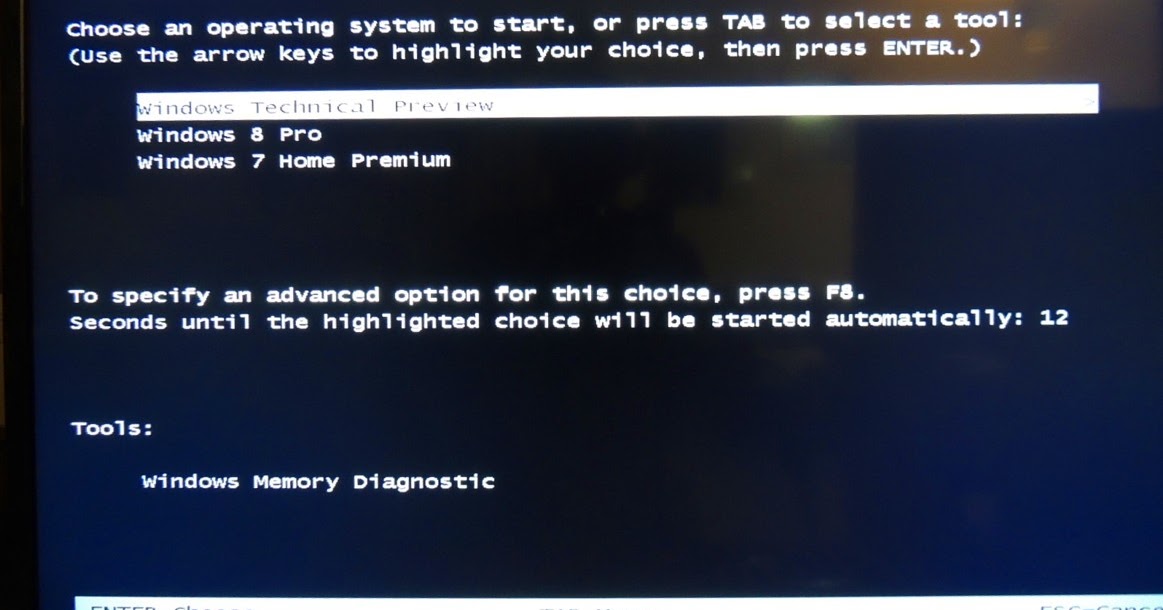
RAY S BLOGGING AGAIN The Windows Boot Manager
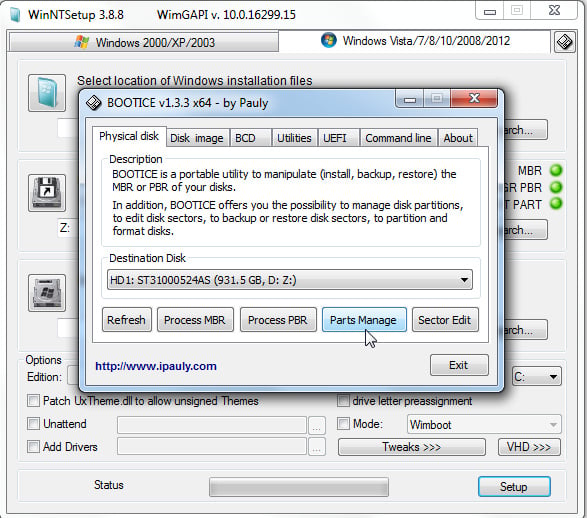
How To Install Windows 10 Boot Manager On 2nd Drive Windows 10 Forums
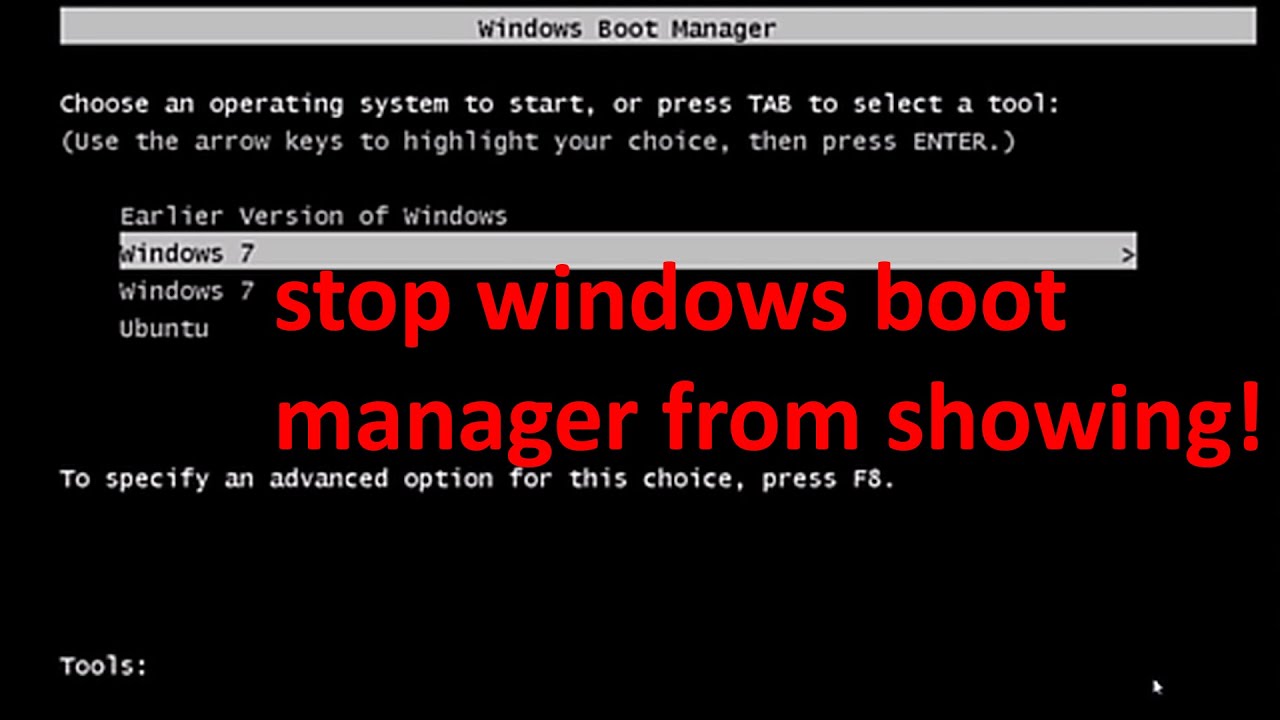
How To Stop Windows Boot Manager From Showing YouTube
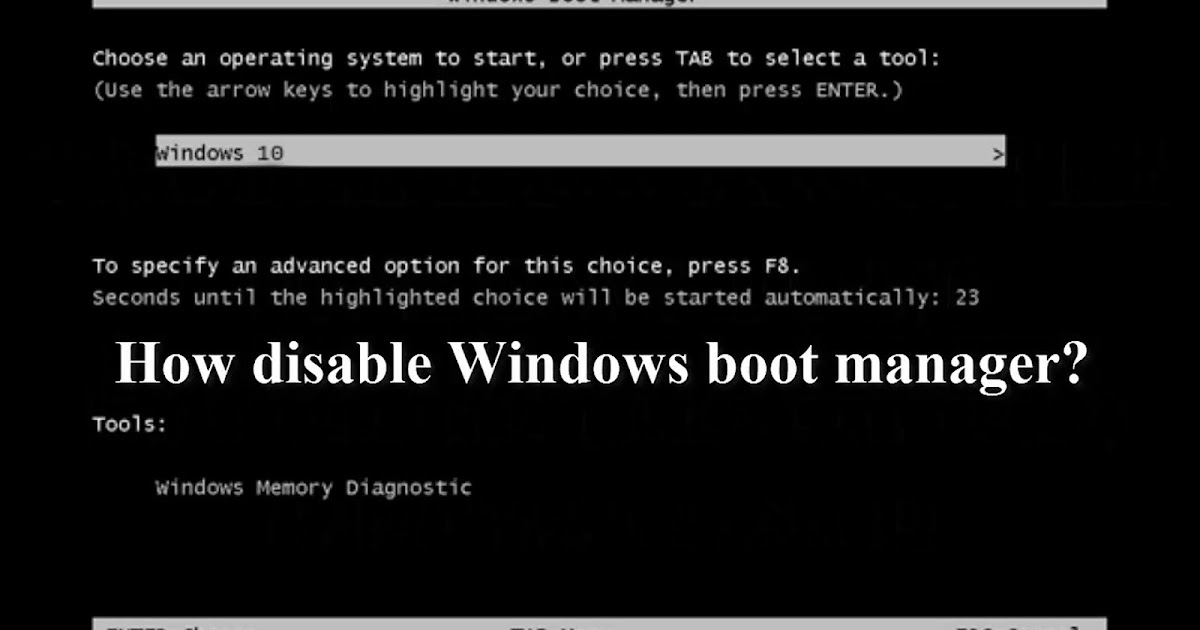
Disable Windows Boot Manager 7 8 1 10

Web 2 days ago nbsp 0183 32 First run the Command Prompt as an administrator open Windows Search using Win S enter cmd in the search box hover the mouse over the Command Prompt app from the search results and select

Web Jul 27 2018 nbsp 0183 32 How to install Windows 10 boot manager on 2nd drive When I m installing Windows in a PC with 2 drives and I want to dedicate one for it and one for Linux I usually disable from Bios the drive I don t want to use then I

Web Aug 10 2023 nbsp 0183 32 About the Windows Boot Manager The Windows Boot Manager a small program that resides on your system s boot partition is a crucial component that plays a pivotal role in initiating the operating system during the boot up process It presents a menu of available operating systems allowing you to choose which one to boot into By adding
Web Dec 17 2022 nbsp 0183 32 It s very easy to enable or disable the Windows Boot Manager but there s not much room for further modification Regardless here are the necessary steps Press Windows R type systempropertiesadvanced and press Enter In the Startup and Recovery section click on Settings

Web May 6 2021 nbsp 0183 32 Windows Boot Manager can boot from secondary storage HDD or SSD USB or CD ROM If you insert a Windows 11 installation USB into your computer and select the USB as the first boot device the BOOTMGR manages the boot process and initiates the installation of your OS from the installation device
[desc-11] [desc-12]
[desc-13]