How To Install Syslinux Bootloader On Usb How To Replace Windows Bootloader With Syslinux YouTube Comment Installer Syslinux Dans Arch Linux StackLima How To Unlock Bootloader Of Any Android Device In 2021 Broodle Arduino Internet Of Things Part 1 Burning The Arduino Bootloader Onto Guide To The Boot Process Of A Linux System Baeldung On Linux To easily manage and share content across all of your devices and the cloud use Google s desktop sync client Drive for desktop If you edit delete or move a file on the Cloud the same
Get started with Analytics Collect and manage data Report and explore Advertising and attribution Audiences and remarketing Manage accounts properties and users Google Analytics 360 If you forgot your password or username or you can t get verification codes follow these steps to recover your Google Account That way you can use services like Gmail Pho
Guide To The Boot Process Of A Linux System Baeldung On Linux How Do I Install Syslinux extlinux To A Disk Image File Without Replace Android GRUB With Windows Bootloader On Dualboot SHORT Solved Booting From A USB On A PC Syslinux Boot Promt 9to5Answer Lubuntu Install Bootloader On Usb Drive Behooli Htc Unlock Bootloader Without Pc Nycmobilewebdesign Install The UF2 Bootloader Installing TinyUF2 Bootloader On RT10xx How To Install Syslinux On Debian Ubuntu Alpine Arch Kali CentOS Ubuntu How To Install Syslinux On Ubuntu 13 04 YouTube
How To Install Syslinux Bootloader On Usb
 How To Install Syslinux Bootloader On Usb
https://i.ytimg.com/vi/ugpUEn_eDks/maxresdefault.jpg
Official Google Play Help Center where you can find tips and tutorials on using Google Play and other answers to frequently asked questions
Pre-crafted templates use a time-saving service for creating a diverse range of documents and files. These pre-designed formats and designs can be made use of for different personal and professional projects, including resumes, invites, flyers, newsletters, reports, discussions, and more, simplifying the material creation process.
How To Install Syslinux Bootloader On Usb
Multiboot USB Drive Using Syslinux
How Do I Install Syslinux extlinux To A Disk Image File Without

Replace Android GRUB With Windows Bootloader On Dualboot SHORT

Solved Booting From A USB On A PC Syslinux Boot Promt 9to5Answer

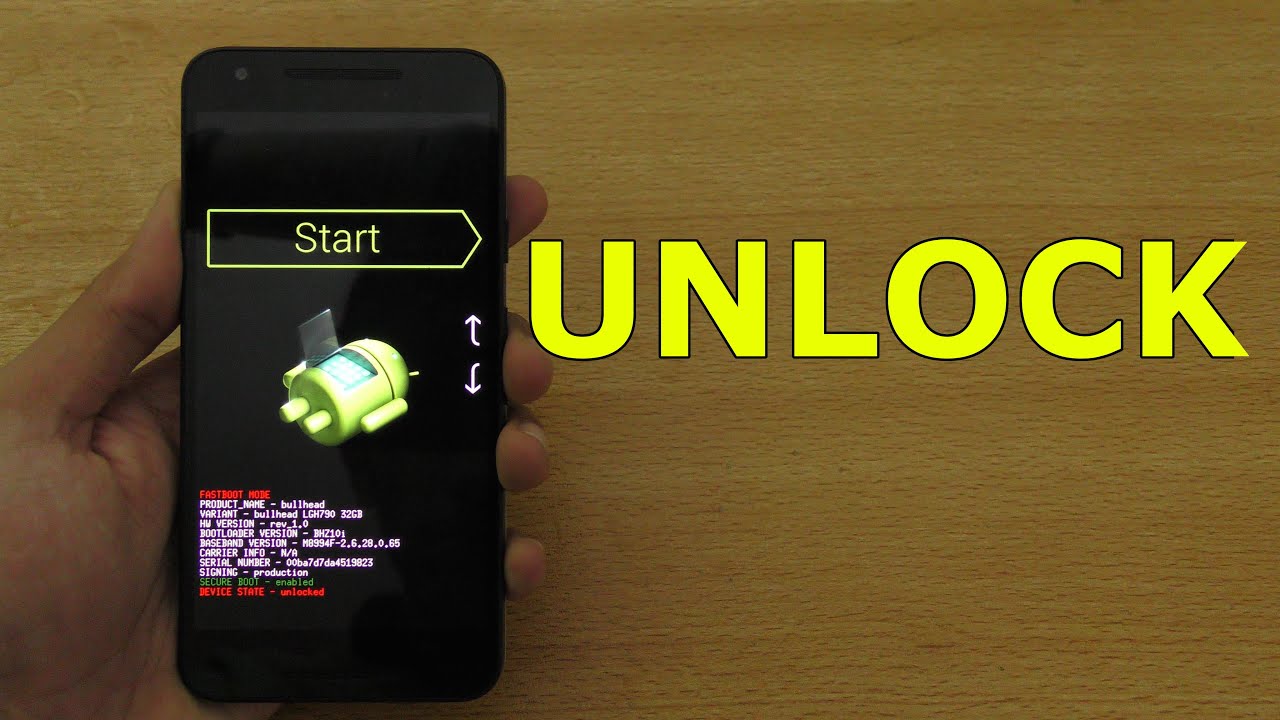
Htc Unlock Bootloader Without Pc Nycmobilewebdesign

Install The UF2 Bootloader Installing TinyUF2 Bootloader On RT10xx

Analytics Academy on Skillshop is a collection of free e learning courses designed by Analytics experts to help users get the most out of Google Analytics Google Analytics currently offers 4
Sign in to Gmail Tip If you sign in to a public computer make sure to sign out before you leave the computer Learn how to sign in on a device that s not yours
Official Gmail Help Center where you can find tips and tutorials on using Gmail and other answers to frequently asked questions

In Incognito mode third party cookies are blocked by default If a site that relies on third party cookies doesn t work as expected you can try temporarily allowing them for that site Learn

Hi Rita Unfortunately there is no official Gmail app for Windows However you can create a desktop shortcut by following these steps
[desc-11] [desc-12]
[desc-13]