How To Install Specific Node Version Using Brew How To Install Pandas In PyCharm Correctly YouTube WSL 2 Install Specific Distro How Add Linux In WSL Windows 10 How To Install Specific Java Setting JAVA HOME Environment Variable NVM Node Manager Simple Easy Office 365 Word Excel WEB Follow 2 min read 183 Dec 7 2016 2 5K 17 UPDATE 2021 nvm is working and easier than brew try it GitHub nvm sh nvm Node Version Manager POSIX compliant bash script to manage
WEB Feb 2 2018 nbsp 0183 32 Install node using brew install node Homebrew formulae are available for prior versions of Node js and follow the node lt version gt naming convention You can WEB Here is a step by step to change your node version Open terminal To see your current node version node version To see available node versions brew search node
Office 365 Word Excel How To Install Multiple Node js Versions On MacOS M1 M2 Mac M1 brew nvm NVM Gampang Ganti Versi Node Dalam Sekejap NVM For Windows Windows 10 Access Your Localhost Anywhere With Cloudflared ServBay PHP Python Node js MySQL PostgreSQL Ollama Web Mac Homebrew Essentials How To Install Specific Versions Windows Update Node Js Remoteose
How To Install Specific Node Version Using Brew
 How To Install Specific Node Version Using Brew
https://i.ytimg.com/vi/kYhsE9RDMK4/maxresdefault.jpg
WEB Jan 28 2024 nbsp 0183 32 brew info node 14 Installing a Specific Version Now to the main focus installing a particular version of a package This is done via the following command
Templates are pre-designed files or files that can be used for numerous purposes. They can save effort and time by supplying a ready-made format and layout for creating different type of material. Templates can be used for personal or professional tasks, such as resumes, invitations, leaflets, newsletters, reports, presentations, and more.
How To Install Specific Node Version Using Brew

Cosy Urban Brew Node Buildings Sketch Architecture Modern
How To Install Multiple Node js Versions On MacOS M1 M2
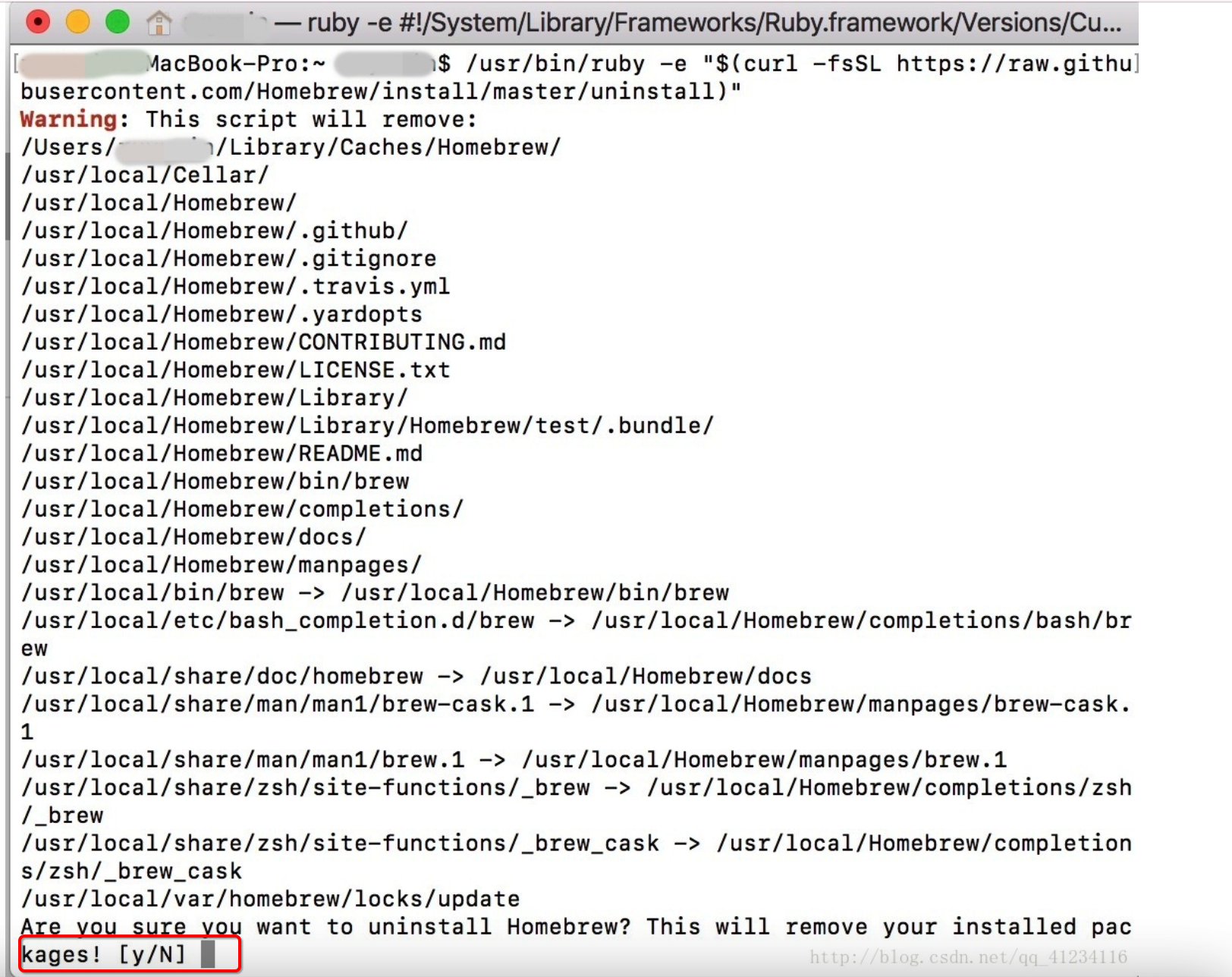
Mac M1 brew nvm
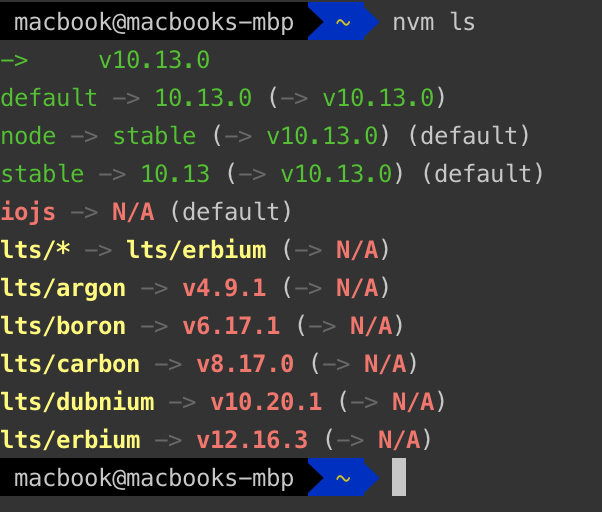
NVM Gampang Ganti Versi Node Dalam Sekejap
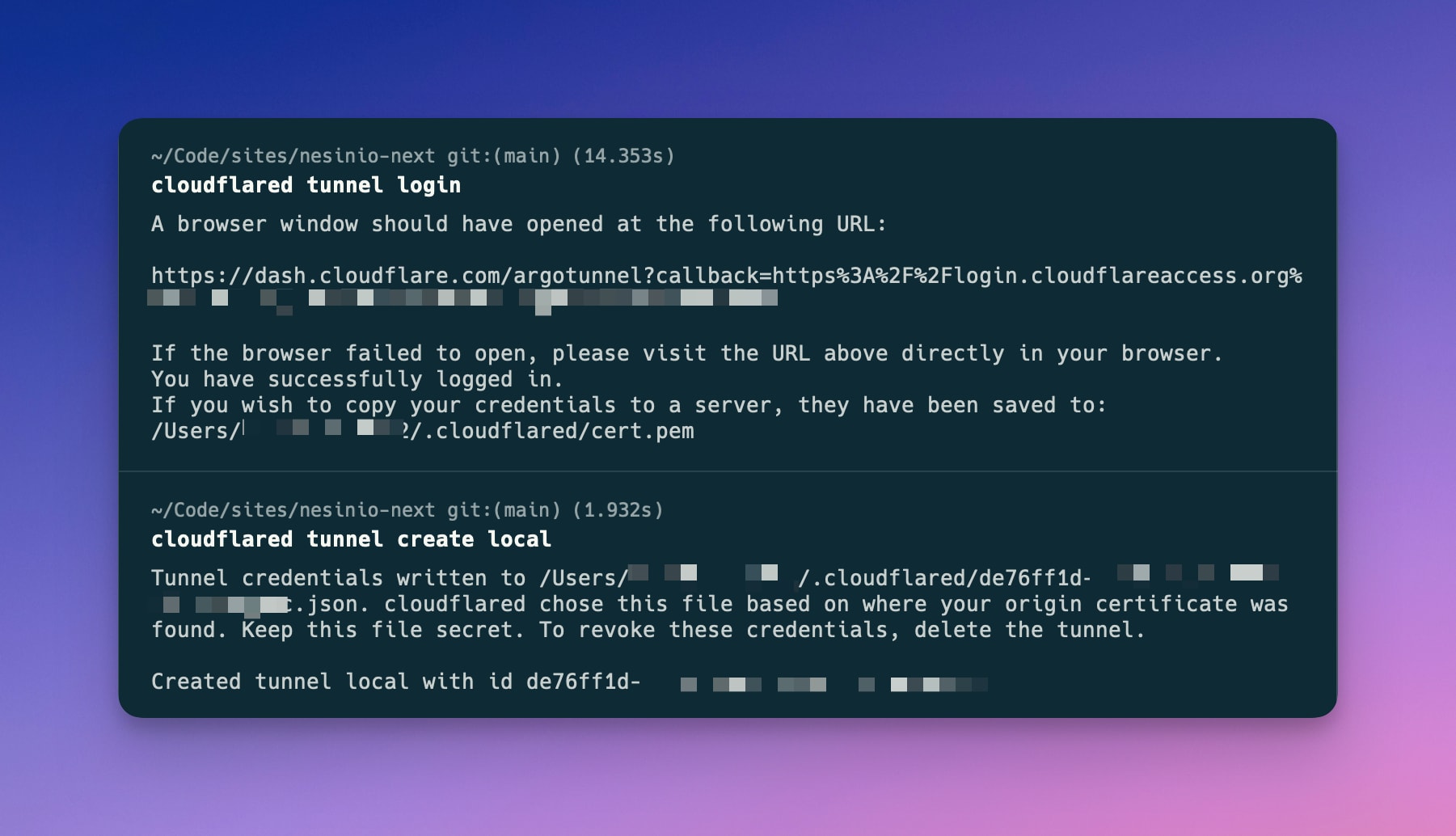
Access Your Localhost Anywhere With Cloudflared
ServBay PHP Python Node js MySQL PostgreSQL Ollama Web

WEB brew install node lt version gt Where lt version gt is 0 10 0 12 4 etc For example to install Node js v6 as of this writing the most recent LTS version brew install

WEB Mar 18 2022 nbsp 0183 32 Install a specific version of node and npm using brew or not using brew Asked 2 years ago Modified 2 years ago Viewed 7k times 2 I m trying to set my
WEB If not go to the the website brew sh and copy paste the command given in your terminal to install it Test if Node js is already installed somewhere else with node v if it gives you

WEB Feb 1 2023 nbsp 0183 32 To install a specific Node js version you can use the brew install command brew install node lt version gt That will download the specified version in
WEB brew install node node 14 node 16 latest and all LTS versions at time of writing brew info node 14 gets the PATH variable you ll need to use node v14 You will only need the following line export PATH
WEB Jan 25 2021 nbsp 0183 32 1 I ve installed Node 10 brew previously and prefer to continue using only brew without nvm etc All of my projects are on Node 10 Now I need to use Node 12 WEB May 27 2021 nbsp 0183 32 Install all the Node versions you need nvm install lt node version gt You can transfer your globally installed packages from one version to another if you want
WEB Mar 12 2013 nbsp 0183 32 First install Homebrew usr bin ruby e quot curl fsSL https raw githubusercontent Homebrew install master install quot Then run brew