How To Install Snipping Tool Install Or Enable Snipping Tool In Windows 7 Vista Tech Journey How To Uninstall Snipping Tool App On Windows 10 Pureinfotech How To Use Snipping Tool In Windows 10 YouTube How To Install Or Enable The Windows Vista Snipping Tool Where To Find The Snipping Tool In Windows 8 SnippingTool Net Web Apr 11 2023 nbsp 0183 32 Press Windows logo key Shift S to open the Snipping Tool directly After entering the keyboard shortcut you ll see a box at the top of your computer Choose between the following screenshot options from left to right rectangular selection freehand selection window or full screen capture
Web In the Settings app look at the left pane and click on the Windows Update option If the latest Windows 11 update is available for you it will show up here alongside the Download amp Install Web 2 days ago nbsp 0183 32 Today the following Windows apps and experiences are available for Windows 11 devices in the Microsoft Store 3 To get these select Get updates in Microsoft Store gt Library and search by title Clipchamp with auto compose The new Outlook for Windows also available by toggling it on from Windows Mail and Calendar
Where To Find The Snipping Tool In Windows 8 SnippingTool Net How To Restore Old Snipping Tool In Windows 11 TeckLyfe How To Install Snipping Tool In Windows 7 Home Basic How To Pin Snipping Tool To The Taskbar In Windows 11 Sai Sci Tech How To Download Snipping Tool For Windows Placepna Snipping Tool Download Windows 11 Mooncr Windows 11 New Snipping Tool Explained Here S What It Can Do Www vrogue co Use Snipping Tool To Take Screenshot Images On Windows My XXX Hot Girl Snipping Tool Graphgre
How To Install Snipping Tool
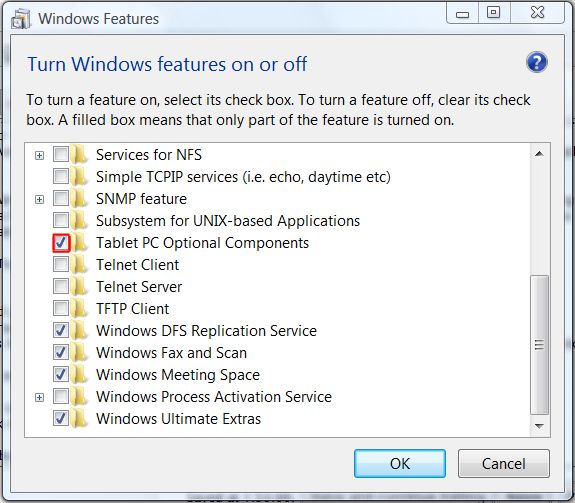 How To Install Snipping Tool
https://techjourney.net/media/2007/08/windows-feature-snipping-tool.jpg
Web 2 days ago nbsp 0183 32 1 Windows Copilot The addition of Windows Copilot is the most significant change to this new version of Windows 11 heralding the age of generative AI in desktop operating systems Copilot has
Pre-crafted templates use a time-saving service for developing a diverse variety of files and files. These pre-designed formats and layouts can be made use of for numerous individual and expert tasks, including resumes, invites, leaflets, newsletters, reports, presentations, and more, enhancing the content development process.
How To Install Snipping Tool
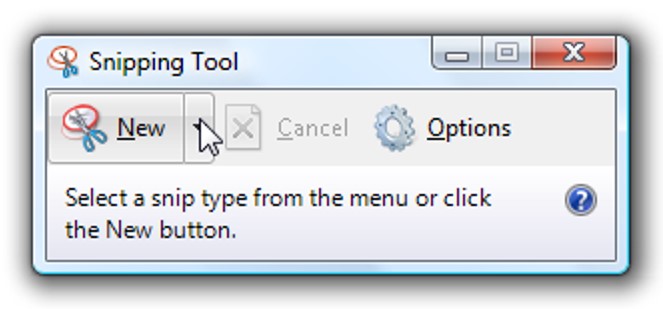
Window Snipping Tool Download Clickluli
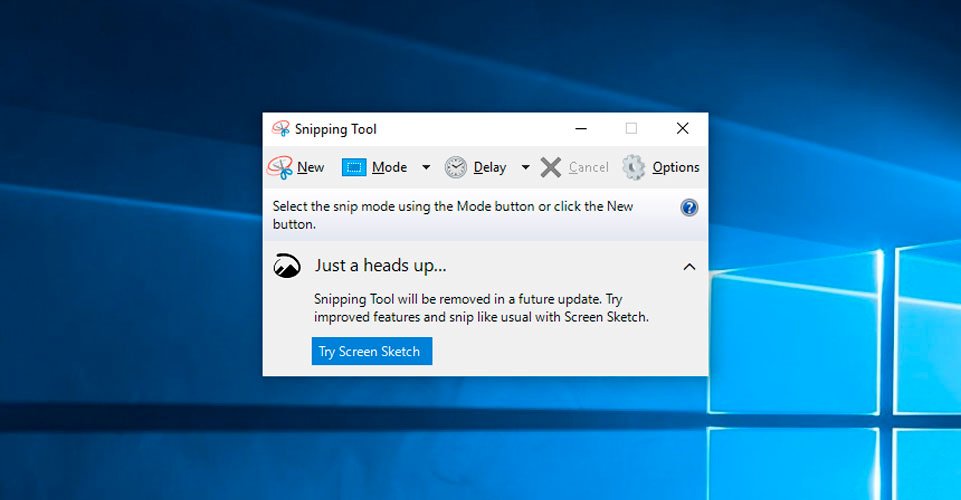
How To Restore Old Snipping Tool In Windows 11 TeckLyfe
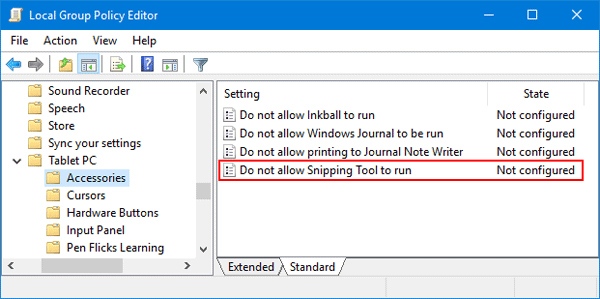
How To Install Snipping Tool In Windows 7 Home Basic
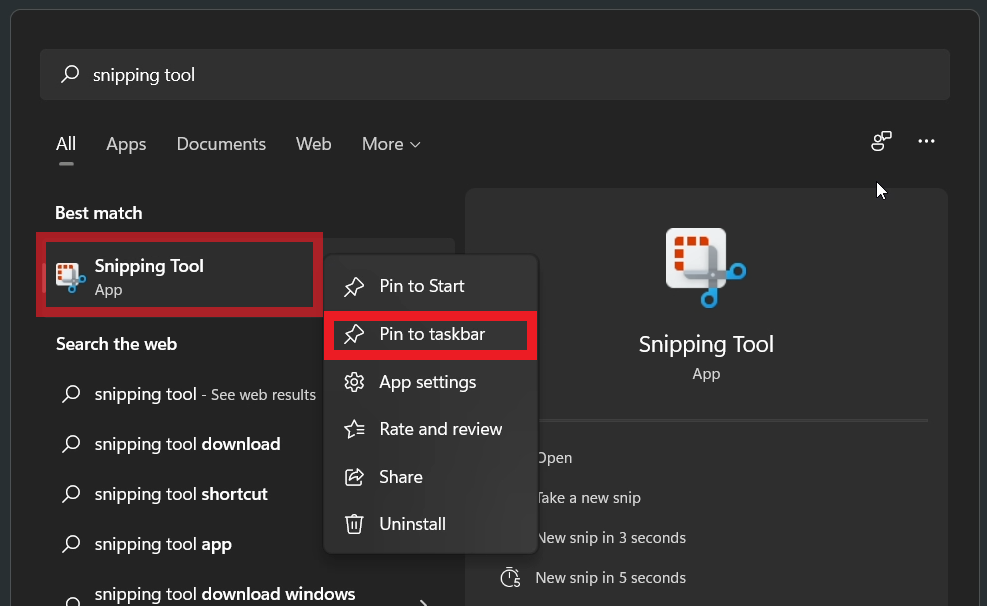
How To Pin Snipping Tool To The Taskbar In Windows 11 Sai Sci Tech

Snipping Tool Download Windows 11 Mooncr

Windows 11 New Snipping Tool Explained Here S What It Can Do Www vrogue co

Web Microsoft Apps
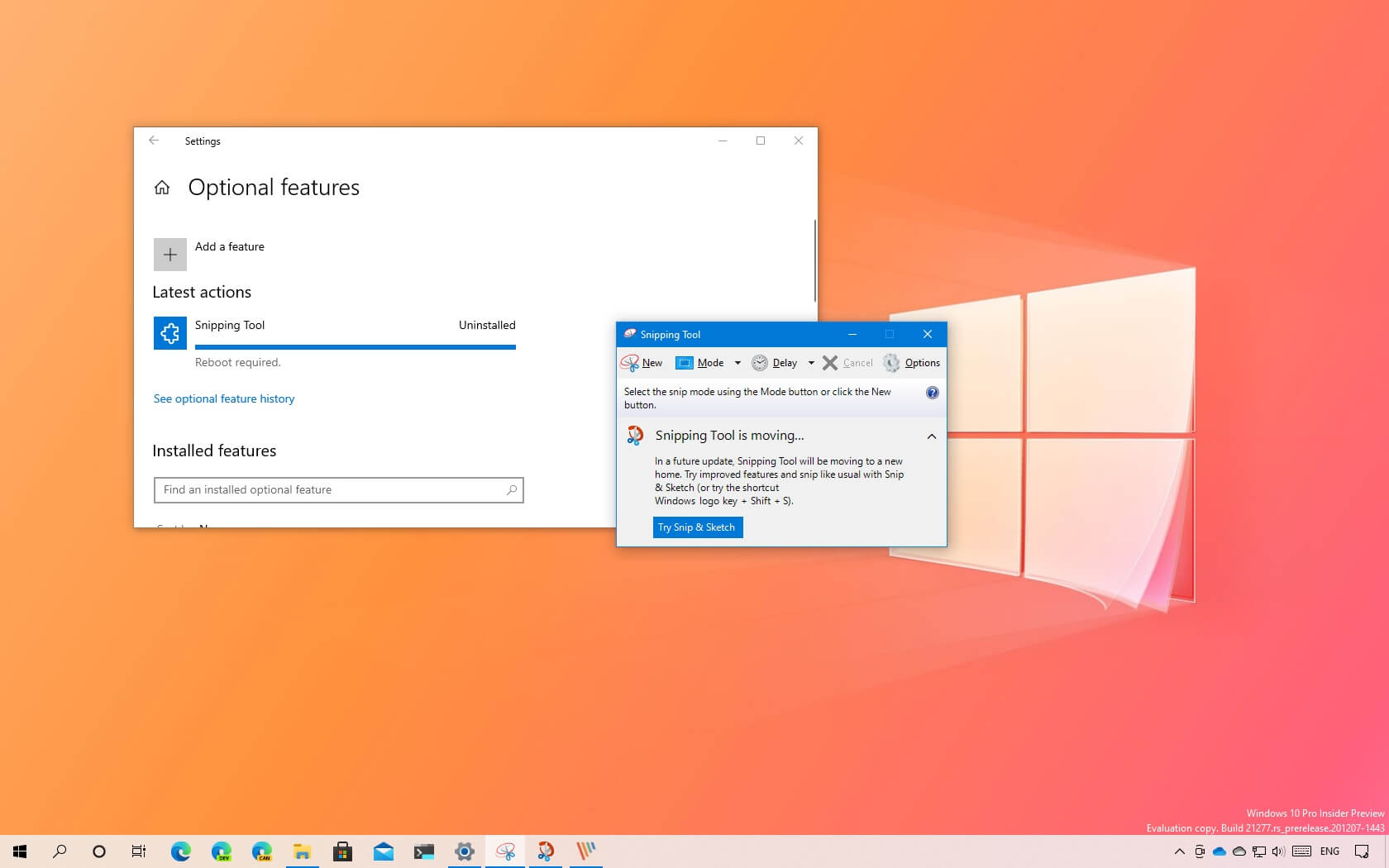
Web Sep 25 2023 nbsp 0183 32 Locate the application in your start menu or desktop and open it Once opened you will see a small toolbar with various snipping options Choose the type of snip you want to capture by clicking on the corresponding button For example if you want to capture a rectangular section of your screen click on the Rectangular Snip button

Web 2 days ago nbsp 0183 32 Move to Windows Update 3 Here enable Get the latest updates as soon as they re available 4 Now click on Check for Updates 4 Click on Download and Install After the installation restart your PC and you will move to the new 2023 update In case you want to get the Windows 11 23H2 update right away with

Web 2 days ago nbsp 0183 32 September 26 2023 01 00 PM 0 Microsoft has released the Windows 11 22H2 Moment 4 update bringing 150 new features including new AI powered versions of Paint ClipChamp Snipping tool and

Web 2 days ago nbsp 0183 32 The latest Windows 11 update brings a slew of minor upgrades like a new Gallery in File Explorer a new Windows Backup app the early version of Copilot for Windows and more
[desc-11] [desc-12]
[desc-13]