How To Install Python 3 10 On Mac Terminal Install Python 3 8 On A Raspberry Pi Easy To Follow Guide How To Install Python On Mac In 2022 Two Ways Covered How To Install Python 3 And Set Defaults On Centos 7 VPS Tutorial How To Install Python On A Mac YouTube Python Console In Mac Terminal Stack Overflow All other files are unchanged from the original 3 10 0 installer If you have already installed 3 10 0 from here and encounter this problem on macOS 12 Monterey download and run the updated installer linked below
Prerequisites You will need a macOS computer with administrative access that is connected to the internet Step 1 Opening Terminal We ll be completing most of our installation and set up on the command line which is a non graphical way to interact with your computer Contributor Narendra Mohan Mittal Editor Wondering how to install Python on Mac to utilize the robust hardware and operating system configuration of your Mac to develop and test programs faster Keep reading
Python Console In Mac Terminal Stack Overflow How To Install Python 3 On MacOS Ventura DIRTECH IT How To Install Requests Module With Python 3 YouTube How To Install Python 3 9 5 PIP Tkinter On Windows 10 W Choco YouTube Installing Python On Mac Windows Complete Guide Instructions How To Install Python 3 11 On Ubuntu 22 04 Python In Windows Terminal How To Install Python Pip OpenCV On Windows 10 YouTube Getting Started With Python 3 Web Development Tutorials
How To Install Python 3 10 On Mac Terminal
 How To Install Python 3 10 On Mac Terminal
https://cdn.hashnode.com/res/hashnode/image/unsplash/eVO43ujFEds/upload/v1640093261574/GKhIP-WAq.jpeg?w=1600&h=840&fit=crop&crop=entropy&auto=compress
Open the terminal on your macOS Install brew if you haven t already by running the command bin bash c curl fsSL https raw githubusercontent Homebrew install HEAD install sh After installation run the command brew install python The latest version of Python will be
Pre-crafted templates provide a time-saving option for producing a diverse range of documents and files. These pre-designed formats and layouts can be made use of for various individual and professional jobs, consisting of resumes, invites, leaflets, newsletters, reports, presentations, and more, simplifying the content creation process.
How To Install Python 3 10 On Mac Terminal

Comment Installer Python Sur Un Windows Rankiing Wiki Facts
How To Install Python 3 On MacOS Ventura DIRTECH IT
How To Install Requests Module With Python 3 YouTube
How To Install Python 3 9 5 PIP Tkinter On Windows 10 W Choco YouTube
How To Install Python 3 11 On Ubuntu 22 04
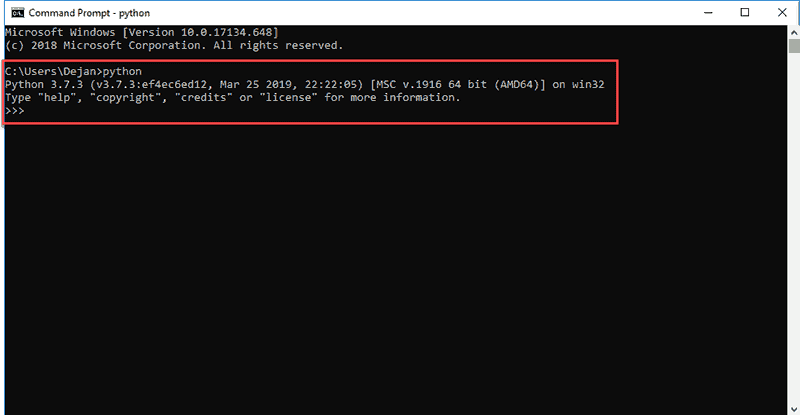
Python In Windows Terminal

Installing Python 3 on Mac OS X Mac OS X comes with Python 2 7 out of the box between versions 10 8 and 12 3 If your Mac OS X version is between the above versions you do not need to install or configure anything else to use Python 2 These instructions document the installation of Python 3
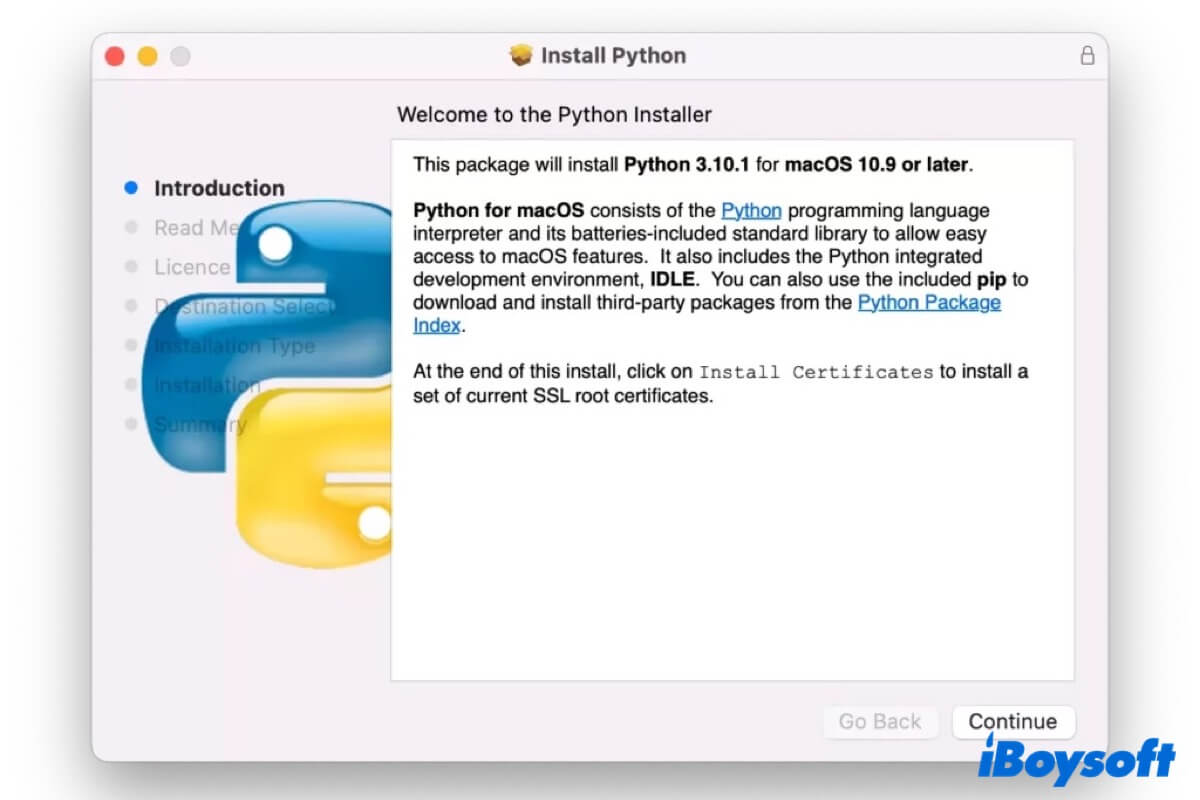
Install particular python pyenv install 3 10 10 set python3 10 10 to gloabal python env pyenv global 3 10 10 and can start using python 3 10 10 version

This is no longer the case for current versions of macOS starting with macOS Catalina There are two installation methods on macOS The official installer The Homebrew package manager In this section you ll learn how to check which version of Python if any is installed on your macOS device
2 Answers Sorted by 4 Since you re on macos Monterey you have to set your PATH for your shell zsh unless you ve made a default shell change For using Python 3 10 from the Installer If you got Python 3 10 from the python installer put a line like this in your zshrc file somewhere in your zshrc probably near the bottom

You can install Python using pyenv with the following syntax pyenv install version The version argument follows semantic versioning which is major minor patch For Python 3 let s say we want to install 3 10 2 Then we ll use this command pyenv install 3 10 2 To see the list of the Python versions we have we use the following
Open up your terminal You can do this by using MacOS spotlight command space and typing terminal Now that you re in a command line you can install the latest version of Homebrew by running this command bin bash c curl fsSL https raw githubusercontent Homebrew install HEAD install sh Contents Transcript Discussion In this video you re going to learn how to set up Python on macOS You ll learn where to download Python how to install Python and how to open the Integrated Development and Learning Environment also known as
To check the current version of Python that is already installed open the Terminal application by typing command space and then spelling out terminal and hitting return Now type the following command and then hit return to see that you have Python 2 7 pre installed on your Mac Python 2 7 18