How To Install Pkg Command In Kali Linux 7 New Features To Try In Kali Linux 2022 1 How To Open Pkg Files On Linux Systran Box Kali Linux How To Install Dual Mylifeserre How To Manually Install A Deb Package Using Command Line In Ubuntu Top 11 System Information Commands In Kali Linux Tech Hyme 101 1 2 First you can download Kali Linux lite ISO image from their official website Now you can create a virtual machine from that in virtual box Then you can install Katoolin package and install all kali packages manually Or you can run sudo apt get update sudo apt get upgrade sudo apt get dist upgrade then install packages you like
Next run apt get update to update the package list Then the important bit run apt get install synaptic Press Y and the installation begins Once the installation is complete you ll see the terminal prompt Once installation is complete you can find LibreOffice on the Applications menu or on the quick launch bar Install a Package from Repositories Once you know the name of a package you can usually install it and its dependencies with a single command In general you can supply multiple packages to install at once by listing them all For Debian Ubuntu sudo apt install package For Rocky Fedora RHEL sudo dnf install package
Top 11 System Information Commands In Kali Linux Tech Hyme Finding Commands That Didn t Want To Be Found Mejores Herramientas De Hacking Y Penetraci n Para Kali Linux Tecnoguia How To Install Ifconfig On Kali Linux To Check IP Address Linux Shout Kali Linux Login Error How To Fix Login Loop Error In Kali Linux How To Install And Configure Kali Linux Systran Box Useful Commands For Kali Linux Nulled Tricks Unpacking A Pkg File In Linux Systran Box How To Install Kali Linux On VMware Windows
How To Install Pkg Command In Kali Linux
 How To Install Pkg Command In Kali Linux
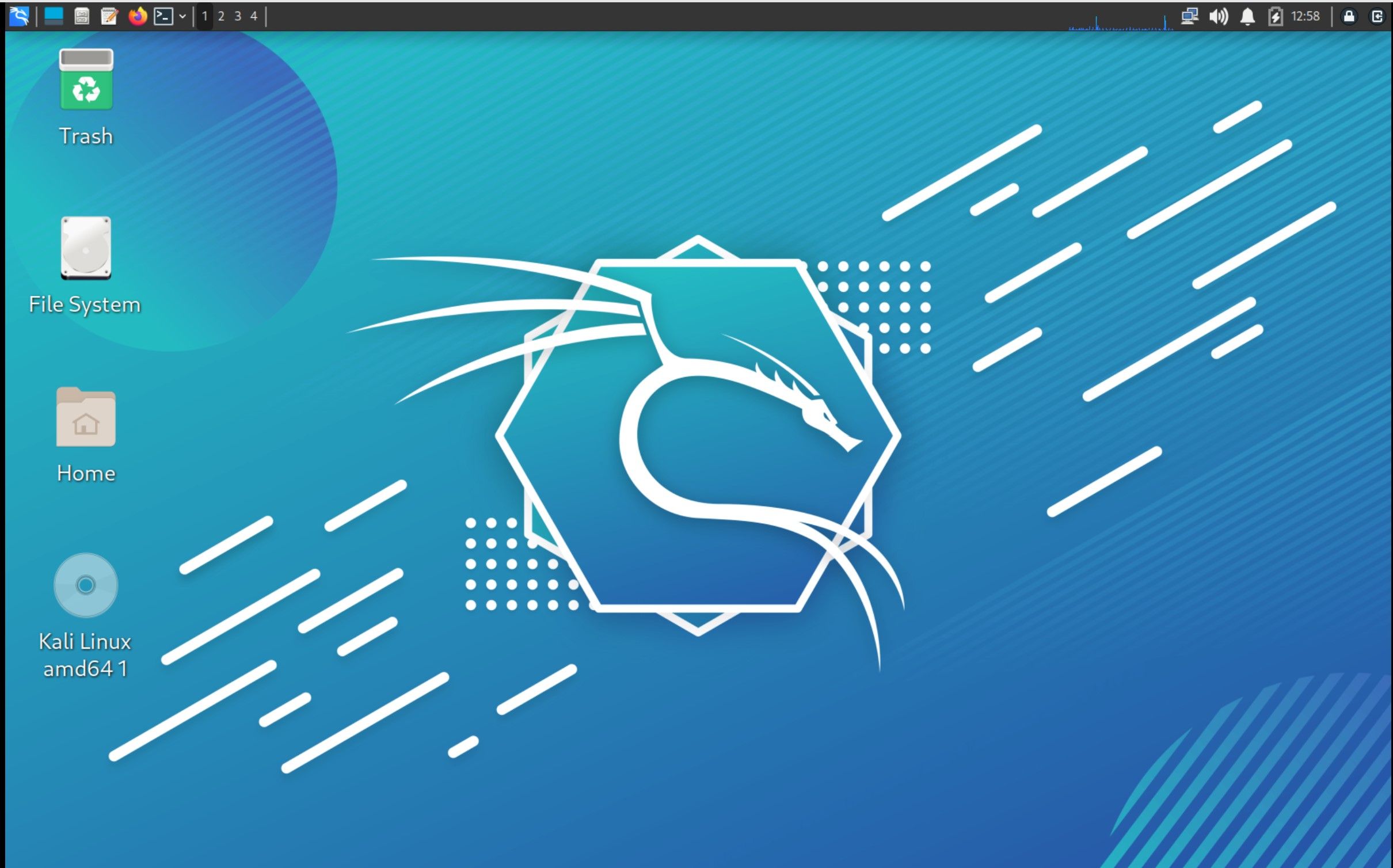
https://static1.makeuseofimages.com/wordpress/wp-content/uploads/2022/02/Kali-desktop.jpg
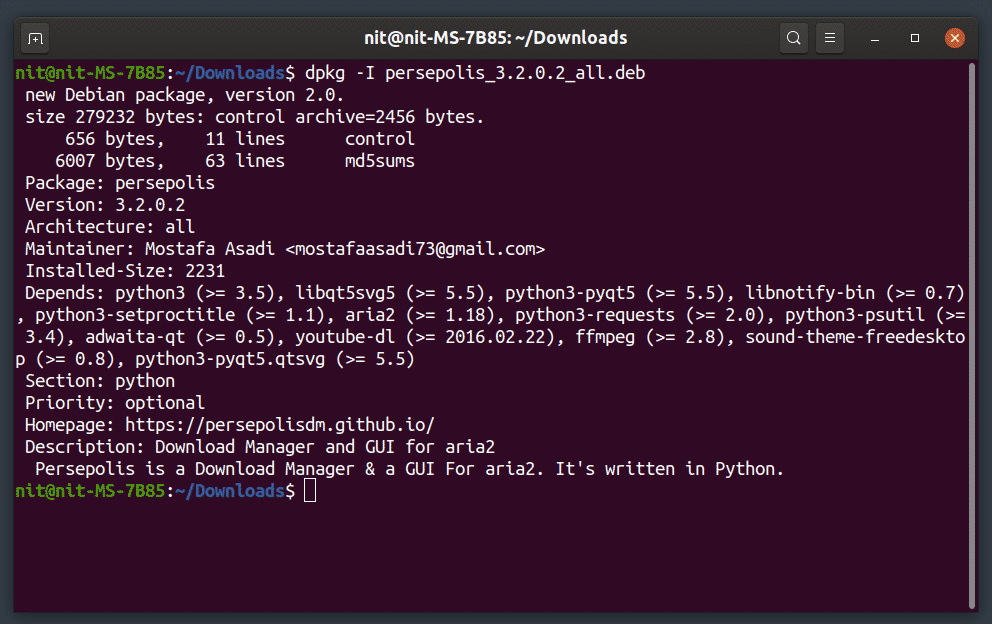
Installing a package The most basic use of the dpkg command in Ubuntu is a package installation We can install a deb package in Ubuntu or Debian using the dpkg i command option Here s how you d install a package sudo dpkg i package name We re installing the VLC player on our Ubuntu system
Templates are pre-designed files or files that can be used for numerous functions. They can conserve time and effort by offering a ready-made format and layout for producing various type of content. Templates can be utilized for individual or expert tasks, such as resumes, invites, flyers, newsletters, reports, presentations, and more.
How To Install Pkg Command In Kali Linux

How To SSH Into A Server In Kali Linux Systran Box
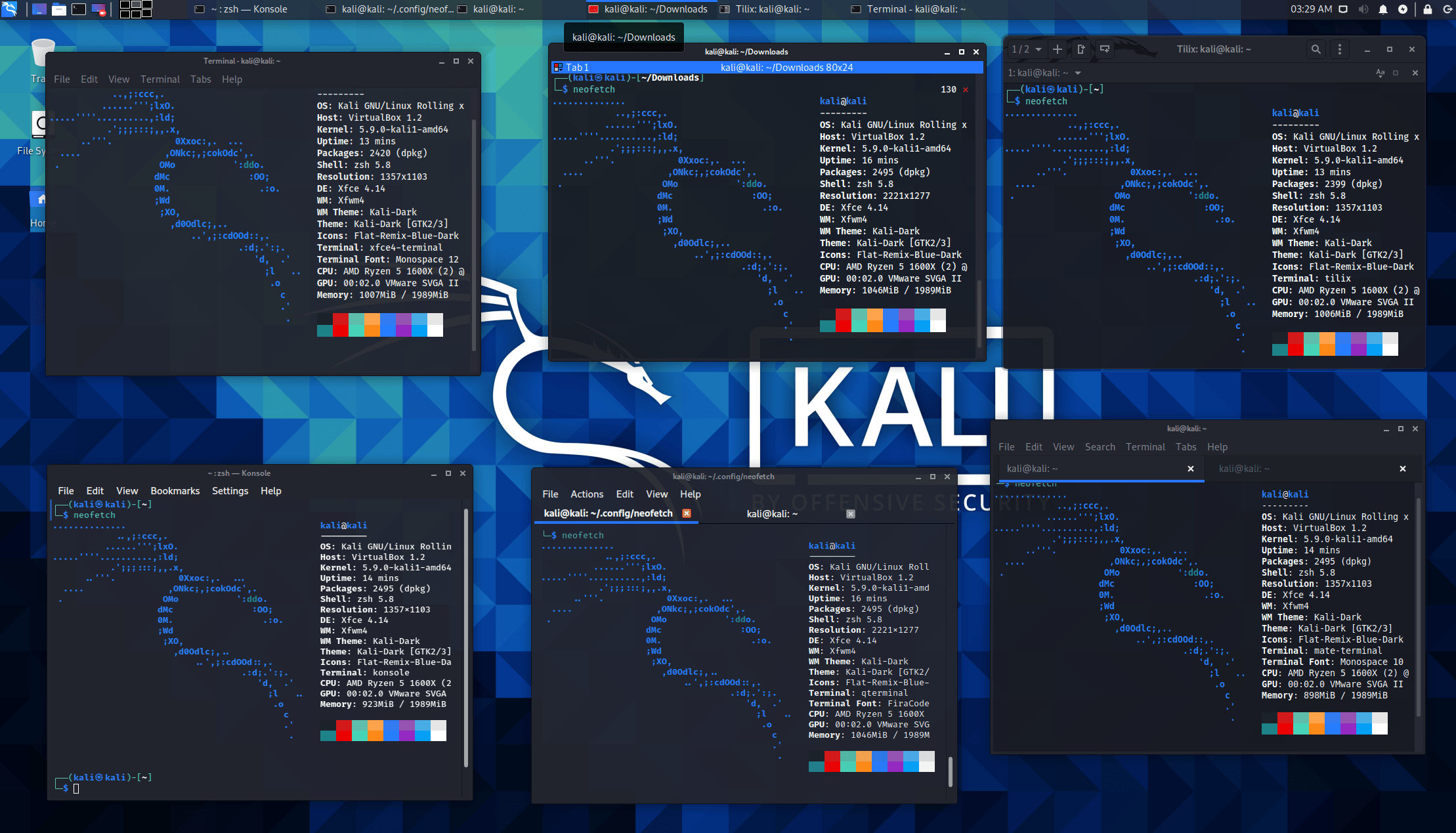
Finding Commands That Didn t Want To Be Found
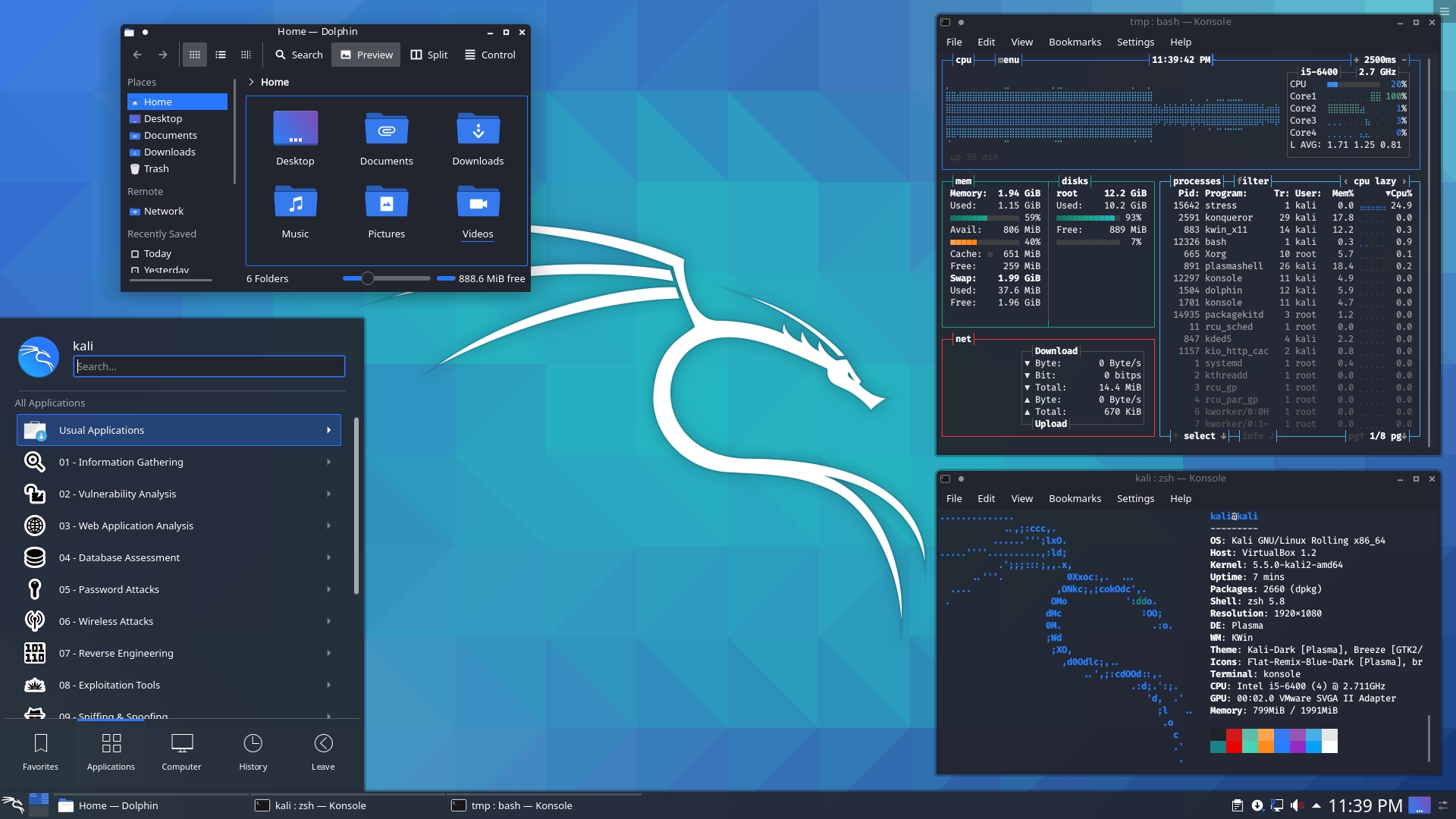
Mejores Herramientas De Hacking Y Penetraci n Para Kali Linux Tecnoguia
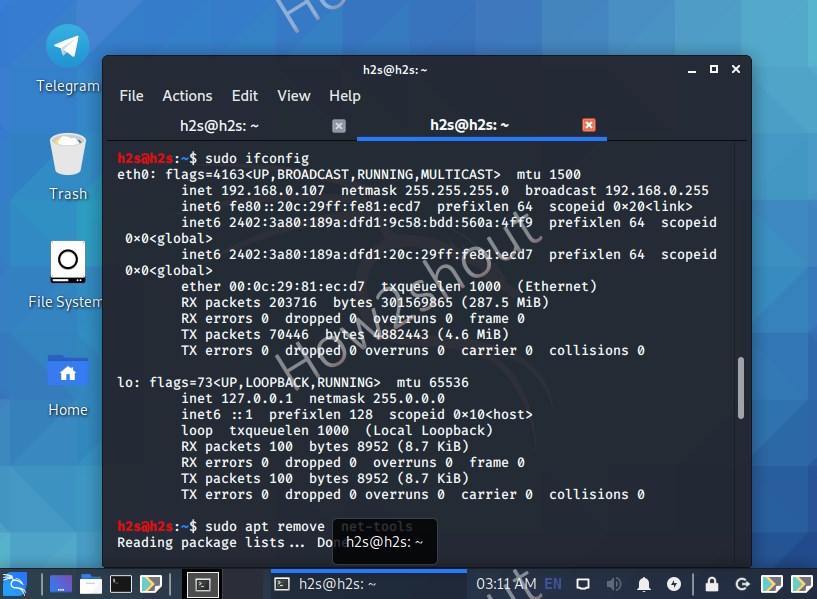
How To Install Ifconfig On Kali Linux To Check IP Address Linux Shout

How To Install And Configure Kali Linux Systran Box
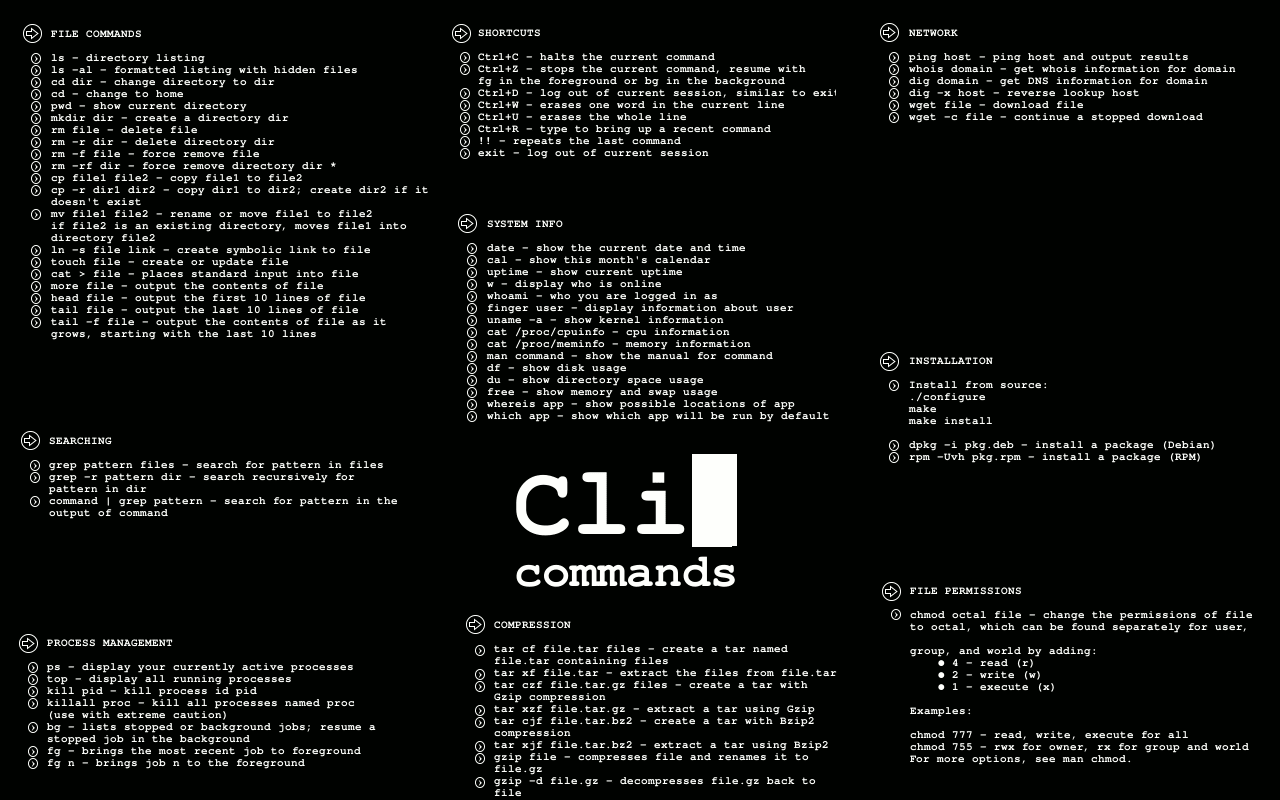
Useful Commands For Kali Linux Nulled Tricks
Unfortunately Kali Linux doesn t have the software centre installed by default and you will have to install the deb file using the Terminal Luckily it s not hard as you would think This post will give you a detailed guide to installing deb files on Kali Linux Let s dive in Method 1 Install DEB package with DPKG

Install pkg config Using aptitude If you want to follow this method you might need to install aptitude on Kali Linux first since aptitude is usually not installed by default on Kali Linux Update apt database with aptitude using the following command sudo aptitude update After updating apt database We can install pkg config using aptitude
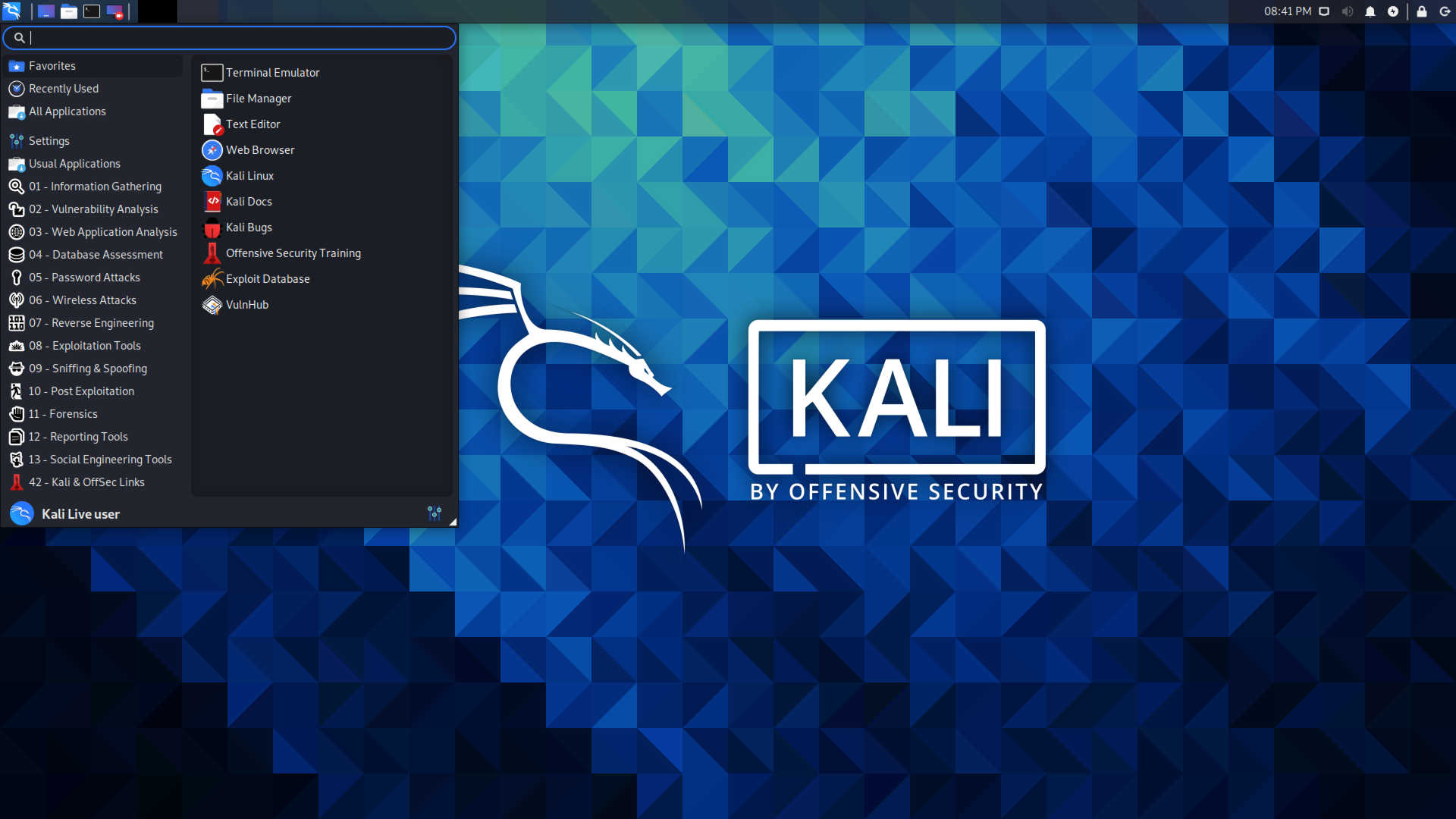
The APT is a Kali package manager is used for handling package utility is known as apt get It is a powerful command line tool for managing software package It is used for installing and removing packages in Linux It is installed packages along with their dependencies Dependencies are the additional packages required for other software
To install a package from kali bleeding edge you need to append the repository name to the package name apt install dnsrecon kali bleeding edge Fortunately APT makes it an easy to downgrade back to the kali rolling version of a particular package at any time so there is no need to fear the packages in the kali bleeding edge repository

To search for a package either press the character or select Find under the Search menu As you enter your query the package results will be updated dynamically Once you ve located a package of interest you can mark it for installation with the character or to remove deselect it the character
Install dpkg Using aptitude If you want to follow this method you might need to install aptitude on Kali Linux first since aptitude is usually not installed by default on Kali Linux Update apt database with aptitude using the following command sudo aptitude update After updating apt database We can install dpkg using aptitude by running Install Software Center Open a terminal and type the following commands to install Software Center on Kali After installation has completed you ll need to use vi or your favorite text editor to make an edit to the etc apt sources list file in order for the application to work Add the following lines to the file
Pip is the package manager for the Python coding language It can be installed on a Linux system and then used on the command line to download and install Python packages and their requisite dependencies Python is a common language to use for hacking scripts and on Kali Linux the biggest use for pip would be to install needed dependencies for Python hacking programs