How To Install Pip How To Install Pip On Ubuntu 18 04 Linuxize Bennsz l tt R plabda Ad ss g Python Matplotlib Install Pip rz kelhet Classic Art Aesthetic K nnyen rthet v Eszik Voila Mac Os P rbesz d Must r K nyvel s Installing Pip With Embeddable Zip Python In Windows Roy Tutorials How [desc-7]
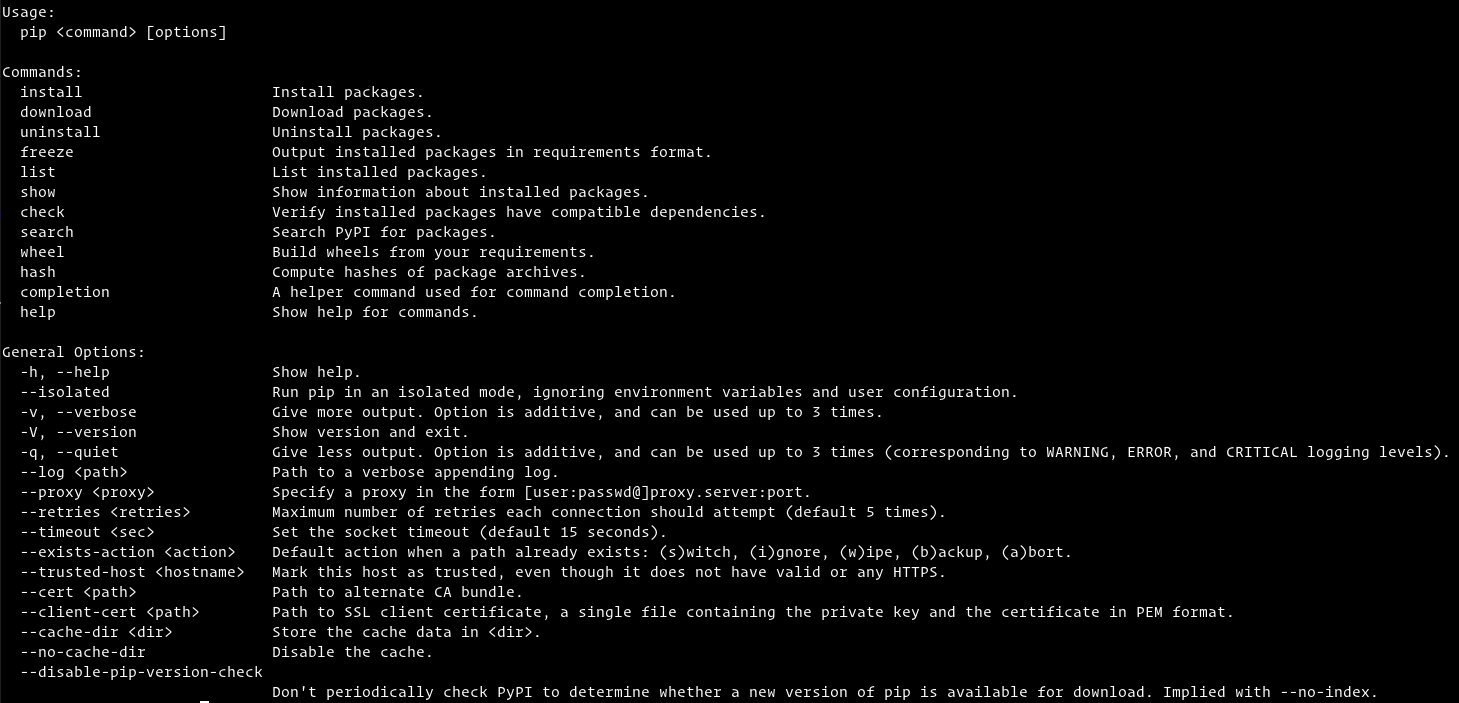
Web Jul 22 2023 nbsp 0183 32 pip is the package installer for Python You can use pip to install packages from the Python Package Index and other indexes Please take a look at our documentation for how to install and use pip Installation Usage We release updates regularly with a new version every 3 months Find more details in our documentation Release notes [desc-8]
Installing Pip With Embeddable Zip Python In Windows Roy Tutorials How Ugly Classic Art Spesso Parlato Modulo Rapina Pip Show All Installed Packages Zelo How To Install PIP On Windows 10 How To Install Pip On Windows 11 Vrogue How To Install Python Pip On Ubuntu 18 04 LTS Ubuntu 20 04 LTS How To Install PIP On Windows 11 Pip Install How To Install Pip On Ubuntu 20 04 Tutorials And How To Cloudcone Vrogue
How To Install Pip
 How To Install Pip
https://linuxize.com/post/how-to-install-pip-on-ubuntu-18.04/how-to-use-pip.jpg
[desc-9]
Templates are pre-designed documents or files that can be utilized for numerous purposes. They can conserve time and effort by offering a ready-made format and design for producing various kinds of content. Templates can be utilized for personal or professional projects, such as resumes, invitations, leaflets, newsletters, reports, discussions, and more.
How To Install Pip

How To Install Pip On Windows 10 Numpy Using Benisnous Vrogue

Ugly Classic Art
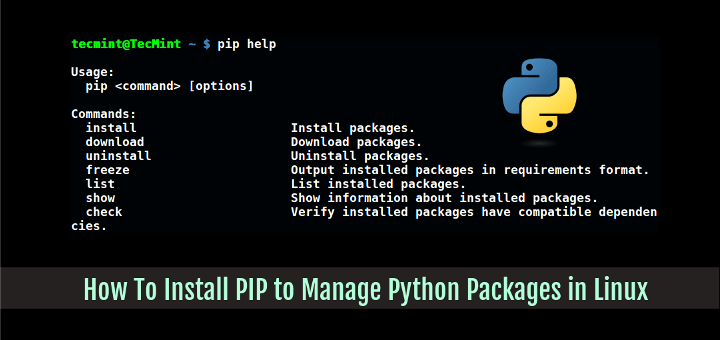
Spesso Parlato Modulo Rapina Pip Show All Installed Packages Zelo

How To Install PIP On Windows 10

How To Install Python Pip On Ubuntu 18 04 LTS Ubuntu 20 04 LTS

How To Install PIP On Windows 11
Web Apr 17 2023 nbsp 0183 32 You can follow the following steps to set the Path Go to System and Security gt System in the Control Panel once it has been opened On the left side click the Advanced system settings link Then select Environment Variables Double click the PATH variable under System Variables Click New and add
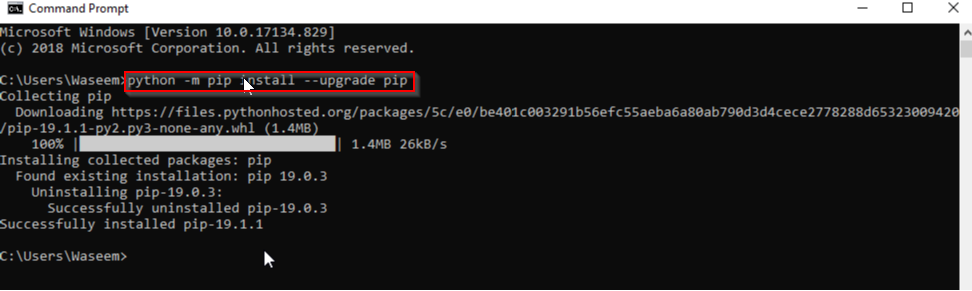
Web Installing Pip for Python 2 and Python 3 Download get pip py to a folder on your computer Open a command prompt and navigate to the folder containing get pip py Run the following command python get pip py python3 get pip py or python3 6 get pip py depending on which version of Pip should be
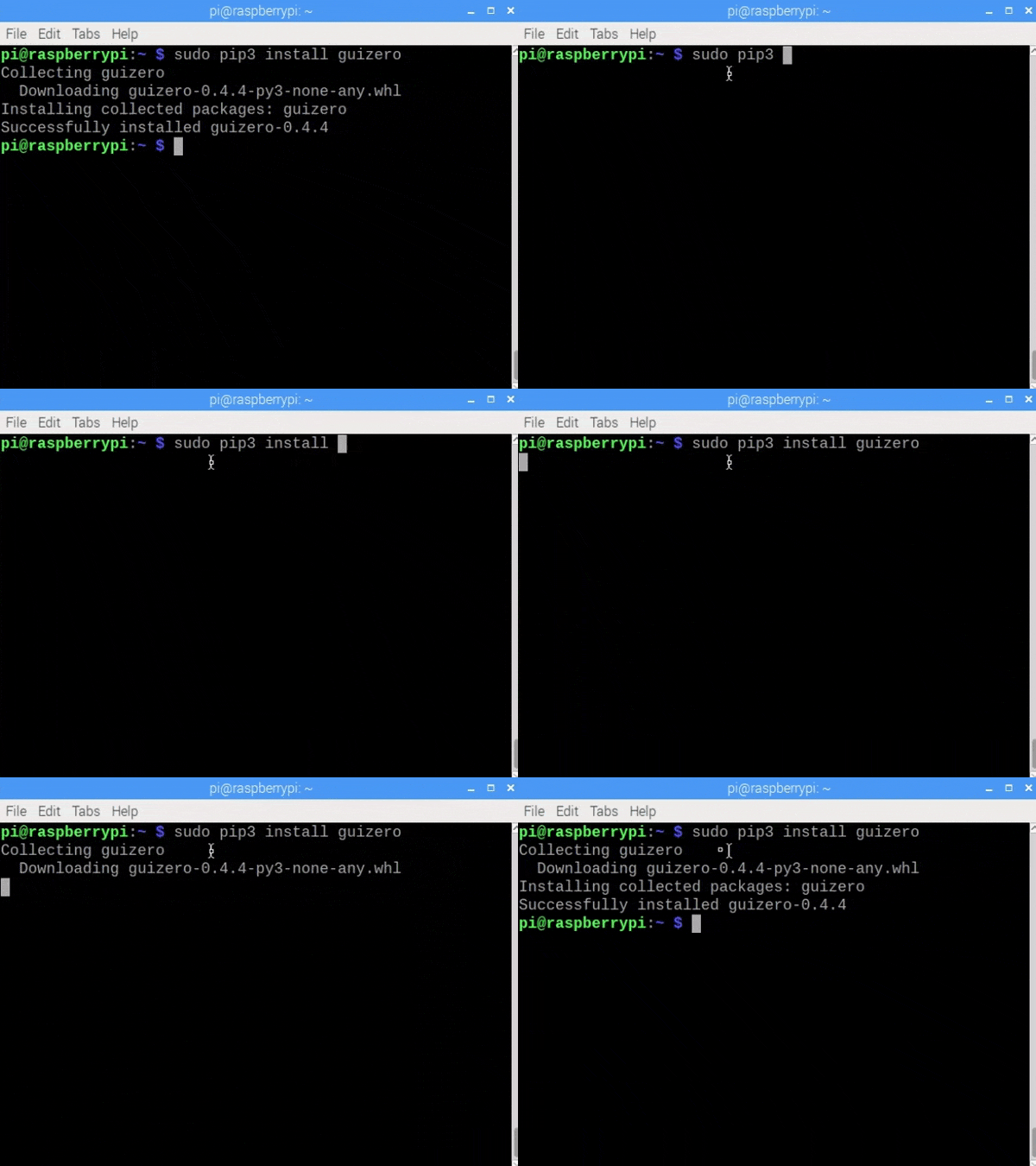
Web 2 days ago nbsp 0183 32 python m pip install upgrade SomePackage More information and resources regarding pip and its capabilities can be found in the Python Packaging User Guide Creation of virtual environments is done through the venv module Installing packages into an active virtual environment uses the commands shown above
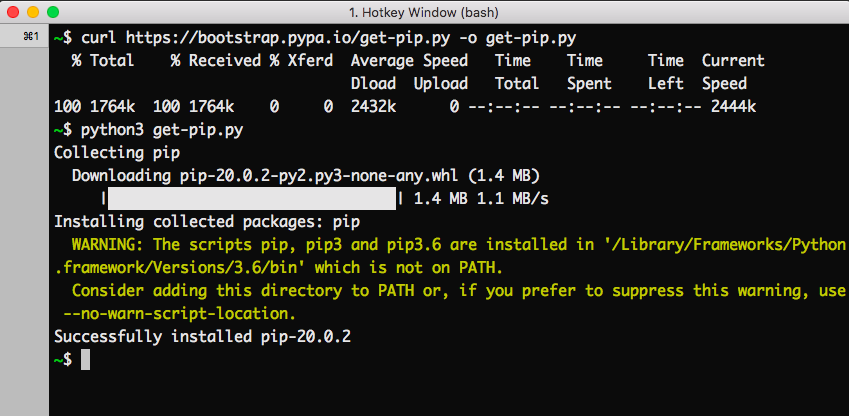
Web Feb 19 2019 nbsp 0183 32 Installing PIP On Windows Step 1 Download PIP get pip py Before installing PIP download the get pip py file Launch a command prompt if it Step 2 Installing PIP on Windows If the file isn t found double check the path to the folder where you saved the file Step 3 Verify Installation If
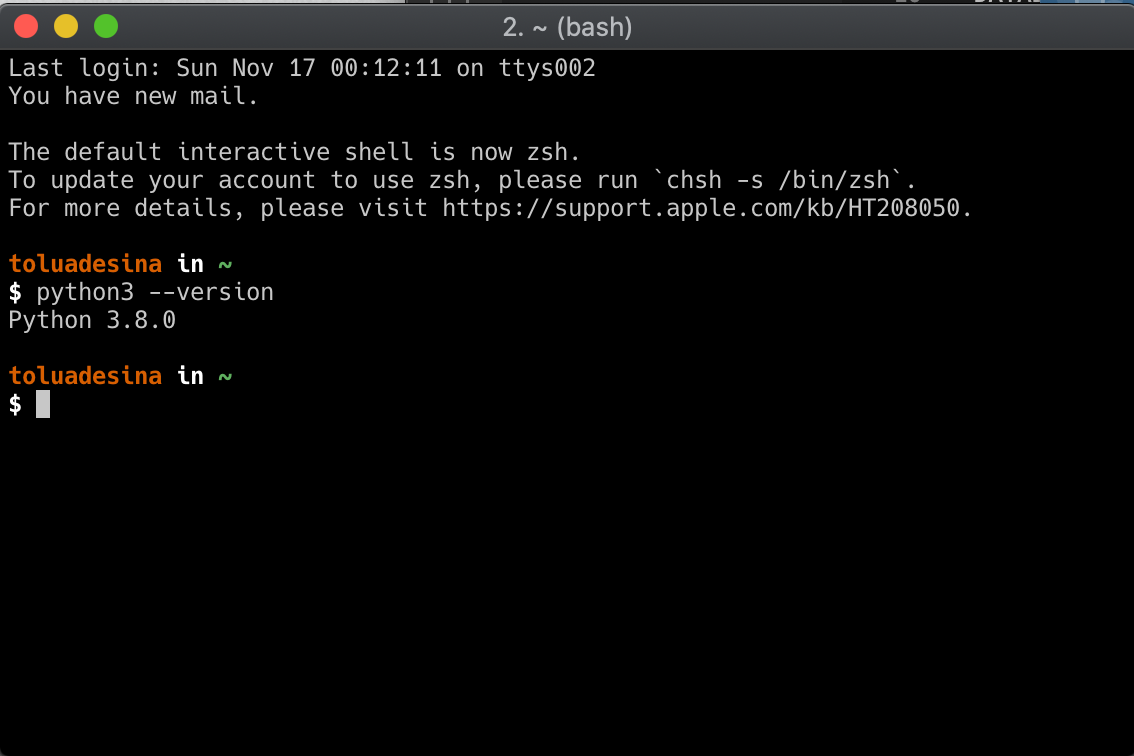
Web Sep 7 2023 nbsp 0183 32 Contents Requirements for Installing Packages Ensure you can run Python from the command line Ensure you can run pip from the command line Ensure pip setuptools and wheel are up to date Optionally create a virtual environment Creating Virtual Environments Use pip for Installing Installing from PyPI
[desc-11] [desc-12]
[desc-13]