How To Install Pip In Python How To Install Pip To Manage Python Packages In Linux Riset Classic Art Aesthetic How To Install Pip In Python Bennsz l tt R plabda Ad ss g Python Matplotlib Install Pip rz kelhet Greek Classical Art [desc-7]
Web Sep 17 2023 nbsp 0183 32 Download Python Simply download the binary and execute it to install Python Enable the Add python exe to PATH checkbox Select Customize installation to ensure pip is enabled as an optional [desc-8]
Greek Classical Art How To Install Python Pip On Ubuntu 20 04 Linuxhowto How To Install Python Pip For Python Packages Riset How To Install Python 3 Mac UgeraX Pip Install Pip Python Install Python Install Pip YouTube How To Install Pip For Python 3 6 YouTube How To Install Pip In Python Get Started With Python Installation Riset How To Install Pip In Python 3 8 On Windows 10 Or 8 How To Install Pip In Python 3 On Kali Linux Fix Importerror No Module
How To Install Pip In Python
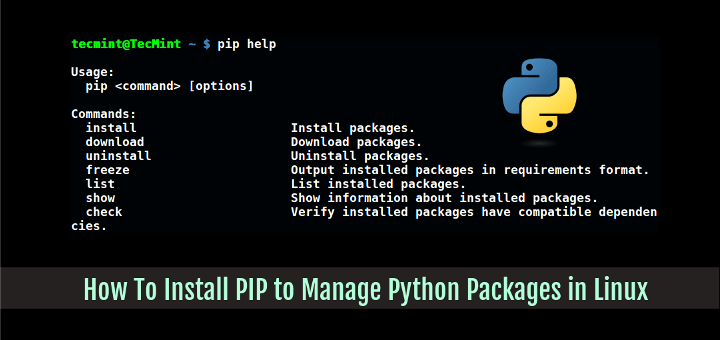 How To Install Pip In Python
https://www.tecmint.com/wp-content/uploads/2017/08/Install-Python-PIP-in-Linux.png
[desc-9]
Pre-crafted templates provide a time-saving service for developing a diverse variety of documents and files. These pre-designed formats and designs can be utilized for numerous individual and expert jobs, including resumes, invitations, leaflets, newsletters, reports, discussions, and more, simplifying the content production procedure.
How To Install Pip In Python

Python 3 Install Pip Lokasinyellow

How To Install Python Pip On Ubuntu 20 04 Linuxhowto

How To Install Python Pip For Python Packages Riset
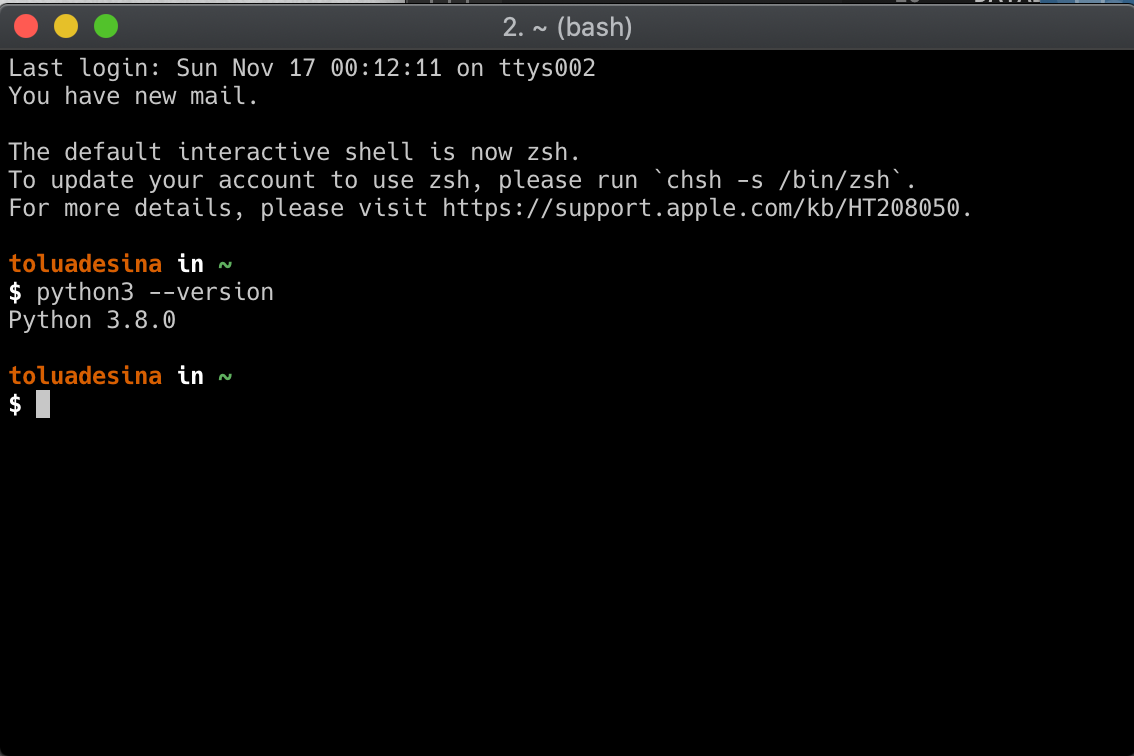
How To Install Python 3 Mac UgeraX

How To Install Pip For Python 3 6 YouTube

How To Install Pip In Python Get Started With Python Installation Riset
Web 1 day ago nbsp 0183 32 Key terms 182 pip is the preferred installer program Starting with Python 3 4 it is included by default with the Python binary installers A virtual environment is a semi isolated Python environment that allows packages to be installed for use by a particular application rather than being installed system wide
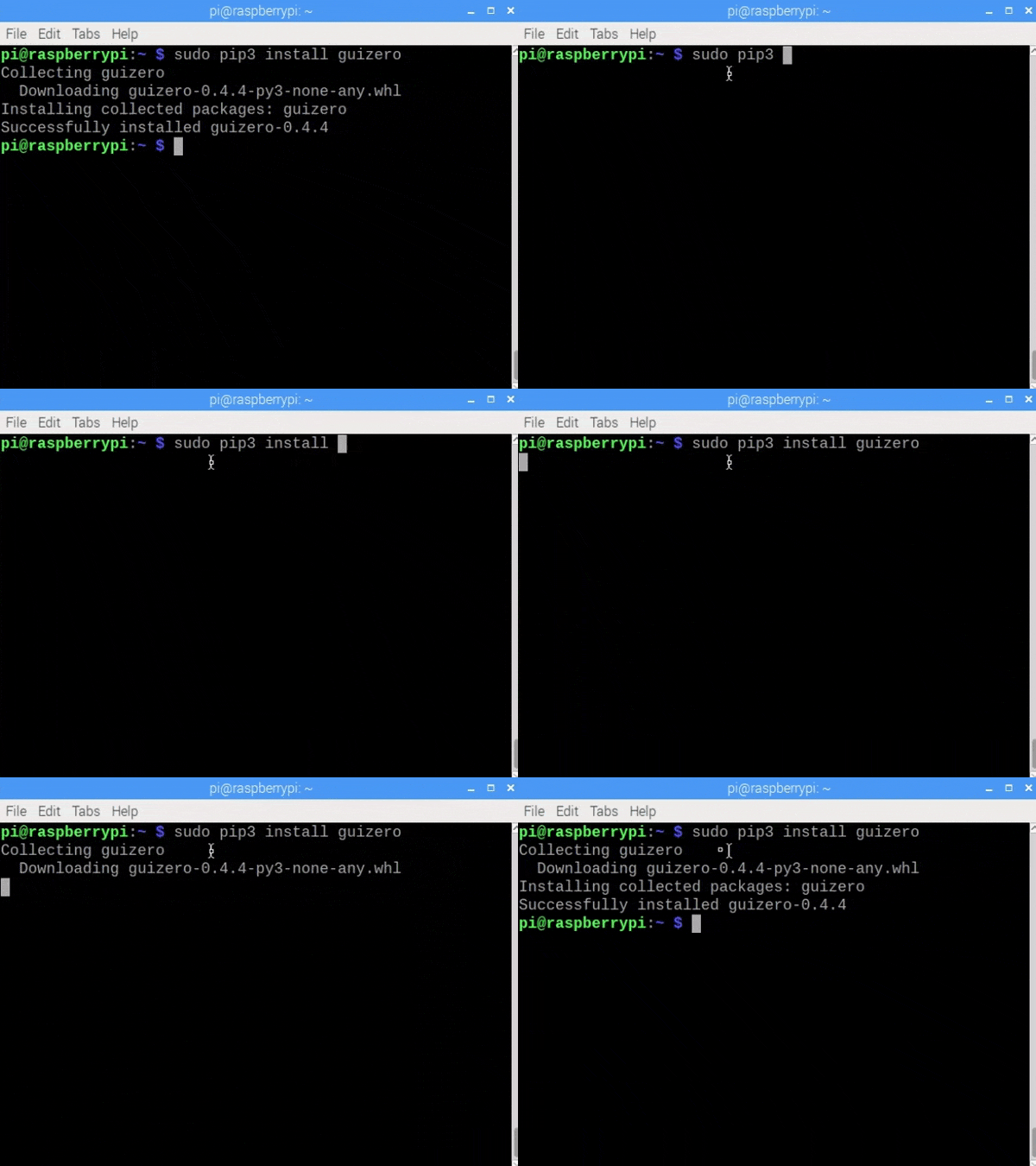
Web Feb 19 2019 nbsp 0183 32 How To Install PIP to Manage Python Packages On Windows Installing PIP On Windows Follow the steps outlined below to install PIP on Windows Before installing PIP download Upgrading PIP for Python on Windows New versions of PIP are released occasionally These versions may improve the
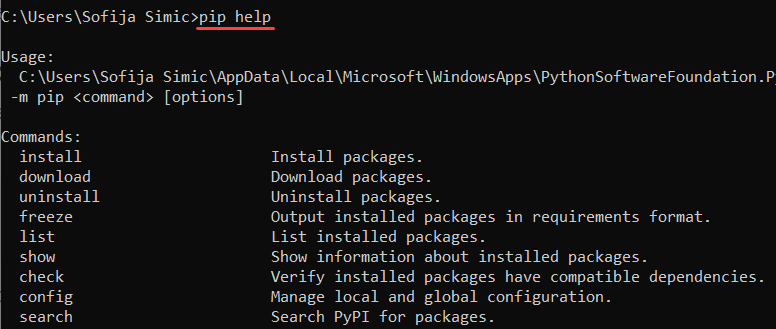
Web Apr 17 2023 nbsp 0183 32 You can follow the following steps to set the Path Go to System and Security gt System in the Control Panel once it has been opened On the left side click the Advanced system settings link Then select Environment Variables Double click the PATH variable under System Variables Click New and add
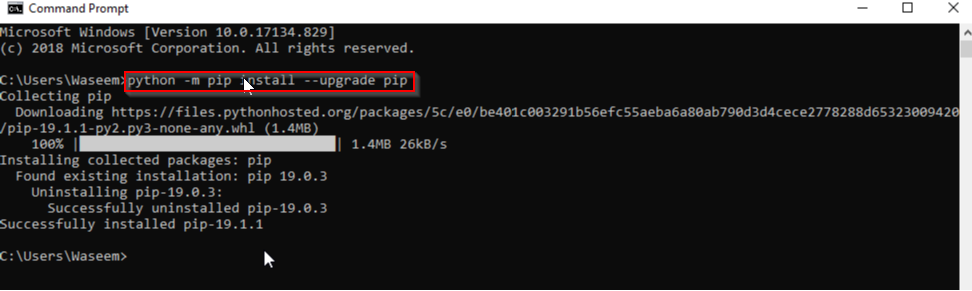
Web Installing Pip for Python 2 and Python 3 Download get pip py to a folder on your computer Open a command prompt and navigate to the folder containing get pip py Run the following command python get pip py python3 get pip py or python3 6 get pip py depending on which version of Pip should be

Web Sep 18 2023 nbsp 0183 32 Use pip for Installing 182 pip is the recommended installer Below we ll cover the most common usage scenarios For more detail see the pip docs which includes a complete Reference Guide Installing from PyPI 182 The most common usage of pip is to install from the Python Package Index using a requirement specifier
[desc-11] [desc-12]
[desc-13]