How To Install Pip For Python 2 7 On Mac How To Install Pip On Ubuntu 18 04 Linuxize Riset Module Load Anaconda Conda Install Package Entermokasin Importing Csv To Quicken 2017 Senturinresearch How To Install Pip For Python 2 7 In Linux Systran Box How To Install Pip For Python 2 7 On Ubuntu Mokasinhype Pip supports installing from PyPI version control local projects and directly from distribution files The most common scenario is to install from PyPI using Requirement Specifiers For more information and examples see the pip install reference
Aug 23 2023 nbsp 8212 32 It s a command line tool that allows you to install upgrade and uninstall Python packages In this guide we ll cover how to install pip for Python on all major platforms To instead learn how to install Python 3 on Windows 10 then check out our guide To get started with using pip you should install Python on your system Ensure you have a working pip 182 As a first step you should check that you have a working Python with pip installed This can be done by running the following commands and making sure that the output looks similar Linux python version
How To Install Pip For Python 2 7 On Ubuntu Mokasinhype How To Install Python Pip On Ubuntu 22 04 Linuxize Install Pip For Python 2 7 Windows Financekurt How To Install Pip On Windows 11 Vrogue Installing Pip With Embeddable Zip Python In Windows Roy Tutorials How To Install For On Mac Install Pip For Python 2 7 Install Pip For Python 3 On Mac Ladymoz Installing Pip With Embeddable Zip Python In Windows Roy Tutorials How To Install On Kali Linux How To Install PIP For Python On Windows How To Install Python Packages PIP Command 2020
How To Install Pip For Python 2 7 On Mac
 How To Install Pip For Python 2 7 On Mac
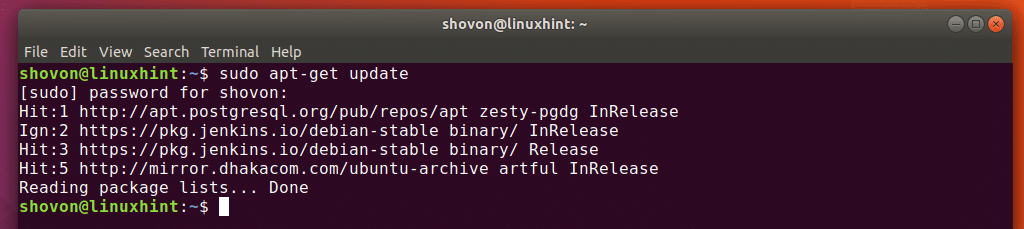
https://linuxhint.com/wp-content/uploads/2017/12/PIP1.png
Sep 25 2023 nbsp 8212 32 3 Easy Ways to Download amp Install Pip on Your Mac If you want to install packages from the Python Package Index on your Mac you ll need Pip Fortunately if you installed Python 3 4 you should already have Pip just run the command python3 m pip version to check
Templates are pre-designed documents or files that can be used for numerous functions. They can save effort and time by offering a ready-made format and design for producing different sort of content. Templates can be utilized for individual or professional tasks, such as resumes, invites, leaflets, newsletters, reports, discussions, and more.
How To Install Pip For Python 2 7 On Mac
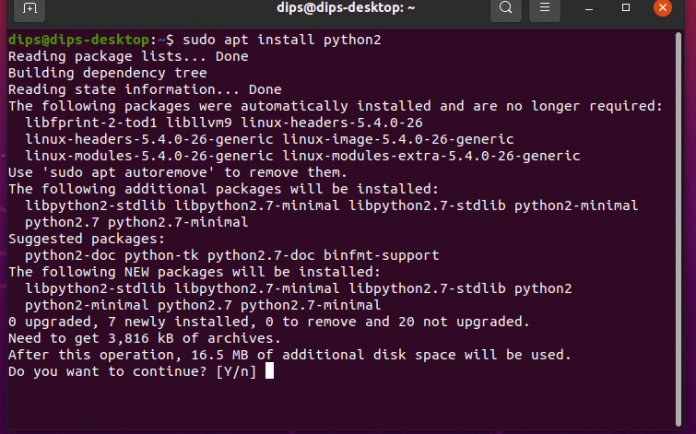
Install Python 2 And Pip On Ubuntu 20 04 Youtube Riset

How To Install Python Pip On Ubuntu 22 04 Linuxize
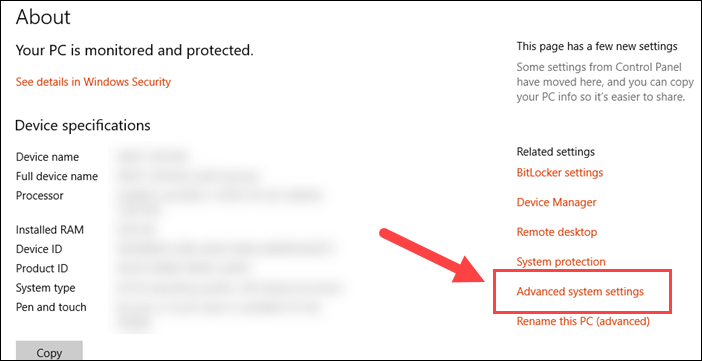
Install Pip For Python 2 7 Windows Financekurt

How To Install Pip On Windows 11 Vrogue

Mac Install Pip For Python 2 7
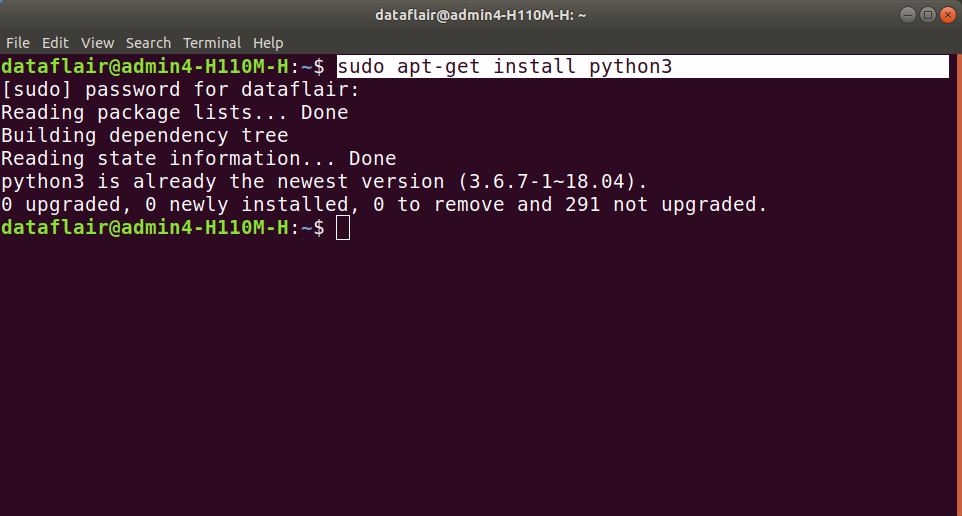
Install Pip For Python 3 On Mac Ladymoz
May 25 2021 nbsp 8212 32 To install pip for Python 2 7 install it from https bootstrap pypa io pip 2 7 curl O https bootstrap pypa io pip 2 7 get pip py python get pip py python m pip install upgrade quot pip lt 21 0 quot The last command is to upgrade to the latest supported version
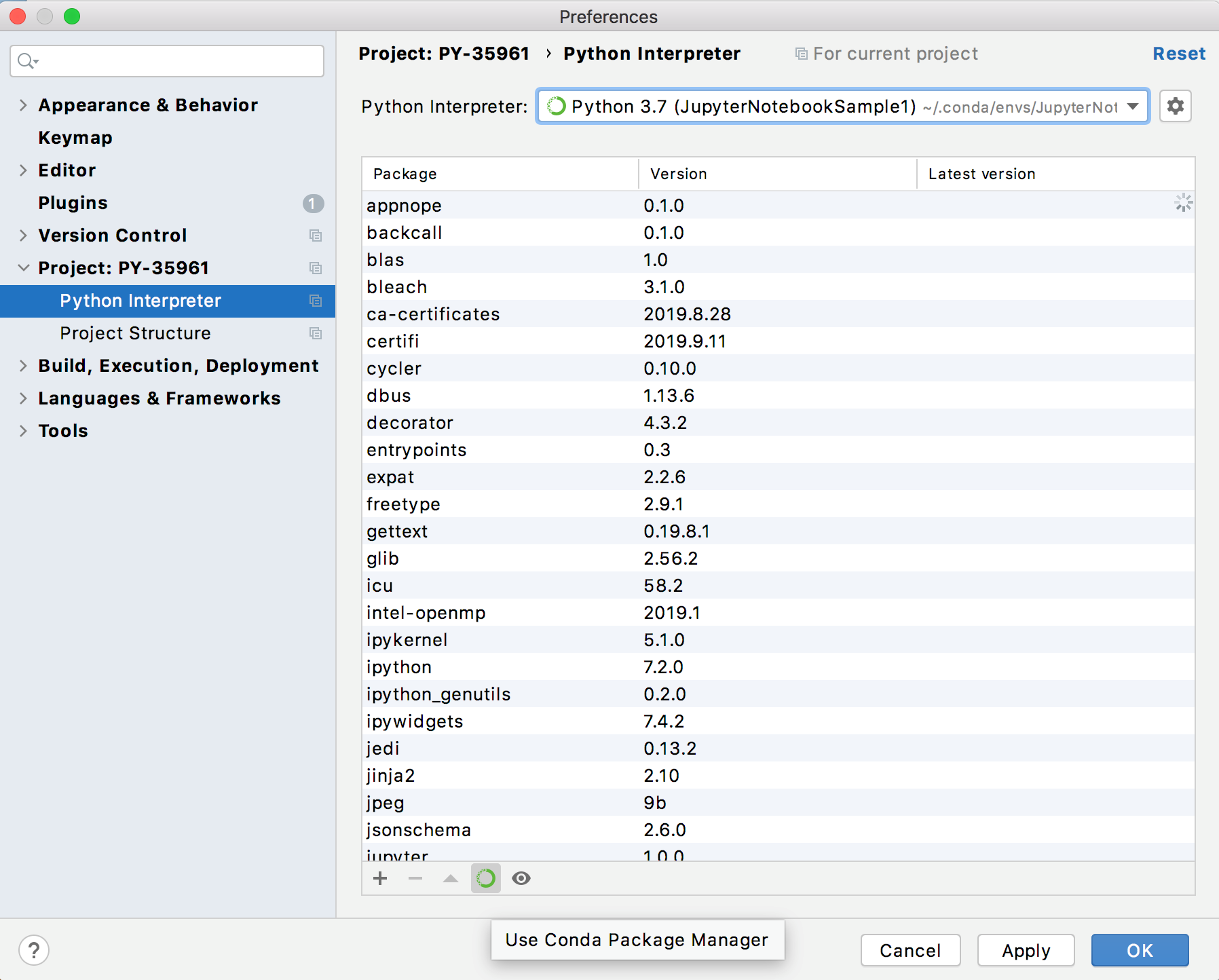
Jul 14 2021 nbsp 8212 32 As the message says PyPi has discontinued support for Python lt 2 7 9 as of May 6th 2021 If you re running a version lt 2 7 9 and you cannot upgrade to a newer version of Python then your only option is to manually download the wheels from PyPi
If your Python environment does not have pip installed there are 2 mechanisms to install pip supported directly by pip s maintainers ensurepip get pip py ensurepip 182 Python comes with an ensurepip module 1 which can install pip in a Python environment

Dec 14 2023 nbsp 8212 32 How to Install pip on Mac Method 1 Install pip via ensurepip Method 2 Install pip on macOS via Homebrew Method 3 Install pip via get pip py How to Verify pip Installation How to Update pip on Mac How to Uninstall pip on Mac

Mar 8 2024 nbsp 8212 32 Use Python pip to install packages manually or by using a requirements txt file We ll also look at how to install and upgrade pip itself
Setuptools amp Pip 182 Homebrew installs Setuptools and pip for you Setuptools enables you to download and install any compliant Python software over a network usually the Internet with a single command easy install It also enables you to add this network installation capability to your own Python software with very little work Jul 8 2022 nbsp 8212 32 It can be a frustrating and time consuming process to download install and manage these packages manually Instead many developers rely on a tool called PIP to make the entire procedure simple and error free We ll show you how to install PIP for Python in Windows Mac and Linux
Mar 3 2014 nbsp 8212 32 You can first install easy install which is part of set up tools from the following location https pypi python pypi setuptools windows Right click on the link and save the file ez setup py and then run it