How To Install Pandas On Aws Lambda Function How To Install AWS SDK For Pandas On AWS Lambda Function YouTube How To Install Pandas On Python 3 10 Windows 10 YouTube Install Pandas On Windows Step by Step Spark By Examples How To Install Pandas With Pip In Windows 10 YouTube Import Pandas In AWS Lambda In 3 Simple Steps By Sathvik Sanagavarapu Access to AWS lambda console Step 1 Create a folder on the local system and install the Pandas module shown below pip install pandas t It will install the required library at the specified location STEP 2 Create a python file with name lambda function py with a lambda handler defined in it touch lambda function py
To get the linux compiled files go to the link https pypi project pandas files and download the relevant wheel whl file The wheel file which works for Python 3 7 on AWS Lambda is Step by step guide on how to install pandas to work in an AWS Lambda function using the aws console Pandas is a super helpful library but does not come installed natively on aws lambda so there are a couple of steps that need to be taken if you want to run Lambda functions that leverage this library installation links from video
Import Pandas In AWS Lambda In 3 Simple Steps By Sathvik Sanagavarapu AWS Lambda Node js Vs Python For Serverless Better Dev How To Apply Lambda Apply Function In A Pandas Dataframe By David Aws Lambda Examples My XXX Hot Girl What Is AWS Lambda AWS Lambda Use Case Install AWS SDK For Pandas 3 3 0 Documentation AWS Lambda Pandas GoniGoni How To Install Pandas In Python Scaler Topics Pandas Cheat Sheet For Data Science In Python DataCamp
How To Install Pandas On Aws Lambda Function
 How To Install Pandas On Aws Lambda Function
https://i.ytimg.com/vi/Ofwblf_K408/maxresdefault.jpg
GitHub Pandas in AWS Lambda Lambda is AWS s serverless computing platform you write some code set up triggers for when it executes and AWS takes care of the resourcing Python is one of it supported languages but by default it doesn t include much beyond the standard lib To can include other packages by using an AWS lambda layer
Pre-crafted templates provide a time-saving option for developing a diverse range of files and files. These pre-designed formats and layouts can be made use of for different individual and expert projects, including resumes, invitations, leaflets, newsletters, reports, discussions, and more, streamlining the content production procedure.
How To Install Pandas On Aws Lambda Function

Code pip Install Pandas Conflict With Pylance pandas

AWS Lambda Node js Vs Python For Serverless Better Dev

How To Apply Lambda Apply Function In A Pandas Dataframe By David
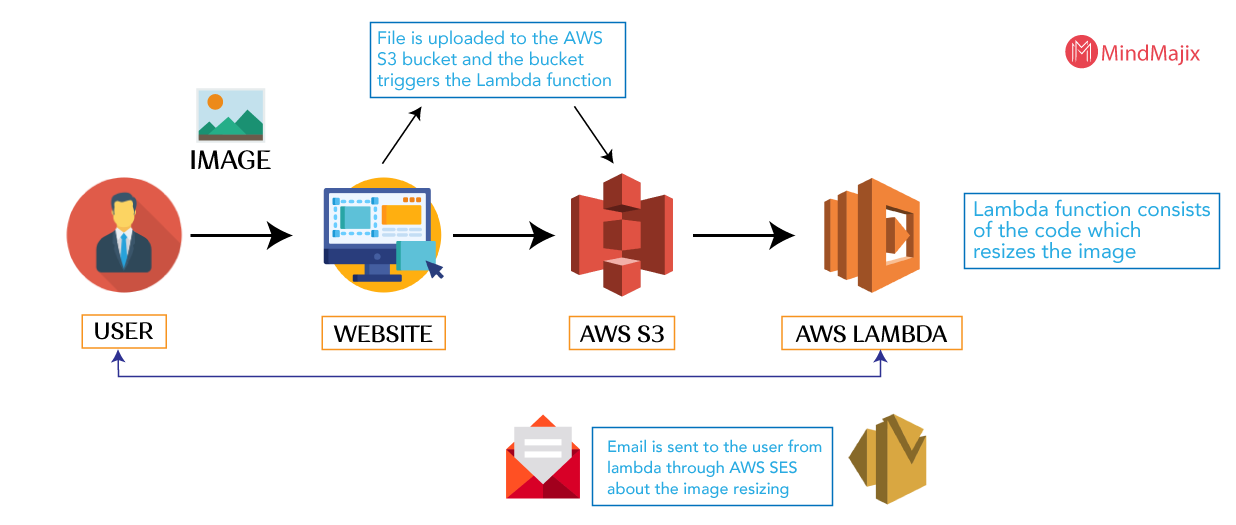
Aws Lambda Examples My XXX Hot Girl
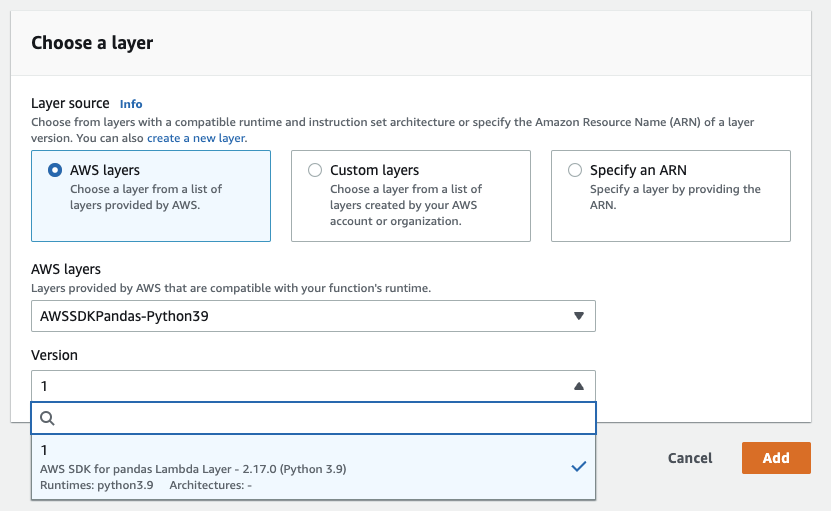
Install AWS SDK For Pandas 3 3 0 Documentation

AWS Lambda Pandas GoniGoni

awslambdaStep by step guide on how to install pandas to work in an AWS Lambda function using the aws console Pandas is a super helpful library but does not

Note This example procedure shows how to install pandas and create a custom pandas layer through the AWS console for a Lambda function that uses Python 3 9 runtime that runs on x86 64 architecture The Python Package Index abbreviated as PyPI is the primary software repository for Python

Step 1 Create Python Virtual Environment python3 9 m venv test venv Step 2 Activate Virtual Environment source test venv bin activate Step 3 Check Python Version python version Step 4 Create directory with name python mkdir python Step 5 Install pandas library in python directory created in Step 4 pip install pandas t python
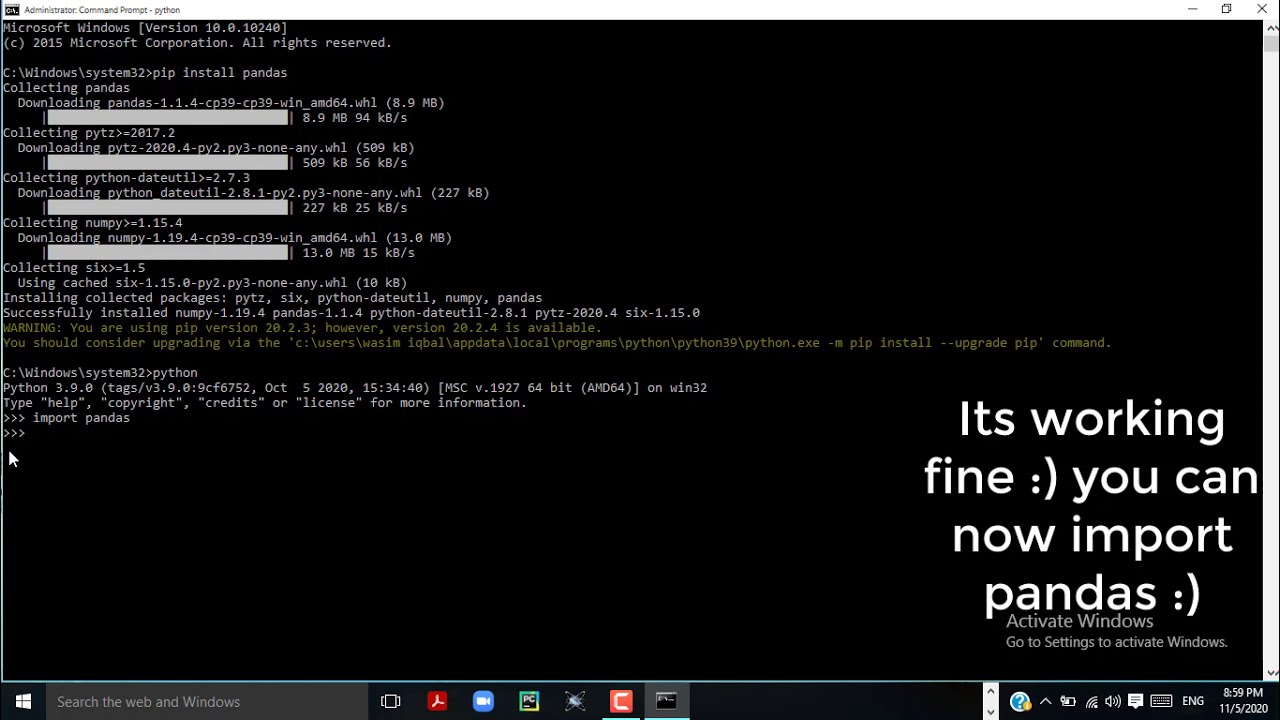
Push the docker image to AWS ECR via AWS CLI Create a Lambda function with the above container image as the source Though the tutorial is about importing pandas it can be applied

Pandas is a super helpful library but This tutorial is a step by step guide on how to install pandas to work in an AWS Lambda function using the AWS console
To add dependencies to an AWS Lambda function you need to package your code along with its dependencies into a deployment package Here s a step by step guide on how to do it 1 Search for Cloud9 in the AWS Services and start a Cloud9 Linux instance in AWS 2 Alternatively you can download the zip from the public artifacts bucket 2 Go to the AWS Lambda console open the layer section left side and click create layer 3 Set name and python version upload your downloaded zip file and press create 4 Go to your Lambda function and select your new layer
Choose Save changes To invoke the function choose Test The console creates a Lambda function with a single source file named lambda function You can edit this file and add more files in the built in code editor To save your changes choose Then to run your code choose Test The Lambda console uses AWS Cloud9 to provide an integrated