How To Install Pandas Module In Vs Code Python ModuleNotFoundError No Module Named Pandas How To Install Pandas With Pip In Windows 10 YouTube How To Install Pandas And Use It In Your Python Programs Show Variable In Data Viewer Shows Install Pandas Popup Even Though Pandas IS Installed In How To Install Pandas And Use It In Your Python Programs Web Oct 24 2022 nbsp 0183 32 Install packages using the Python Environments window From the Python Environments window select the default environment for new Python projects and choose the Packages tab You ll then see a list of packages that are currently installed in the
Web May 1 2023 nbsp 0183 32 In this video we will show you how to install pandas in Visual Studio Code using the integrated terminal We will also explain how to create a new Python file in Visual Studio Code Web In this tutorial I ll show you how to install Pandas in Visual Studio Pandas is a Python library very widely used for working with large data sets Pandas provide functionality for reading
How To Install Pandas And Use It In Your Python Programs Install Anaconda Run Pandas On Jupyter Notebook Spark By Examples Modulenotfounderror No Module Named pandas How To Install Pandas From Cmd YouTube How To Install Pandas In Python Idle Livingston Kneince How To Install Pandas With Pip And Anaconda Globally And Inside A Virtual Environment Better How To Install Pandas In Python An Easy Step By Step Multimedia Guide Python Central Riset Install Pandas In Jupyter Notebook Archives AiHints Conda Install Package Without Dependencies Focusholden How To Install Pandas In Python Hombolt Technology
How To Install Pandas Module In Vs Code
 How To Install Pandas Module In Vs Code
https://i.stack.imgur.com/U0qPE.png
Web Jan 26 2023 nbsp 0183 32 To install it you need to open up the VS Code terminal and type in the command line pip install pandas This will install the Pandas module and allow you to import it into your code How To Install Pandas In Python Credit imgur To install
Templates are pre-designed files or files that can be used for various functions. They can conserve time and effort by supplying a ready-made format and layout for creating various sort of content. Templates can be used for individual or expert tasks, such as resumes, invites, flyers, newsletters, reports, discussions, and more.
How To Install Pandas Module In Vs Code

Tranv A Ma Ana Piquete Instalar Librerias De Python En Windows Nacido Riset
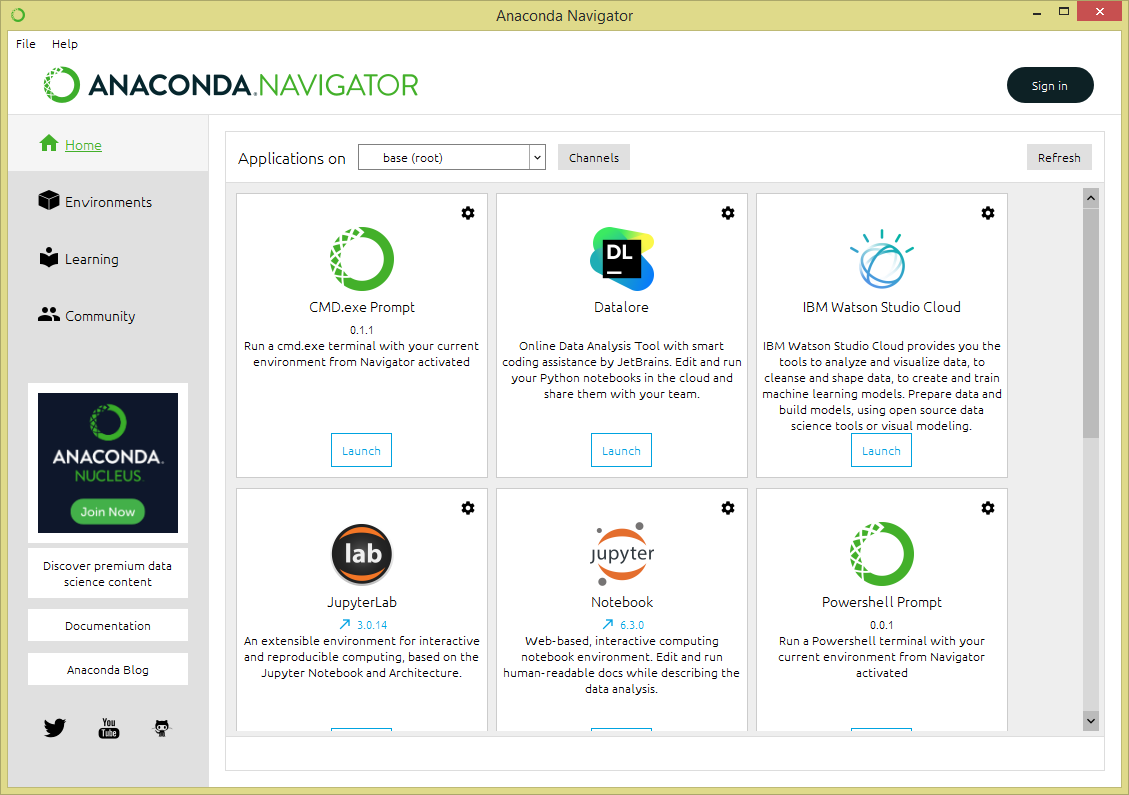
Install Anaconda Run Pandas On Jupyter Notebook Spark By Examples
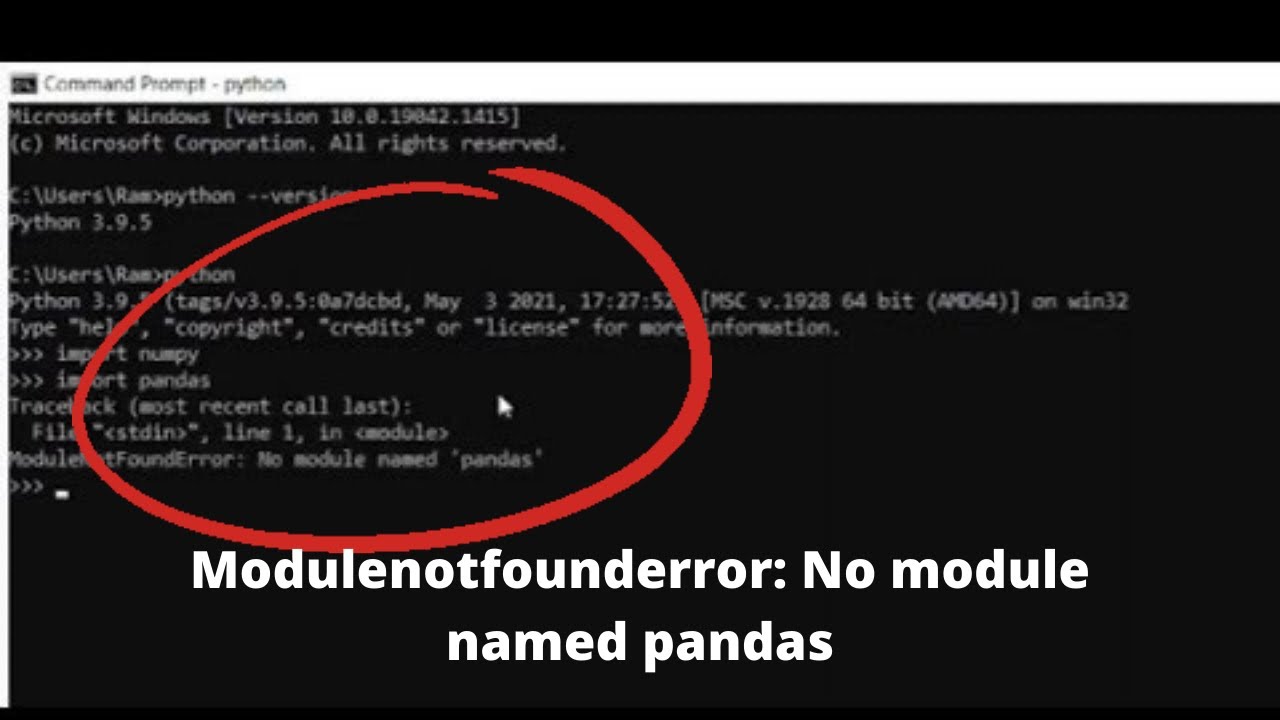
Modulenotfounderror No Module Named pandas How To Install Pandas From Cmd YouTube
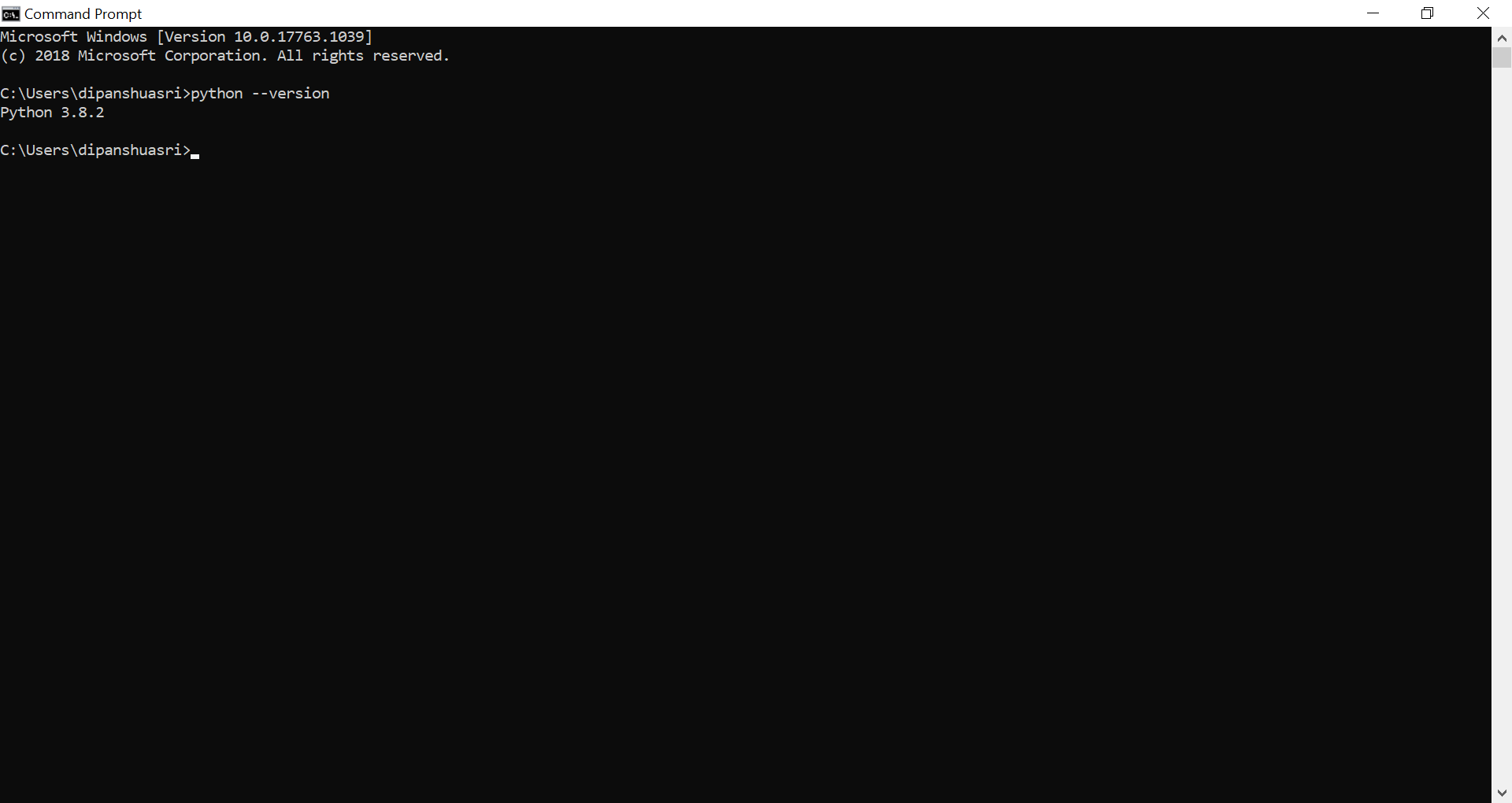
How To Install Pandas In Python Idle Livingston Kneince
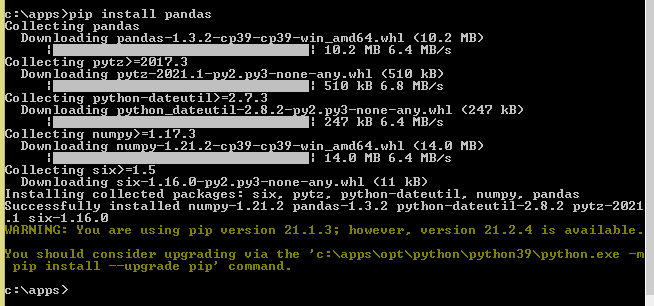
How To Install Pandas In Python An Easy Step By Step Multimedia Guide Python Central Riset

Install Pandas In Jupyter Notebook Archives AiHints

Web Jul 27 2023 nbsp 0183 32 Open the Terminal either from the menu or Ctrl Execute the pip install pandas command Check the installation Step 1 Open VS Code and Access the Terminal As a first step let s
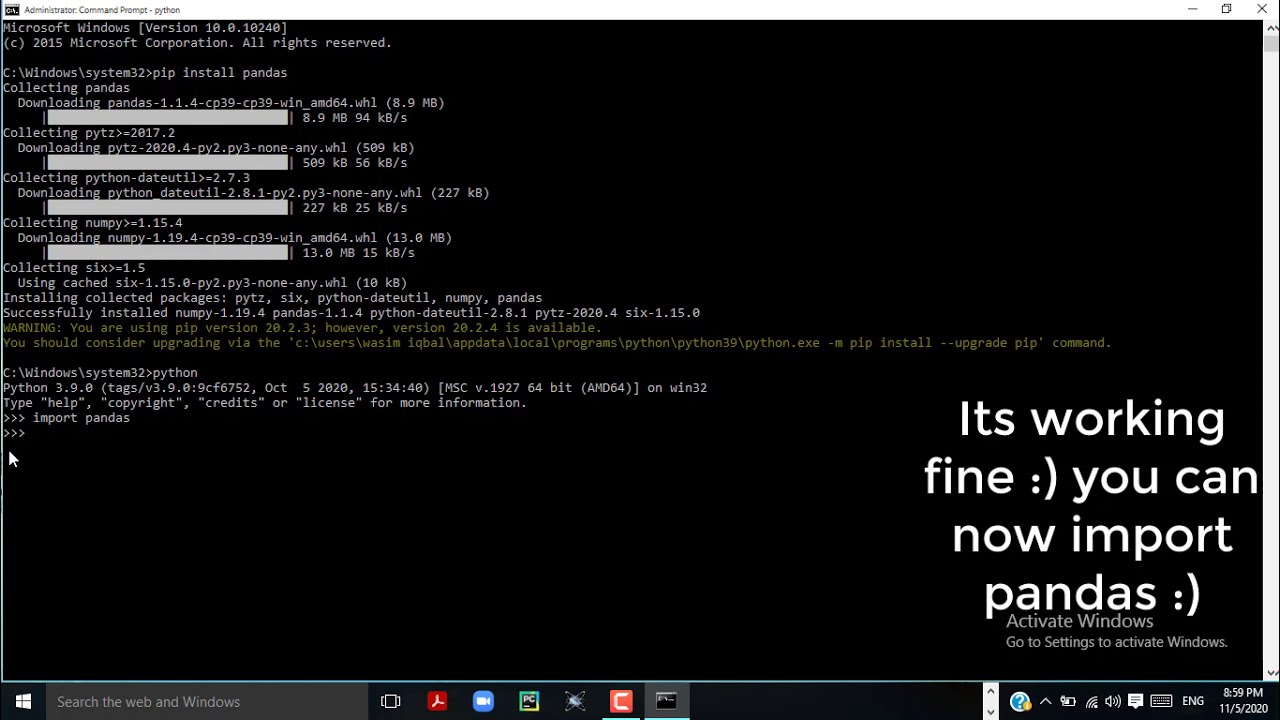
Web Sep 9 2022 nbsp 0183 32 This video will be about How To Install Pandas in Visual Studio Code on Windows 11 This allows you to get started with Pandas in your Python codes in VSCode Pandas is a python

Web Jun 19 2023 nbsp 0183 32 How to Install Pandas in Visual Studio Code Installing Pandas in Visual Studio Code is a straightforward process that can be completed in just a few steps Here s what you need to do Step 1 Install Python Before you can install Pandas you need

Web Set up a data science environment Visual Studio Code and the Python extension provide a great editor for data science scenarios With native support for Jupyter notebooks combined with Anaconda it s easy to get started

Web Installation using PyPI PyPI Python Packages Index is a repository for Python packages Python developers create libraries packages and publish them on this platform and users install them according to their needs Follow the simple steps below to install pandas in
Web This course offers a comprehensive introduction to Python featuring structured modules in a ready to code browser based development environment To gain a deeper understanding of the Python language you can explore any of the programming tutorials listed on Web The easiest way to install pandas is to install it as part of the Anaconda distribution a cross platform distribution for data analysis and scientific computing The Conda package manager is the recommended installation method for most users Instructions for
Web In the menu that displays type or select Python In the pane on the right add source code To save the file in the File menu select Save To open the Debug pane click the bug icon Click the gear icon and then select Python At the top right click the green run arrow