How To Install Java Cacerts How To Install Java JDK In Windows 10 Step By Step Complete Guide How To Install Java JDK JRE On Windows 10 TechDecode Tutorials How To Install Java 17 On Windows Tutorials24x7 How To Install Java MinecraftHopper How Do I Install Java On Ubuntu Rankiing Wiki Facts Films S ries You can download and install the Chrome web browser at no charge and use it to browse the web How to install Chrome Important Before you download you can check if
To find any of these features tap your profile picture or initial Location Sharing Choose who can find your location and whose location you can find on Google Maps Settings Manage your Wi Want advanced Google WoTo edit a document On your computer open a document in Google Docs To select a word double click it or use your cursor to select the text you want to change
How Do I Install Java On Ubuntu Rankiing Wiki Facts Films S ries How To Install Java For MacOS And Windows StackTips Java Ideal How To Install Java In Your Computer How To Install Java 5 Steps with Pictures WikiHow How To Install Java On Windows How To Install Java 10 In Windows 10 Install Java JDK 10 Step By Step Easy Guide To Install Java On Windows 11 Prajwal Desai How To Install JAVA JDK 16 0 2 In Windows OS A2Z Educate How To Install Java On Windows 10 Java Installation In Windows 10
How To Install Java Cacerts
 How To Install Java Cacerts
https://geekyscript.com/wp-content/uploads/2021/02/how-to-install-java-1024x576.jpg
Want advanced Google WoStep 2 Edit and format a presentation You can add edit or format text images or videos in a presentation Insert and arrange text shapes and lines Add delete
Templates are pre-designed documents or files that can be utilized for various functions. They can conserve time and effort by supplying a ready-made format and layout for developing various sort of content. Templates can be used for personal or expert tasks, such as resumes, invites, flyers, newsletters, reports, presentations, and more.
How To Install Java Cacerts
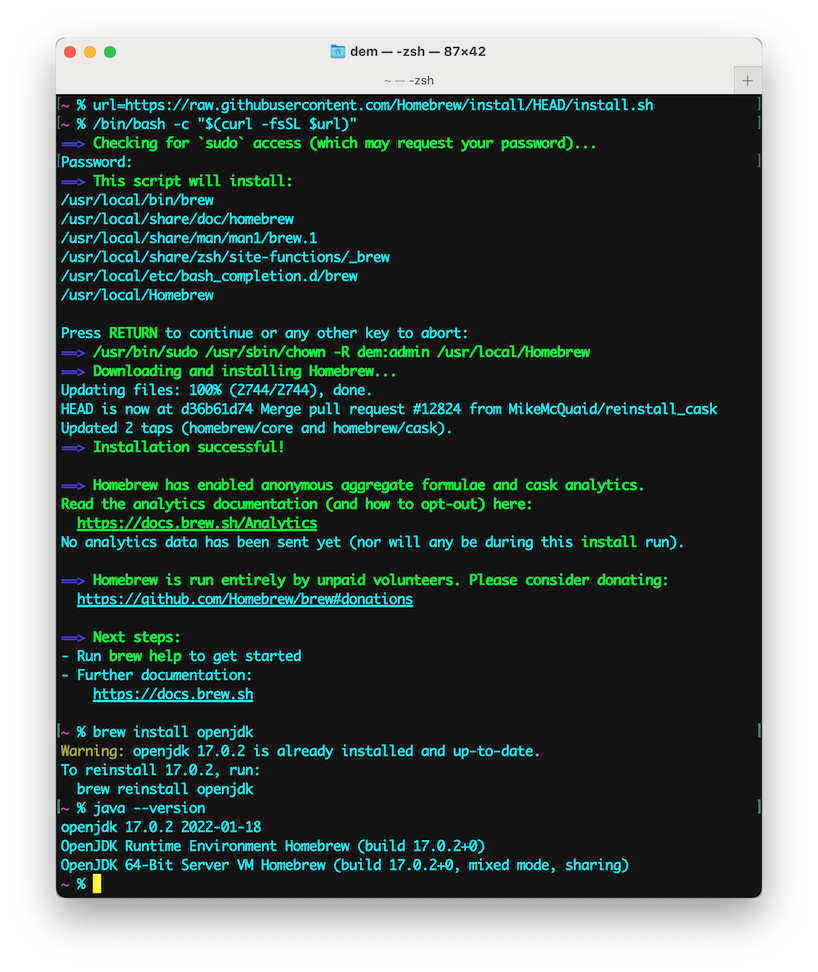
Mac Java Tutorial How To Create A MacOS Installer For A Java

How To Install Java For MacOS And Windows StackTips

Java Ideal How To Install Java In Your Computer

How To Install Java 5 Steps with Pictures WikiHow
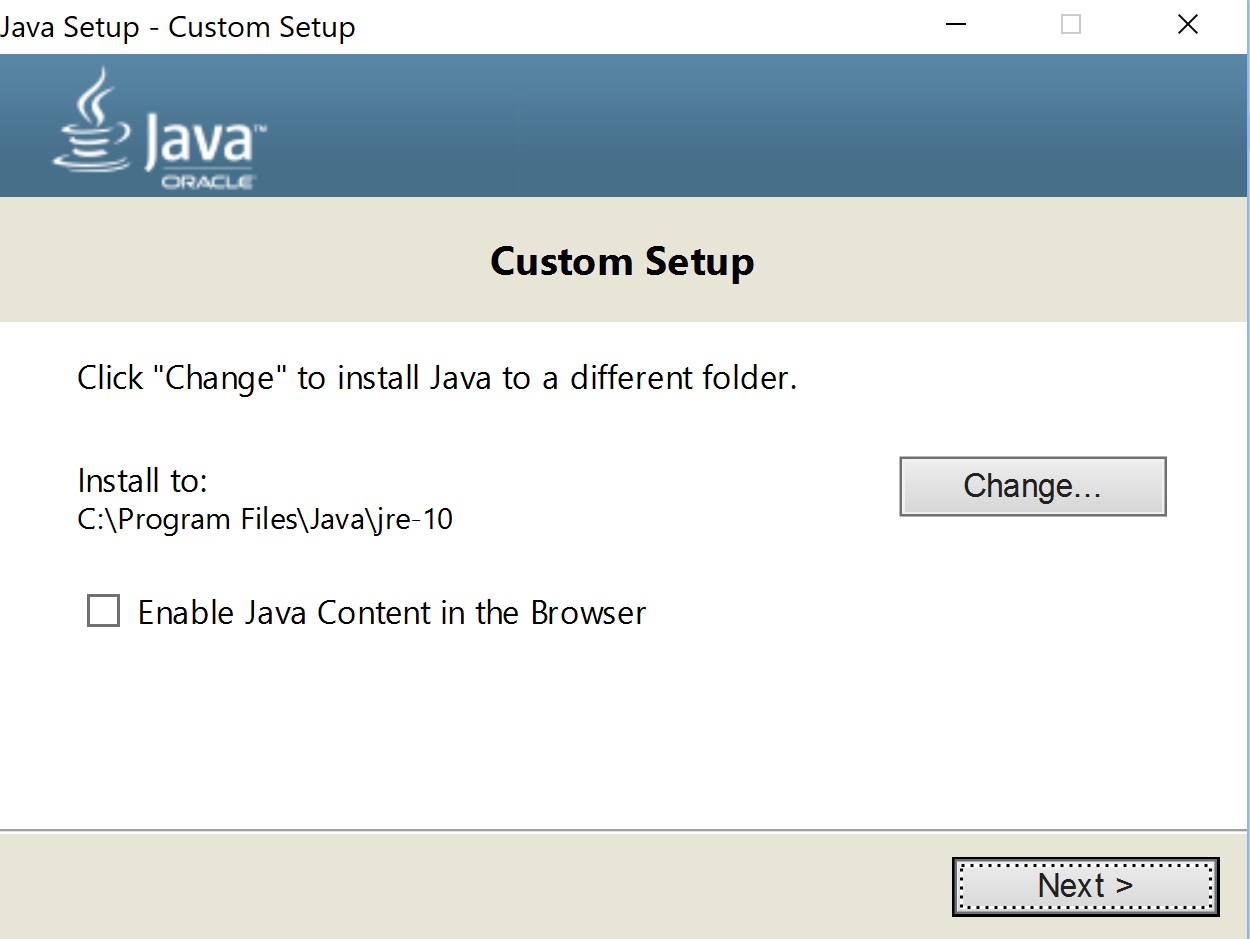
How To Install Java 10 In Windows 10 Install Java JDK 10 Step By Step

Easy Guide To Install Java On Windows 11 Prajwal Desai

Important Before you set up a new Gmail account make sure to sign out of your current Gmail account Learn how to sign out of Gmail From your device go to the Google Account sign in
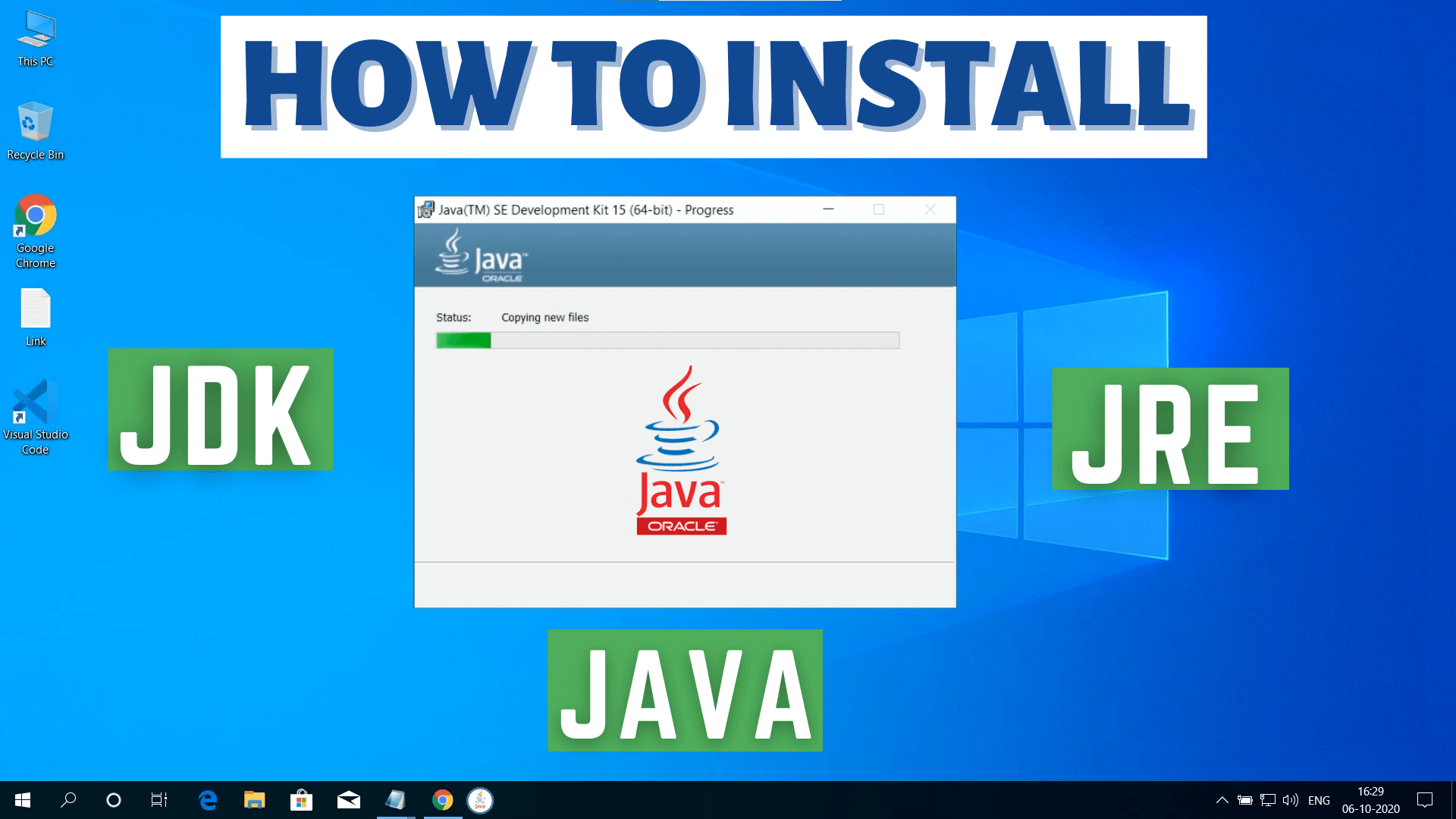
How to install Chrome Important Before you download check if Chrome supports your operating system and you ve met all other system requirements

Important When you create a Google Account for your business you can turn business personalization on A business account also makes it easier to set up Google Business Profile
If you forgot your password or username or you can t get verification codes follow these steps to recover your Google Acc

Learn how to change more cookie settings in Chrome For example you can delete cookies for a specific site In other browsers If you use Safari Firefox or another browser check its support
[desc-11] [desc-12]
[desc-13]