How To Install Ghostscript On Windows 10 Mac Install Ghostscript Renodefol How To Download And Install Ghostscript On Windpws 10 8 7 Ghostscript How To Install GhostScript PDF Compression Library On Command Line In How To Convert PDFs To Images For ML Projects Using Ghostscript And Installing Ghostscript On Windows 10 Installing Ghostscript On Windows Introduction This document is a roadmap to the Ghostscript documentation After looking through it if you want to install Ghostscript and not only use it we recommend you read How to install Ghostscript and How to compile Ghostscript from source code which is necessary before installing it on Unix and VMS systems What is Ghostscript
Ghostscript is capable of interpreting PostScript encapsulated PostScript EPS DOS EPS EPSF and Adobe Portable Document Format PDF The interpreter reads and executes the files in sequence using the method described under File searching to find them The interpreter runs in interactive mode by default In the Run box type cmd A command line window opens In the command line window type GSWIN64 h if your system is 64 bit most machines these days or GSWIN32 h if your system is 32 bit older machines If Ghostscript is installed you will see Ghostscript help information If you see an error then Ghostscript is not installed
Installing Ghostscript On Windows 10 Installing Ghostscript On Windows How To Install Ghostscript On Fedora 34 YouTube 14 3 Instalando Los Paquetes Ghostscript The Ultimate Guide To Getting Started With Install How To Download And Install Ghostscript On Windows 10 8 7 2020 YouTube How To Uninstall GPL Ghostscript On Windows 10 YouTube How To Convert PostScript eps ps To PDF With Ghostscript On Windows EsN Install Ghostscript Using Ghostscript To Manipulate Documents On Linux Systran Box
How To Install Ghostscript On Windows 10
 How To Install Ghostscript On Windows 10
http://renodefol.weebly.com/uploads/1/2/7/5/127583811/716535858_orig.png
Full Tutorial https blog finxter the ultimate guide to installing ghostscript Email Academy https blog finxter email academy Do you want to
Templates are pre-designed documents or files that can be utilized for numerous functions. They can save effort and time by supplying a ready-made format and layout for creating various sort of content. Templates can be utilized for personal or professional jobs, such as resumes, invites, leaflets, newsletters, reports, presentations, and more.
How To Install Ghostscript On Windows 10

1 Install Ghostscript For Scribus YouTube

How To Install Ghostscript On Fedora 34 YouTube
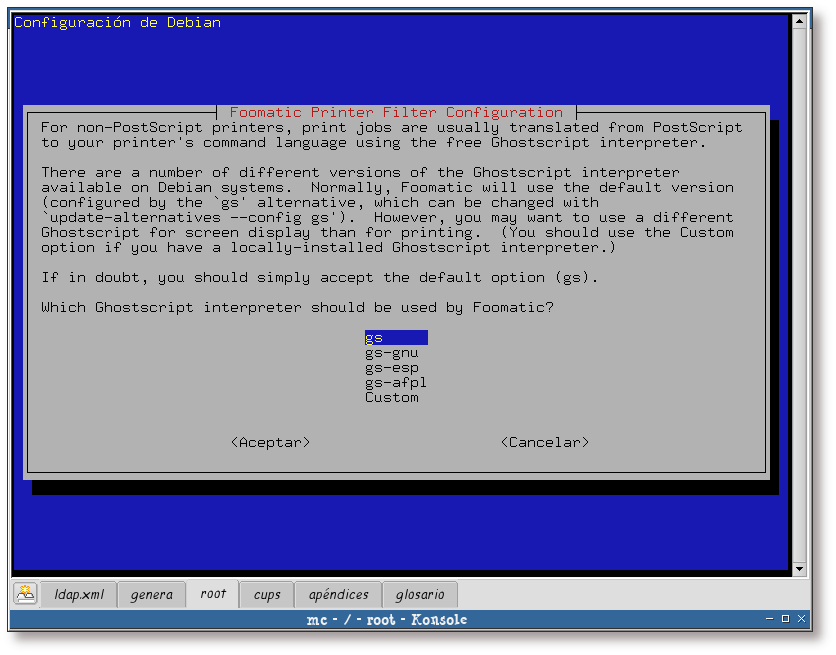
14 3 Instalando Los Paquetes
Ghostscript The Ultimate Guide To Getting Started With Install
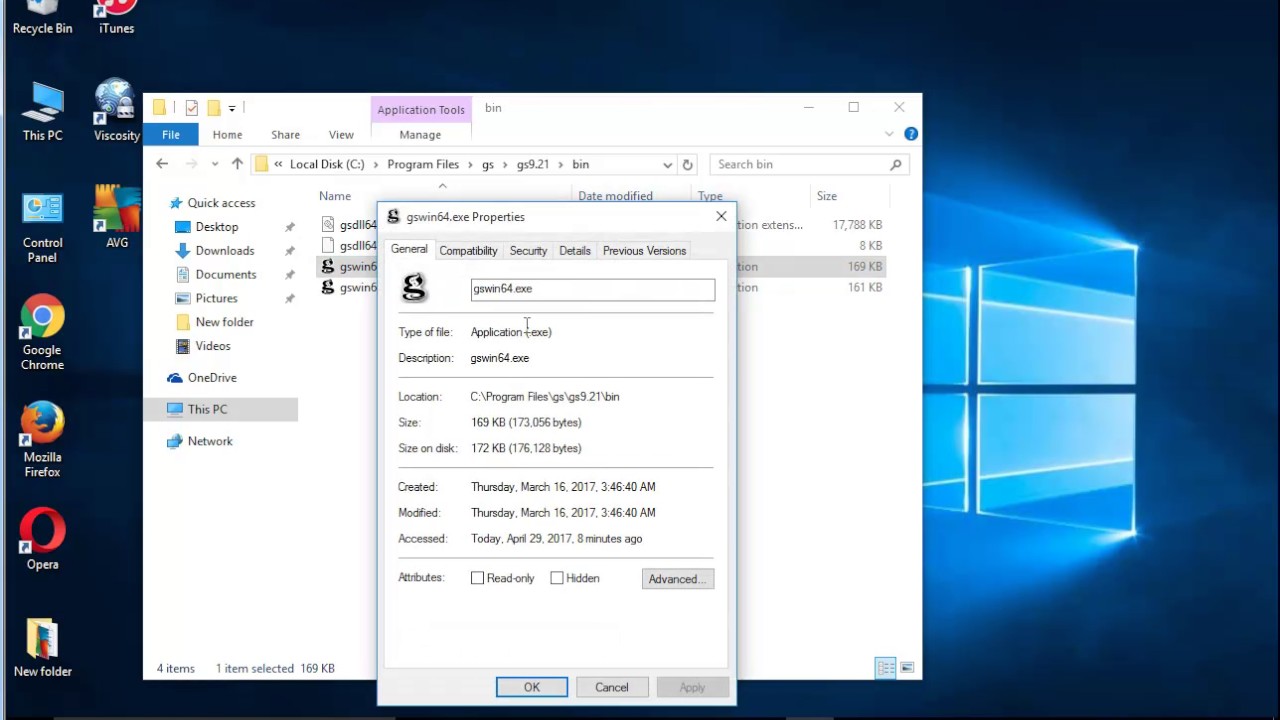
How To Uninstall GPL Ghostscript On Windows 10 YouTube
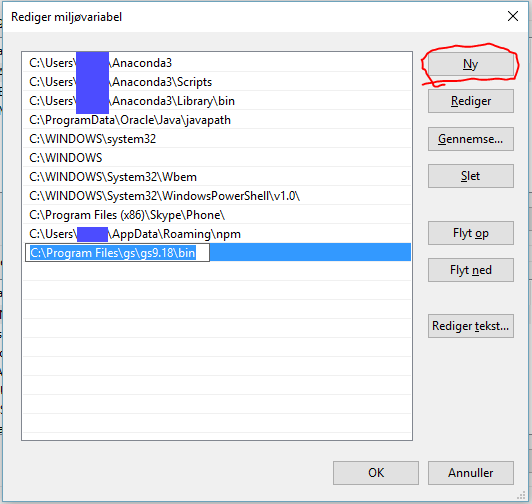
How To Convert PostScript eps ps To PDF With Ghostscript On Windows

You need the file to run Ghostscript on Unix and installing Ghostscript on a Unix system requires building it first please read how to build Ghostscript on Unix in the documentation on building Ghostscript especially regarding how to decide which makefile to use and how you may need to edit it

Installing Ghostscript on Windows 10 Choose the option to Add a local printer or network printer with manual settings and click Next Under Use an existing port click FILE in the dropdown list and then click Next Click Have Disk and browse to the Ghostscript files

2 I am trying to import ghostscript into Python when I type import ghostscript I get the following error message
Artifex Commercial License Ghostscript 10 02 1 for Windows 32 bit Ghostscript AGPL Release Ghostscript Commercial License Ghostscript 10 02 1 for Windows 64 bit Ghostscript AGPL Release Ghostscript Commercial License Ghostscript 10 02 1 snap for Linux x86 64 bit Ghostscript AGPL Release

To install Ghostscript Into a temporary directory on your computer download the self extracting executable file for the version of Ghostscript you want from one of the sites listed on the Ghostscript website at http ghostscript Run the executable file to install Ghostscript on your system
3 Answers Sorted by 1 Ghostscript no longer distributes their installers with a silent installation option as shown on their blog It seems their official position is that anyone who needs the install to be silent will have to modify the source themselves See also discussion related to this issue on their bug tracker Share Improve this answer 2 If you have previously installed Ghostscript then uninstall the existing version from the Control Panel 3 Download the installation files for Ghostscript We currently recommend version 10 02 0 which can be downloaded here and make sure to add the installation path s bin directory to your system s path variable
Do not use this on 64 bit processors running 32 bit Windows Installing To install a self extracting Ghostscript archive on Windows you need just this self extracting archive file Run this file to install Ghostscript Alternatively if you have the zip file unzip it to a temporary directory then run the included setupgs exe After the setup