How To Install Deb From Command Line How To Install Or Remove Deb Files On Ubuntu 22 04 20 04 LinuxCapable How To Install DEB Files How To Install Deb Package Via Command Line Interface LinuxTect How To Install DEB File On Ubuntu And Linux Distros MashTips Deb The first approach is to use the APT command It is a command line utility for managing installing updating removing DEB packages on Debian and related Debian based Linux distributions such as Ubuntu Linux Mint etc
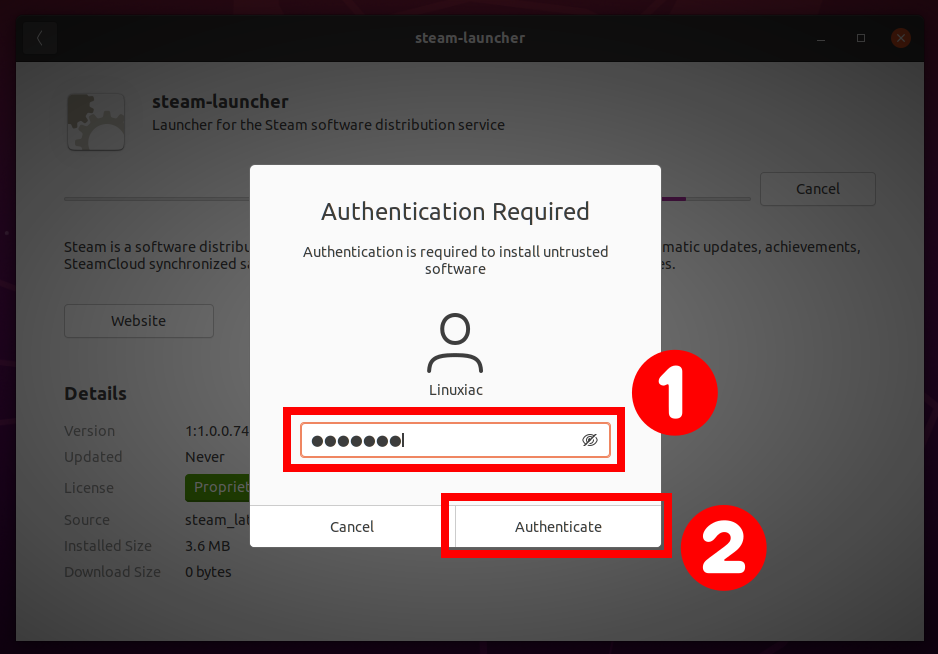
Step 1 Go to the folder where you have downloaded the Deb file It is usually the Downloads folder Right click on the deb file and select Open With Step 2 In the window that pops up now Select Software Install check the Always use for this file type option at the bottom and then click the Open button Step 3 Apt get provides a simple way to install packages from the command line Unlike dpkg apt get does not understand deb files it works with the package s proper name and can only install deb archives from a Source The first 1 thing that should be done before using apt get is to fetch the package lists from the Sources so that it knows what packages are available
Deb How To Install DEB Files In Ubuntu Explained In Examples Como Instalar Um Arquivo DEB No Linux Mais Geek How To Install deb File In Ubuntu BENISNOUS How To Install Deb Files On Ubuntu Linux 4 Methods 4 Methods Beebom Beginners Guide To Dpkg Linux Command Linux Tutorials Learn Linux Configuration How To Install Deb File With Ifunbox Mac Safe Babyfasr How To Install Deb Files Packages On Ubuntu Linuxize 5 Ways To Install Deb File On Ubuntu
How To Install Deb From Command Line
 How To Install Deb From Command Line
https://www.linuxcapable.com/wp-content/uploads/2023/03/how-to-install-or-remove-deb-files-on-ubuntu-22.04-or-20.04-lts.png
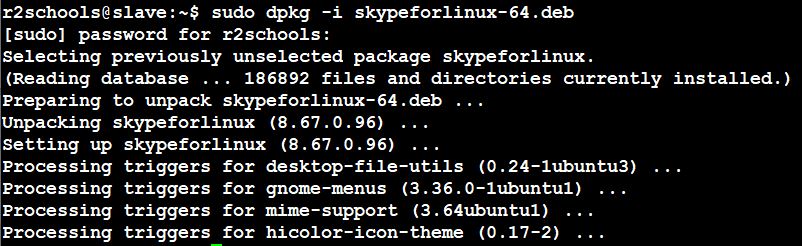
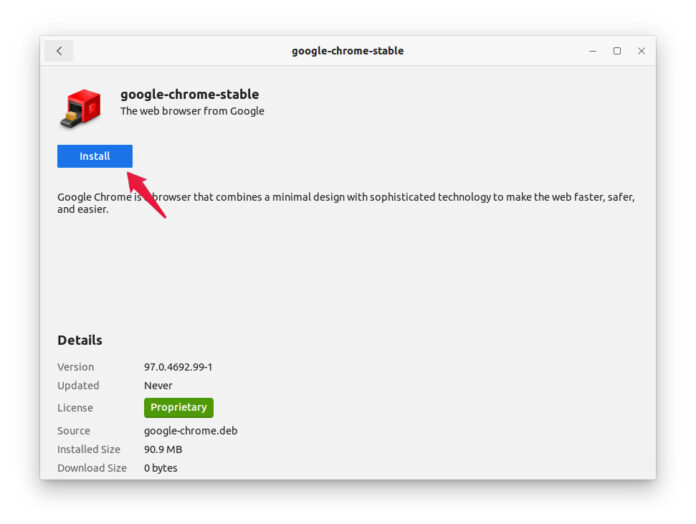
How to Install deb file with dpkg dpkg is a command line tool to install build remove and manage Debian packages Before installation download or copy the deb file in the local drive Then use dpkg command to install locally downloaded deb file For example I have downloaded the Google Chrome Debian file in the local system Then issue
Templates are pre-designed documents or files that can be utilized for numerous purposes. They can save effort and time by offering a ready-made format and layout for developing various sort of material. Templates can be utilized for personal or expert jobs, such as resumes, invites, flyers, newsletters, reports, presentations, and more.
How To Install Deb From Command Line
Linux Install Deb From Command Line Gresql
How To Install DEB Files In Ubuntu Explained In Examples

Como Instalar Um Arquivo DEB No Linux Mais Geek
How To Install deb File In Ubuntu BENISNOUS
Beginners Guide To Dpkg Linux Command Linux Tutorials Learn Linux Configuration
How To Install Deb File With Ifunbox Mac Safe Babyfasr

Install DEB Files in the Terminal So you finally installed Linux and when downloading your favorite app you got a file with the deb extension Now what In this article let s look at the two ways you can easily install apps using DEB files on Linux What Is a DEB File

Installing deb Files from the Command Line When it comes to installing deb packages from the command line you have several tools at your disposal In the following sections we will show you how to use apt gdebi and dpkg utilities to install deb packages Installing deb files with apt
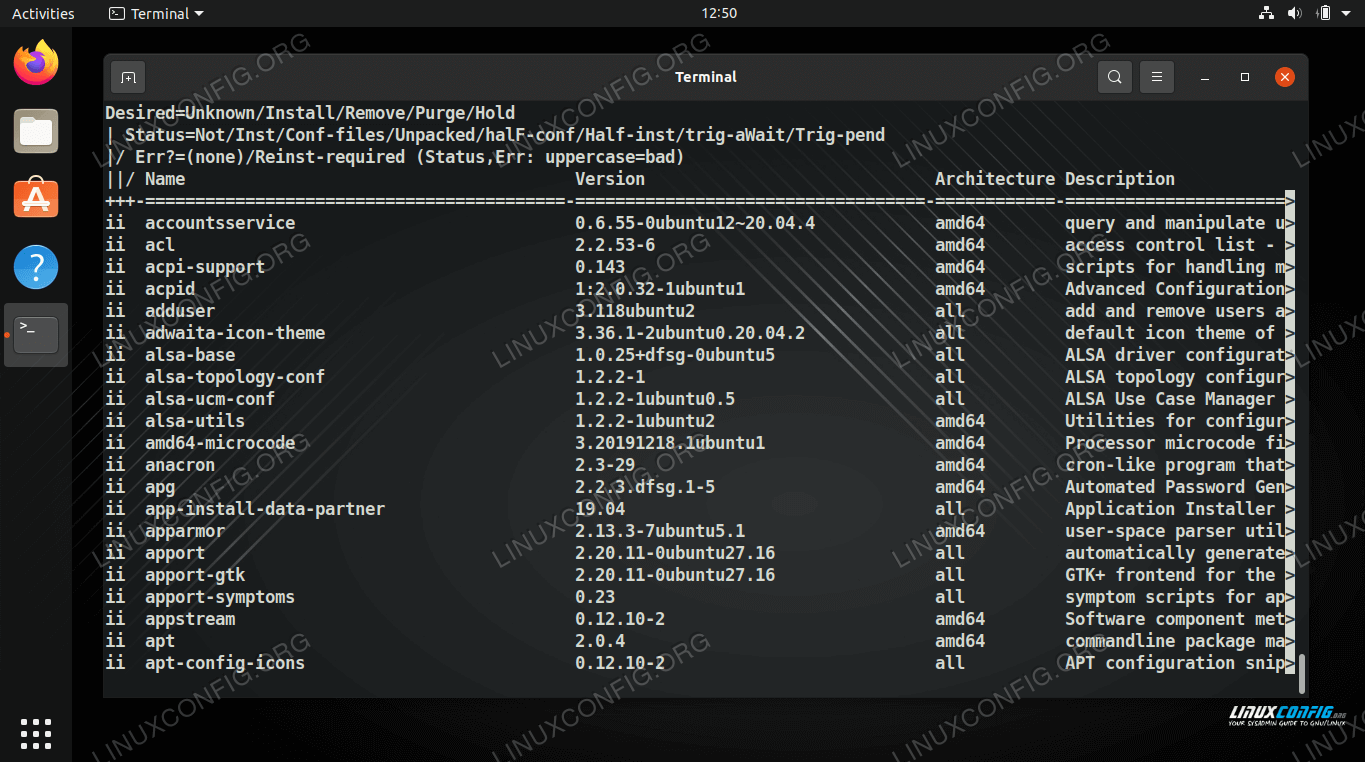
1 Install deb Package Using dpkg Command Dpkg is a package manager for Debian and its derivatives such as Ubuntu and Linux Mint It is used to install build remove and manage deb packages but unlike other Linux package management systems it cannot automatically download and install packages with their dependencies
How to install a deb file by dpkg i or by apt Ask Question Asked 9 years 2 months ago Modified 8 months ago Viewed 3 6m times 1174 I have a deb package for installation Shall I install by dpkg i my deb or by apt Will both handle the software dependency problem well If by apt how can I install from the deb by apt software installation deb

Learn different ways to install software from a deb package on Ubuntu using the command line or GUI Step by step instructions provided Call Support Sales Login Bare Metal Cloud Channel Partners Billing Portal Partners PHOENIXNAP HOME PRODUCTS ColocationPremier Carrier Hotel ColocationOverview
1 Using dpkg command dpkg command is a command line tool to deal with deb packages to install build remove and manage packages by passing specific parameters Let s start with the installation procedure Assuming that you already have a deb package file of some application Jul 13 2022 Table of Contents Installing deb files in Ubuntu is not difficult You just have to double click on it and it gets opened in the Software Center That works in most cases if you are running it on a desktop It may not work if you are running an Ubuntu server and there is no GUI
To install a deb file simply Right click on the deb file and choose Kubuntu Package Menu Install Package Alternatively you can also install a deb file by opening a terminal and typing sudo dpkg i package file deb To uninstall a deb file remove it using Adept or type sudo apt get remove package name Convert rpm files to deb files