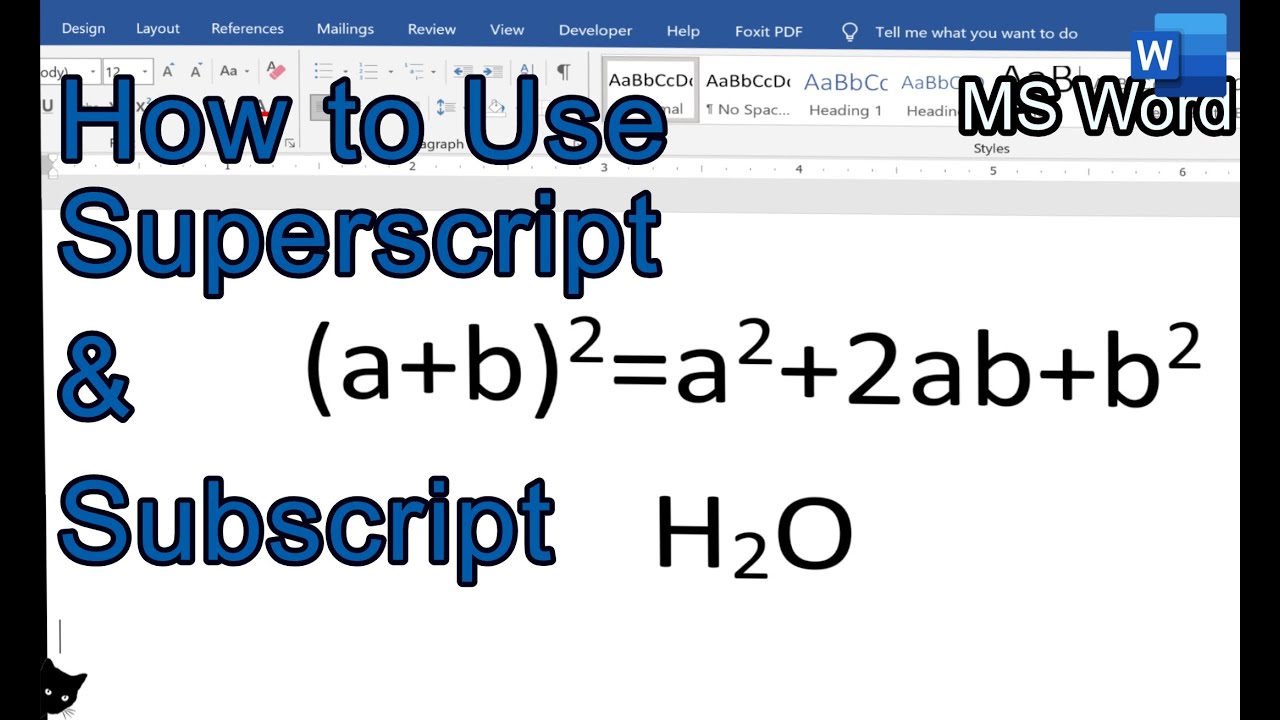
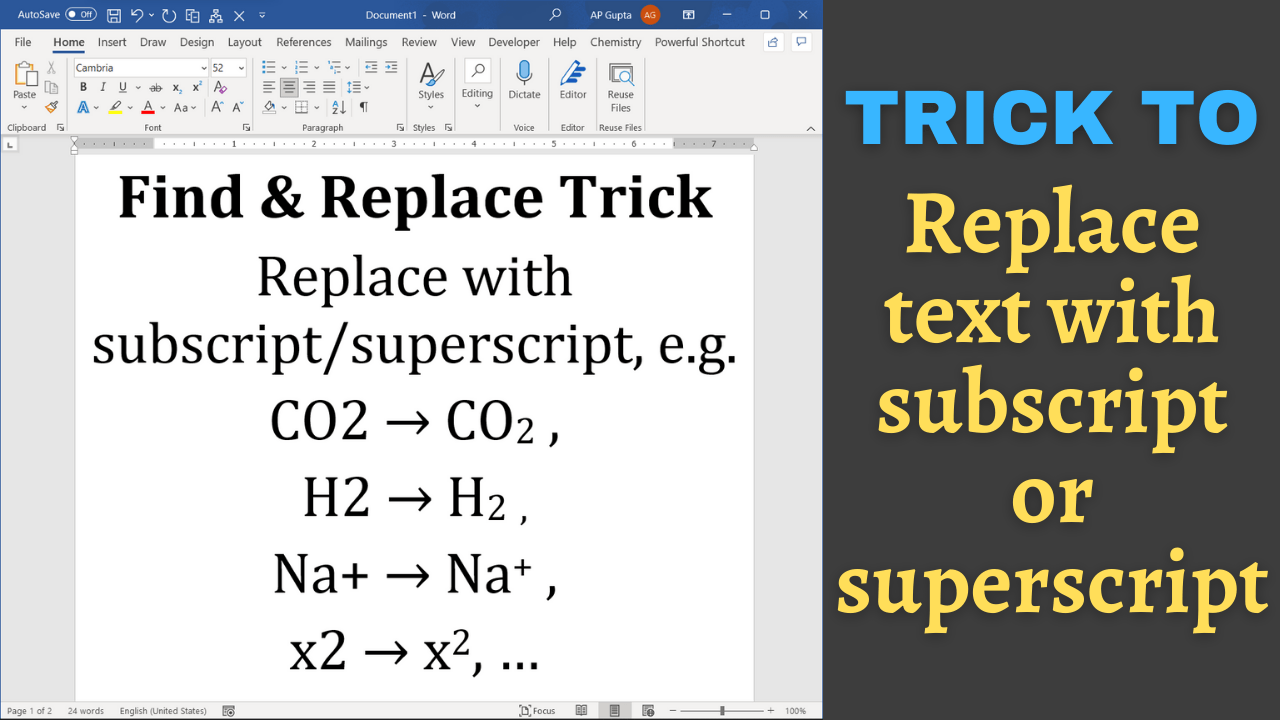
How To Insert Superscript In Word Equation How To Apply Subscript And Superscript In MS Word YouTube How To Superscript In Word 4 Easy Methods How To Create Superscript And Subscript In MS Word 8 Easy Steps How To Superscript In Word 4 Easy Methods Replace Text With Subscript Or Superscript In Ms Word PickupBrain Be WEB May 14 2021 nbsp 0183 32 You can add a superscript or subscript in Word using the appropriate buttons in the Font section of the Home ribbon You can also use keyboard shortcuts to format text as a
WEB Apply superscript or subscript formatting to text Select the character that you want to format as superscript or subscript On the Home tab in the Font group select the Font Dialog Box Launcher On the Font tab under Effects select the Superscript or WEB Nov 16 2023 nbsp 0183 32 Learning how to superscript in Word allows you to create mathematical powers correctly format units of measurement or even build complex equations Adding superscript text is quick
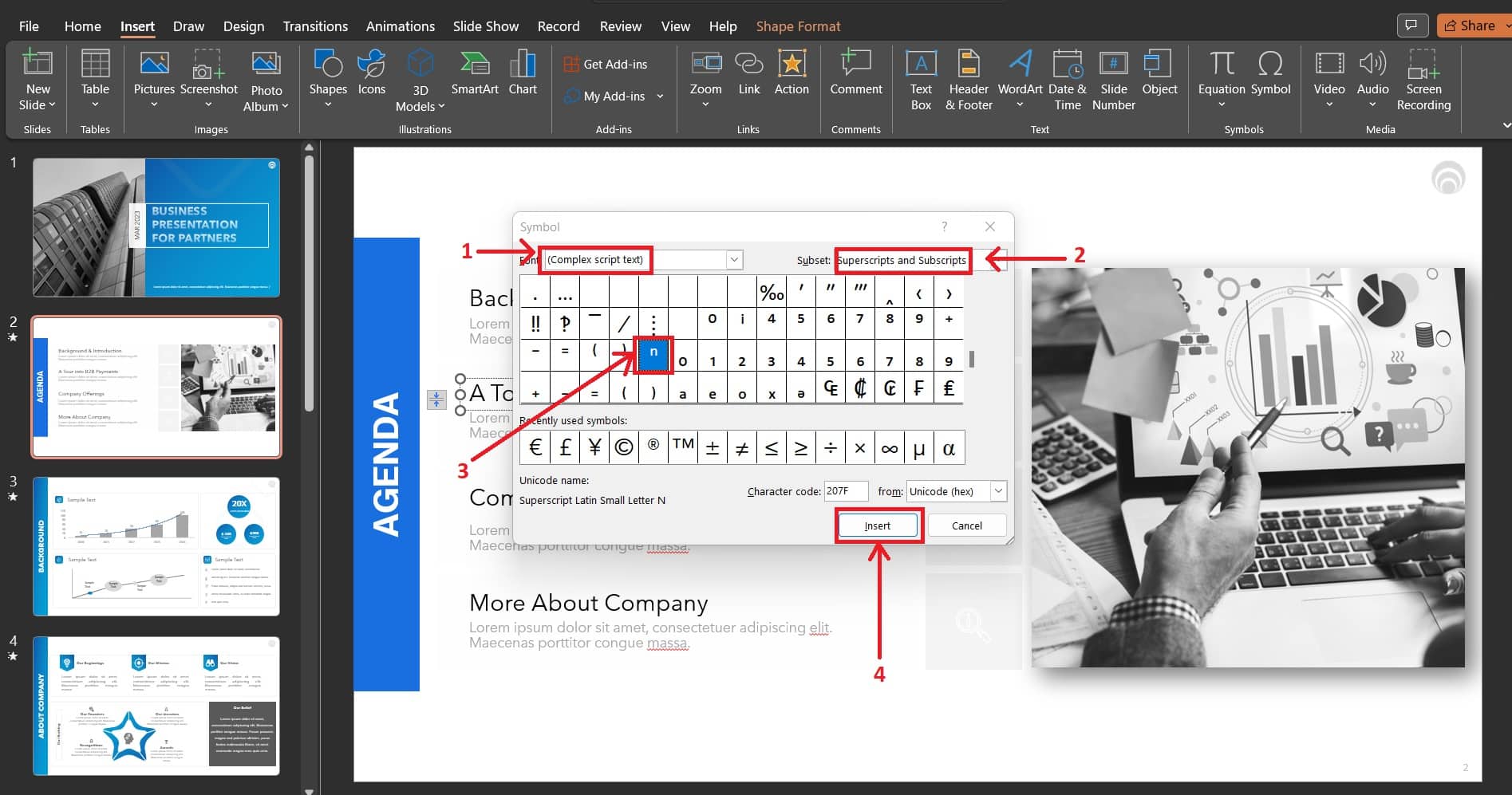
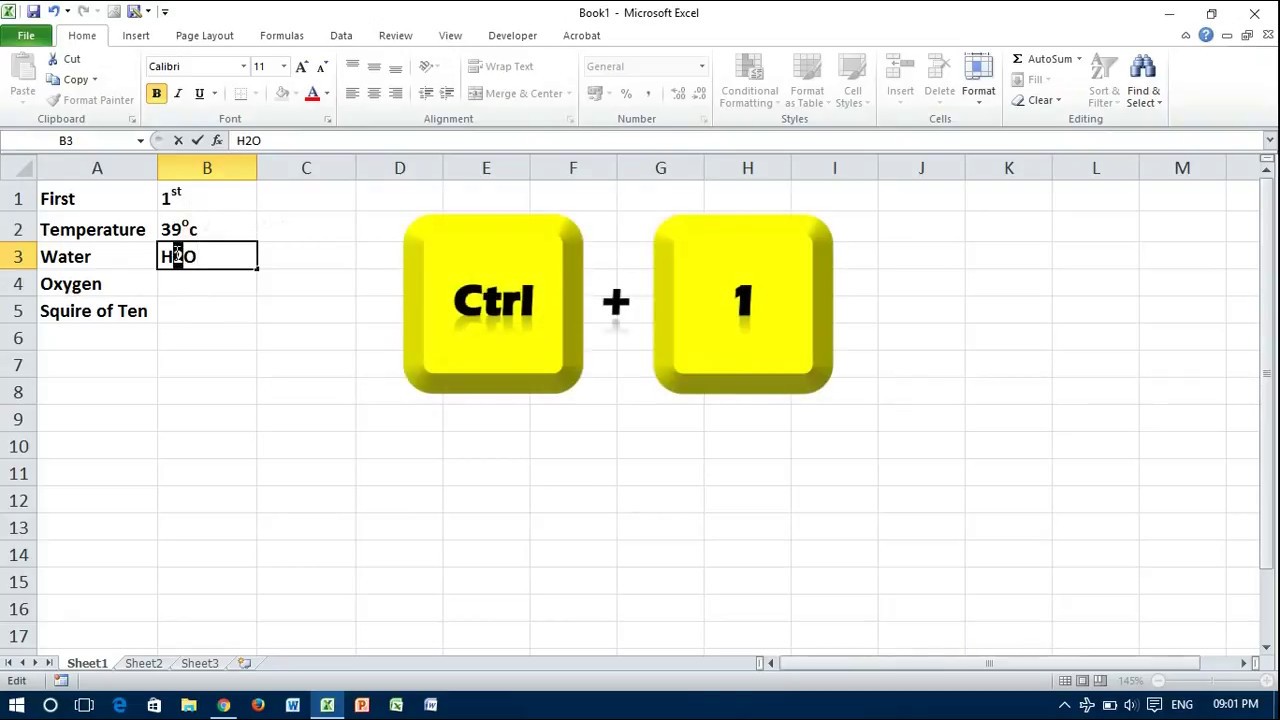
Replace Text With Subscript Or Superscript In Ms Word PickupBrain Be How To Superscript The Citations EndNote Styles Filters And How To Add Superscript And Subscript In PPT Apply Superscript Subscript In Excel YouTube How To Make A Superscript Or Subscript Magazineholden How To Insert Superscript And Subscript In Microsoft Word Vegadocs How To Do Superscript And Subscript In MS Word OfficeBeginner HOW TO Easiest Way To SUPERSCRIPT SUBSCRIPT In Google Docs Superscript Subscript MS Word 2007 YouTube
How To Insert Superscript In Word Equation
 How To Insert Superscript In Word Equation
https://i.ytimg.com/vi/N7N-uLFPACA/maxresdefault.jpg
WEB Mar 19 2024 nbsp 0183 32 Superscript and subscript allow you to type characters that appear above or below the normal text line You can easily switch between superscript subscript and normal text in Microsoft Word
Pre-crafted templates provide a time-saving solution for producing a varied range of files and files. These pre-designed formats and layouts can be made use of for various individual and professional projects, consisting of resumes, invitations, flyers, newsletters, reports, presentations, and more, streamlining the content production procedure.
How To Insert Superscript In Word Equation
How To Write Subscripts In Microsoft Word Wastereality13

How To Superscript The Citations EndNote Styles Filters And
How To Add Superscript And Subscript In PPT
Apply Superscript Subscript In Excel YouTube

How To Insert Superscript And Subscript In Microsoft Word Vegadocs

How To Do Superscript And Subscript In MS Word OfficeBeginner

WEB Use keyboard shortcuts to apply superscript or subscript Select the text or number that you want For superscript press Ctrl Shift and the Plus sign at the same time For subscript press Ctrl and the Equal sign at the same time Do not press Shift

WEB Jul 17 2017 nbsp 0183 32 There doesn t seem to be an option in Word s equation editor to have only a leading superscript you have to have both a super and subscript and then make one invisible For trailing super and subscripts all options are available Here are the available combinations Share Improve this answer

WEB Oct 14 2022 nbsp 0183 32 You can apply superscript or subscript in Microsoft Word using keyboard shortcuts buttons on the Ribbon or the Font dialog box If you apply superscript the selected letter number or symbol will be raised slightly

WEB Superscript in Word Place the cursor where you want to insert the superscript or select the existing text that you want to format as a superscript Select the Home tab in the ribbon and then select the Superscript button in the Font group
WEB Apply superscript or subscript to a numeric value When you want to present a formula or an equation for numeric values On the Insert tab select Equation and choose the Equation tab or Design Select Script and choose the format you want Select the
WEB Apr 29 2023 nbsp 0183 32 In Word PowerPoint and Outlook there are subscript and superscript buttons on the ribbon under Home Font Simply highlight the text that you want to turn into subscript or superscript and click the appropriate button WEB Oct 22 2010 nbsp 0183 32 I am aware of the ALT keyboard shortcut to get to equation editor mode I also know of the CTRL CTRL SHIFT shortcuts to toggle superscript subscript mode outside of equation editor
WEB Are you trying to add subscript within the equation or outside it When you type Alt the cursor will be out of equation Within the equation you cannot use the sub super script options available on the Home tab Instead use the