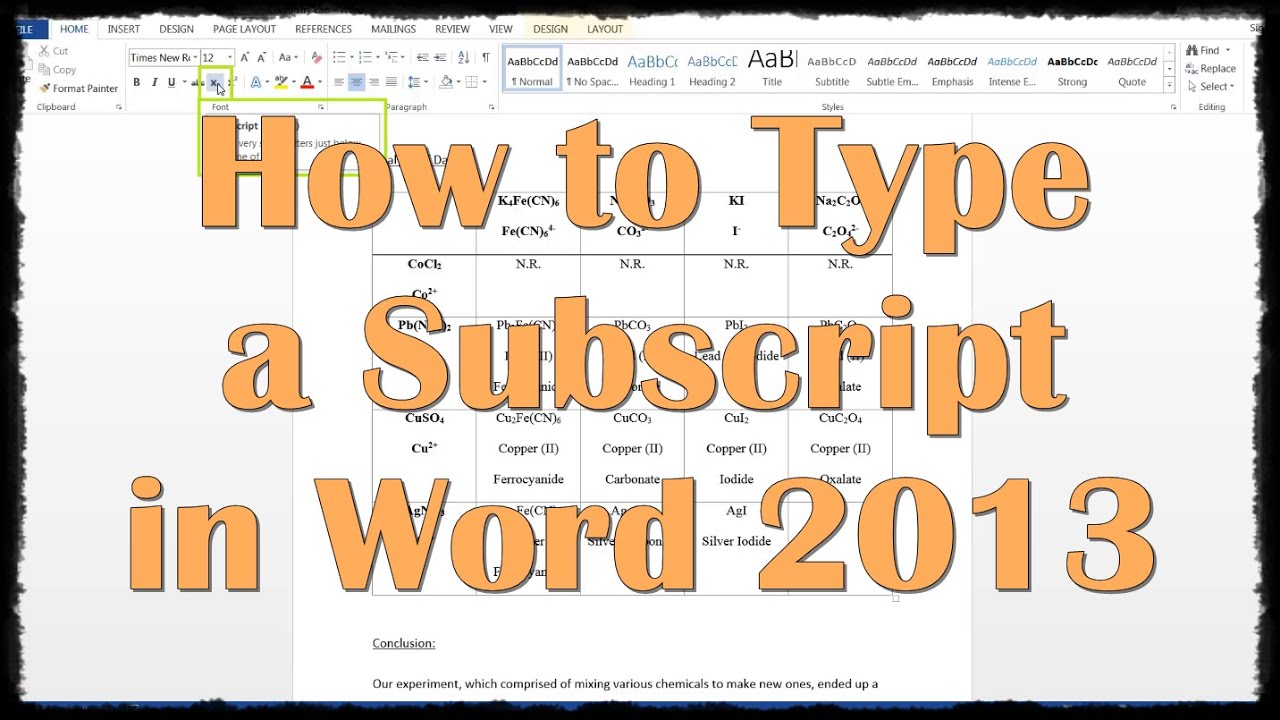
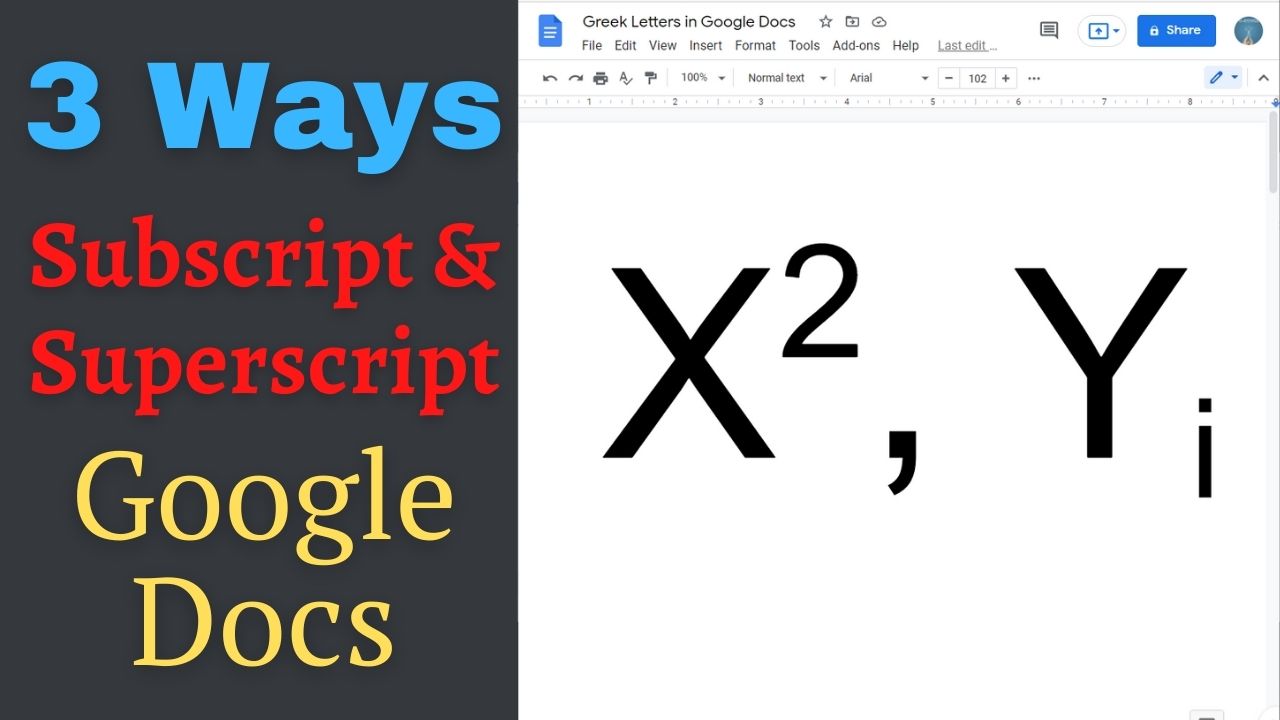
How To Insert Subscript In Word Document How To Use Subscript And Superscript Option In PowerPoint Document 2017 How To Create Superscript And Subscript In MS Word 8 Easy Steps How To Add Superscript In Powerpoint Shortcut Sfgera Shortcut Key For Subscript And Superscript In Word YouTube Insert Superscript And Subscript In Google Sheets 3 Easy Methods Web Mar 19 2024 nbsp 0183 32 1 Open your Word document 2 Select the text you want to change 3 Click X 178 for superscript or X for subscript
Web Oct 23 2021 nbsp 0183 32 What to Know Open or create a document and type text normally Select the text you want to appear as subscript so it s highlighted Go to the Home tab In the Font group select Subscript The selected characters Web Jun 5 2019 nbsp 0183 32 Superscript Select the text then press Ctrl Shift Plus sign Subscript Select the text then press Ctrl Inserting Superscript or Subscript Symbols Word and PowerPoint also offer several different preformatted superscript and subscript symbols for you to use To access those symbols head over to the Insert tab and then
Insert Superscript And Subscript In Google Sheets 3 Easy Methods How To Subscript In Google Docs Archives PickupBrain Be Smart Superscript And Subscript In PowerPoint 2022 SlideLizard How To Do Superscript And Subscript In MS Word OfficeBeginner How To Write Subscripts In Microsoft Word Wastereality13 How To Make Text Superscript And Subscript In PowerPoint BrightCarbon How To Format A Subscript Or Superscript In PowerPoint How To Write Text Subscript And Superscript In Microsoft Excel Document How To Write A Superscript And Subscript At The Same Time In Word YouTube
How To Insert Subscript In Word Document
 How To Insert Subscript In Word Document
https://i.ytimg.com/vi/fCCu3Htglag/maxresdefault.jpg
Web Oct 9 2020 nbsp 0183 32 Step 1 Open a Word document Open a Word document Click on the Home tab on the top menu bar Step 2 Start typing your Sentence Start typing the sentence which will contain the superscript but stop before typing the first character that you want Word to display as a superscript Step 3 Switch to Superscript Mode
Pre-crafted templates offer a time-saving solution for developing a diverse series of documents and files. These pre-designed formats and layouts can be used for different personal and expert jobs, consisting of resumes, invitations, leaflets, newsletters, reports, presentations, and more, simplifying the material development process.
How To Insert Subscript In Word Document
How To Type A Subscript In Word 2013 YouTube
How To Subscript In Google Docs Archives PickupBrain Be Smart
Superscript And Subscript In PowerPoint 2022 SlideLizard

How To Do Superscript And Subscript In MS Word OfficeBeginner
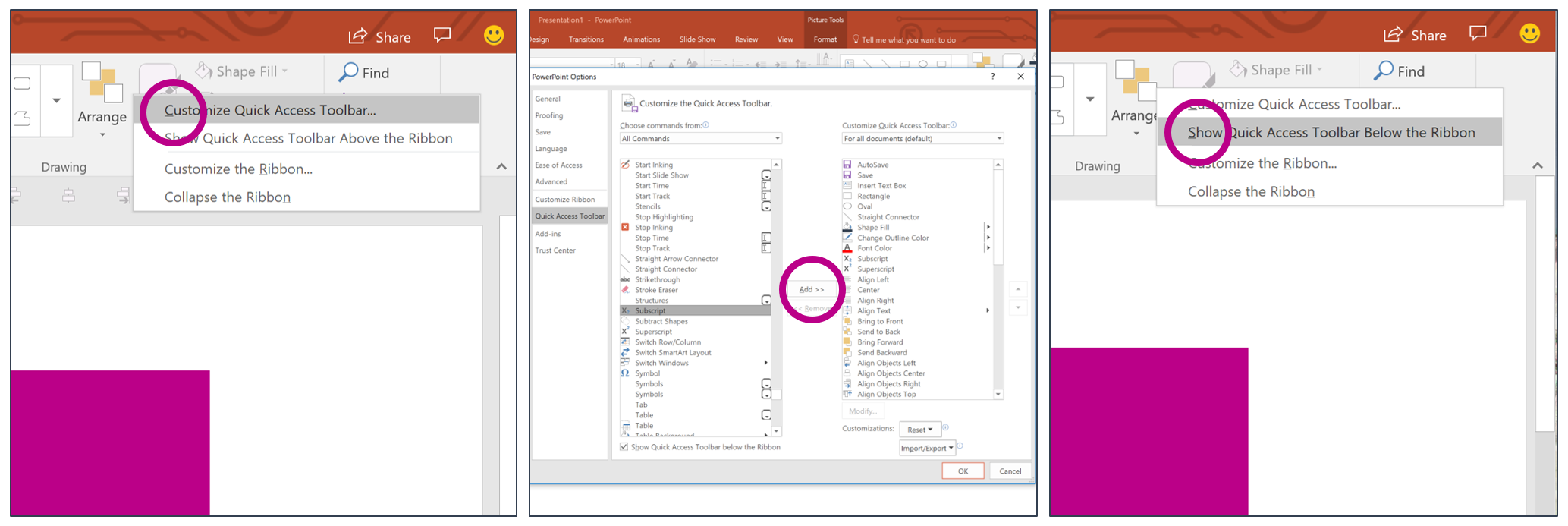
How To Make Text Superscript And Subscript In PowerPoint BrightCarbon
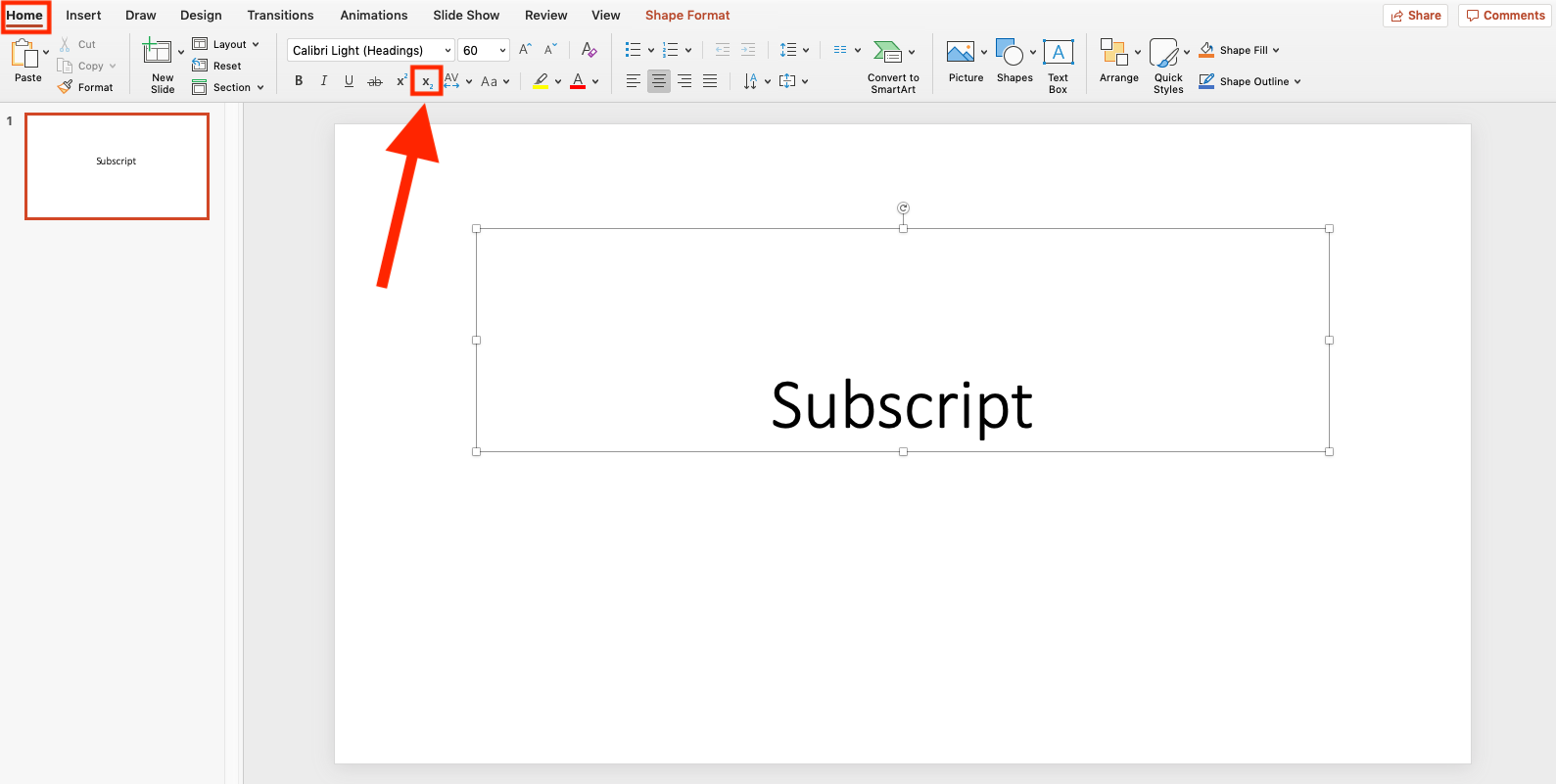
How To Format A Subscript Or Superscript In PowerPoint
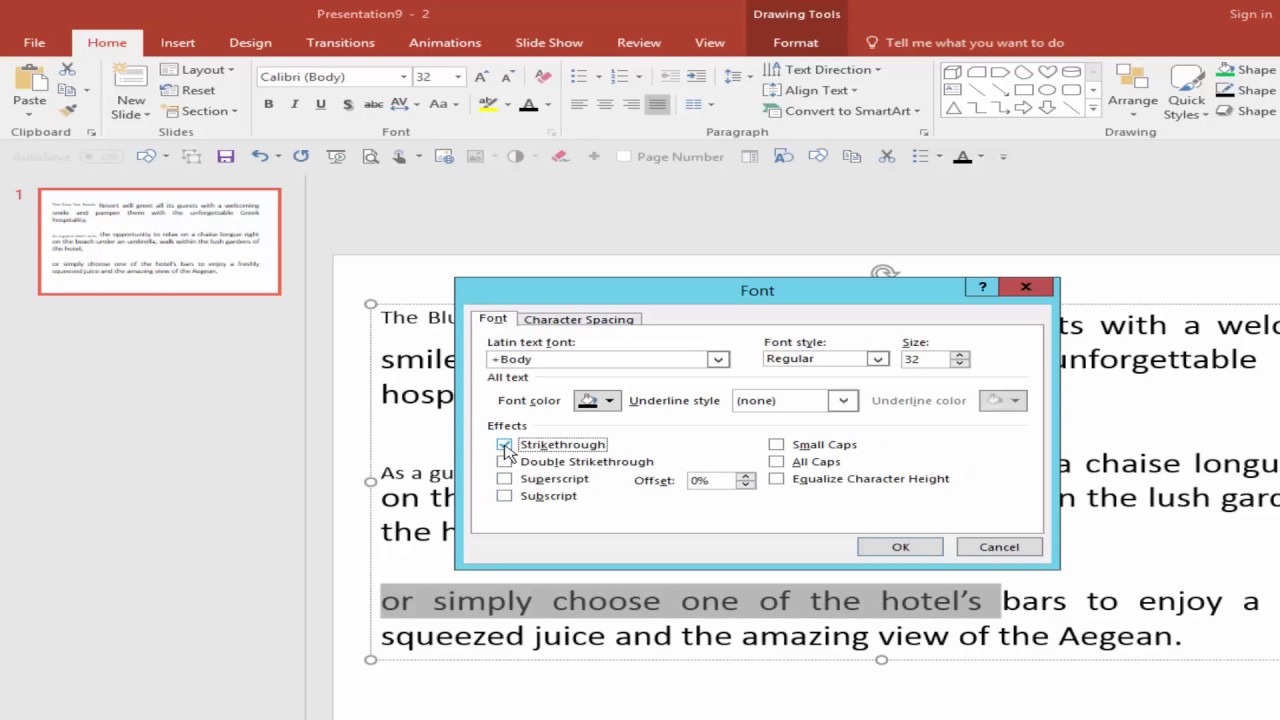
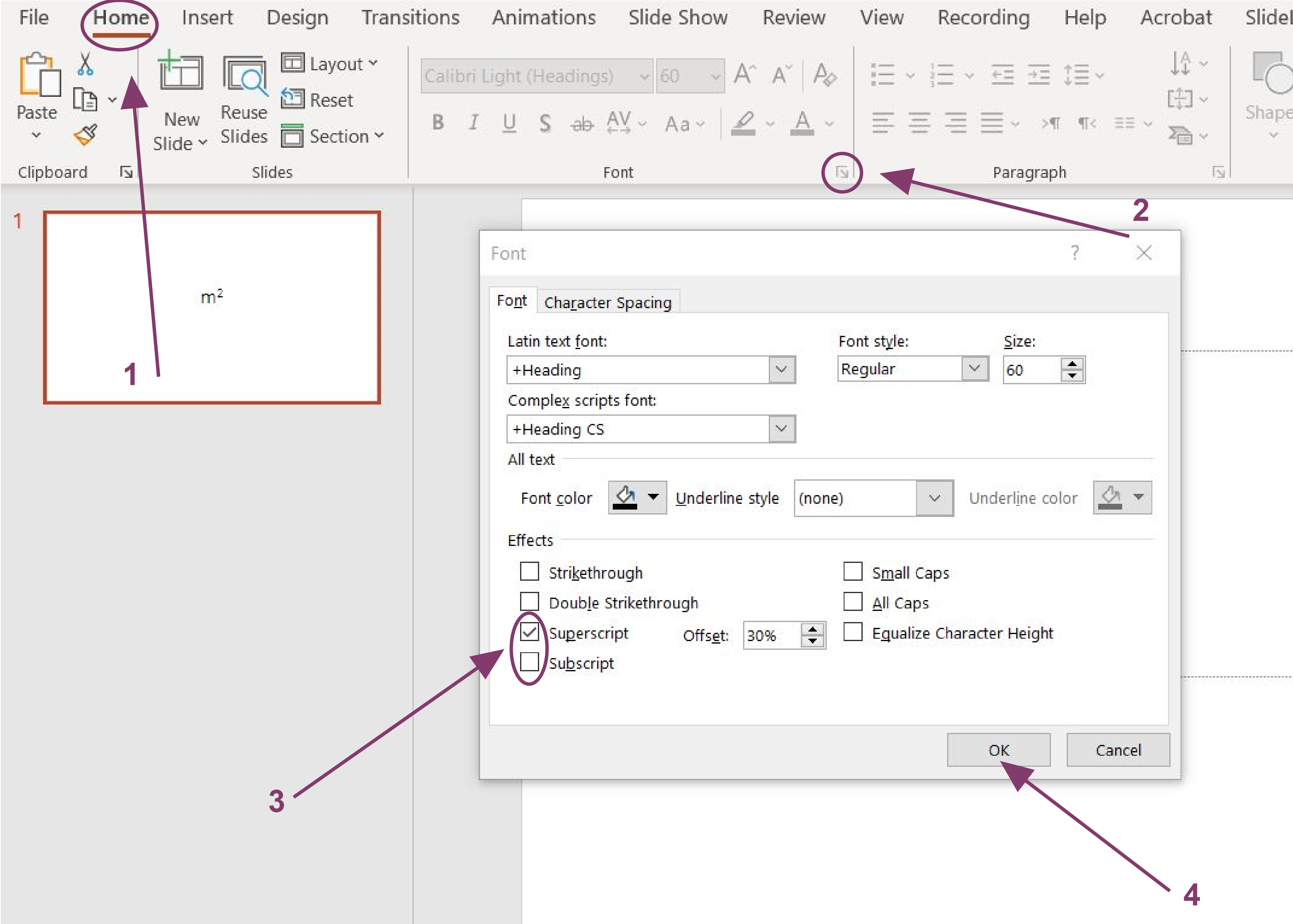
Web Jan 14 2023 nbsp 0183 32 1 Select the Home tab in the ribbon Figure 1 Home tab 2 Place your cursor where you want to insert the superscript or subscript Or select the existing text that you want to format as a superscript or subscript 3 Select the Superscript or Subscript button in the Font group

Web Use keyboard shortcuts to apply superscript or subscript Select the text or number that you want For superscript press Ctrl Shift and the Plus sign at the same time For subscript press Ctrl and the Equal sign at the same time Do not press Shift

Web Oct 14 2022 nbsp 0183 32 Apply Superscript or Subscript in Microsoft Word 3 Ways by Avantix Learning Team Updated October 14 2022 Applies to Microsoft 174 Word 174 2010 2013 2016 2019 2021 and 365 Windows You can apply superscript or subscript in Microsoft Word using keyboard shortcuts buttons on the Ribbon or the Font dialog box
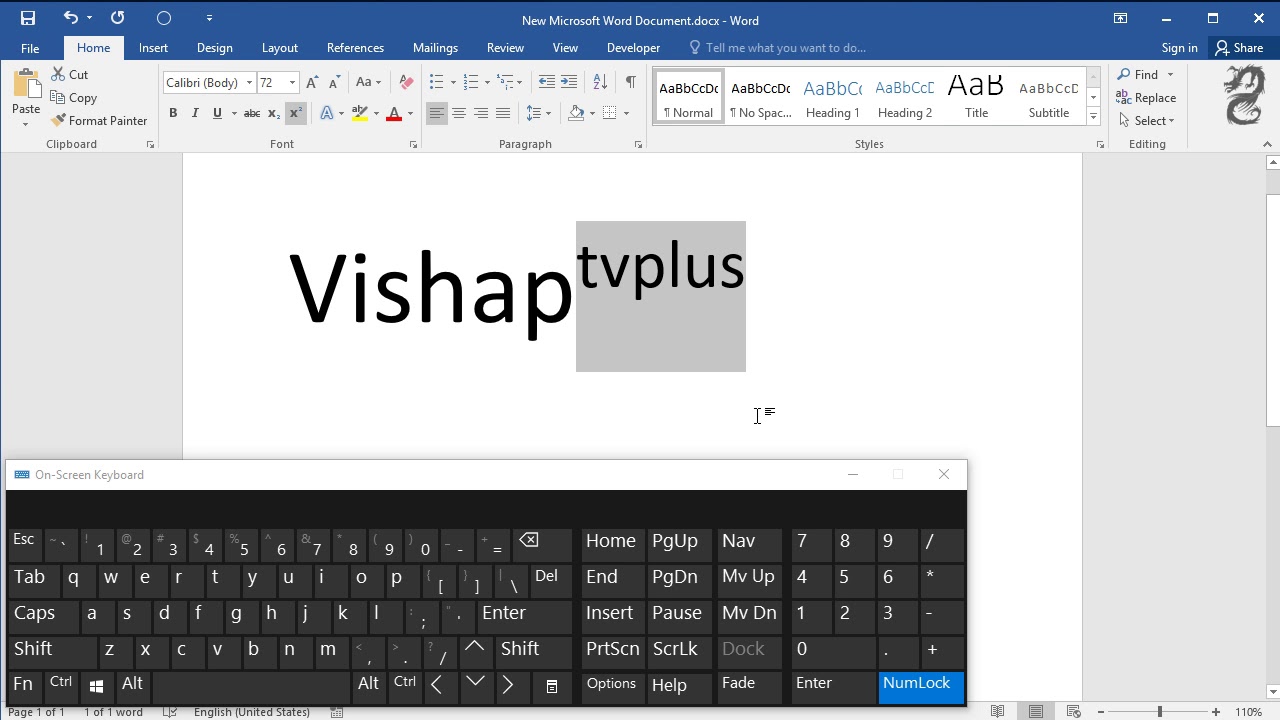
Web May 14 2021 nbsp 0183 32 How to insert superscript or subscript in Word for Windows No matter your reason for adding a superscript or subscript there are several ways to do it Use the method you find easiest to

Web Insert a superscript or subscript symbol On the slide click where you want to add the symbol On the Insert tab select Symbol In the Symbol box in the Font drop down list select normal text if it isn t already selected In the Symbol box in the Subset drop down list select Superscripts and Subscripts
Web Learn how to insert superscripts and subscripts in Microsoft Word documents using three different methods 1 the Superscript and Subscript buttons 2 the Web Learn how to easily add subscripts and superscripts into your Microsoft Word documents These are great for adding math equations into documents as well as f
Web May 14 2021 nbsp 0183 32 1 Select the text you want to format as either a superscript or subscript 2 To convert it to a superscript press Ctrl Shift that s the Ctrl Shift and Plus sign keys To make a