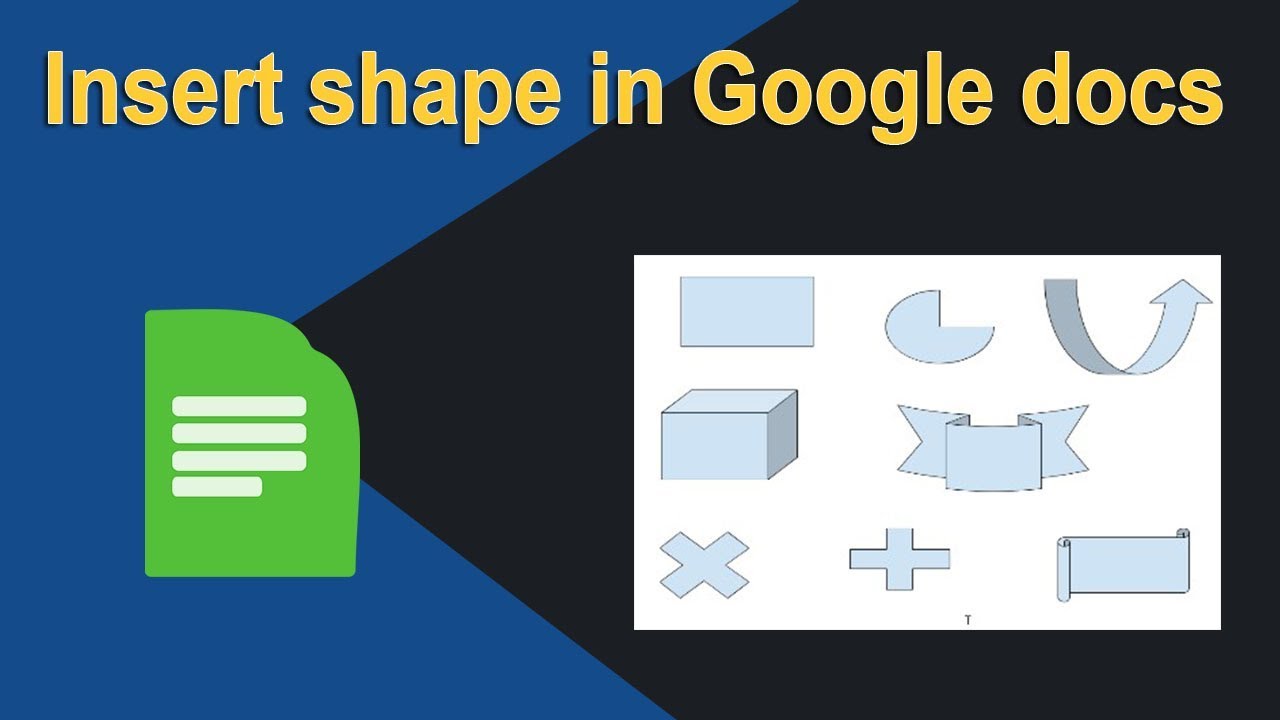
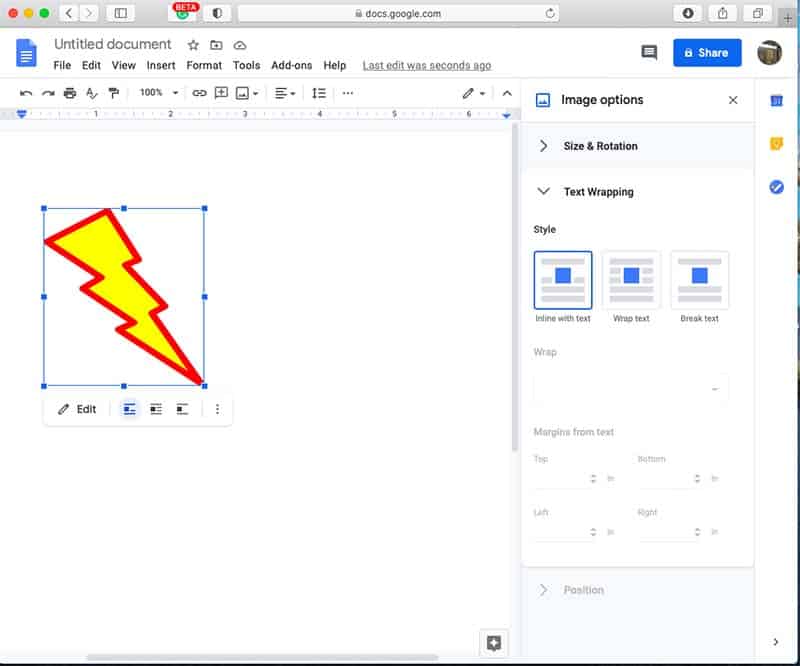
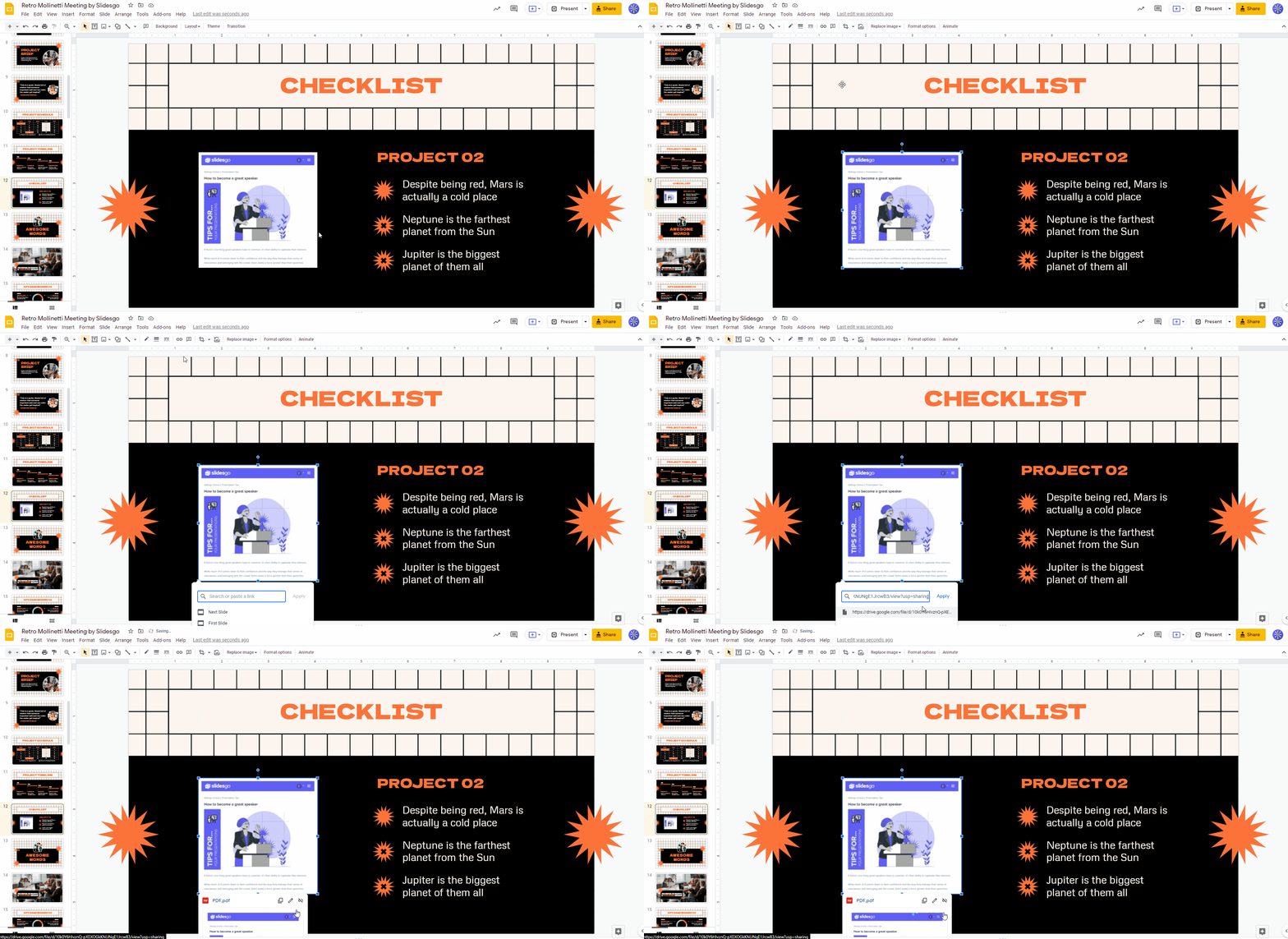
How To Insert Shape In Google Docs Ipad How To Insert Shapes In Google Docs Turbo Gadget Reviews How To Insert A PDF In Google Slides Slidesgo How To Insert Arrow In Google Docs Google Docs For IOS Updated With Word Count And IPad Pro Support How To Insert Shapes In Google Slides Free Google Slides Templates To add shapes go to the Google Docs website select a document Insert Drawing New Shapes icon choose a category select a desired shape resize rotate and edit it Save and Close Shapes can also be added using special characters by going to the Google Docs website select a document Insert Special
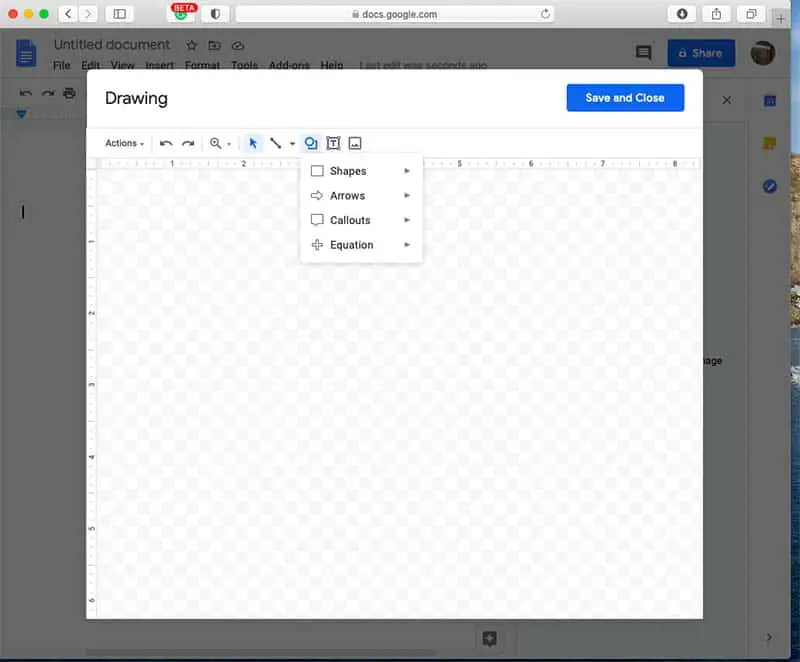
Select cursor Select a shape in your drawing Lines slanting line Choose between several different line styles to draw Shape circle overlapping a square Allows you to insert several premade shapes including arrows callouts and equation symbols Text box box with a T inside Insert a text box to add text to your drawing 1 Open the document on Google Docs 2 Select Drawing and click New 3 On the Drawing dialog box click the Shapes icon and choose the shape you want to insert 4 Resize the shape to fit the size you want and tap on the Save and Close button Tip There s no limit to the number of shapes you can add in one dialog box
How To Insert Shapes In Google Slides Free Google Slides Templates How To Insert Shape In MS Word Document YouTube Insert A Shape In Google Docs Step by step Guide How To Insert PDF Into Google Doc In 3 Ways How To Adjust Image Size In Google Docs Kolsupreme How To Insert Or Add Shape In Google Docs Document YouTube How To Insert Shapes In Google Docs Turbo Gadget Reviews How To Add Shapes In Google Docs Mobile Ferexcel How To Add Shapes On Google Docs Vermega
How To Insert Shape In Google Docs Ipad
 How To Insert Shape In Google Docs Ipad
https://turbogadgetreviews.com/wp-content/uploads/2020/10/How-to-insert-shapes-in-Google-Docs-2.jpg
Click on the Shapes icon from the ribbon You will see a list of sub menus under the Shapes menu These include Shapes Arrows Equations and Call outs Choose any shape you wish to insert Click and drag your cursor across the drawing area using your trackpad or mouse
Pre-crafted templates provide a time-saving option for producing a diverse range of documents and files. These pre-designed formats and designs can be used for numerous personal and expert projects, including resumes, invites, leaflets, newsletters, reports, presentations, and more, improving the content development procedure.
How To Insert Shape In Google Docs Ipad
How To Insert Shape In MS Word Basic Tutorial In Nepali Part 11 YouTube

How To Insert Shape In MS Word Document YouTube

Insert A Shape In Google Docs Step by step Guide

How To Insert PDF Into Google Doc In 3 Ways
How To Insert Or Add Shape In Google Docs Document YouTube
How To Insert Shapes In Google Docs Turbo Gadget Reviews
On your iPhone or iPad open a presentation in the Google Slides app On the slide you want to add to tap Add Choose what you want to add then tap Text Image Shape or Line
Use the steps below to help you search and add images using the web search in Google Docs Open Google Docs and navigate to the document where you wish to add shapes Place your cursor where you want your shape to be placed and click Insert at the top Hover over Image and select Search the web

You can create artwork for Google Drawings for iPad devices through Google Docs The steps you have to follow for this process are in the steps below Download Google Docs on your iPad and open it Tap the screen where you want your drawing Type where you tapped the screen Wait for the Insert menu to open

To enhance your presentation you can add text shapes lines and other objects in Google Slides Add and remove text or objects

From the menu select Insert Drawing New If you have an existing drawing containing shapes that you wish to insert select From Drive instead If you choose to create a new drawing a pop up Google Drawings window will appear From the menu bar select the Shapes option
Step by Step Tutorial The following steps will guide you through the process of editing Google Docs on your iPad Step 1 Download the Google Docs App First download the Google Docs app from the App Store on your iPad The Google Docs app provides a user friendly interface specifically designed for touch screens Click on the canvas to begin drawing a line and then click again to add a point of the curve Now drag across the screen to shape your curve and click again to add a second curve You can add multiple curves with a single click and then double click to stop drawing Polyline Polyline is an ideal way to draw polygons on the canvas
Step 1 Open the Document Open a new document or an existing document in which you want to insert shapes on Google Docs Opening Document Step 2 Go to Insert Click on Drawing and Select New In your document go over to the Insert option and click on Drawing After selecting Drawing choose the New option Drawing Option