How To Insert Page Break Google Sheets How To Insert A Page Break In Google Docs Techbase How To Add Or Remove Page Breaks In Google Docs On PC And Android How To Remove A Google Docs Page Break An Easy 3 Step Guide Solve How To View Page Breaks In Google Sheets How To Add Or Delete Google Docs Page Break Google Docs Tips Google Drive Tips Add section page breaks Open a Google Doc Select a section of your content At the top click Insert Break Choose a break type To start on a new page click Page break
Step 1 Open Your Google Sheet Begin by opening the Google Sheets file where you want to add page breaks Step 2 Accessing Print Settings Click on File In the menu at the top of the Google Sheets interface click on the Insert tab From there select Manual breaks followed by Insert page break These
How To Add Or Delete Google Docs Page Break Google Docs Tips Google Drive Tips Inserting A Line Break In Google Sheets YouTube How To Insert Page Break In Word Pad Idodelta How To Create A Google Docs Page Break SolveYourDocuments How To Create A Google Docs Page Break SolveYourDocuments How To Insert Page Breaks In Google Docs Kopcardio Google Docs Page Break CustomGuide Google Docs Page Break Management And Leadership Microsoft Word How To Insert Page Breaks Yahookop
How To Insert Page Break Google Sheets
 How To Insert Page Break Google Sheets
https://v8r5x7v2.rocketcdn.me/wp-content/uploads/2021/05/how-to-insert-a-page-break-in-google-docs.jpg
1 Locating the Page Break Functionality The page break functionality in Google Sheets can be found in the View menu at the top of the screen To access it follow these
Pre-crafted templates use a time-saving solution for creating a diverse series of documents and files. These pre-designed formats and designs can be used for numerous personal and expert tasks, consisting of resumes, invitations, flyers, newsletters, reports, presentations, and more, enhancing the content production process.
How To Insert Page Break Google Sheets

Google Drive Archives Masteryourtech
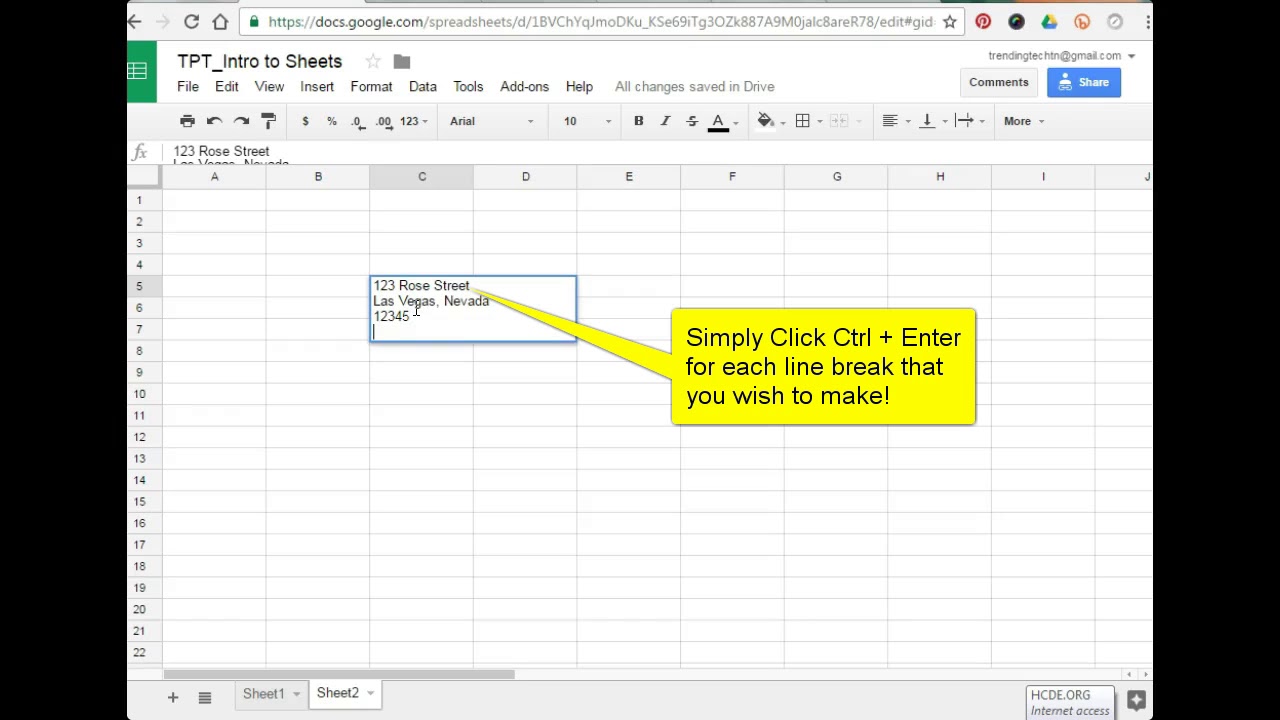
Inserting A Line Break In Google Sheets YouTube
How To Insert Page Break In Word Pad Idodelta
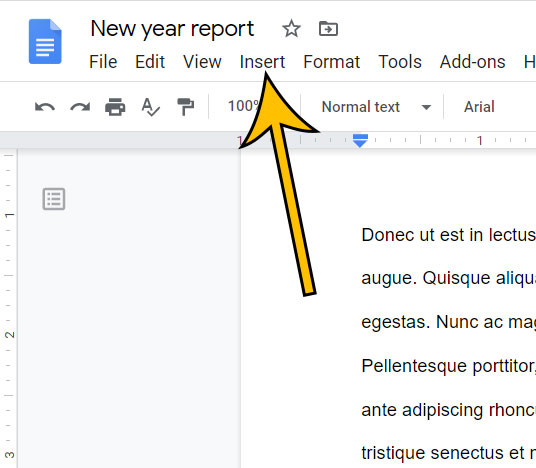
How To Create A Google Docs Page Break SolveYourDocuments

How To Insert Page Breaks In Google Docs Kopcardio
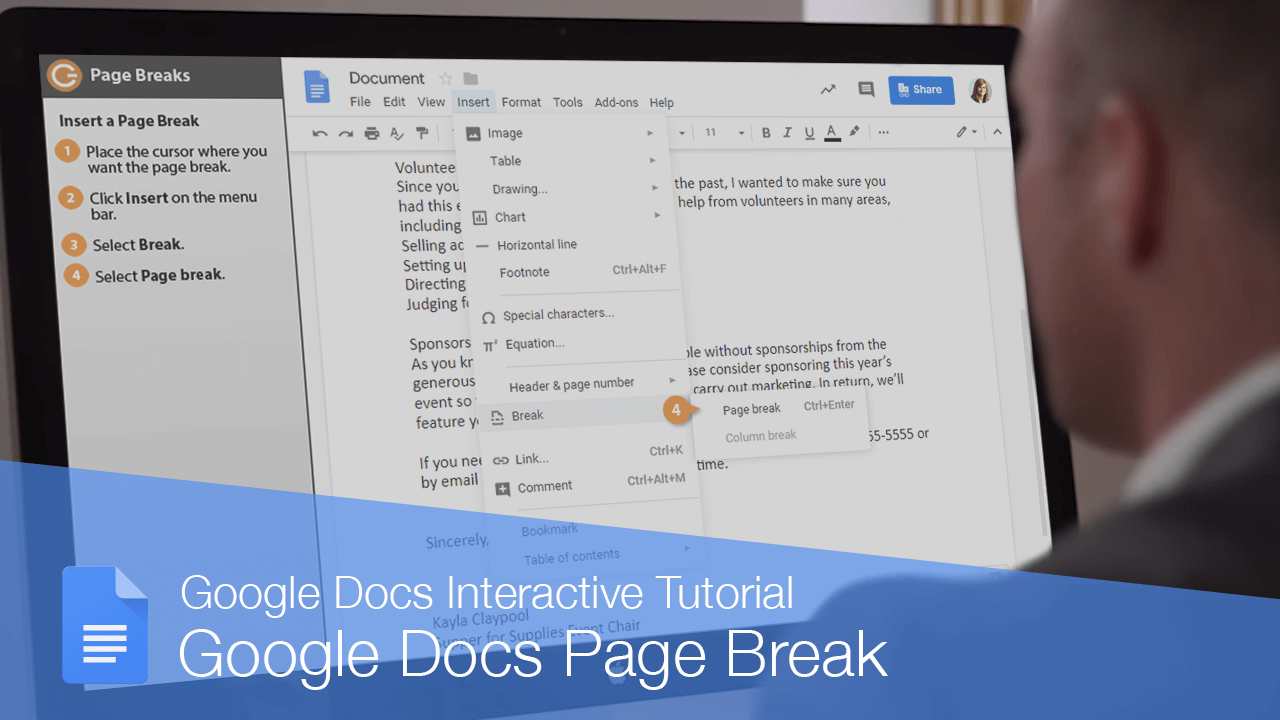
Google Docs Page Break CustomGuide

How to Insert Page Breaks in Google Sheets January 10 2022 by Team OfficeBeginner The option of inserting page breaks is available only on PCs and not in

Click on the View menu in the main toolbar In the dropdown menu select Page breaks This will display the page breaks on your sheet To insert a
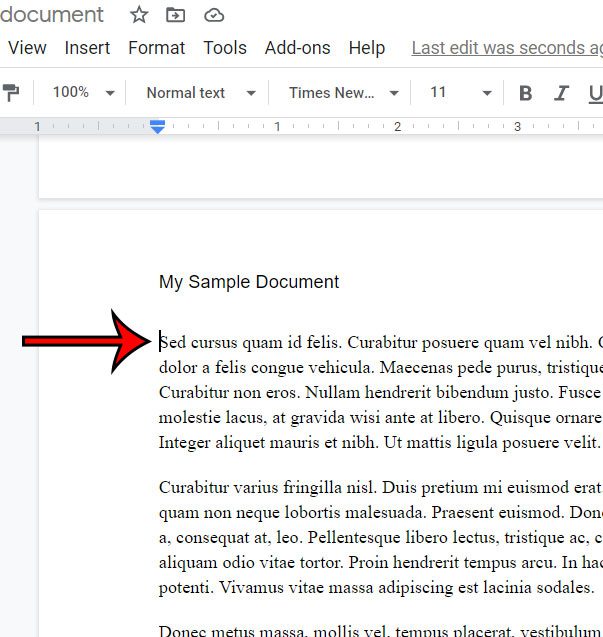
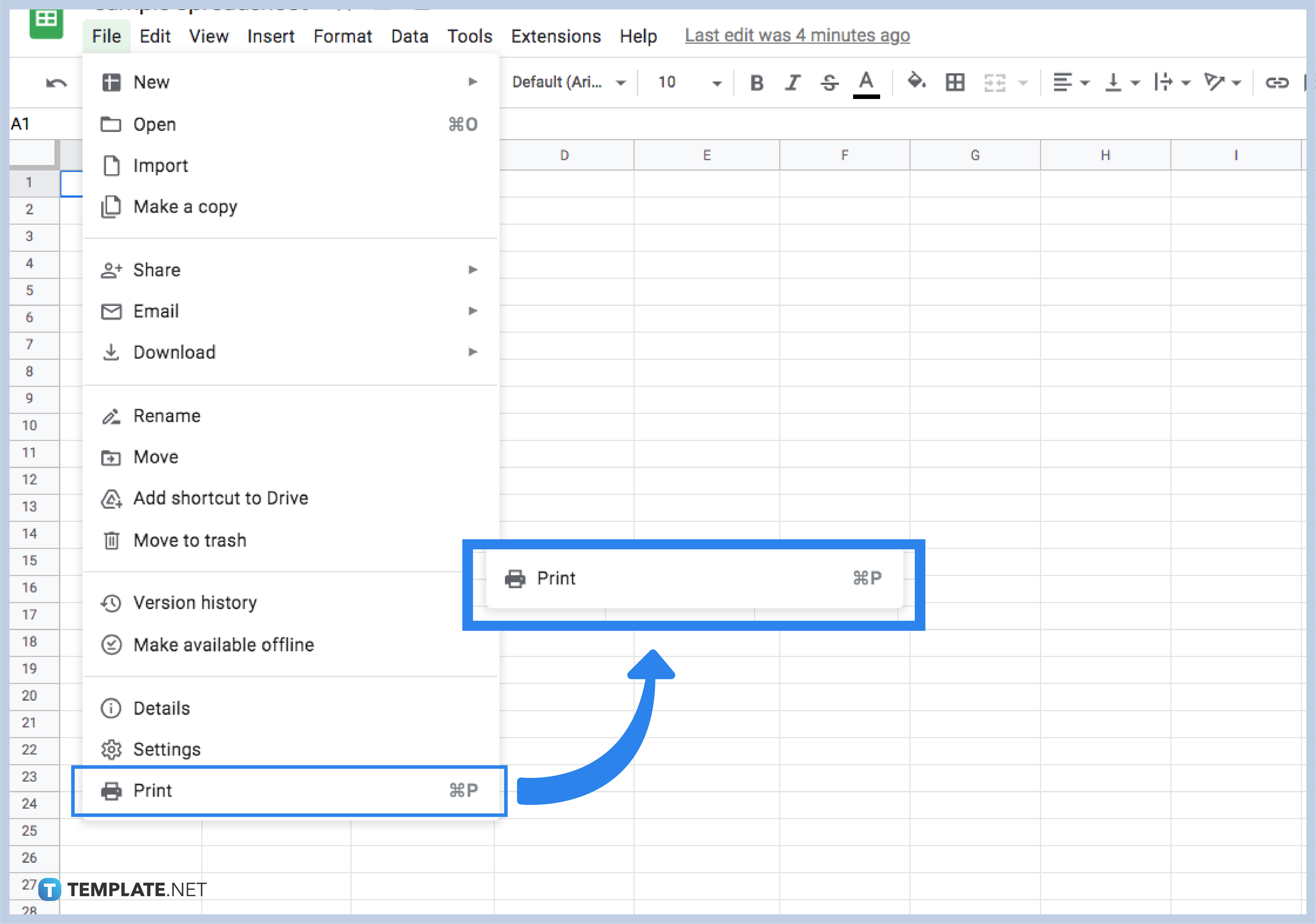
Step 1 Open the Print option You can find the Print button right on the toolbar Alternatively you can use the keyboard shortcut CTRL P Or even find the option under the File tab Step 2 No matter
Laura Tsitlidze Last updated on August 21 2023 This tutorial demonstrates how to insert and remove page breaks in Excel and Google Sheets Insert Page

Let s see how to insert page break in Google Sheets You can now drag and drop custom page breaks in Google Sheets Google sheets automatically sets the page breaks based on the paper size It s
more Needing to print but your sheets won t fit on the one page Having trouble with margins In this tutorial we look at how you can easily set custom page bre In Google Sheets the page break option can be found in the Insert menu Simply click on Break and select Page Break to insert a page break in
Fortunately though there is a hidden way to insert page breaks in Google Sheets Just follow the steps below Step 1 Open the File menu and choose Print to