How To Insert Mla Format On Google Slides Powerup Google Slides Template Google Slides Template Presentation How To Insert A Title Indent Paragraphs And Insert An MLA Page Number How To Format In Google Docs Printable Templates Creative Google Slides Templates Creative Daddy How To Add Border To Text Box Google Slides Softwaresenturin Step 1 Open a New Google Doc Step 2 Set Margins and Page Size Step 3 Set Font and Font Size Step 4 Set Line Spacing Step 5 Add a Header Step 6 Add a Title Step 7 Add In Text Citations Step 8 Create a Works Cited Page Step 10 Check Your Formatting How to Use MLA Format Google Docs Template
Intro Setting up MLA Format Paper in Google Docs Step by Step 2020 Scribbr Scribbr 319K subscribers Subscribed 654K views 4 years ago MLA format is primarily used by students To cite a PowerPoint or other slide based presentation in MLA style the format depends on how you viewed the presentation If the slides are available to view online the format is similar to that for a website provide the author and title of the presentation the name of the site in italics the date it was posted and the URL
How To Add Border To Text Box Google Slides Softwaresenturin Station Google Slides Template Premade Color Variation 5 Color Mla Format For Google Docs Hot Sex Picture MLA FORMAT Google Slides How To Do A Title Page In MLA Format with Examples WikiHow How To Do Infographics In Google Slides Direction Google Slides Template Google Slides Template Powerpoint Swedish Google Slides Template Google Slides Template Presentation Daily Student Agenda On Google Slides DiGiGoods And Printables ELA
How To Insert Mla Format On Google Slides
 How To Insert Mla Format On Google Slides
https://i.pinimg.com/originals/3e/e0/61/3ee061ab92f9eda70bd149fcbbc27ce0.jpg
Step 1 Set the Margins Go to the File menu select Page setup and set all margins to 1 inch MLA format requires 1 inch margins on all sides of the document This standard ensures consistency and readability across all MLA style papers Step 2 Choose the Correct Font and Size
Templates are pre-designed documents or files that can be used for numerous purposes. They can save time and effort by providing a ready-made format and layout for creating different type of material. Templates can be utilized for personal or professional tasks, such as resumes, invites, flyers, newsletters, reports, discussions, and more.
How To Insert Mla Format On Google Slides

How To Write In MLA Format In Google Docs Make Tech Easier

Station Google Slides Template Premade Color Variation 5 Color

Mla Format For Google Docs Hot Sex Picture

MLA FORMAT Google Slides

How To Do Infographics In Google Slides

Direction Google Slides Template Google Slides Template Powerpoint

This slide presents three basic areas regulated by MLA students need to be aware of document format in text citations and Works Cited The following slides provide detailed explanations
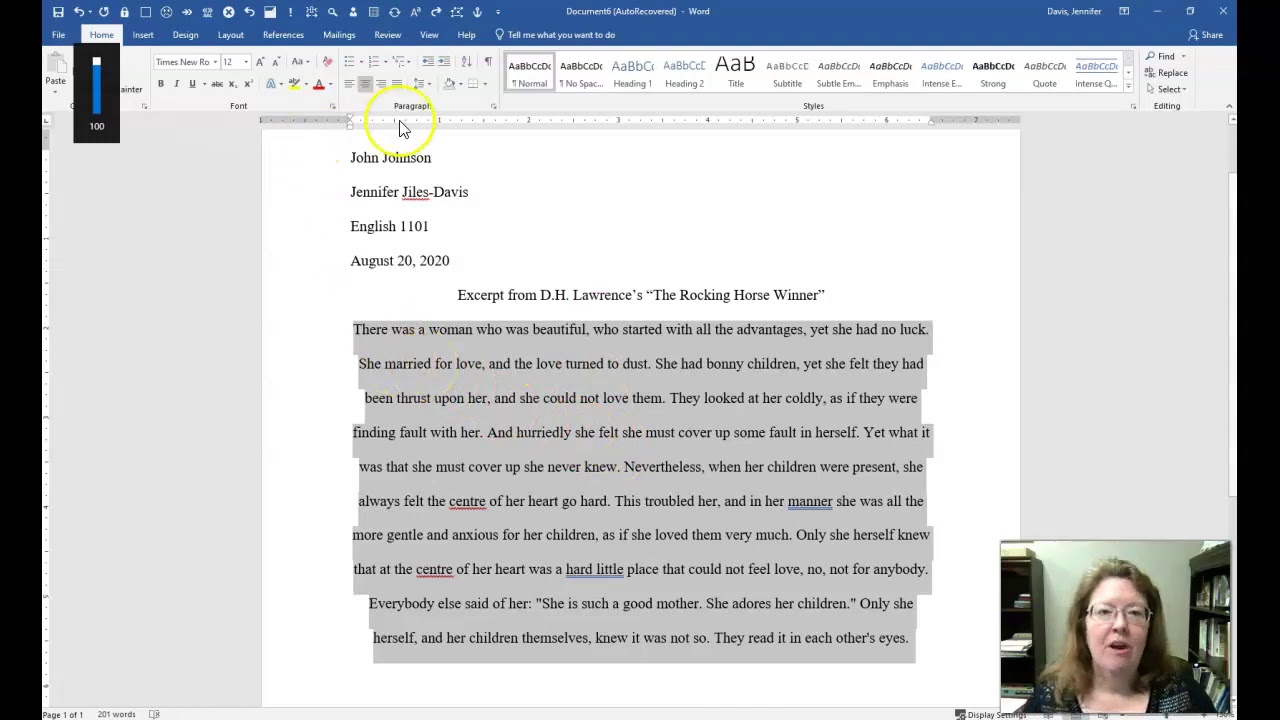
The Google Docs Report MLA add on is one such template To set up MLA in Google Docs using this template Open a new document and select File New From template The template gallery will open in a separate browser tab Scroll down to the Education section and select Report MLA Add on
Learn more This video is intended for the use of my students to follow along with how to correctly cite sources in MLA formatting in a Google slides presentation

You can translate auto generated elements to another language after you insert them in your document To add citations and a bibliography Open a document in Google Docs and click Tools
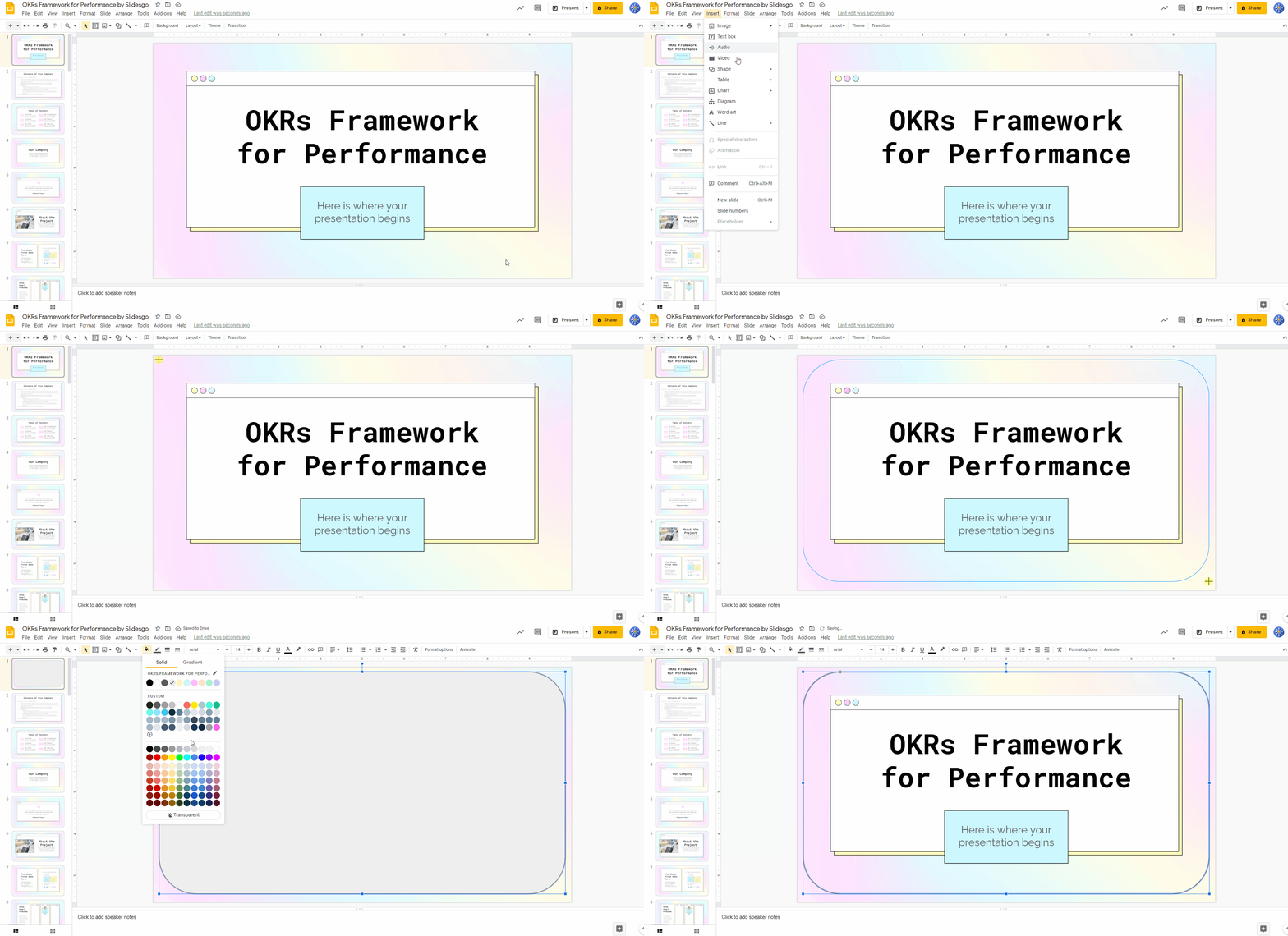
Do you want to cite sources in your presentation but unsure how Look no further This quick tutorial walks you through how to make a footnote in Google Slid
How do I cite PowerPoint or Google Slides lectures using the MLA format Answer If the PowerPoint Google Slides was part of a lecture you attended in person you cite as follows on your Works Cited page Instructor s Last Name First Name Title of Presentation Title of Course Day Month Year of Lecture Location Lecture Reviews Tech How to write an MLA format paper in Google Docs using a template or other built in features Written by William Antonelli Oct 15 2021 1 36 PM PDT Google Docs is a great
Hanging indents can be created to add MLA style citations in Google Slides It is a slightly longer process since users have to manually create MLA style indents Step 1 Go to the Google Slides presentation you are working on