How To Insert Image In Html From Folder Using Notepad HTML Tutorials For Beginners How To Add Insert Image In Html From A Insert Image In HTML Just Using Notepad step by step NewbieCoding 734 Background Image In Html From Folder Free Download MyWeb How To Add Background Picture In Html Css Design Talk How To Insert An Image In An HTML Document Using Notepad PeterElSt Google Analytics offers a few user metrics that provide different ways of understanding how many people visit your website or app Differences at a glance The following core user metrics are
By adding utm campaign parameters to the destination URLs you use in referral links and ad campaigns you can see which campaigns refer traffic When a user clicks a referral link the In Incognito mode third party cookies are blocked by default If a site that relies on third party cookies doesn t work as expected you can try temporarily allowing them for that site Learn
How To Insert An Image In An HTML Document Using Notepad PeterElSt How To Insert Image In HTML Using Notepad What Is Mark Down Download 36 How To Insert Image In Html Using Notepad Windows 10 How To Insert Image In HTML Using Notepad Step By Step Tutorials How To Add Hyperlink In Html Document Using By Notepad YouTube How To Insert Image In HTML Using Notepad Step By Step YouTube H ng D n Ch n To Insert Background Image In Html Trang Web Extensive Collection Of Over 999 Stunning 4K Images Background Images In Html If You Compare The Container On Your Site
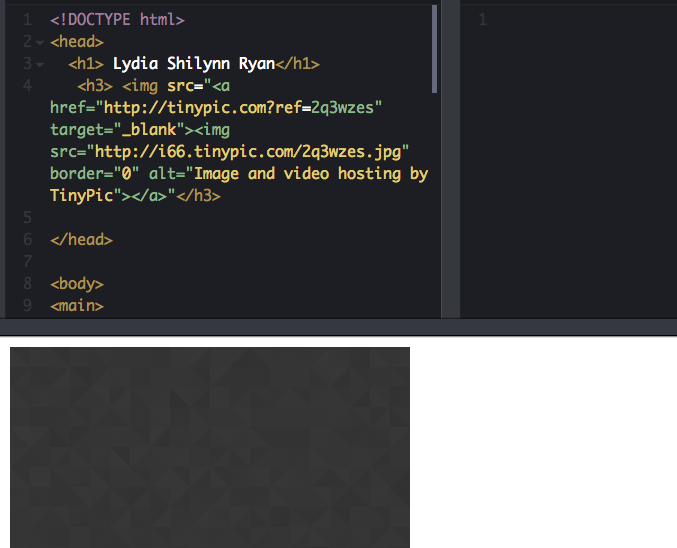
How To Insert Image In Html From Folder Using Notepad
 How To Insert Image In Html From Folder Using Notepad
https://i.ytimg.com/vi/acsZQ2Aq6-M/maxresdefault.jpg
Set your startup page You can control what page or pages appear when you launch Chrome on your computer
Templates are pre-designed files or files that can be utilized for numerous functions. They can conserve effort and time by providing a ready-made format and design for developing different sort of content. Templates can be utilized for individual or expert projects, such as resumes, invites, flyers, newsletters, reports, presentations, and more.
How To Insert Image In Html From Folder Using Notepad
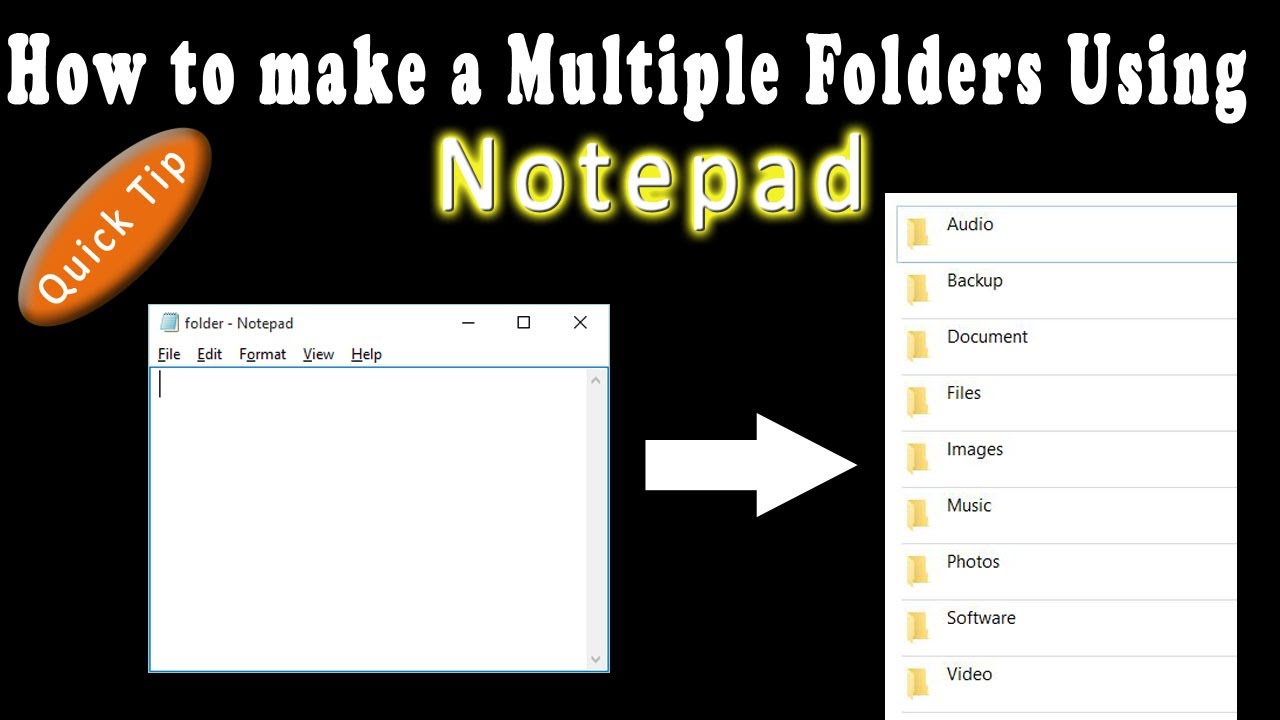
How To Create A Multiple Folders Using Notepad In One Click YouTube

How To Insert Image In HTML Using Notepad What Is Mark Down
Download 36 How To Insert Image In Html Using Notepad Windows 10
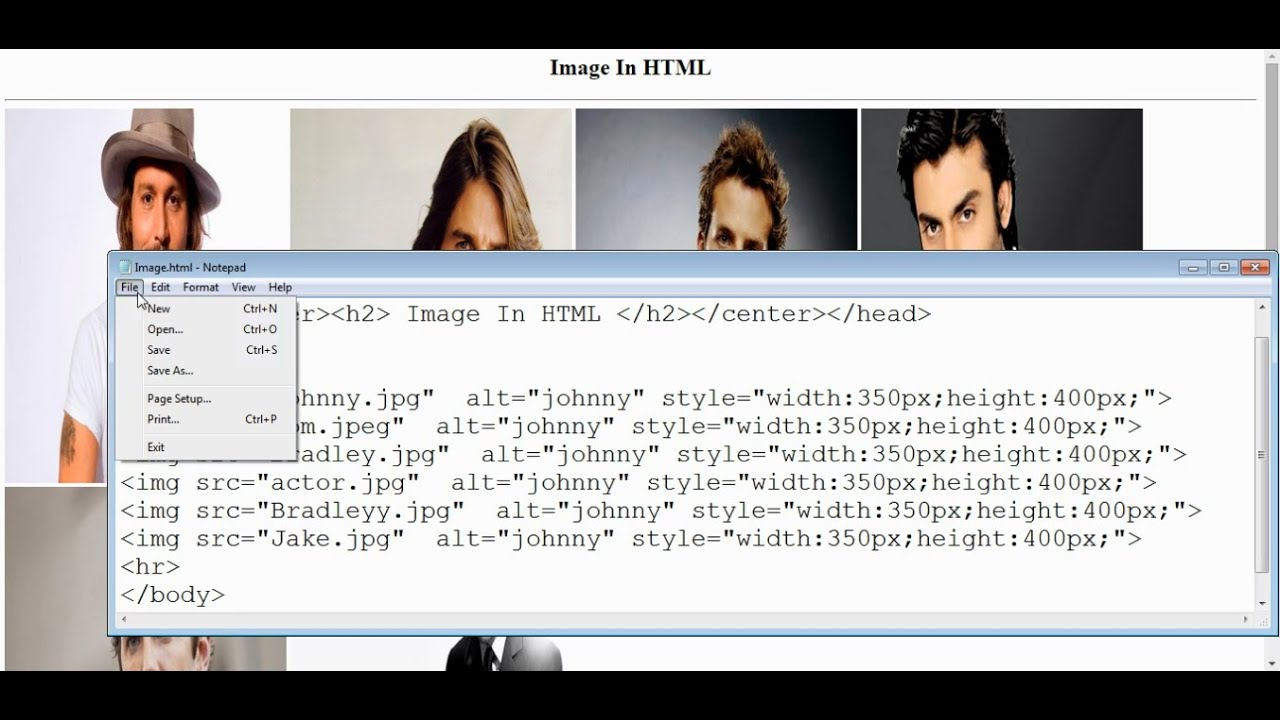
How To Insert Image In HTML Using Notepad Step By Step Tutorials
How To Insert Image In HTML Using Notepad Step By Step YouTube

H ng D n Ch n To Insert Background Image In Html Trang Web
How to install Chrome Important Before you download you can check if Chrome supports your operating system and other system requirements

Google Chrome tips Google Chrome tips From productivity to customization learn how to get things done more quickly with your browser
If you forgot your password or username or you can t get verification codes follow these steps to recover your Google Account That way you can use services like Gmail Pho

Official Google Play Help Center where you can find tips and tutorials on using Google Play and other answers to frequently asked questions

Official Gmail Help Center where you can find tips and tutorials on using Gmail and other answers to frequently asked questions
[desc-11] [desc-12]
[desc-13]