How To Go To Particular Commit In Git How To Undo Pushed Commits With Git Sciencx Glasnik Prili no Fenomen How Do I Commit A File In Git Bipostit Git What Are Differences Between Revert Revert Commit And Reset Hot 50 Hilarious Git Commit Messages Git Commit Messages From Humorous Git Commit Message Style Guide Second Memory Web Apr 12 2016 nbsp 0183 32 Go to a particular commit of a git repository with submodules Davide Coppola April 12 2016 0 Comments Git branch branching checkout git hard hash history log master old previous pull reset revert revision snapshot submodule If you want to go to a particular commit Previous post Next post
Web Sep 2 2019 nbsp 0183 32 Git Revert to Specific Commit Find the specific commit you want to revert all changes to git log oneline Rollback all changes to that old commit git checkout be9055b Note The dot after the branch name is mandatory Add the changes to the staging area and commit them Web Git commit The git commit command captures a snapshot of the project s currently staged changes Committed snapshots can be thought of as safe versions of a project Git will never change them unless you explicitly ask it to
Git Commit Message Style Guide Second Memory How Do You Correct A Commit Message In Git O Reilly To Write Git Vrogue Git Last Commit How To View The Details Of Your Last Commit How To Revert To Last Commit In Git YouTube Crayon Couronne Crocodile Git Correct Commit Message Stylo Magasin La Commit Changes To A Git Repository TestingDocs A Beginner s Guide To Git How To Write A Good Commit Message HereWeCode How To See Git Commit Id Stack Overflow Get Started With Git Commands For Version Control Earth Data Science
How To Go To Particular Commit In Git
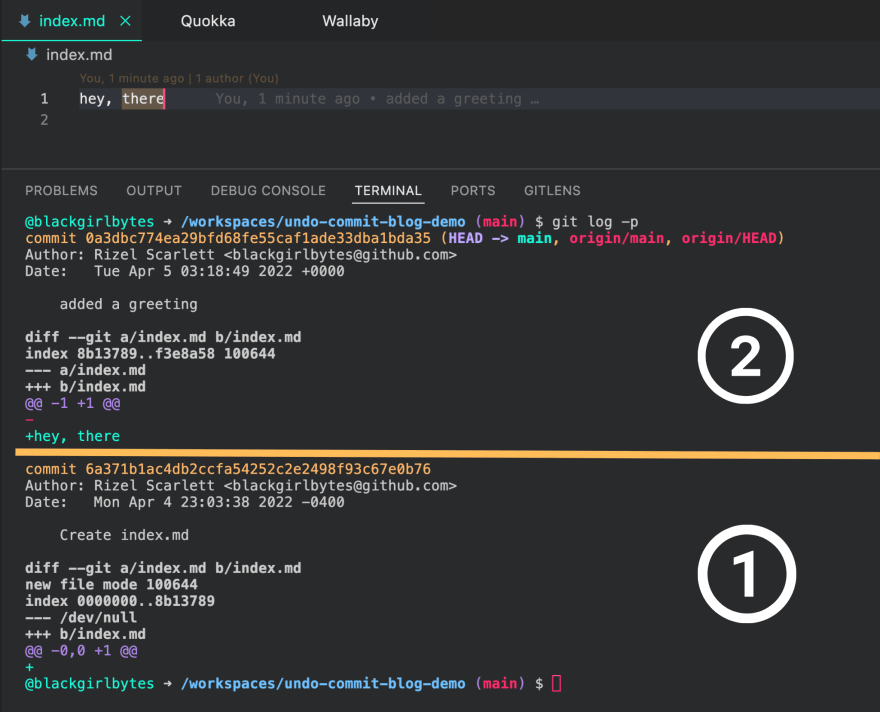 How To Go To Particular Commit In Git
https://res.cloudinary.com/practicaldev/image/fetch/s--WJ4vIovB--/c_limit%2Cf_auto%2Cfl_progressive%2Cq_auto%2Cw_880/https://dev-to-uploads.s3.amazonaws.com/uploads/articles/l2xkq5x8b08s7safkhdu.png
Web Jul 8 2023 nbsp 0183 32 By resetting the Git HEAD to a specific commit you can easily go back to that version To reset the Git HEAD to a specific commit follow these steps First you would need to pull the latest changes from your repository you can do this by using git pull or git pull origin branch name
Pre-crafted templates use a time-saving solution for creating a varied series of documents and files. These pre-designed formats and layouts can be utilized for different individual and expert jobs, consisting of resumes, invitations, flyers, newsletters, reports, discussions, and more, improving the content creation process.
How To Go To Particular Commit In Git
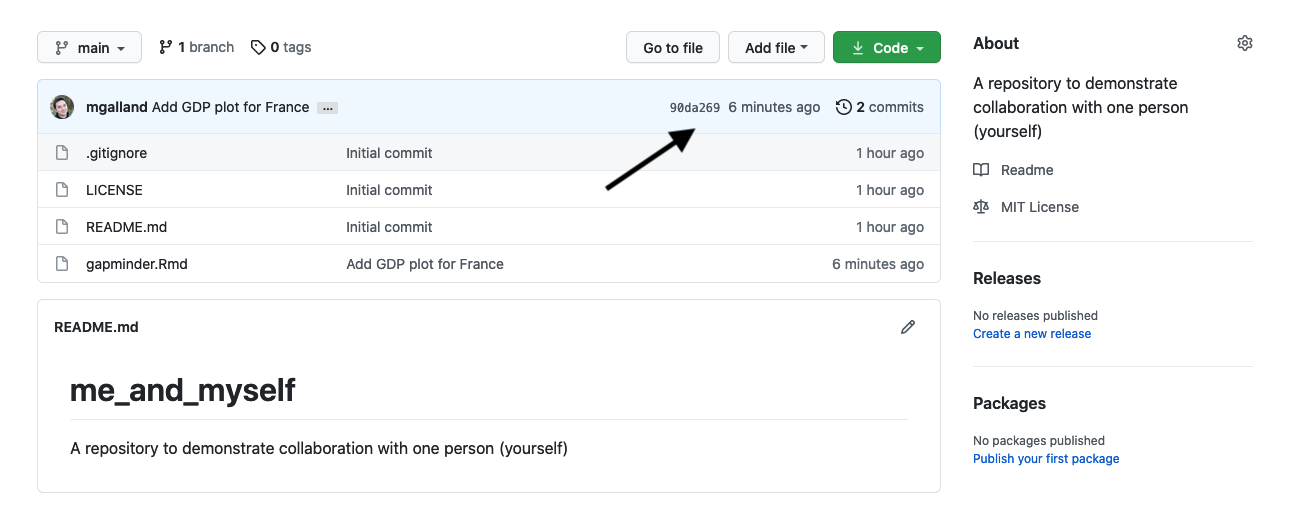
Collaborating With You And Others With Github Beginners Guide For R
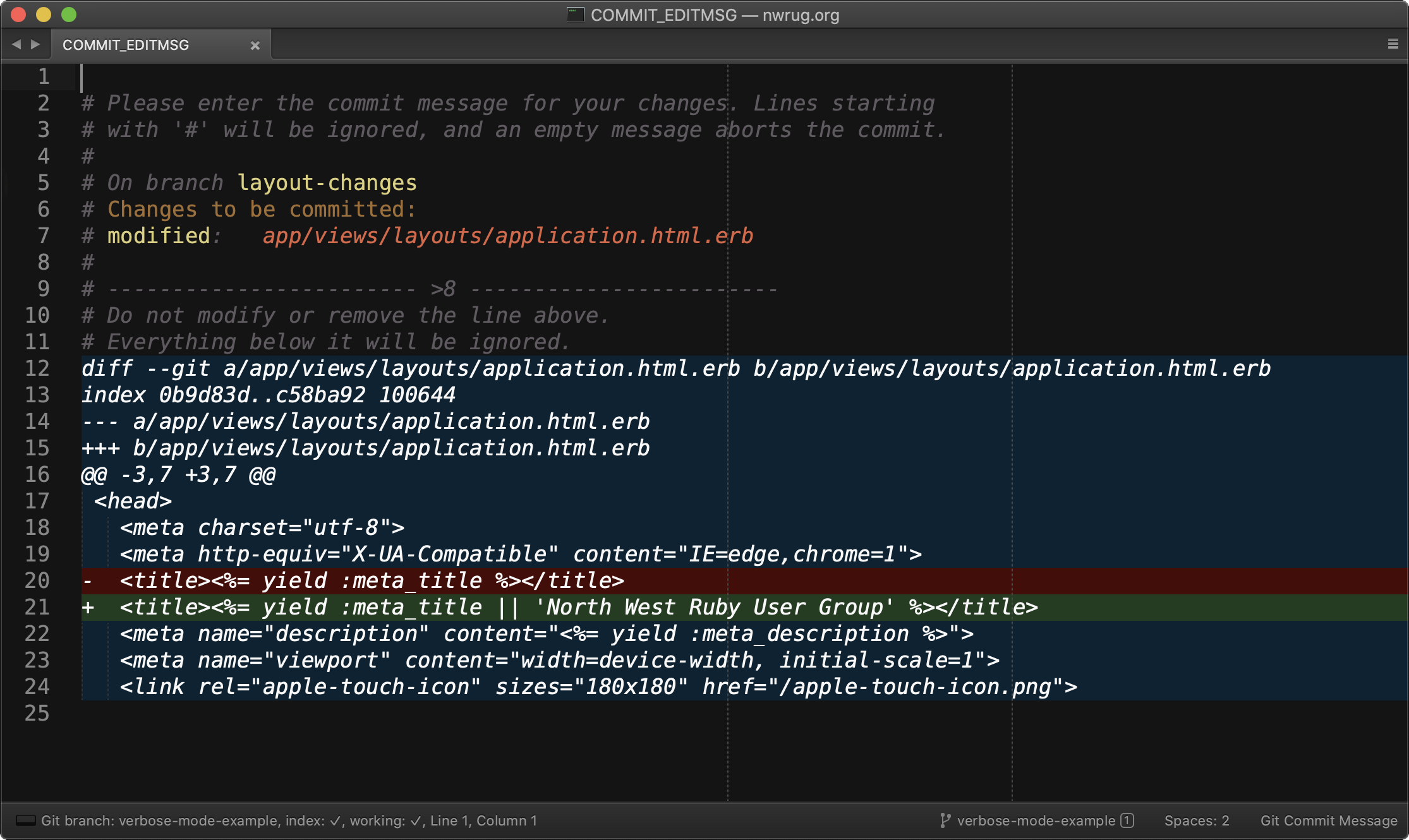
How Do You Correct A Commit Message In Git O Reilly To Write Git Vrogue
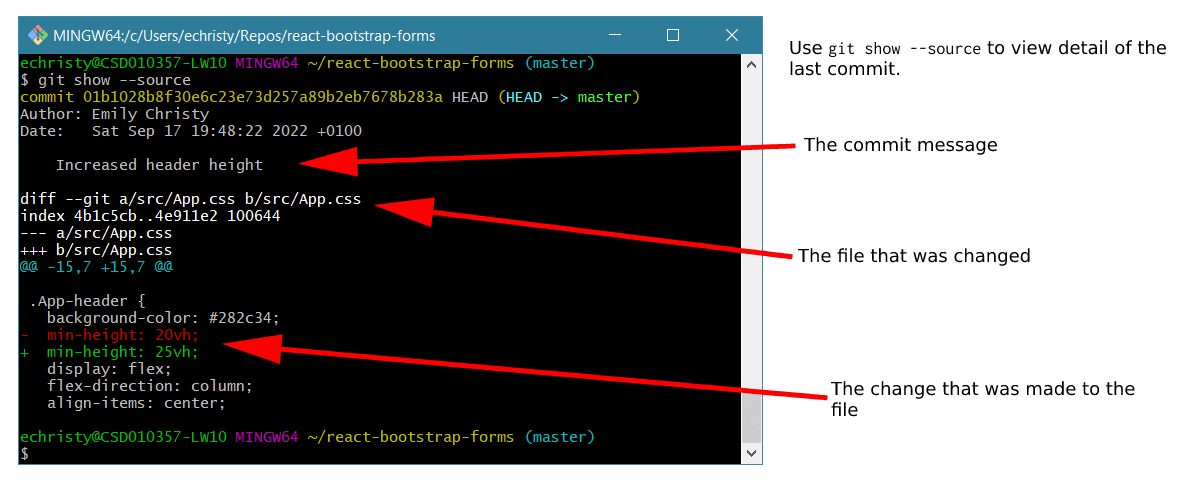
Git Last Commit How To View The Details Of Your Last Commit
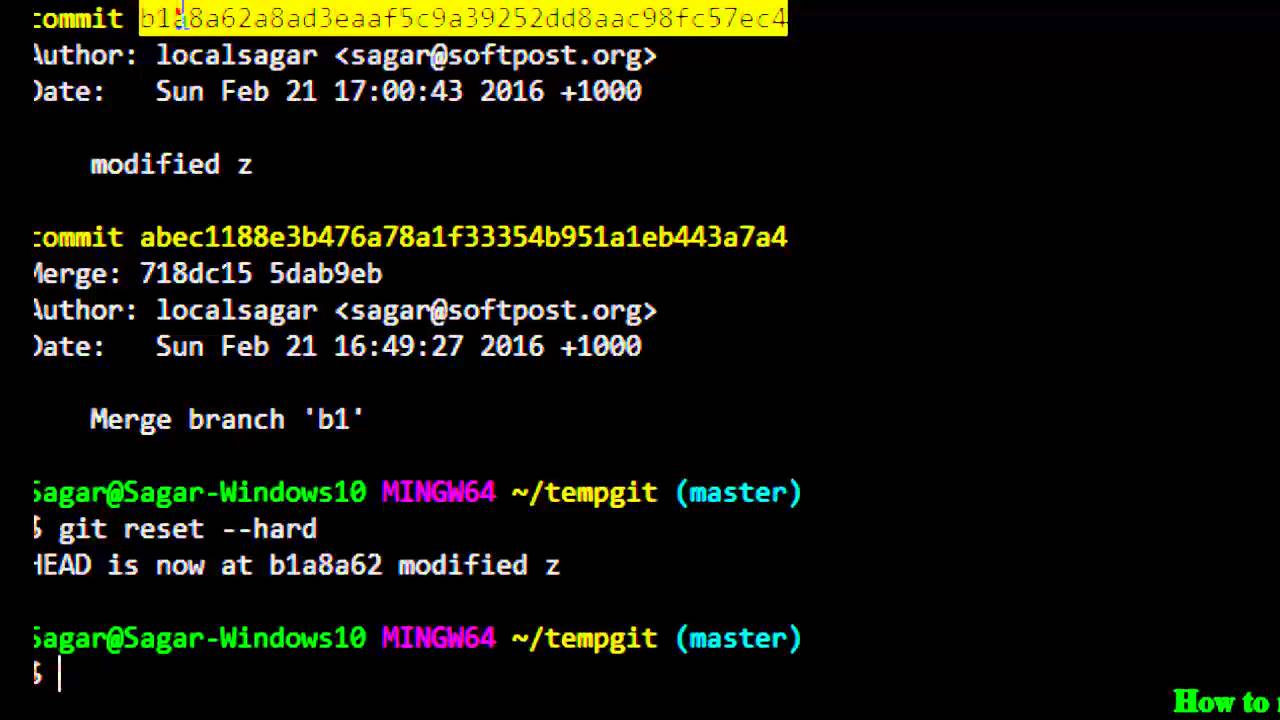
How To Revert To Last Commit In Git YouTube
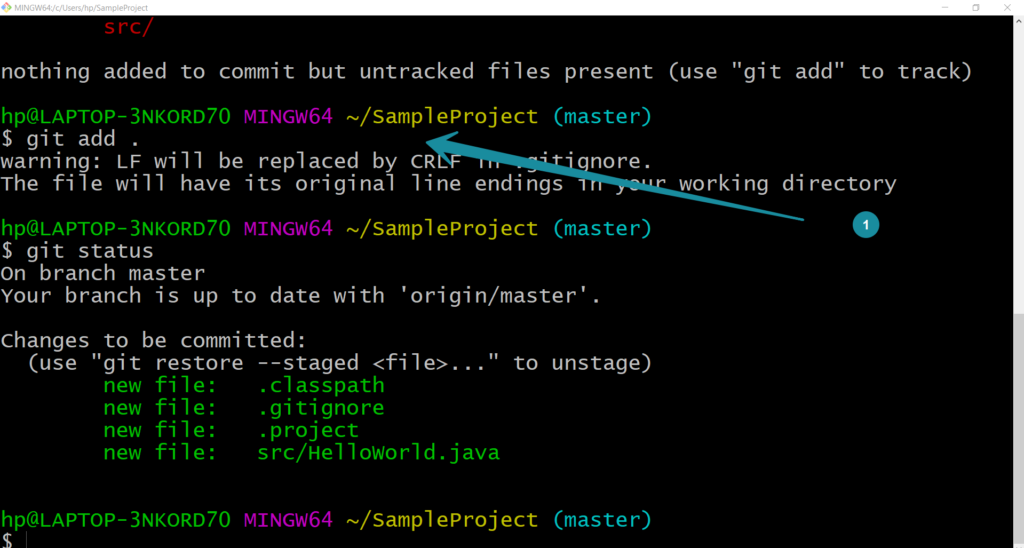
Commit Changes To A Git Repository TestingDocs

A Beginner s Guide To Git How To Write A Good Commit Message HereWeCode

Web Sep 17 2021 nbsp 0183 32 Your question title is quot How to go to specific commit in git quot and actually you have already achieved that git checkout 362d110 will set your repository to the state in that commit
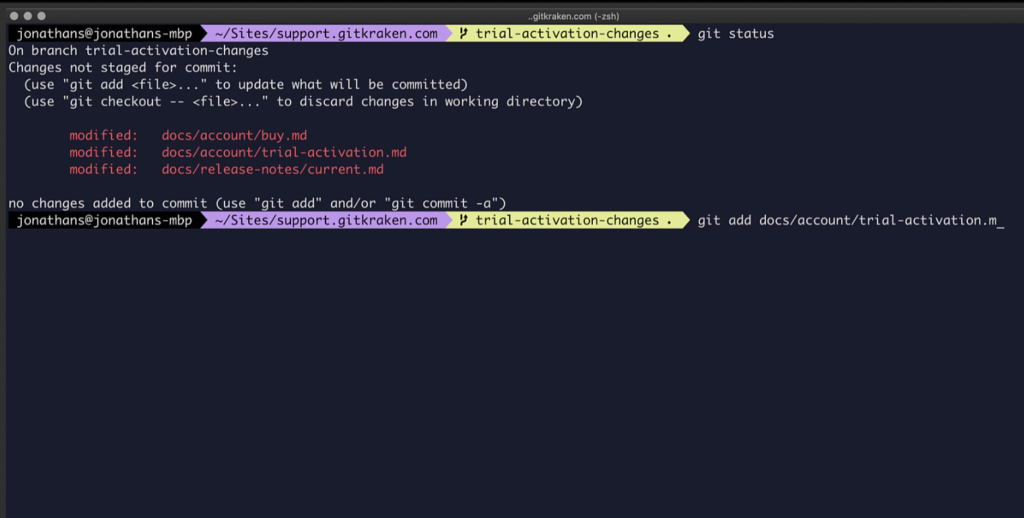
Web using git revert lt commit gt will create a new commit that reverts the one you dont want to have You can specify a list of commits to revert An alternative http git scm docs git reset git reset will reset your copy to the commit you want Share

Web Feb 6 2024 nbsp 0183 32 To start we can review the state of a project at a particular commit by using the git checkout command We can review the history of a Git repository by using the git log command Each commit has a unique SHA 1 identifying hash which we can use with git checkout in order to revisit any commit in the timeline In this example we ll revisit a

Web May 26 2023 nbsp 0183 32 To rewind back to a specific commit you can use git reset This command will uncommit and unstage changes but leave them in the working directory You can use the hard flag to uncommit unstage and delete changes instead
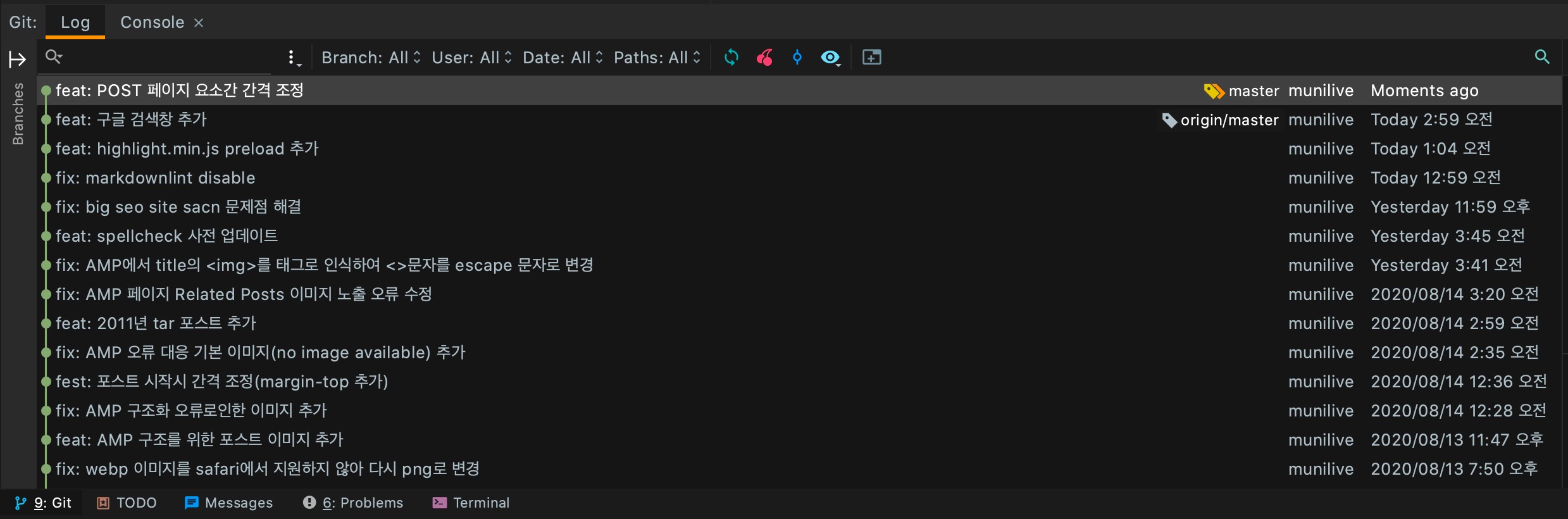
Web Git Commit git commit creates a commit which is like a snapshot of your repository These commits are snapshots of your entire repository at specific times You should make new commits often based around logical units of change
Web May 30 2020 nbsp 0183 32 Go back to the selected commit on your local environment Use git checkout amp the ID in the same way you would checkout a branch to go back git checkout lt commit id gt Web Oct 19 2022 nbsp 0183 32 The command above will undo the current commit and revert the file to the state of the previous commit When you check the commit logs you ll have something like this git log oneline Unlike the git reset command the git revert command creates a new commit for the reverted changes
Web Feb 2 2024 nbsp 0183 32 You can fetch all the commits and their respective hashes in one line using the oneline flag git log oneline Merging the Desired Commit Using the Commit Hash git merge lt commit hash gt Finally the commit you want to merge can be done using the commit hash with the git merge command