How To Go To A Previous Commit In Git Git Revert File Reverting A File To A Previous Commit Git Revert File Reverting A File To A Previous Commit Glasnik Prili no Fenomen How Do I Commit A File In Git Bipostit How To Undo Pushed Commits With Git Sciencx Git What Are Differences Between Revert Revert Commit And Reset Hot Web Feb 16 2023 nbsp 0183 32 The only way to find and recover these unreferenced commits is with git reflog The reset command has three different options two of which we ll describe here git reset hard lt hash or ref gt Using the hard option everything is
Web Aug 14 2023 nbsp 0183 32 To view the previous commits use the git log oneline command This command provides the commit details Anthony Howell Figure 1 Web Feb 6 2024 nbsp 0183 32 We can revert a commit in Git by using the git revert command It s important to remember that this command isn t a traditional undo operation Instead it inverts changes introduced by the commit and generates a new commit with the inverse content
Git What Are Differences Between Revert Revert Commit And Reset Hot How To Roll Back Git Code To A Previous Commit Solved Reverting To A Previous Commit In Git For Visual 9to5Answer Commit Changes To A Git Repository TestingDocs How Do You Correct A Commit Message In Git O Reilly To Write Git Vrogue How To Revert To Last Commit In Git YouTube Hochland Erkl rung Hurrikan How To Roll Back In Git Eisig Vesuv Blendung Git Last Commit How To View The Details Of Your Last Commit Get Started With Git Commands For Version Control Earth Data Science
How To Go To A Previous Commit In Git
 How To Go To A Previous Commit In Git
https://paper-attachments.dropbox.com/s_E7BE213D0AE03E619B0ABFE8B0450BCDCD832D2BDB3CB303964F1820DADBA52A_1660857327507_image.png
Web The git revert command is used for undoing changes to a repository s commit history Other undo commands like git checkout and git reset move the HEAD and branch ref pointers to a specified commit Git revert also takes a specified commit however git revert does not move ref pointers to this commit A revert operation will take the
Templates are pre-designed files or files that can be used for different purposes. They can conserve time and effort by providing a ready-made format and design for creating different sort of material. Templates can be used for individual or expert jobs, such as resumes, invites, flyers, newsletters, reports, presentations, and more.
How To Go To A Previous Commit In Git
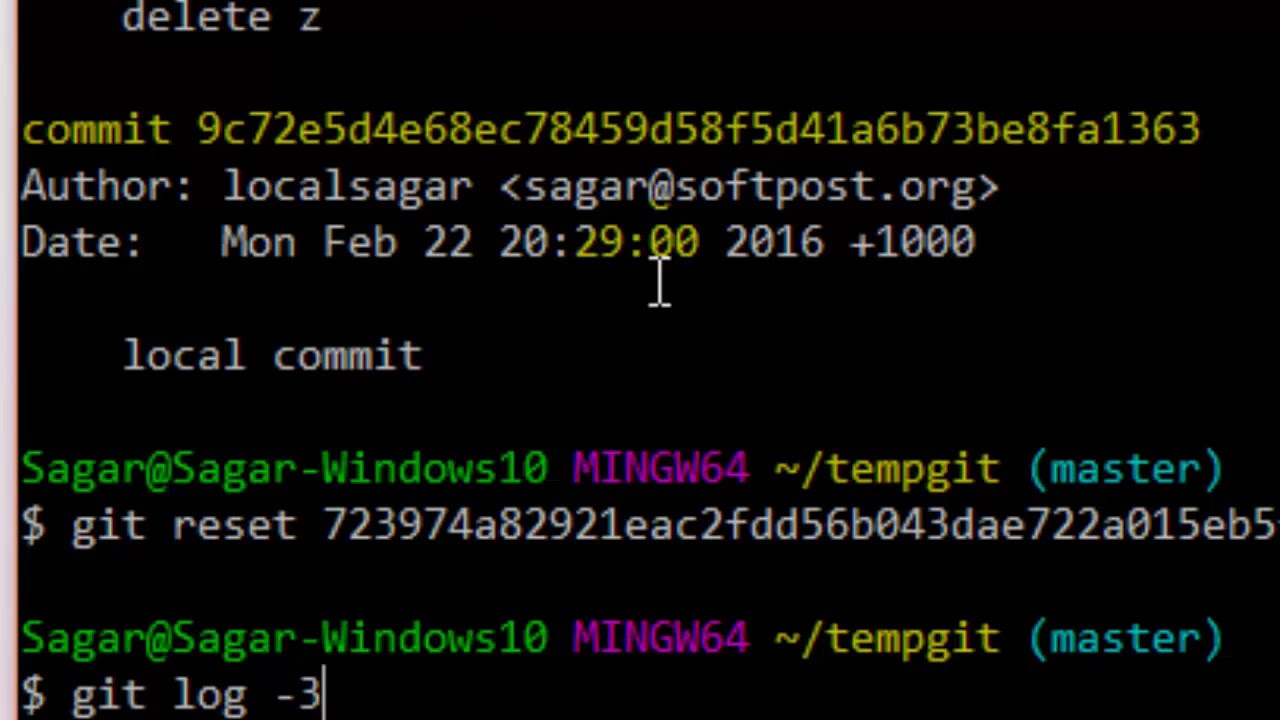
How To Go Back To A Previous Commit In Git Git Reset Command YouTube
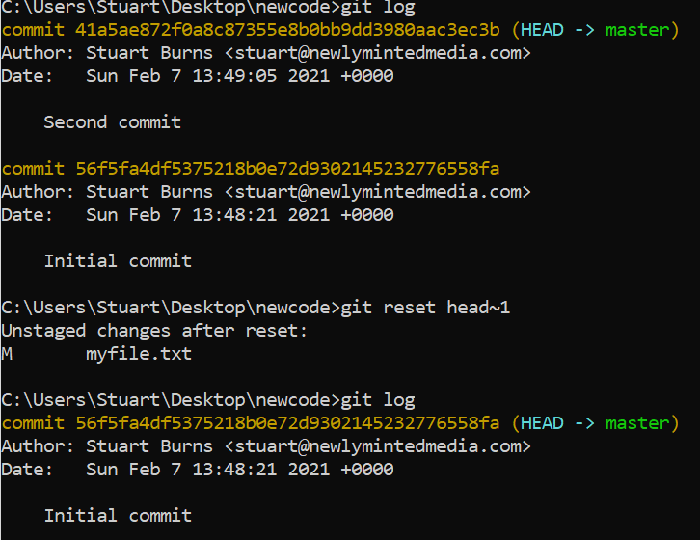
How To Roll Back Git Code To A Previous Commit

Solved Reverting To A Previous Commit In Git For Visual 9to5Answer
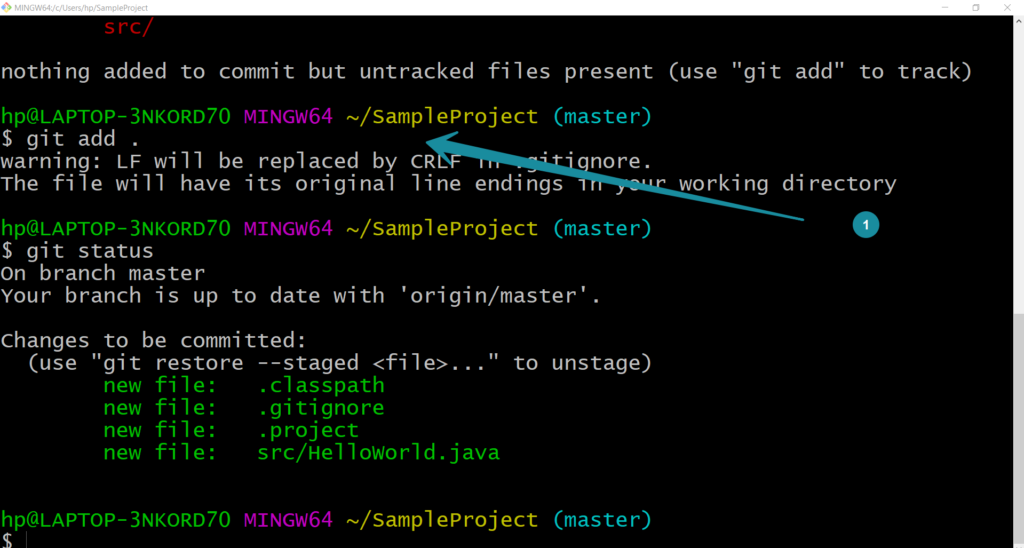
Commit Changes To A Git Repository TestingDocs
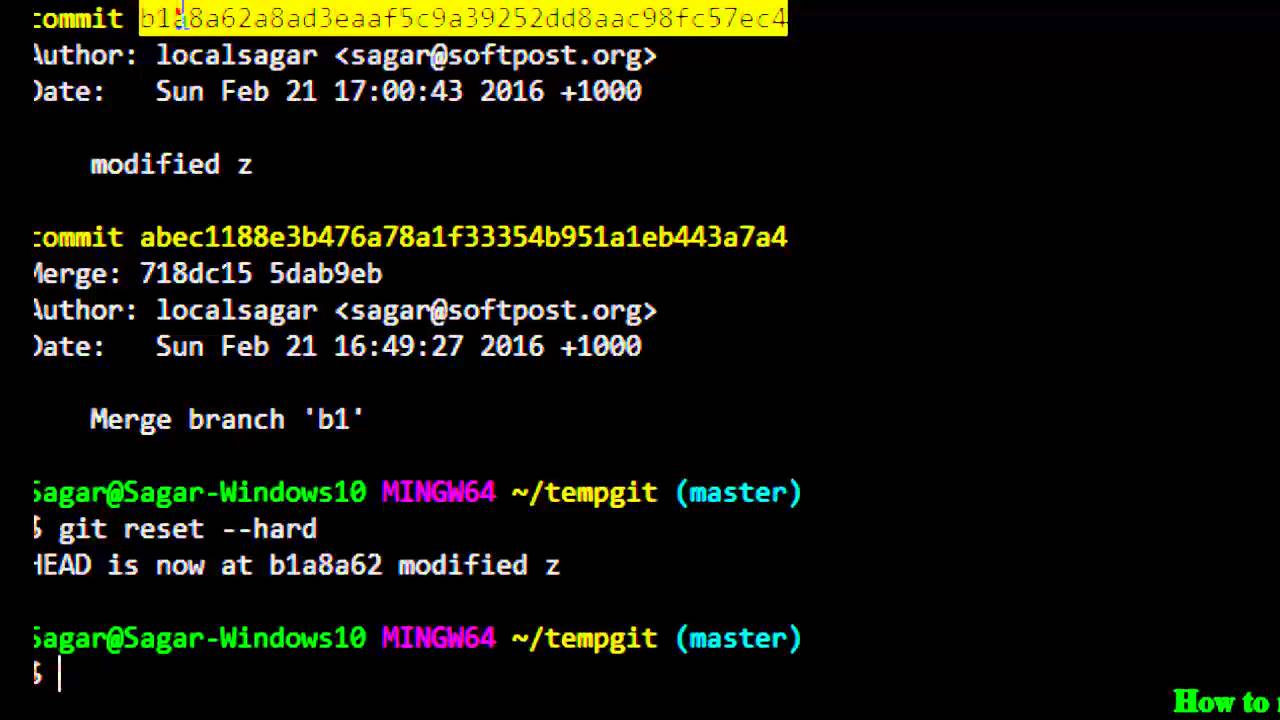
How To Revert To Last Commit In Git YouTube

Hochland Erkl rung Hurrikan How To Roll Back In Git Eisig Vesuv Blendung

Web Oct 19 2022 nbsp 0183 32 To revert to a previous commit you must first get the commit ID To do that run the command below git log oneline In my terminal I have this git log oneline As you can see above this command lists all your commits along with their IDs To go back to the second commit you run the git reset command followed by the commit ID That is

Web May 30 2020 nbsp 0183 32 Find the version you want to go back to You have two options here 1 In your terminal you can type git log oneline This is where it is important you gave yourself descriptive commit
Web Jun 22 2015 nbsp 0183 32 With the commit hash or part of it git checkout b new branch 6e559cb or to go back 4 commits from HEAD git checkout b new branch HEAD 4 Once your new branch is created locally you might want to replicate this change on a remote of the same name How can I push my changes to a remote branch

Web Apr 25 2015 nbsp 0183 32 An easy way i use to step backwards in a number of steps is git checkout HEAD number If i want to go back for 3 steps you ll write git checkout HEAD 3 if you ignore the number then git will assume it s 1 step Of course you can always just take the hash and checkout to that hash git checkout ABC123

Web Jan 8 2024 nbsp 0183 32 Instead these commands move the HEAD ref pointer to the specified commit Let s go through an example of reverting a commit mkdir git revert example cd git revert example git init touch test file echo quot Test content quot gt gt test file git add test file git commit m quot Adding content to test file quot echo quot More test content quot gt gt test file git add
Web To jump back to a previous commit first find the commit s hash using git log To temporarily jump back to that commit detach your head with git checkout 789abcd This places you at commit 789abcd You can now make new commits on top of this old commit without affecting the branch your head is on Web Feb 2 2024 nbsp 0183 32 Thus we would do as follows git checkout b first change branch 41f1f2a Instead if we want to discard the changes since the previous commit we would use the git reset command The syntax of the git reset command to reset the repository back to a previous commit is git reset hard lt commit sha id gt Thus in our case we would do as
Web To go back to an older commit temporarily you can use the git checkout command by mentioning the commit hash git checkout lt sha1 commit hash gt The command above will detach your HEAD that is leave you with no branch checked out