How To Go Back To A Specific Commit In Git Git Revert File Reverting A File To A Previous Commit Git What Are Differences Between Revert Revert Commit And Reset Hot Collaborating With You And Others With Github Beginners Guide For R How Do You Correct A Commit Message In Git O Reilly To Write Git Vrogue Git Last Commit How To View The Details Of Your Last Commit Web Jan 8 2024 nbsp 0183 32 We can revert a commit in Git by using the git revert command It s important to remember that this command isn t a traditional undo operation Instead it inverts changes introduced by the commit and generates a new commit with the inverse content
Web May 26 2023 nbsp 0183 32 To rewind back to a specific commit you can use git reset This command will uncommit and unstage changes but leave them in the working directory You can use the hard flag to uncommit unstage and delete changes instead reset 3050fc0 hard c0d30f3 Rewind back n commits You can also use git reset to rewind back a given Web Sep 2 2019 nbsp 0183 32 Git Revert to Specific Commit Find the specific commit you want to revert all changes to git log oneline Rollback all changes to that old commit git checkout be9055b Note The dot after the branch name is mandatory Add the changes to the staging area and commit them git add A git commit m quot Revert commit
Git Last Commit How To View The Details Of Your Last Commit How To Revert To Last Commit In Git YouTube Git Create Branch Off Previous Commit Ordersapje Get Started With Git Commands For Version Control Earth Data Science How To See Git Commit Id Stack Overflow Git Commit How To Git Commit Learn Git Create A Branch From A Previous Commit In Git Techie Delight How To Go Back To A Previous Commit In Git Git Reset Command YouTube How To Change The Commit Author For One Specific Commit In Git StackTuts
How To Go Back To A Specific Commit In Git
 How To Go Back To A Specific Commit In Git
https://paper-attachments.dropbox.com/s_E7BE213D0AE03E619B0ABFE8B0450BCDCD832D2BDB3CB303964F1820DADBA52A_1660857327507_image.png
Web Dec 25 2012 nbsp 0183 32 5 Answers Sorted by 7 Git commit only saves it to the stage which is locally on your computer Use Push to update it to a remote server Like github Use git revert lt ID gt to revert back to a previous commit each commit has an identifying code See here for more details on revert Share Improve this answer Follow answered Dec 25 2012
Pre-crafted templates provide a time-saving service for creating a diverse range of documents and files. These pre-designed formats and layouts can be utilized for different individual and professional projects, including resumes, invitations, flyers, newsletters, reports, discussions, and more, streamlining the material development process.
How To Go Back To A Specific Commit In Git
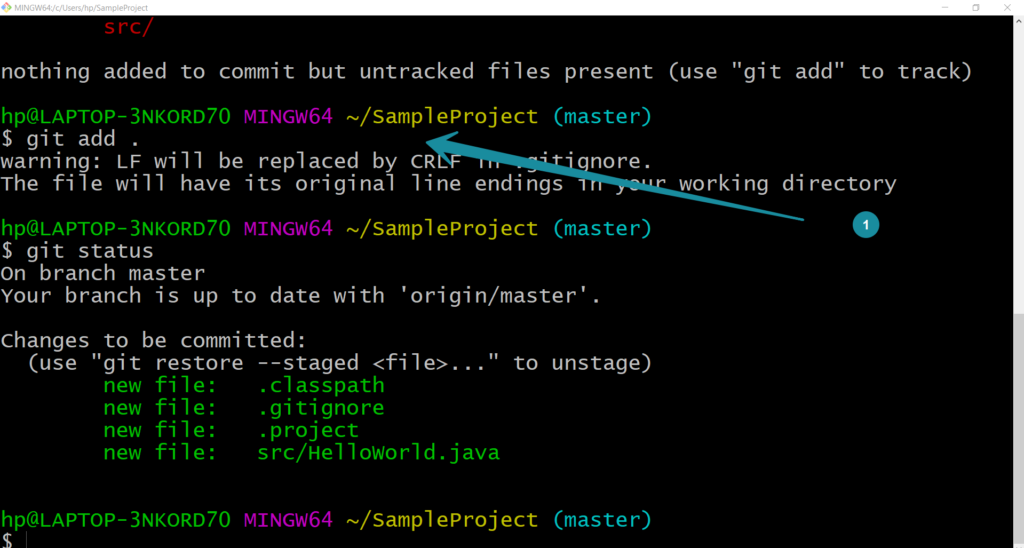
Commit Changes To A Git Repository TestingDocs
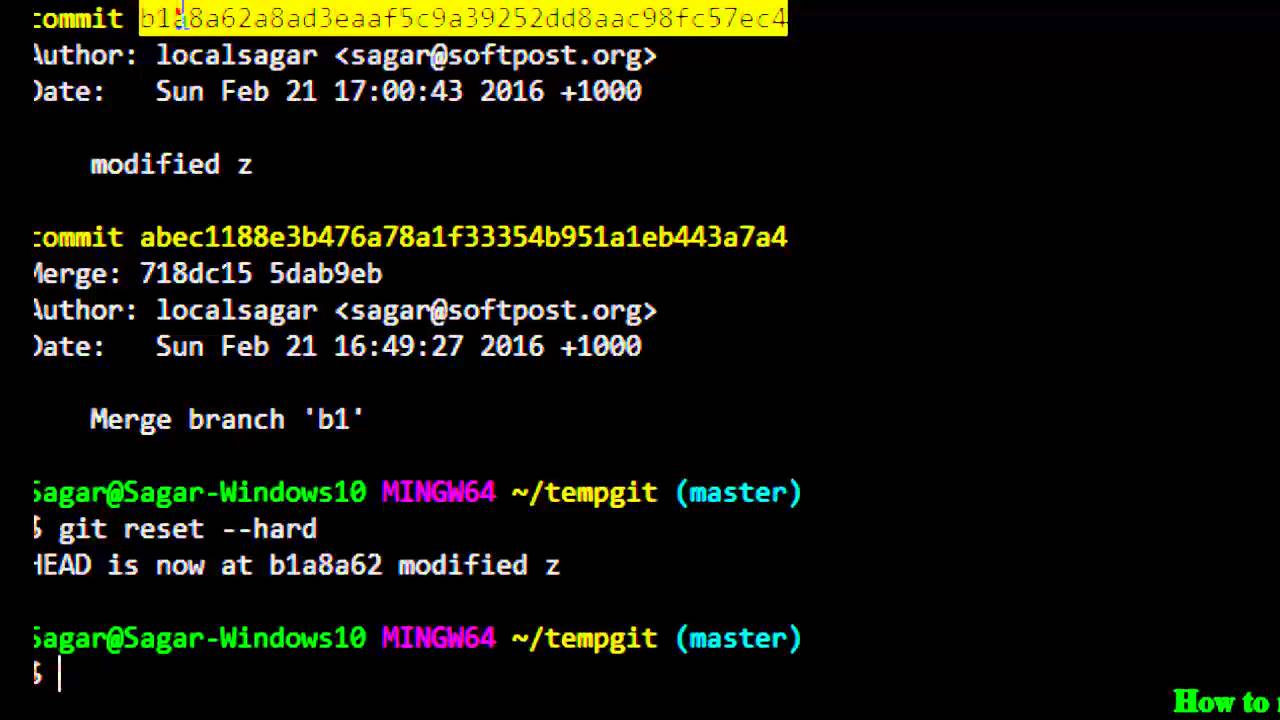
How To Revert To Last Commit In Git YouTube

Git Create Branch Off Previous Commit Ordersapje
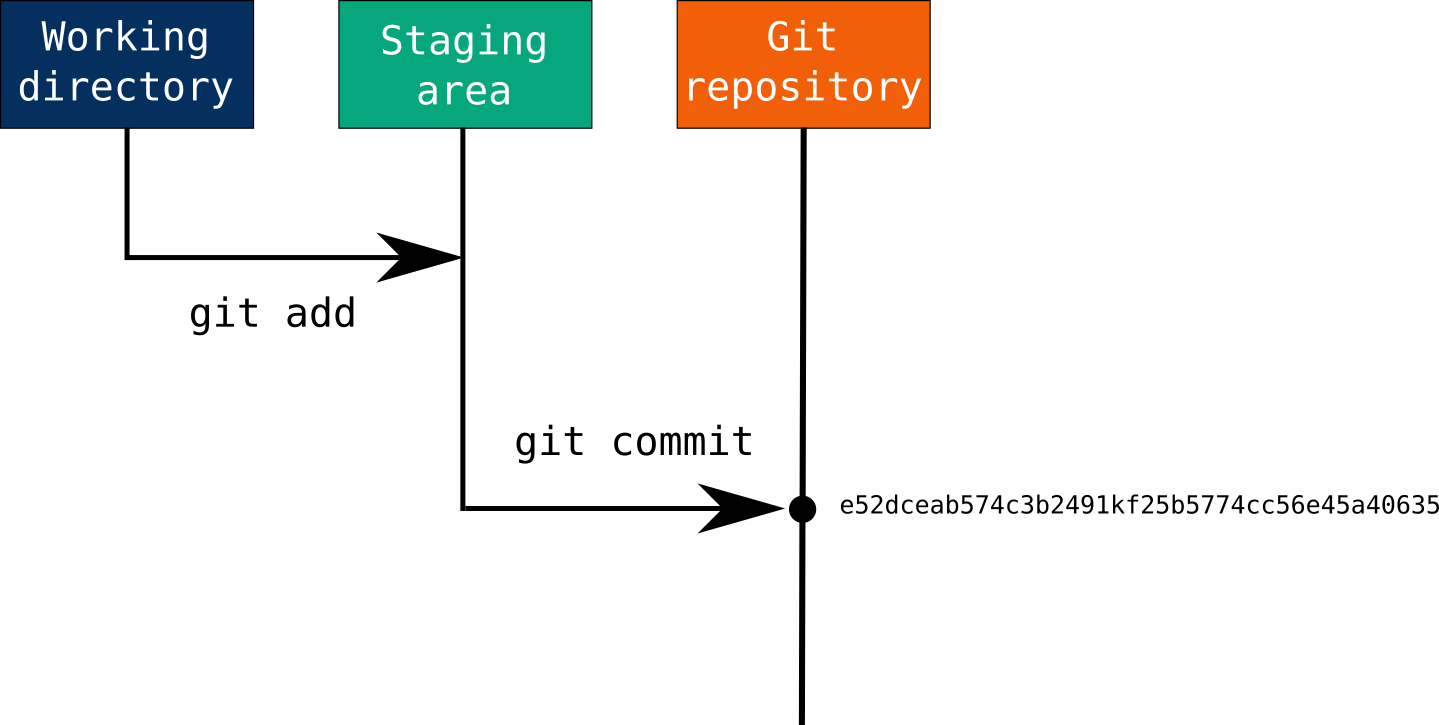
Get Started With Git Commands For Version Control Earth Data Science
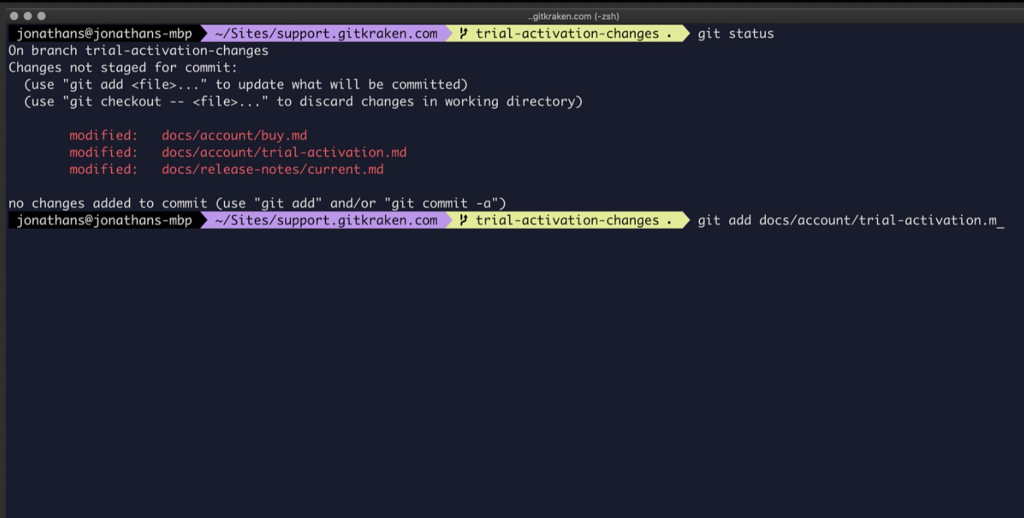
Git Commit How To Git Commit Learn Git

Create A Branch From A Previous Commit In Git Techie Delight

Web Jun 22 2015 nbsp 0183 32 It detaches and point the HEAD to specified commit and saves from creating a new branch when the user just wants to view the branch state till that particular commit You then might want to go back to the latest commit amp fix the detached HEAD

Web using git revert lt commit gt will create a new commit that reverts the one you dont want to have You can specify a list of commits to revert An alternative http git scm docs git reset git reset will reset your copy to the commit you want Share
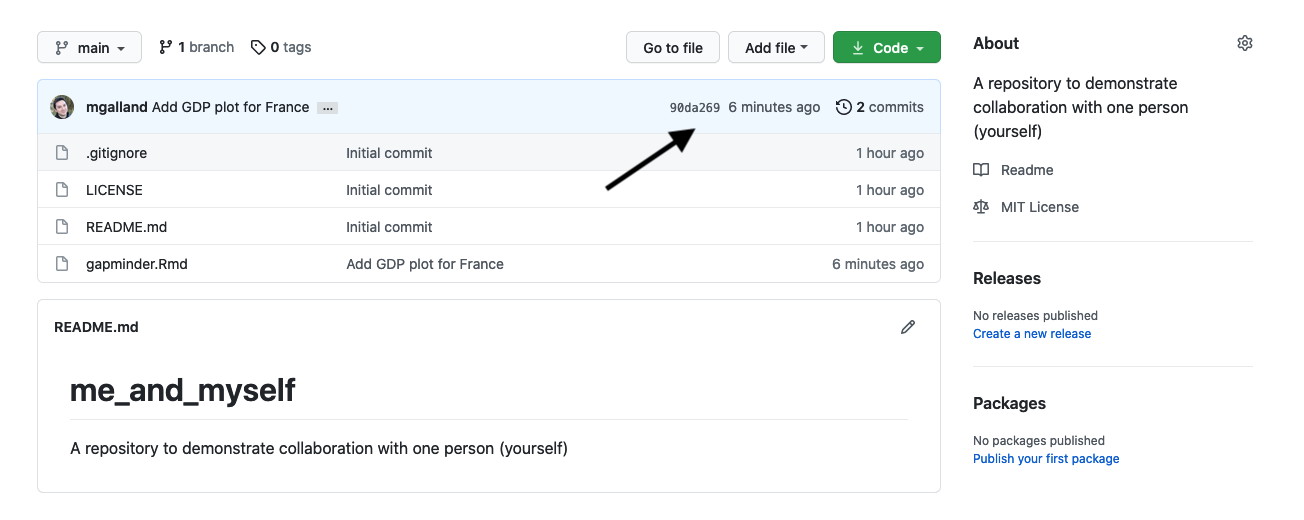
Web May 30 2020 nbsp 0183 32 Go back to the selected commit on your local environment Use git checkout amp the ID in the same way you would checkout a branch to go back git checkout lt commit id gt
Web Oct 19 2022 nbsp 0183 32 To revert to the to the previous commit run the git revert command along with the commit ID of the current commit In our case we ll be using the ID of the third commit git revert 882ad02 The command above will undo the current commit and revert the file to the state of the previous commit

Web How it works The git revert command is used for undoing changes to a repository s commit history Other undo commands like git checkout and git reset move the HEAD and branch ref pointers to a specified commit Git revert also takes a specified commit however git revert does not move ref pointers to this commit
[desc-11] [desc-12]
[desc-13]