How To Go Back In Selenium Python Python Selenium How To Upload A File With Webpage YouTube Selenium Web Scraping In Simple Words Web Scraping Data Mining Python Selenium Geekscoders Web Scraping Using Selenium And Python 2022 Waits In Selenium How To Use Implicit And Explicit Wait Commands DZone Sure here is an in depth solution for Python Selenium go back in Python with proper code examples and outputs Code Example 1 Using the back method The back method is the most straightforward way to go back in Selenium It simply tells the browser to go back to the previous page
The first thing you will want to do after launching a browser is to open your website This can be achieved in a single line Move Code Java Python CSharp Ruby JavaScript Kotlin driver get https selenium dev driver navigate to https selenium dev Back Pressing the browser s back button Move Code Java Python CSharp Ruby JavaScript There are multiple ways to achieve this The back method is used to move back to the prior browser page This method only is applicable if we jump from webpage to another We can also move back in the browser with the help of a Javascript Executor in Selenium It has the execute script method which allows Selenium to run Javascript commands
Waits In Selenium How To Use Implicit And Explicit Wait Commands DZone Python 3 Selenium An Introduction To Using Selenium And Headless Persistent Selenium Sessions Python bloggers Python Selenium How To Scroll The Page With Selenium YouTube Running A Python Selenium Script TestingDocs Selenium Webdriver With Python Online Training YouTube Selenium Python Tutorial 35 How To Handle Frames In Selenium Python How To Automate Login Using Selenium In Python Python Code How To Select Values From Dropdown In Selenium WebDriver
How To Go Back In Selenium Python
 How To Go Back In Selenium Python
https://i.ytimg.com/vi/wexD_Cdw8Ms/maxresdefault.jpg
Just being able to go to places isn t terribly useful What we d really like to do is to interact with the pages or more specifically the HTML elements within a page First of all we need to find one WebDriver offers a number of ways to find elements For example given an element defined as
Templates are pre-designed documents or files that can be used for different purposes. They can save effort and time by providing a ready-made format and design for producing various type of material. Templates can be utilized for individual or expert jobs, such as resumes, invites, flyers, newsletters, reports, discussions, and more.
How To Go Back In Selenium Python
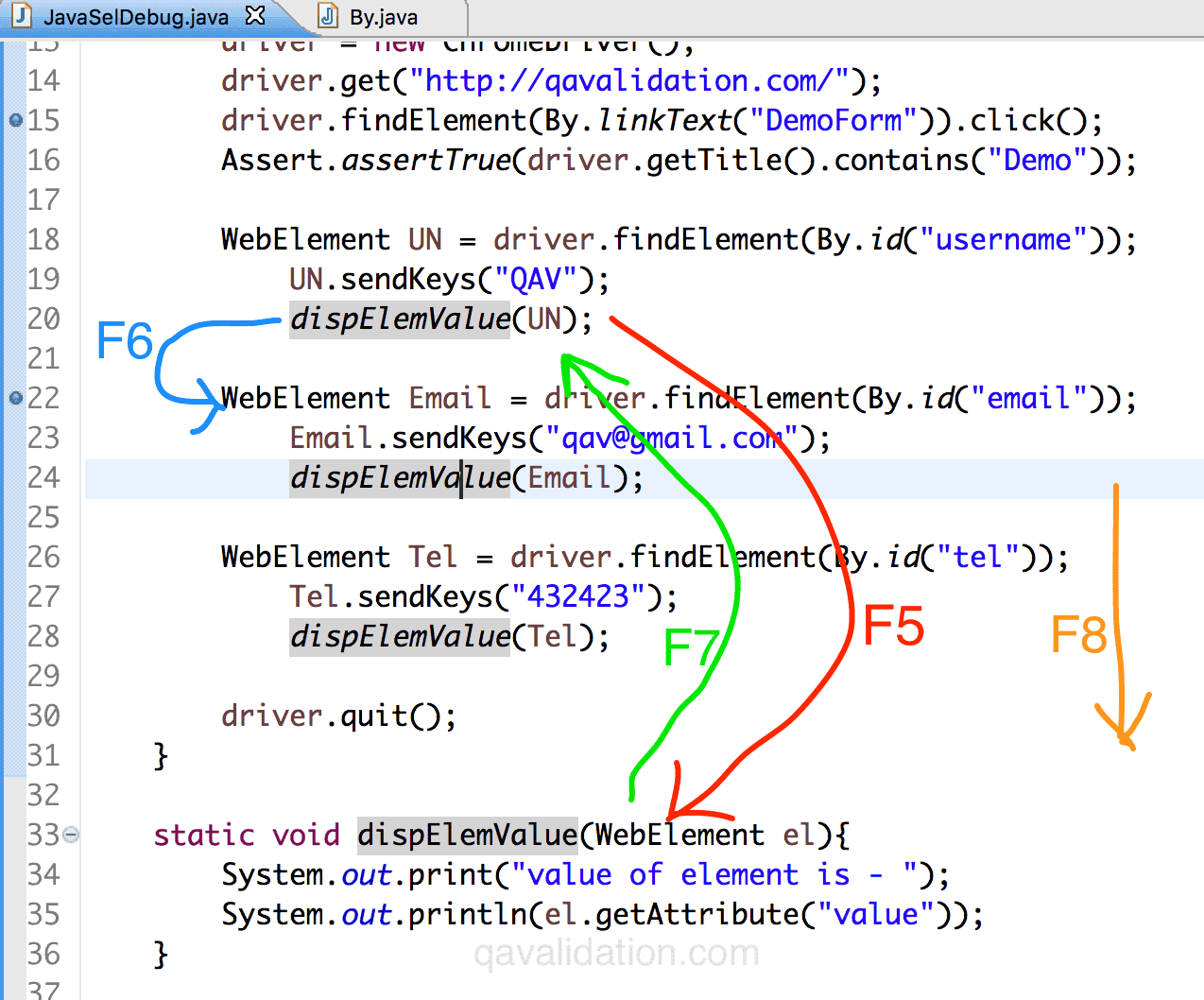
Debug Selenium Java Tests In Eclipse Qavalidation
Python 3 Selenium An Introduction To Using Selenium And Headless

Persistent Selenium Sessions Python bloggers

Python Selenium How To Scroll The Page With Selenium YouTube

Selenium Webdriver With Python Online Training YouTube

Selenium Python Tutorial 35 How To Handle Frames In Selenium Python

Navigate back in selenium with python Navigate forward in selenium with python Navigating back in selenium with python If you want to navigate back in selenium to previous page then to do that there is a method called back back method helps us directly go back to the previous page Syntax of back in selenium driver back

Syntax driver back Example Now one can use back method as a driver method as below driver get https www geeksforgeeks driver back To check individual implementation of back method visit back driver method in Selenium Python forward driver method forward method is used to go one step forward in browser history Syntax
This can be done with a single line of code driver navigate to www qasource If you want to navigate to the previous page you can simply use the below line of code driver navigate back It is just like pressing the browser s back button
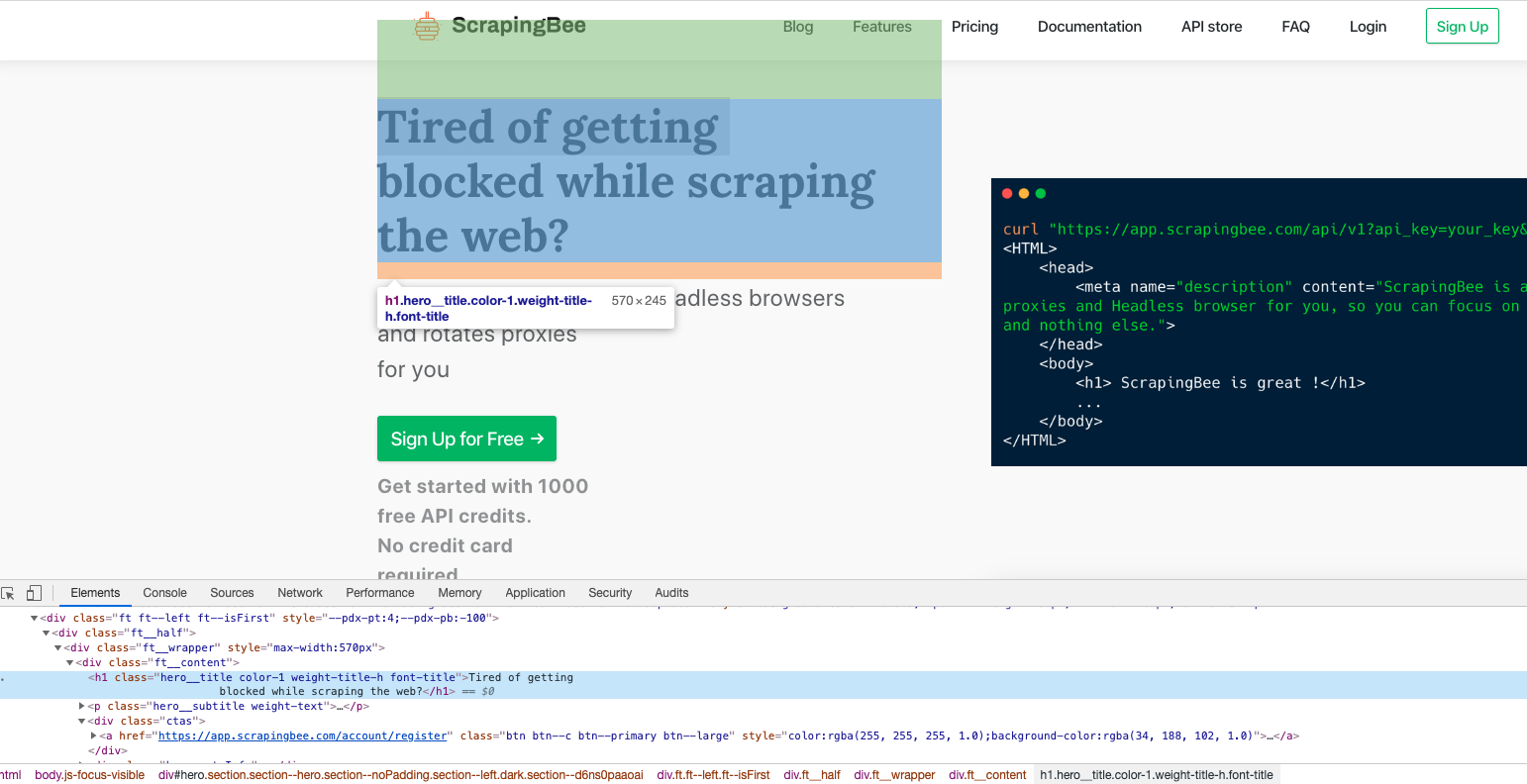
Solution In Selenium Python you can use the back method of the webdriverobject to navigate back to the previous webpage For example python from selenium import webdriver driver webdriver Chrome navigate to a webpage driver get https www example navigate to another webpage driver get https www example2
How to use back driver method in Selenium Python To demonstrate back method of WebDriver in Selenium Python Let s visit https www geeksforgeeks and operate on driver object Program Python3 from selenium import webdriver driver webdriver Firefox driver get https www geeksforgeeks
So the selenium module has built in functions which allow us to go back and forward These are the functions back and forward This is shown in the code below Browser goes back browser back Browser goes forward browser forward So by using the back function we are able to go back to the previous page 1 When accessing the website in variable url it automatically accepts cookies writes the dates and then clicks search but once it does 98 applications are shown making it click the first application I made it so it goes back redoes it so then it SHOULD click the second application instead it returns an error
5 Answers Sorted by 5 You need to switch tab using Keys before switching handle to parent tab